AI Tools for Solopreneur Productivity: What’s Actually Worth Paying For

The average solopreneur is now sitting on four to six monthly AI subscriptions. Some of those subscriptions are earning their keep. Others are just recurring charges you’ve stopped questioning. This post cuts through the category noise and focuses on one question: which AI tools for solopreneur productivity actually return more than they cost — in time, in output quality, or in revenue protected?
This is not a category ranking. It’s an ROI filter. Each tool below is evaluated on three criteria: what it actually does in a real solo workflow, what it costs relative to the time it saves, and where it fails so you know when to skip it.
How to Think About AI Tool ROI as a Solopreneur
Before the list: the frame matters. If your billable rate is $75/hour, a $50/month tool only needs to save you 40 minutes per month to break even. Most solopreneurs dramatically underestimate how fast that math works in their favor — and then overpay for tools that duplicate each other.
The real waste isn’t paying for expensive tools. It’s paying for three tools that do the same thing because each was purchased at a different moment of hype. The goal is a lean stack where every subscription has a specific, irreplaceable job. If you’re still building yours out, the solopreneur tech stack breakdown for 2026 is a useful starting point before you add anything new.
The 6 AI Tools for Solopreneur Productivity Worth Evaluating
1. Make.com — Automation Layer
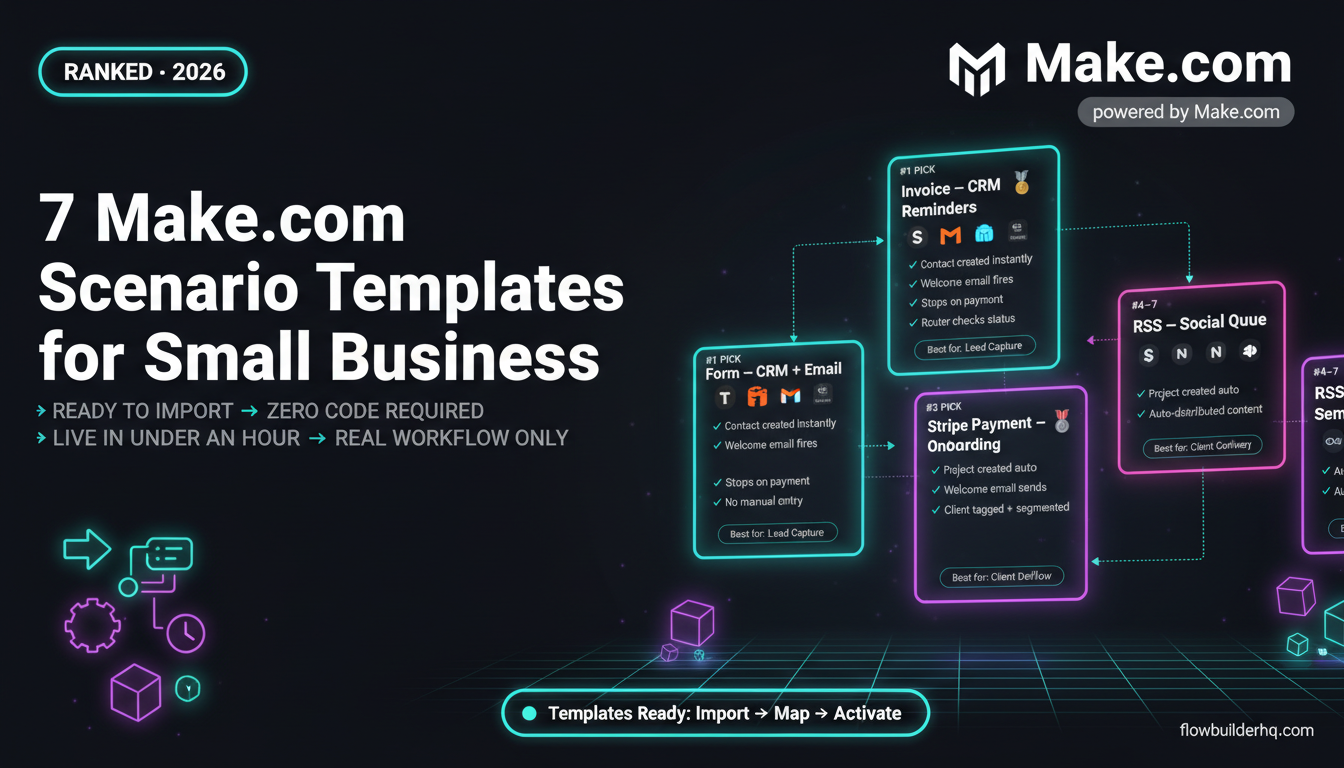
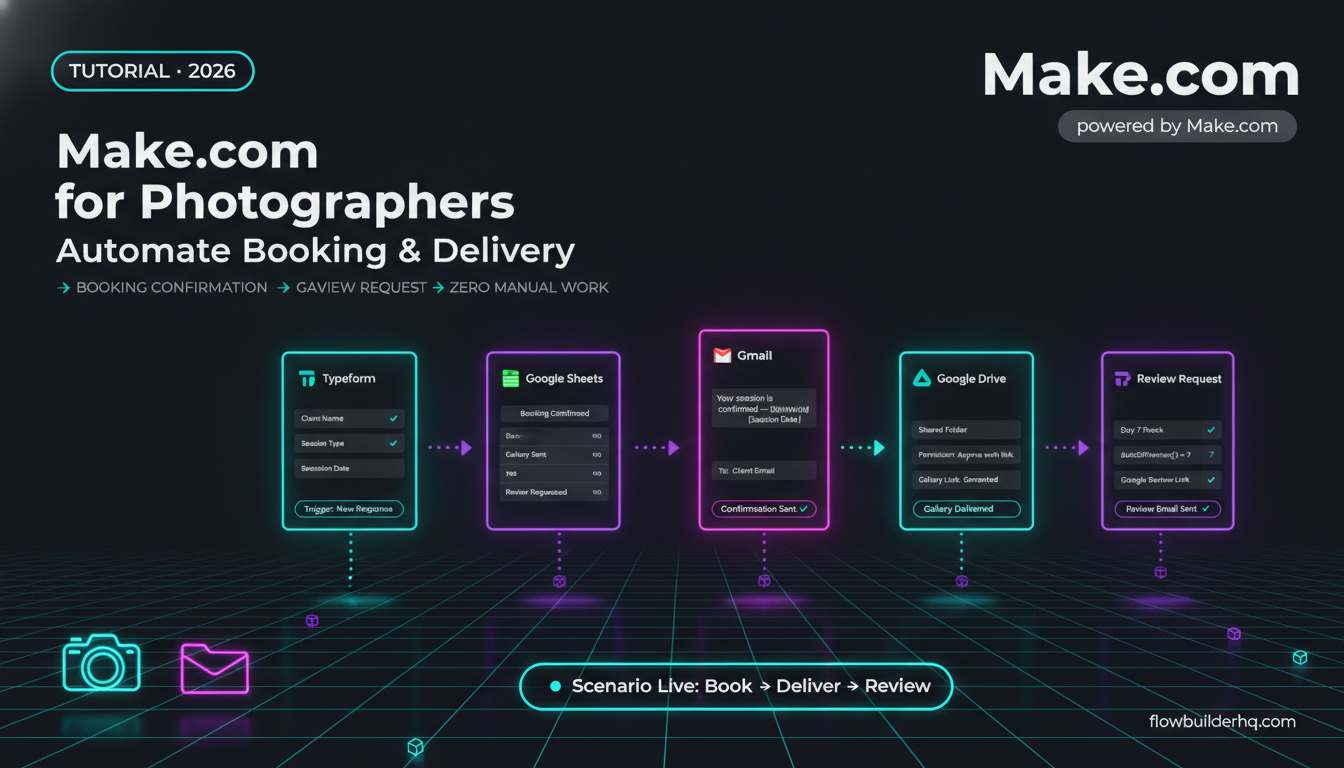
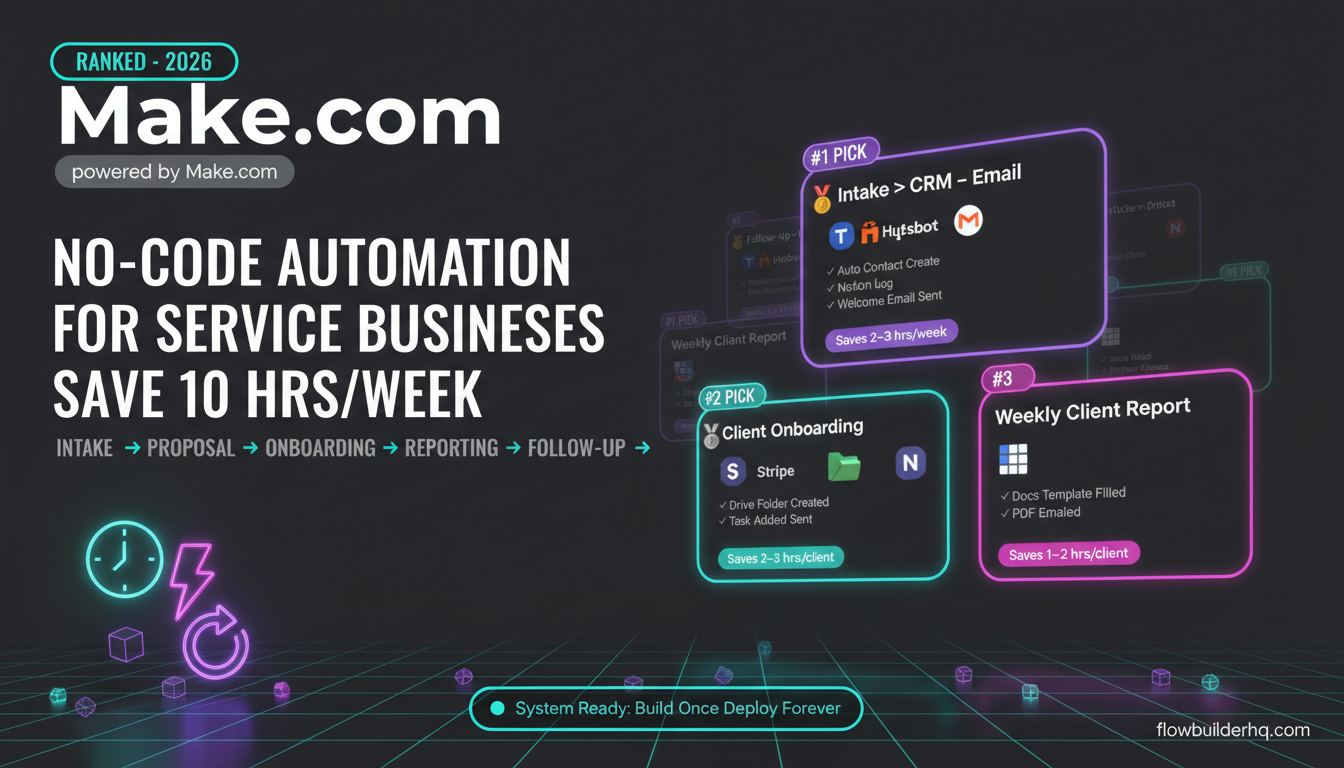
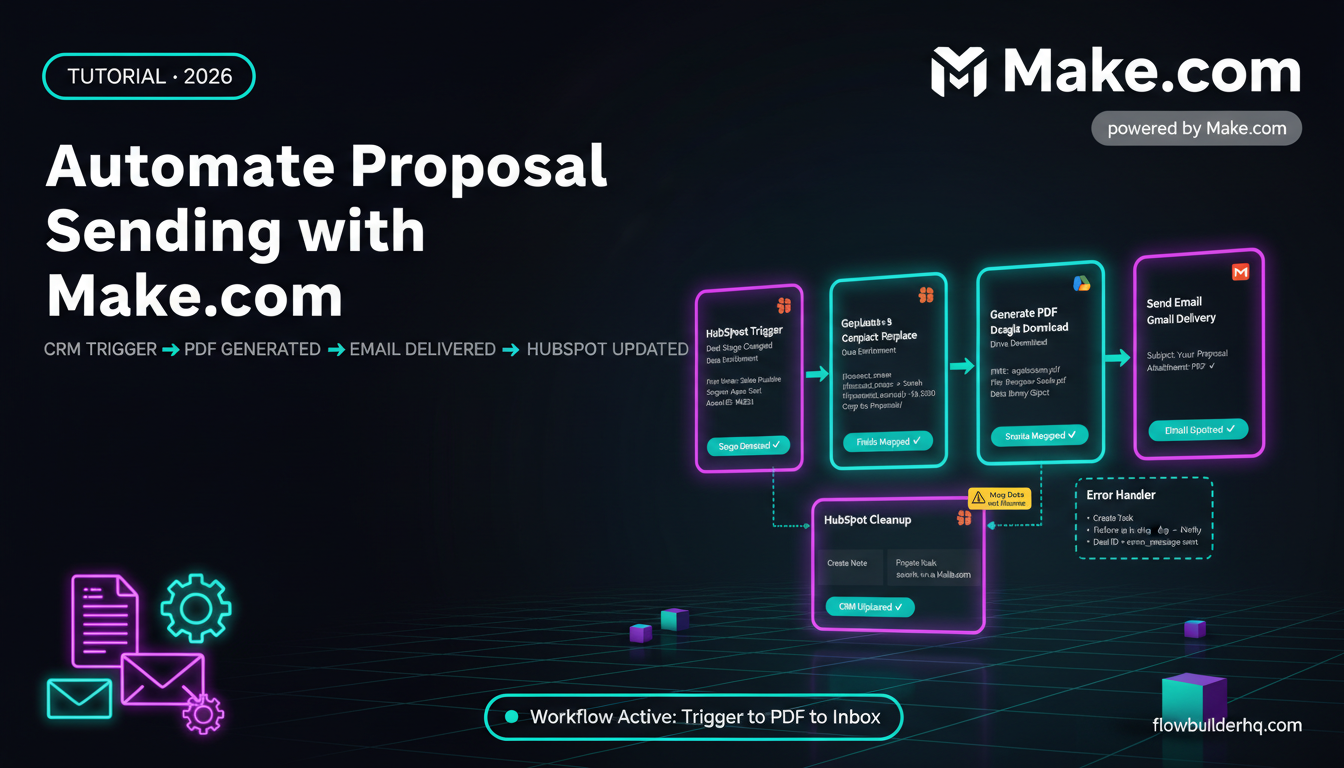
What it does: Make.com connects your apps and triggers actions between them without code. Where it earns its place in a solopreneur stack is handling the repetitive glue work — moving data from a form to a CRM, sending a formatted Slack alert when a payment lands, syncing Google Sheets with a project tracker. That work takes 10–20 minutes per instance when done manually. Automated, it takes zero.
Honest ROI case: A solopreneur billing $100/hour who eliminates 3 hours of admin per week through Make workflows recovers $1,200/month in billable capacity. The tool costs $9–$29/month depending on plan. The math is aggressive in your favor.
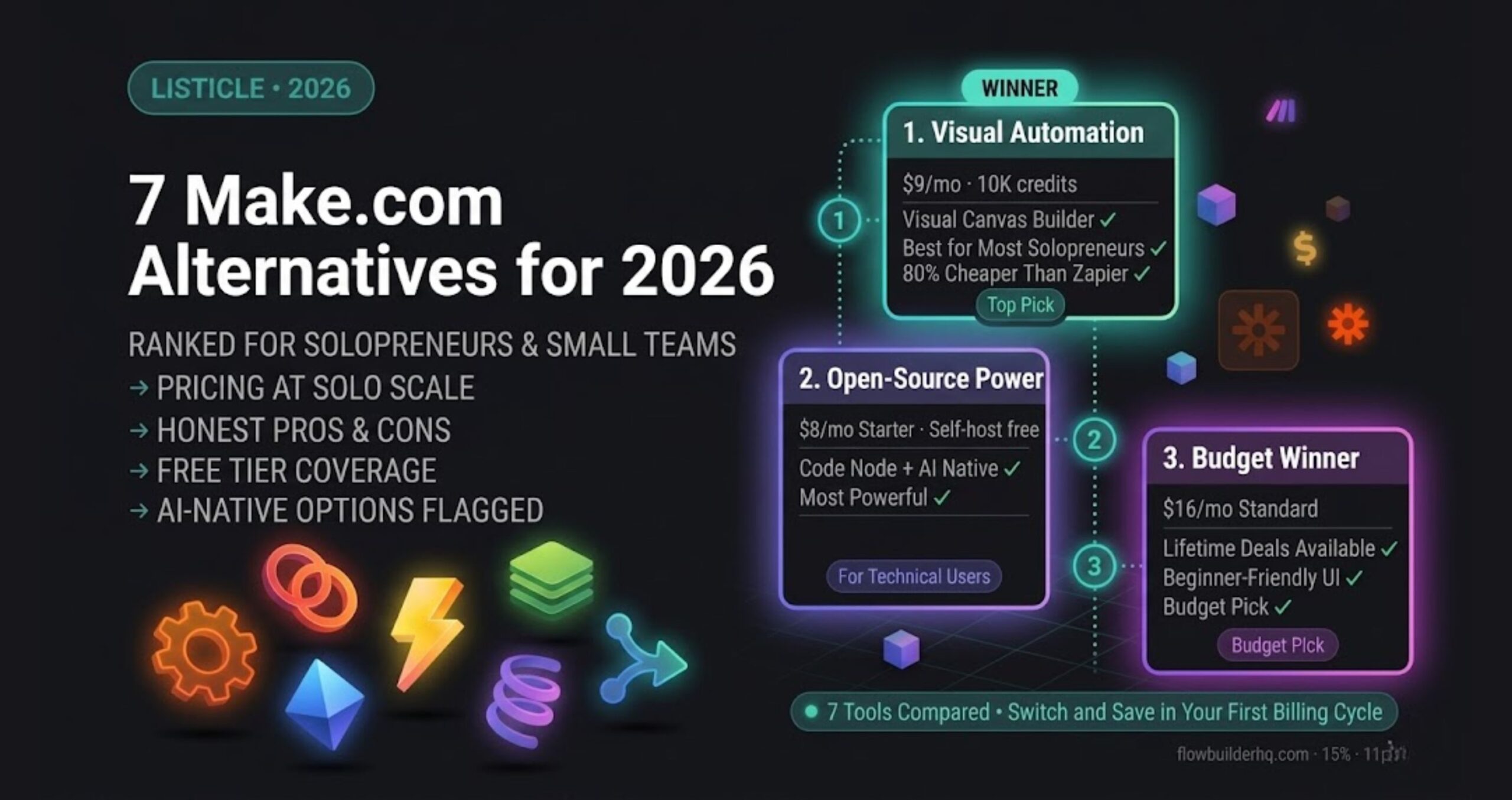
Pricing: Free tier (1,000 ops/month). Core $9/mo. Pro $16/mo. Teams $29/mo. For most solopreneurs, Core is sufficient until workflow volume grows. Full breakdown of what Make.com’s operations actually cost at scale is worth reading before you choose a plan.
Real con: The visual scenario builder has a learning curve that’s steeper than Zapier’s. The first two or three builds feel slow. If you’re unwilling to spend an afternoon setting up your first workflow, you’ll pay for a subscription you never use. There’s also an operations-based pricing model that can bite you if you build polling-heavy scenarios without understanding how ops are counted.
Worth paying for if: You have repetitive cross-app tasks that happen at least weekly. If you’re moving data manually between tools more than five times a week, Make.com earns its cost immediately.
Skip if: You have one simple two-app connection and no plans to build further. The free tier of Zapier or a native integration handles that cheaper.
Try Make.com free — 1,000 ops/month, no card required
2. Claude (Anthropic) — Writing and Reasoning
What it does: Claude is Anthropic’s AI assistant, and it’s the strongest general-purpose writing and reasoning tool for solopreneurs who produce a lot of text — client proposals, emails, SOPs, content outlines, long-form drafts. Its context window handles large documents without losing coherence, which matters when you’re feeding it a full strategy doc and asking for revisions.
Honest ROI case: A solopreneur who writes three client-facing documents per week cuts drafting time by 60–70% with Claude doing first drafts. At even a $75/hour rate, two hours saved weekly is $600/month in recovered capacity — against a subscription that runs around $20/month for Claude Pro (check current pricing on Anthropic’s site as pricing updates periodically).
Real con: Claude doesn’t browse the web by default. For tasks requiring current information — recent pricing, competitor research, live data — it falls short without a tool like Perplexity alongside it. It also won’t replace a specialized SEO writing tool if ranking is the primary goal. For a detailed comparison of how Claude stacks up against ChatGPT for actual business tasks, this honest 2026 comparison covers the specific use-case differences.
Worth paying for if: You write more than 2,000 words of client-facing or content output per week. The time savings compound fast.
Skip if: You’re only using AI for occasional one-off prompts. The free tier of ChatGPT or Claude handles low-volume use without a subscription.
3. Perplexity AI — Research Layer
What it does: Perplexity is a search-native AI tool. Unlike ChatGPT or Claude in standard mode, it pulls live web sources and cites them. For solopreneurs who spend time researching clients, competitors, market trends, or writing supporting content, it collapses a 45-minute research session into under 10 minutes with source links you can actually verify.
Honest ROI case: Research is one of the most underestimated time sinks in solo work. If Perplexity cuts your research time by 30 minutes per day across five working days, that’s 10 hours per month recovered. At $20/month for Pro, the ROI is straightforward for anyone who researches regularly. A detailed breakdown of how it compares to ChatGPT for research-heavy workflows is covered in this Perplexity vs ChatGPT analysis.
Real con: Perplexity Pro isn’t worth paying for if you’re not doing regular web-dependent research. The free tier covers light use. And for creative or long-form writing generation, it’s weaker than Claude or ChatGPT — it’s a research tool, not a writing tool. Treat it as one thing.
Worth paying for if: You produce content, write proposals, or stay on top of a niche where current information matters weekly.
Skip if: Your work is mostly execution-based rather than research-based. A free tier handles occasional lookups.
4. Frase — SEO Content Optimization
What it does: Frase analyzes top-ranking pages for your target keyword and gives you a content brief showing which topics, headings, and questions your content needs to cover. It removes the manual process of opening 10 competing articles and building a structure from scratch.
Honest ROI case: For solopreneurs publishing SEO content, a well-structured brief can double the chance of a page ranking. One article that ranks and generates leads indefinitely is worth multiples of the tool cost. Frase Solo is $14.99/month — the lowest entry cost of any dedicated SEO content tool. If you publish two or more pieces of SEO content per month, it pays.
Real con: Frase’s AI writing output is mediocre. The brief-building feature is genuinely useful; the writing assistant is not what you’re paying for. If you’re expecting it to write publish-ready drafts, you’ll be disappointed. It works best as a research and structure tool feeding into Claude or ChatGPT for actual writing. For a direct comparison with Surfer SEO — the other major option in this space — this Frase vs Surfer breakdown is specific to solo workflows.
Pricing: Solo $14.99/mo. Basic $44.99/mo. Team $114.99/mo.
Worth paying for if: You publish SEO content more than once a month and want structured briefs without manual competitor analysis.
Skip if: You’re not publishing SEO content. There’s no other strong use case for Frase in a solo stack.
5. Copy.ai — Content Workflow Automation
What it does: Copy.ai has shifted from a simple copywriting tool into a workflow-based platform. Its “Workflows” feature lets you chain prompts together — for example, pulling a topic in and outputting a full content package (title, meta description, outline, intro, social captions) in one run. For solopreneurs producing high-volume content across channels, this batching approach saves significant time compared to running individual prompts manually.
Honest ROI case: If you’re producing content for multiple formats weekly — blog, LinkedIn, email, social — and currently prompting each format separately, Copy.ai’s workflow automation consolidates that into single runs. The time saving is real, but it’s volume-dependent. At low output volumes, the free tier and a good Claude prompt template accomplish the same thing.
Real con: Copy.ai’s Starter plan at $49/month ($36/month annual) is expensive for what solopreneurs typically need. The free tier is limited, and the jump to paid is steep. The output quality for individual pieces also trails Claude on nuanced, brand-specific writing. You’re paying for workflow efficiency, not writing quality. The full Copy.ai review for solopreneurs goes deeper on whether the workflow features justify the price.
Pricing: Free tier. Starter $49/mo ($36/mo annual). Advanced $249/mo.
Worth paying for if: You’re producing 10+ pieces of content per week across multiple formats and want batch automation without building custom prompt chains in Claude.
Skip if: You’re producing content at low-to-moderate volume. Claude with good prompt templates does the same job for less.
6. Notion AI — Workspace Intelligence
What it does: Notion AI sits inside your existing Notion workspace and lets you generate, summarize, and refine content directly inside your notes, SOPs, and project docs. The value isn’t the AI quality — it’s the context. You don’t leave your workspace to prompt an AI. Meeting notes summarized, SOPs drafted from bullets, action items extracted — all without switching tools.
Honest ROI case: For solopreneurs who already live in Notion, the AI add-on at $10/month per seat is a low-cost enhancement. The friction reduction of not switching between Notion and a separate AI tab is real, even if the AI capability itself is less sophisticated than a dedicated Claude session.
Real con: If you don’t already use Notion as your primary workspace, there’s no reason to start using it just for the AI. The AI quality doesn’t justify adopting a new workspace. And if you’re a heavy writer, Notion AI will frustrate you — it’s a convenience layer, not a power writing tool. For solopreneurs weighing Notion against other workspace options, this Notion vs HubSpot comparison covers the workflow fit question directly.
Pricing: Notion Plus $10/mo (required for AI add-on). Business $18/mo. AI add-on pricing — check current pricing on Notion’s site.
Worth paying for if: You’re already a Notion power user and want in-context AI without switching tabs.
Skip if: You’re not already embedded in Notion, or you need sophisticated writing assistance. A standalone Claude session outperforms it for serious writing work.
The Stacking Problem: When AI Tools Start Overlapping
The most common budget mistake isn’t paying too much for one tool — it’s running duplicate subscriptions. Claude, ChatGPT, and Gemini Advanced all cover similar ground for writing and reasoning. Perplexity and ChatGPT with browsing overlap significantly on research. Copy.ai and Claude with a good prompt system overlap on content workflows.
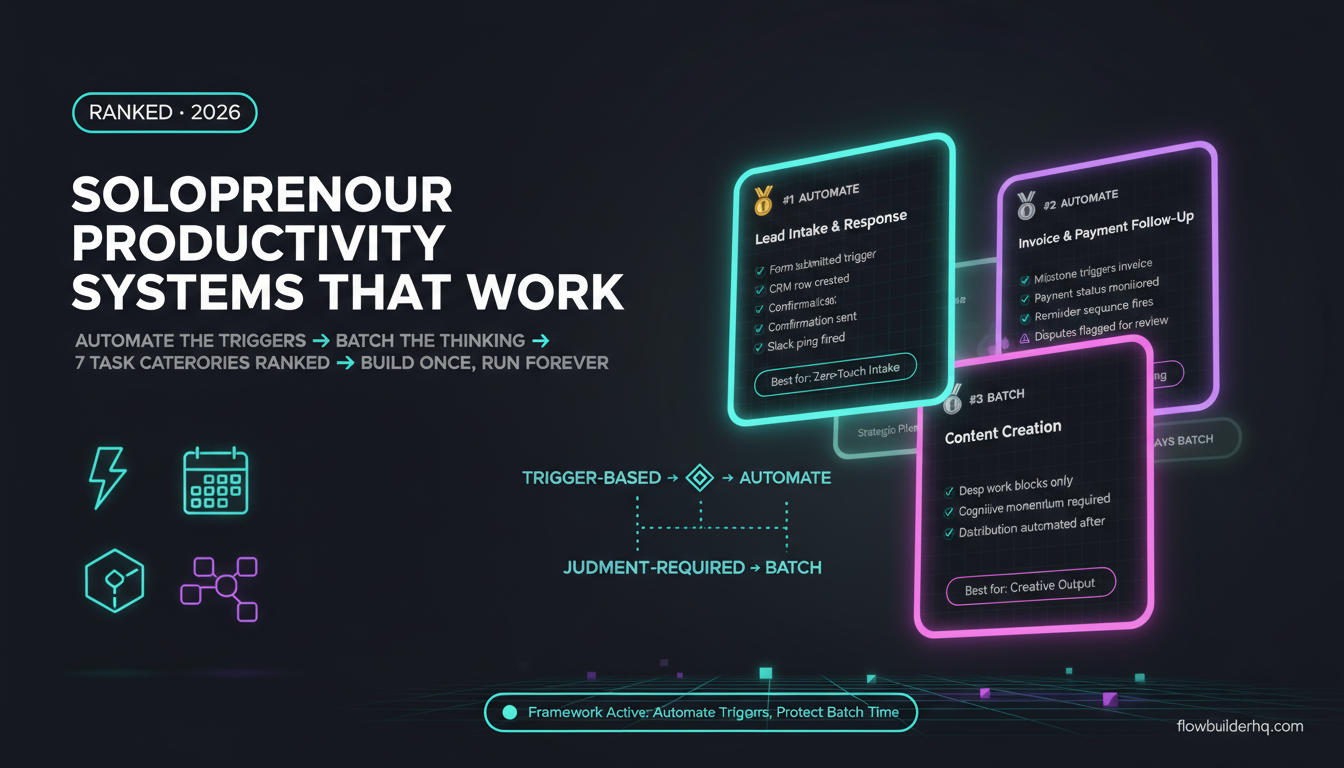
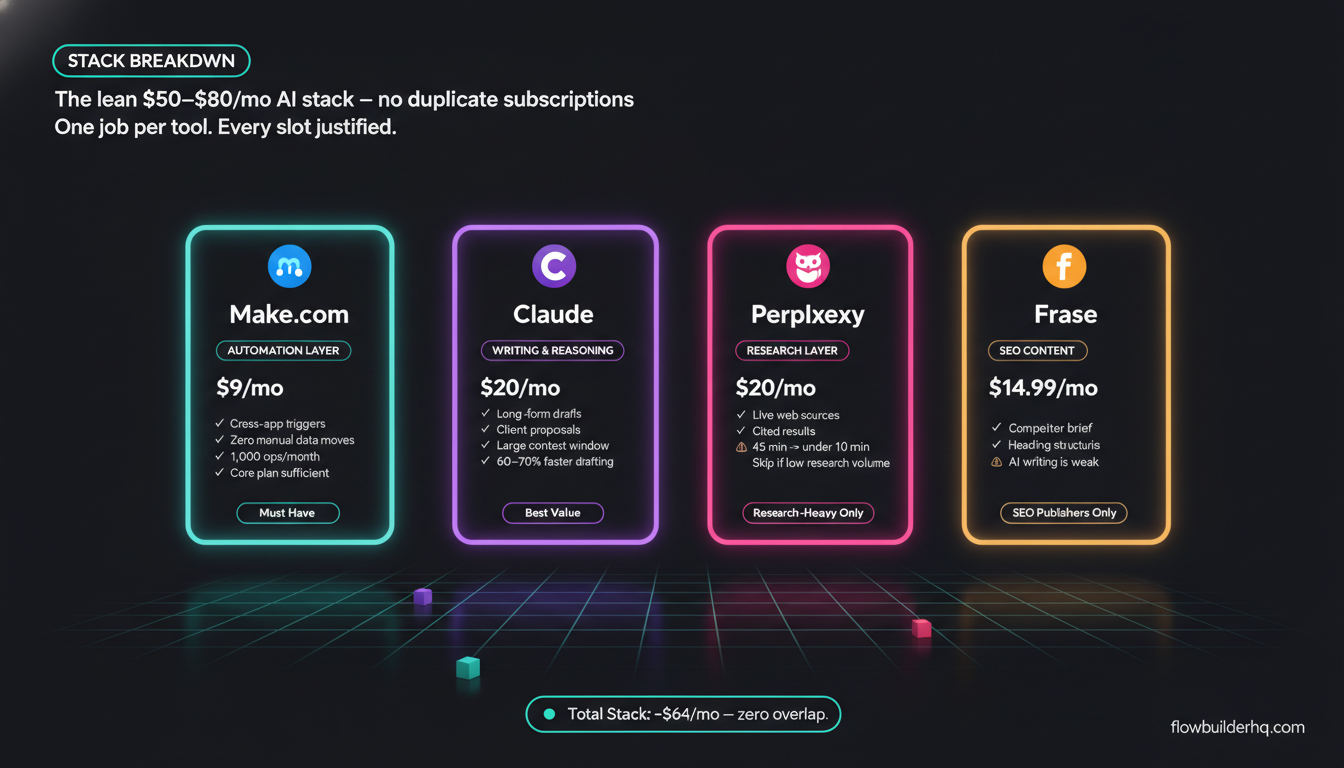
A lean, non-duplicative stack for most solopreneurs looks like this: one writing/reasoning AI (Claude or ChatGPT, not both), one research tool if research is frequent (Perplexity), one automation layer (Make.com), and one SEO content tool if publishing is a core channel (Frase). That stack runs $50–$80/month total and covers writing, research, automation, and content structure without redundancy.
For a broader look at how to build the full operational stack without overspending, the CRM and automation stack breakdown under $50/month shows how the automation and client management layers fit together economically.
What Doesn’t Belong in a Solopreneur AI Stack Right Now
Enterprise-tier AI platforms are the biggest trap. HubSpot’s AI features only unlock meaningfully at Professional tier ($890/month+) — which prices out every solopreneur. ActiveCampaign’s AI automation features require Plus ($49/month) and the complexity overhead that comes with it. OpenAI’s API directly is worth building on if you have the technical appetite, but it’s not a subscription tool — it’s infrastructure. Don’t pay for features built for 50-person sales teams.
The question to ask about any AI subscription isn’t “is this tool good?” It’s “does this specific tool do something irreplaceable at this price, given what I already pay for?” That filter eliminates half the subscriptions most solopreneurs are currently running.
For a more automation-specific version of this question — which workflows are actually worth automating first — this automation prioritization framework is the practical next step.
Building this yourself? Get the workflow pack.
5 ready-to-import n8n workflows — lead capture, invoicing, content repurposing, onboarding, social posting. Free.