How to Use Claude AI for Business Automation (A Practical Guide for Solopreneurs)
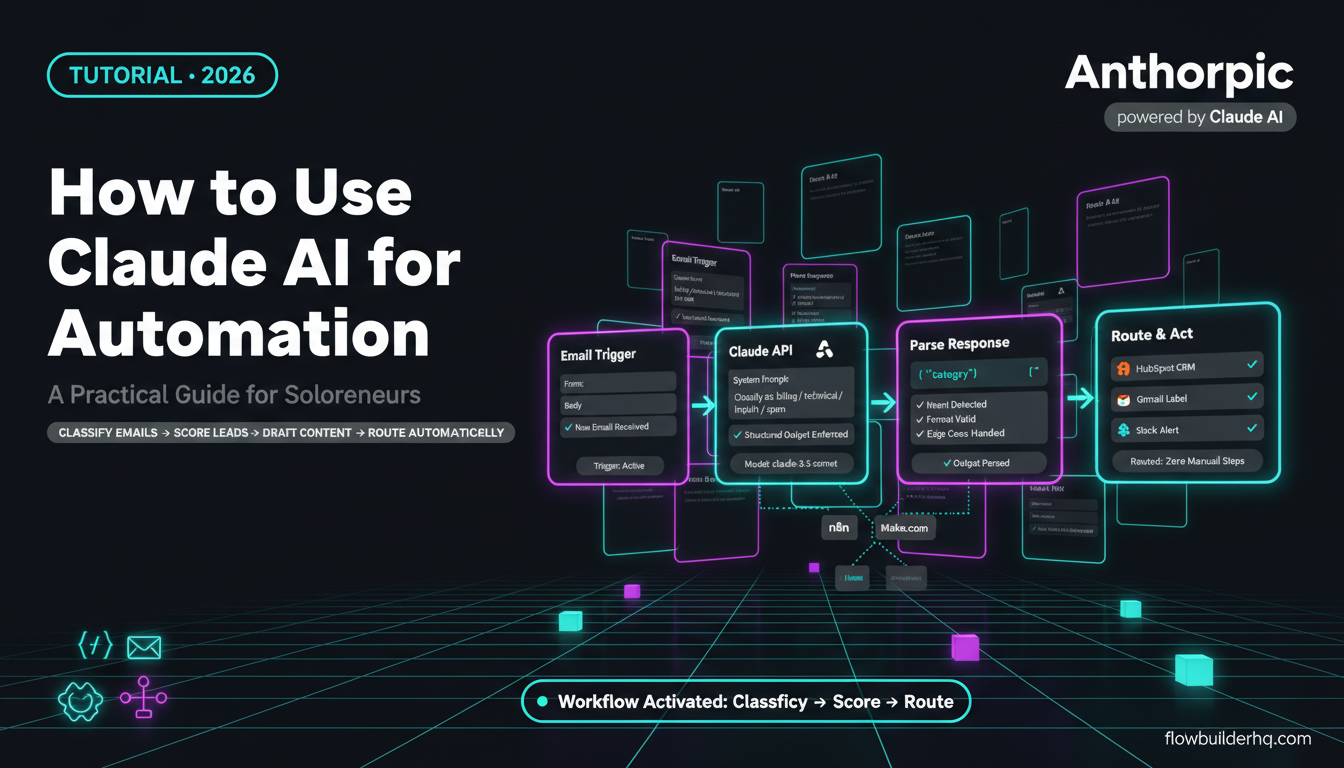
If you’re already running automations and wondering where Claude AI fits in, the answer is: almost everywhere a language model makes decisions. Classifying emails, drafting follow-ups, summarizing meeting notes, routing support tickets — these are tasks that rule-based automation can’t handle cleanly, but Claude handles well.
This post covers how to use Claude AI for business automation in practical terms. What it actually does inside a workflow, which platforms connect to it, where it outperforms other models for business tasks, and where it still falls short. No hype, just what’s worth knowing before you build.
What Claude AI Actually Does in an Automation Context
Claude is Anthropic’s large language model. For automation purposes, it functions as the reasoning layer inside a workflow — the part that reads, interprets, generates, or makes a judgment call on text-based data. You send it an input via API, it returns an output, and your automation acts on that output.
In practical terms, that means:
- Classifying inbound emails or form submissions by intent
- Extracting structured data from unstructured text (e.g., pulling key terms from a contract)
- Drafting personalized responses or follow-up emails based on context
- Summarizing call transcripts or long documents
- Scoring or triaging leads based on message content
- Generating first drafts for content workflows
- Making conditional decisions when rules alone aren’t enough
The official Anthropic documentation covers the API in full, but the key point for automation builders: Claude accepts a system prompt plus a user message, returns a text completion, and you parse that completion to drive the next step in your workflow.
If you’ve already built AI agents with n8n, the mental model transfers directly. Claude slots in wherever you’d use any LLM call — but with different strengths, particularly around instruction-following and long-context reasoning.
Claude vs. GPT-4o for Business Automation: Honest Differences
Both Claude and GPT-4o are capable enough for most business automation tasks. The practical differences matter at the margin:
Instruction-following: Claude tends to follow detailed system prompts more precisely. If your automation depends on consistently structured outputs (JSON, specific formats, strict length limits), Claude often requires fewer retry loops than GPT-4o.
Context window: Claude 3.5 Sonnet and Claude 3 Opus both support 200K token context windows. For automations processing long documents — contracts, transcripts, long email chains — this matters practically, not just on paper.
Tone and writing: For business writing tasks, Claude produces prose that tends to read less like AI output. Useful for automations generating customer-facing content.
Speed and cost: Claude Haiku (the smaller, faster model) is competitive on price for high-volume automations. Claude Sonnet sits in the middle ground between speed and quality. Pricing is usage-based via the API — check Anthropic’s current pricing page since per-token rates update periodically.
Where GPT-4o still wins: Tool/function calling reliability, code generation, and broad plugin integrations. If your workflow needs the model to execute structured tool calls natively, GPT-4o currently has an edge. Claude’s tool use has improved significantly but GPT-4o has a longer track record in that specific pattern.
For most solopreneur automation use cases — email handling, content drafting, data extraction, summarization — Claude and GPT-4o perform comparably. The choice often comes down to which integration is easier to set up in your automation platform.
How to Use Claude AI for Business Automation: Platform Options
There are three main ways to get Claude into a workflow as a solopreneur.
1. n8n + Claude
n8n has a dedicated Claude / Anthropic node. You configure the model, pass in your system prompt and input variables, and handle the output in subsequent nodes. This is the most flexible option — you can build complex multi-step agents, add conditional logic, loop over records, and chain multiple LLM calls.
The full walkthrough for connecting Claude AI to n8n covers the exact setup including API key configuration and node structure. If you want to go deeper on agentic workflows specifically, the guide on building an AI agent with n8n shows how to wire Claude into a multi-step decision loop.
n8n is self-hosted free, or $8/mo on Cloud Starter ($50/mo for Cloud Pro). You pay Anthropic separately for API usage on top of that.
2. Make.com + Claude
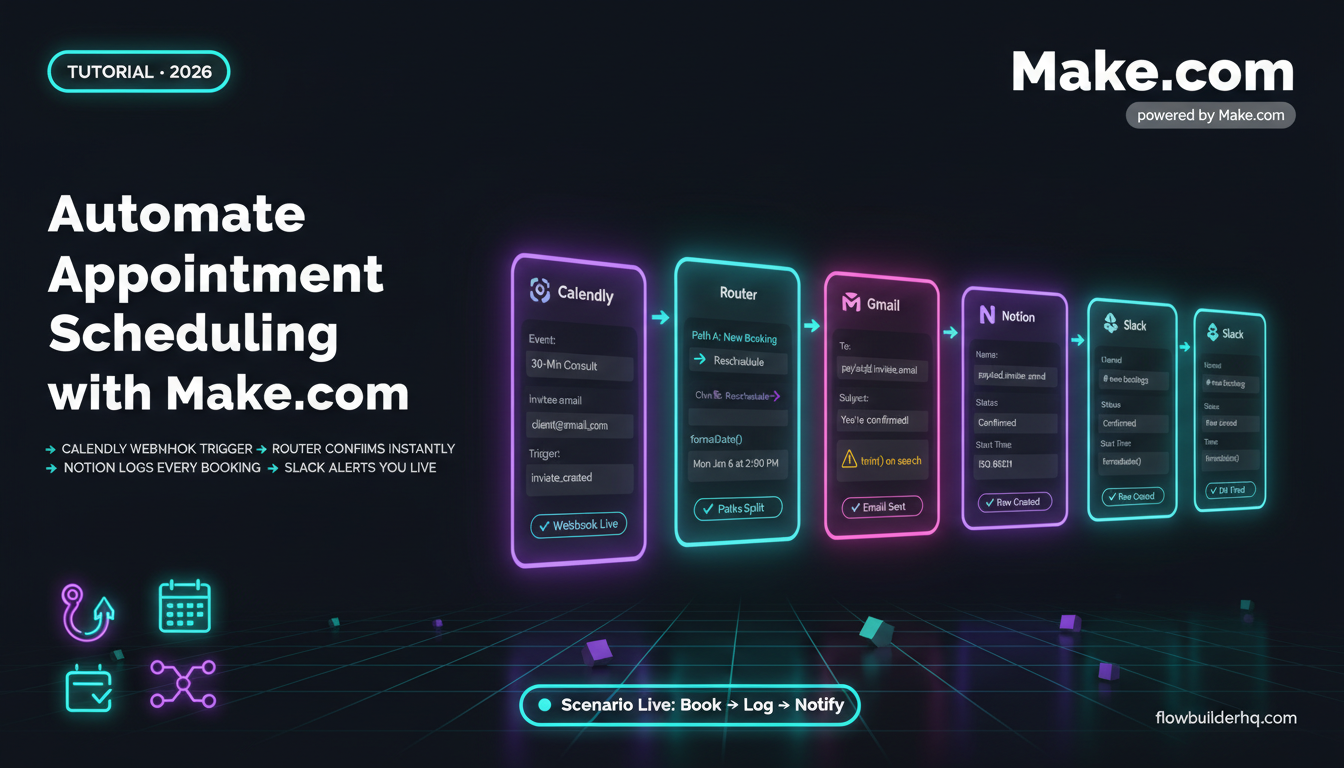
Make.com connects to Claude via the HTTP module (direct API call to Anthropic’s messages endpoint). There’s no native Make module for Anthropic yet, but the HTTP approach works reliably. You send a POST request to https://api.anthropic.com/v1/messages, pass your API key in the headers, and parse the JSON response in the next module.
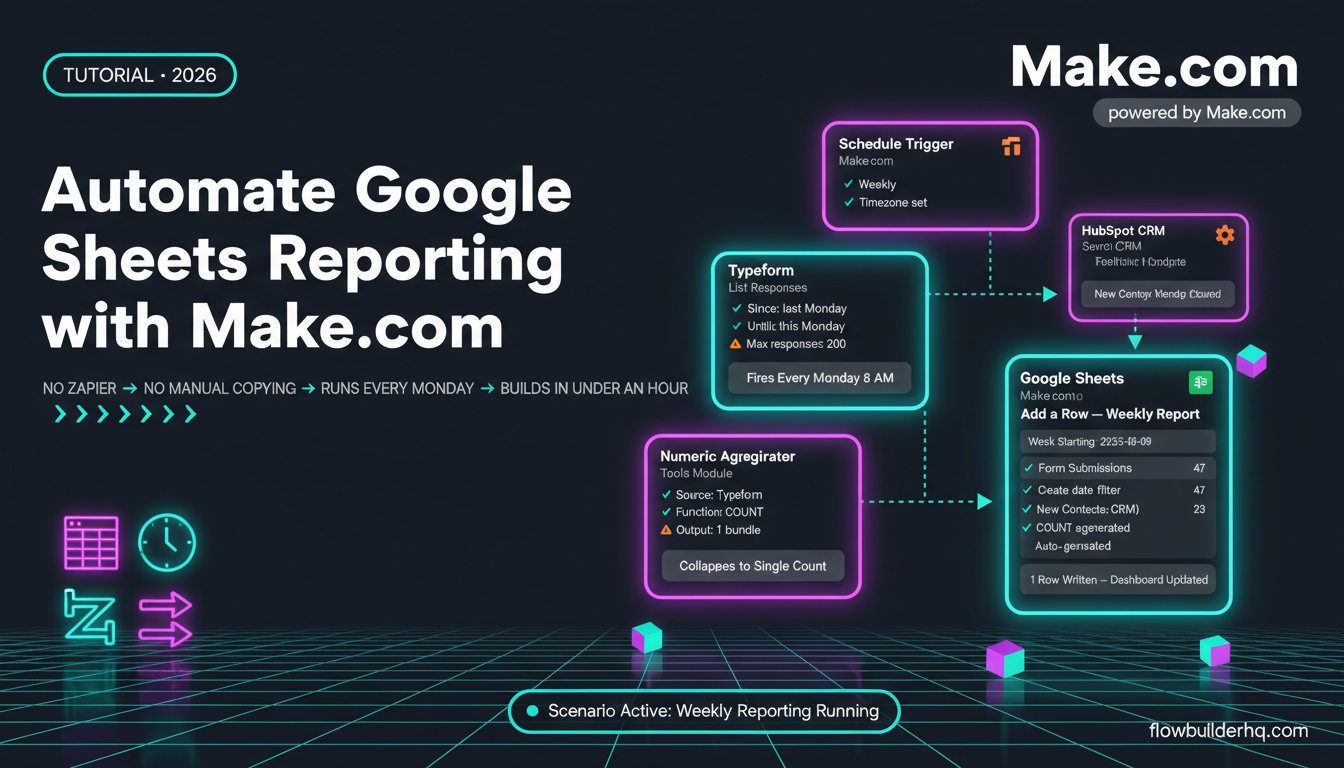
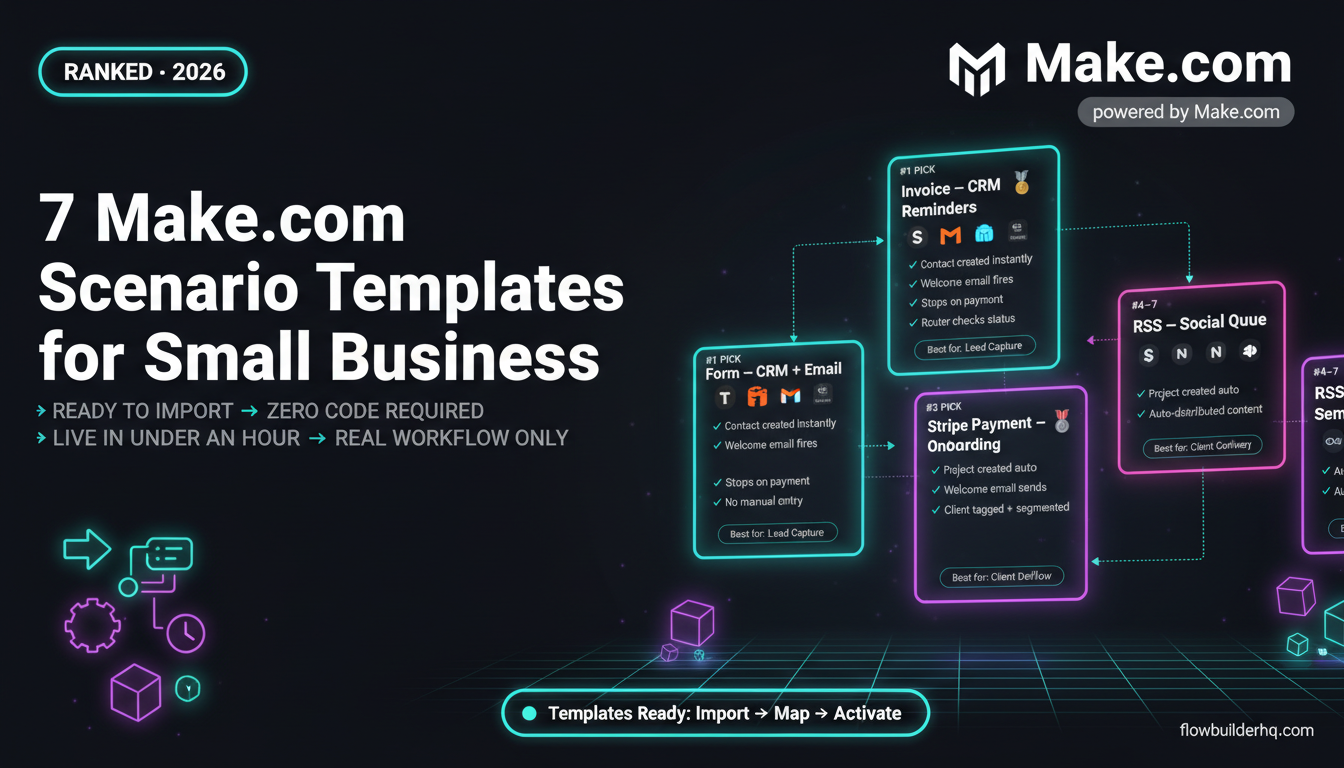
Make starts at $9/mo (Core plan) with 10,000 operations/month. The Make.com review covers whether the platform is worth it for your use case before you commit. For Claude-powered content workflows specifically, the guide on automating content repurposing with Make.com shows a complete real-world build you can adapt.
3. Direct API Integration
If you’re comfortable with Zapier’s Code by Zapier step, n8n’s Code node, or a lightweight script, you can call the Anthropic API directly. This gives you the most control over prompt structure and response parsing. The Anthropic API reference documents every endpoint and parameter.
Zapier doesn’t have a native Claude integration either, though it has GPT-4o via the OpenAI app. If you’re choosing a platform primarily for Claude integration ease, n8n or Make.com are stronger options right now. For a cost comparison of those platforms, the n8n vs Make.com breakdown covers the real tradeoffs.
Four Business Automation Use Cases Worth Building
Email Triage and Routing
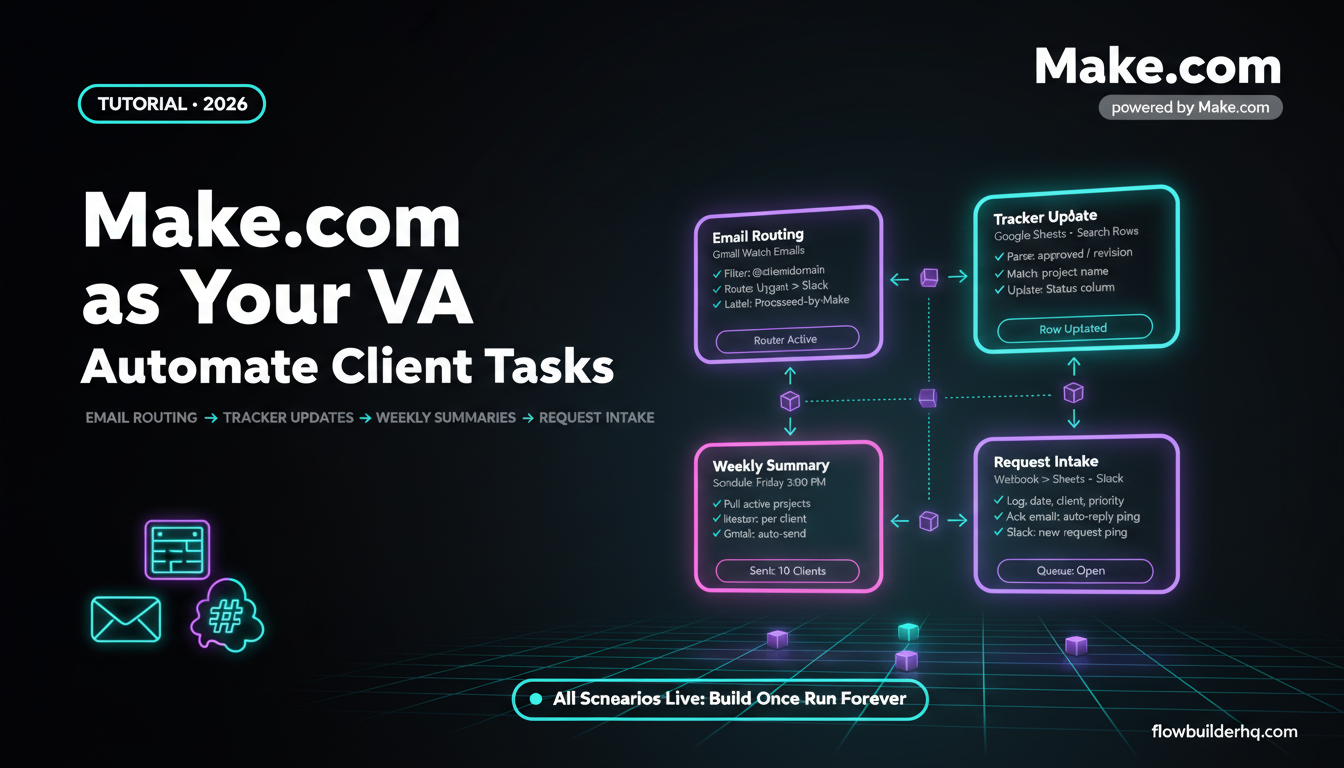
A common problem: your support or inquiry inbox fills up and everything looks urgent. The automation pattern is simple — trigger on new email, send the body to Claude with a classification prompt, get back a category (billing, technical, new inquiry, spam), then route to the appropriate folder, CRM record, or person.
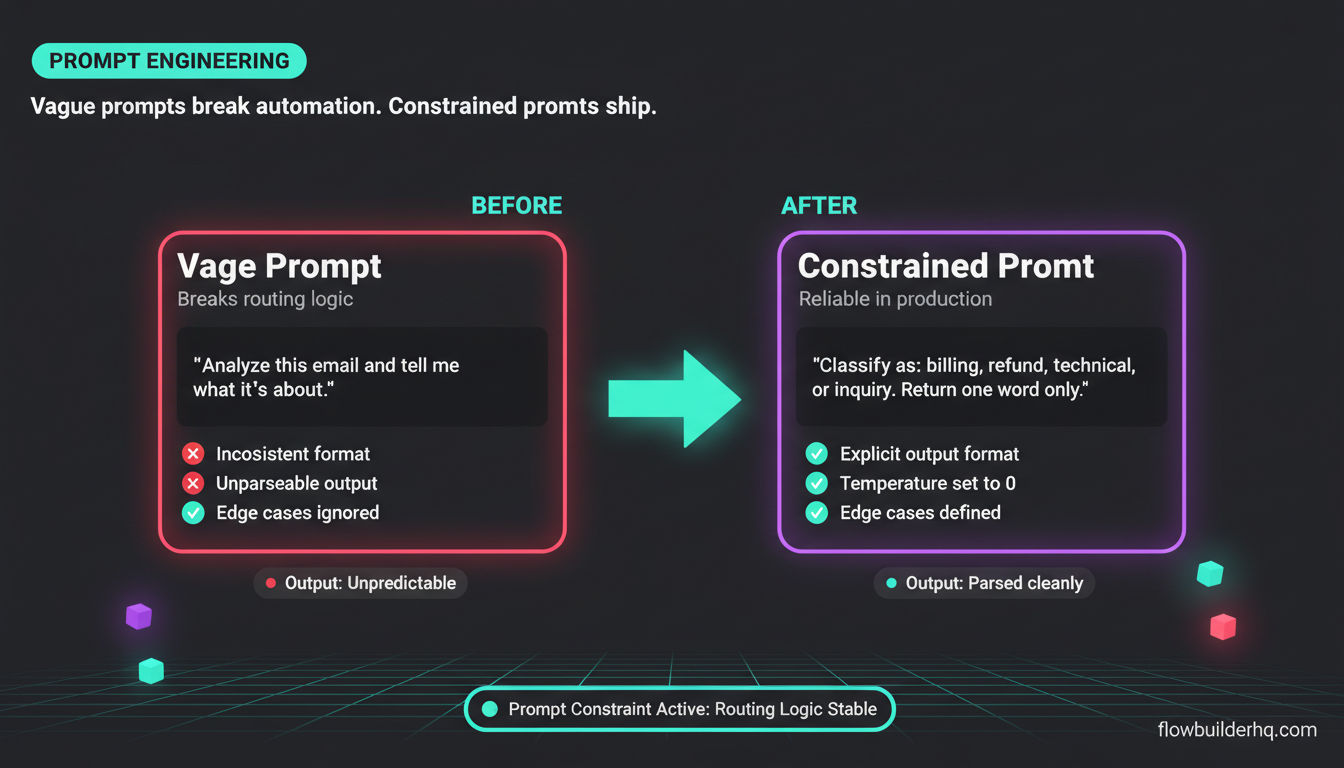
The system prompt is where this workflow lives or dies. Be explicit about your categories, give examples of each, and tell Claude exactly what format to return (e.g., respond with exactly one word from this list). Vague prompts produce vague outputs that break your routing logic.
Lead Scoring from Form Submissions
When someone fills out a contact form, the raw text often tells you a lot about lead quality — company size, urgency, specific problem, budget hints. Claude can read that text and return a score or tier (hot/warm/cold) based on criteria you define in the system prompt. Feed that into your CRM via automation, and your pipeline sorts itself.
This pairs well with any CRM integration. If you’re using HubSpot, the HubSpot CRM tutorial covers how the contact and deal record structure works before you start writing to it programmatically.
Client Reporting Summaries
Pull raw data from your reporting source (Google Analytics, ad platforms, project management tools), format it as text or structured data, send it to Claude with a “summarize this for a non-technical client” prompt, and get back clean narrative text that drops into a report template. The automation guide on automating client reports with Make.com shows the data-pull layer of this workflow in detail.
Content Drafting Pipelines
An RSS feed or content brief triggers the workflow. Claude drafts a first version — email, social post, article outline, whatever the format is. That draft goes into a review queue (Notion, Airtable, email) for a human edit before publishing. This isn’t about removing humans from the process; it’s about not starting from a blank page.
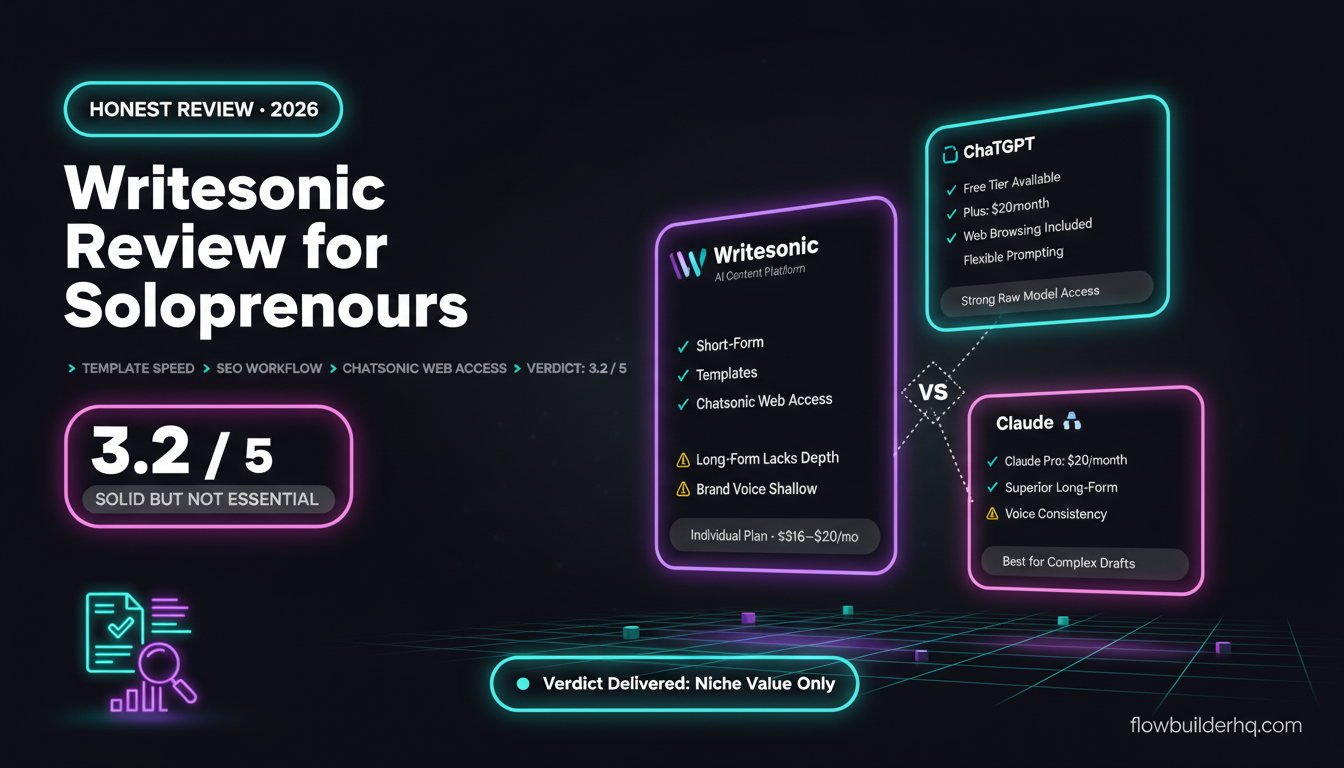
For solopreneurs also evaluating dedicated AI writing tools alongside automation, the best AI writing tools comparison covers where standalone tools beat a raw API integration and where they don’t.
Prompt Engineering for Automation (What’s Different from Chat)
Using Claude in chat and using it in automation require different prompting approaches. In chat, you can iterate. In automation, the prompt has to work reliably on inputs you haven’t seen yet.
A few principles that hold up in production:
- Be explicit about output format. If you need JSON, say so and give an example. If you need a single word, say “respond with exactly one word.” Claude follows explicit instructions well, but ambiguity in the prompt becomes ambiguity in the output.
- Constrain the task. Don’t ask Claude to “analyze this email.” Ask it to “classify this email as one of: billing question, refund request, technical issue, or general inquiry. Return only the category, nothing else.”
- Handle edge cases in the prompt. What should Claude do when the input is empty, spam, or in another language? Tell it explicitly in the system prompt, or your automation will surface those edge cases as errors later.
- Use temperature 0 for classification tasks. If the task has a right answer (classification, extraction), low temperature gives more consistent outputs. Higher temperature is appropriate for generative tasks like drafting.
- Test with adversarial inputs. Before deploying, send Claude the messiest, most ambiguous inputs you can imagine and see if the output still parses correctly downstream.
What Claude Can’t Fix in a Bad Automation
Claude is a capable model. It’s not a solution to workflow design problems.
If your trigger logic is broken, Claude won’t catch the bad data. If your output parsing doesn’t handle unexpected responses, the workflow will fail silently on edge cases. If your prompt is vague, you’ll get inconsistent outputs regardless of how good the model is.
The fundamentals of no-code automation still apply — clean data in, explicit logic, test with real inputs before going live. Claude makes the reasoning steps inside a workflow smarter; it doesn’t substitute for the architecture around it.
One specific failure pattern to watch: long outputs. If Claude returns a 500-word summary when your workflow expects a 10-word classification, your downstream parsing breaks. Always constrain output length explicitly when your automation depends on a specific format. Use the max_tokens parameter in your API call as a hard stop, and mirror that constraint in the system prompt.
Cost Reality Check
For most solopreneur automation volumes, Anthropic API costs are modest. Running 1,000 email triage calls per month with Claude Haiku — short inputs, short outputs — typically costs a few dollars at current rates. Heavier document processing or high-volume content generation costs more; run the math against your actual usage before assuming it’s negligible.
The platform cost is the larger variable. If you’re already on Make.com or n8n, adding Claude is just API costs on top. If you’re evaluating which automation platform to anchor on, the best automation tools for solopreneurs overview covers the field. For a focused comparison of the two most relevant options, the Zapier vs n8n comparison and Make.com vs Zapier breakdown lay out the real cost differences at scale.
Where to Start
Pick one repetitive text-based task you do manually right now. Email classification, lead scoring, summarizing notes, drafting a templated response — something with clear inputs and a predictable output format. Build that one automation first. Get the prompt working reliably on 20 real inputs before expanding.
Claude is a strong default model for business text tasks. The context window handles long documents, the instruction-following reduces prompt iteration cycles, and the API is stable. None of that matters if you’re trying to automate five things at once before any of them work.
Start small. Get one workflow returning consistent outputs. Then build from there.
Building this yourself? Get the workflow pack.
5 ready-to-import n8n workflows — lead capture, invoicing, content repurposing, onboarding, social posting. Free.