Make.com vs Monday.com for Solopreneurs: Which One Actually Fits a One-Person Business?
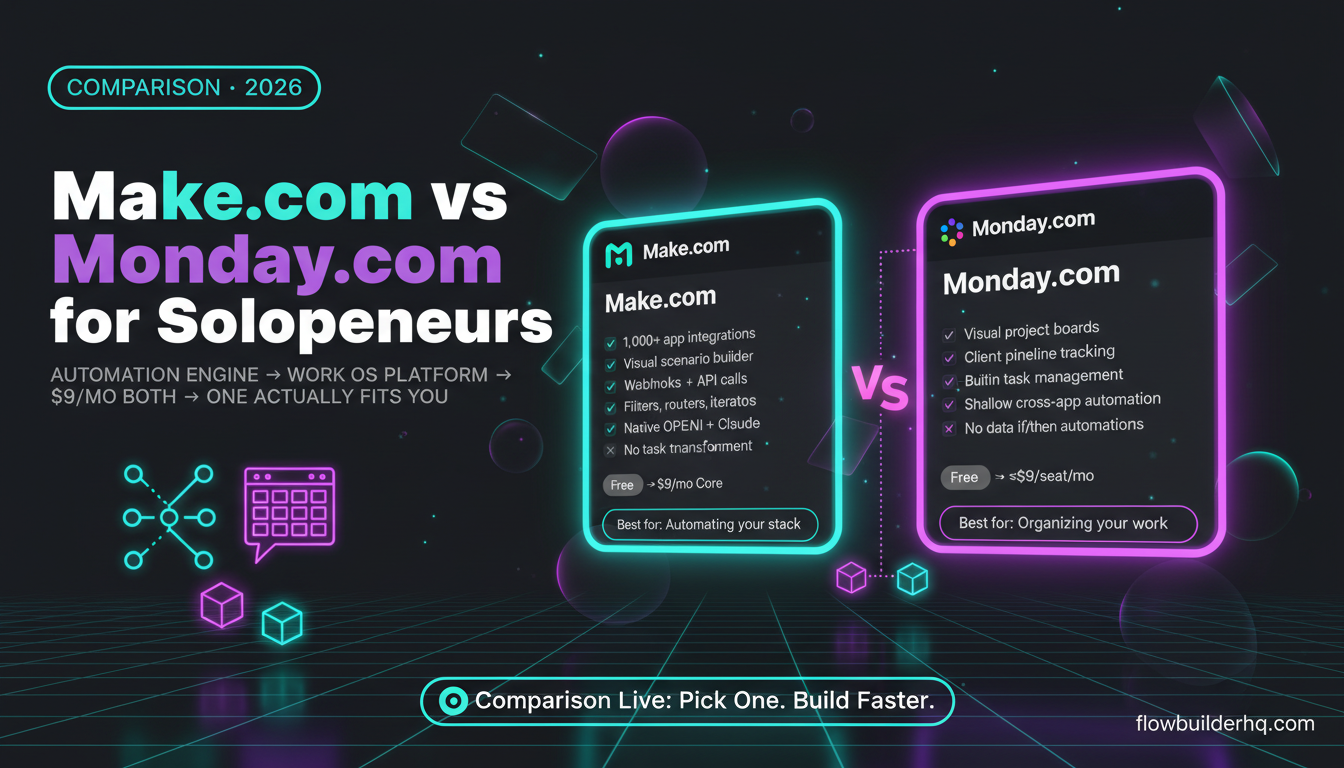
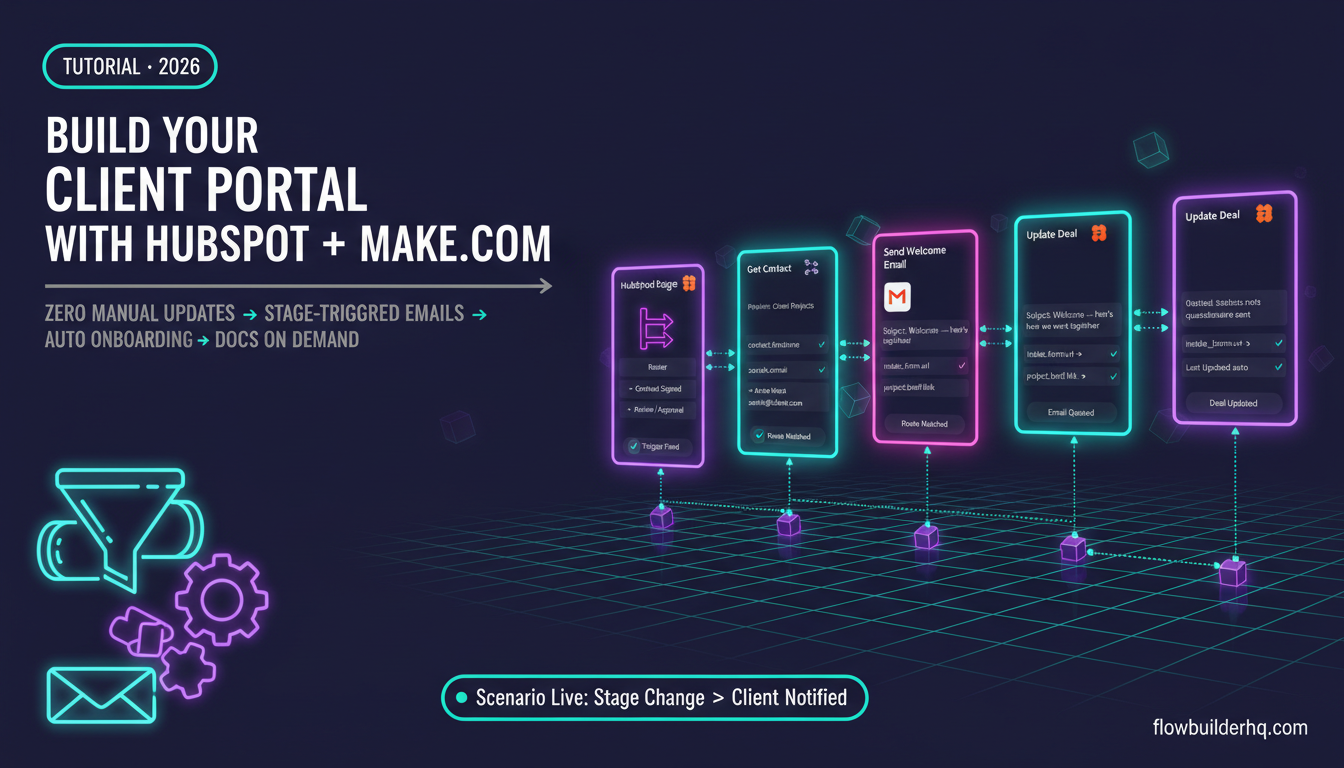
Make.com and Monday.com get compared constantly, but they’re not really competing for the same thing. One is an automation engine. The other is a project management and work OS platform. The fact that both have “automation” features doesn’t make them equivalent tools — and if you’re a solopreneur trying to decide where to spend your money, picking the wrong one costs you either time or cash you don’t have to waste. Understanding the broader automation ecosystem helps frame where each tool sits.
This breakdown cuts through the positioning and looks at what each tool actually does for a one-person operation: what you can build, where each one breaks down, and which is worth paying for depending on how you work.
What Make.com vs Monday.com for Solopreneurs Actually Means
Make.com is a workflow automation platform. You build scenarios — visual, node-based flows — that connect apps, trigger on events, manipulate data, and execute logic. It doesn’t store your projects or tasks natively. It moves and transforms information between other tools you already use.
Monday.com is a work management platform with built-in automation. You manage projects, pipelines, tasks, and CRM-style tracking inside Monday. Its automations are designed to do things inside Monday — move items between boards, send notifications, update statuses. Some external integrations exist, but Monday’s automation is fundamentally internal. Compared to dedicated platforms like Zapier, Monday’s automation layer is narrow by design.
That’s the core distinction: Make.com connects your whole stack. Monday.com manages your work and automates within its own walls. For a deeper look at how Make.com stacks up against other automation platforms, see our Make.com vs Zapier comparison.
Feature Comparison: Make.com vs Monday.com
| Feature | Make.com | Monday.com |
|---|---|---|
| Visual workflow builder | Yes — full drag-and-drop scenario builder | Limited — recipe-style automation only |
| Cross-app automation | 1,000+ app integrations, webhooks, APIs | Limited external integrations |
| Native project/task management | No | Yes — core feature |
| CRM functionality | No (connects to CRMs) | Basic CRM boards available |
| Data transformation | Yes — filters, routers, aggregators, iterators | No |
| Conditional logic | Advanced branching and routing | Simple if/then only |
| AI integrations | Native OpenAI, Claude, and more | AI features built-in (limited) |
| Free plan | Yes — 1,000 ops/month | Yes — up to 2 seats, limited views |
| Paid entry point | $9/mo (Core) | ~$9/seat/mo (check current pricing) |
Make.com: What It Does Well for Solo Operators
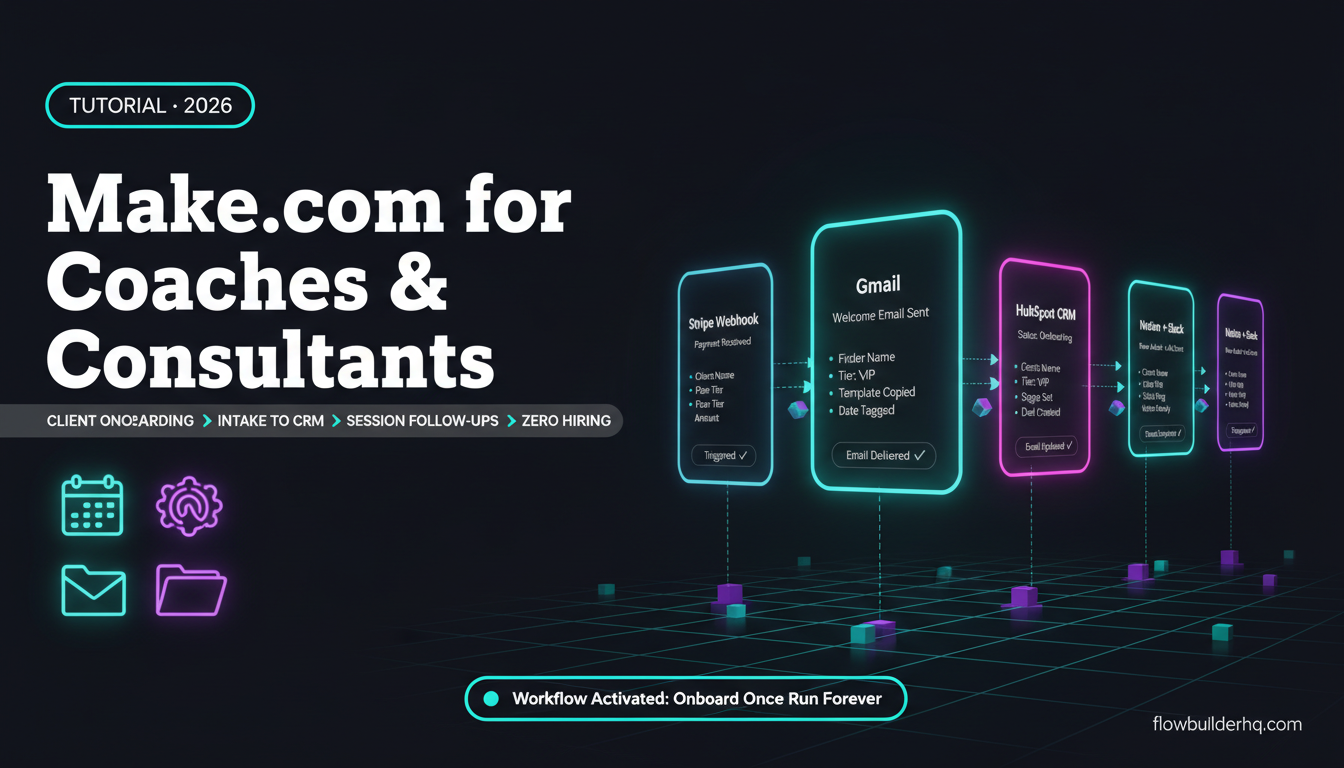
Make.com’s strength is connecting tools that don’t talk to each other. If you need a new Stripe payment to automatically create a client record in your CRM, send a welcome email via MailerLite, create a folder in Google Drive, and post a Slack notification — that’s one Make scenario. It runs while you’re doing something else.
The scenario builder is visual and genuinely powerful. You can build multi-branch logic, handle errors, parse webhook payloads, loop through arrays, and call external APIs with custom HTTP modules. For a solopreneur who wants to stop doing repetitive tasks manually, Make.com is purpose-built for that.
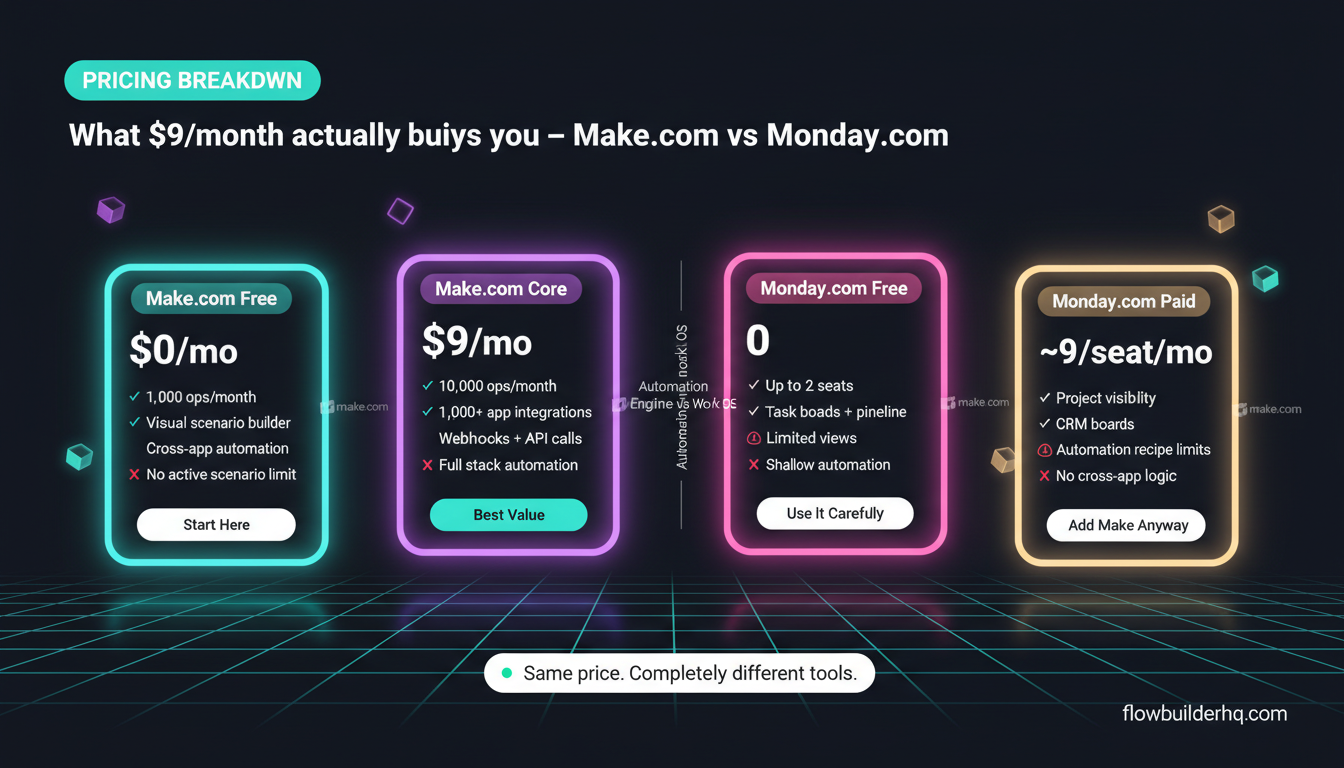
The free plan gives you 1,000 operations per month. For light workflows, that’s enough to start. The Core plan at $9/month gets you 10,000 ops. Pro is $16/month for 10,000 ops with more features. These are costs worth understanding in detail before committing — the operation-counting model trips people up when they scale.
What Make.com doesn’t do: it doesn’t give you a place to manage your work. There’s no task board, no timeline view, no place to track what’s outstanding with a client. It’s infrastructure, not a workspace.
Solopreneurs who work well with Make.com typically have 3-10 tools in their stack and want those tools to sync automatically. If you’re running a coaching business, an ecommerce store, or a freelance practice, Make.com handles client workflow automation well once you take the time to build your scenarios.
Monday.com: What It Does Well for Solo Operators
Monday.com excels at giving you a single place to see what’s happening across your business. You can build boards for project tracking, client pipelines, content calendars, task management — and it’s all visual, all in one tab. For someone who needs structure more than automation power, Monday delivers.
Its built-in automations are genuinely useful within the platform: when a task status changes, notify someone; when a due date passes, move it to a different board; when a new item is created, assign it. These require zero technical setup and handle the repetitive housekeeping inside Monday well.
The free plan allows two seats and limited board views, which works for a true solo operator. Paid plans start around $9/seat/month — check Monday.com’s current pricing since it changes frequently and seats add up fast if you bring on a VA or contractor.
Where Monday.com hits a wall for solopreneurs: the automation is shallow. You can’t easily build a flow that takes a form submission, enriches the data, creates records in your CRM, and sends a personalized email sequence. Those cross-app workflows require integrations that Monday handles via Zapier or Make.com anyway — meaning you’d end up paying for Monday AND an automation platform.
The Overlap: Monday’s Automation vs Make’s Automation
Monday.com has automation recipes built in. They look like: “When status changes to Done → notify person → create item in another board.” These are quick to set up and cover basic workflow needs inside Monday.
Make.com’s automation is a different category entirely. You’re not clicking through recipe dropdowns — you’re building multi-step flows with real logic: conditional branches, data parsing, error handling, retry logic, API calls. The learning curve is steeper, but the ceiling is orders of magnitude higher.
The thing most solopreneurs run into: Monday’s automations are enough until they’re not. The moment you need to pull data from an external API, parse a webhook, or do anything that crosses app boundaries in a non-trivial way, Monday’s built-in automation stops working. You then add Zapier or Make, and now you’re paying for both.
That’s not a hypothetical — it’s a common pattern. See how no-code automation tools compare when you’re deciding which layers to actually pay for.
Pricing Math at Scale
Make.com pricing for solopreneurs:
- Free: 1,000 ops/month — enough for a handful of simple scenarios
- Core ($9/mo): 10,000 ops/month — covers most solo operations comfortably
- Pro ($16/mo): 10,000 ops/month with unlimited active scenarios and full execution history
- Teams ($29/mo): Multiple users, more ops — overkill for a solo
Monday.com pricing for solopreneurs:
- Free: Up to 2 seats, limited features
- Basic/Standard/Pro: Starts around $9-12/seat/month (billed annually) — check current pricing, as this shifts
- Automation limits: Even paid plans cap monthly automation actions; higher tiers unlock more
For a solo operator, both tools start at roughly the same monthly cost. The difference is what you’re buying. With Make.com at $9/month, you’re buying automation infrastructure that runs your entire stack. With Monday.com at $9/month, you’re buying a work management workspace with limited automation baked in.
If you’re comparing Make.com to other automation tools on pure cost, the pricing breakdown vs Zapier is worth reading — it shows exactly where Make’s operation model works in your favor.
Who Should Use Make.com
Make.com is the right choice if:
- You already use 3+ tools and want them to sync automatically
- You’re doing repetitive manual work — copying data between apps, sending templated emails, updating records — more than a few times a week
- You want to connect apps Monday.com doesn’t natively support
- You need real conditional logic, not just if/then recipes
- You’re building workflows that involve external APIs or webhooks
Make.com is less useful if you don’t have a stack to connect. If you’re working out of spreadsheets and email with no real tooling, there’s nothing for Make to automate. You’d be solving a problem you don’t have yet.
For specific use cases, see how Make.com works for coaches and consultants and how ecommerce solopreneurs use it to run their stores.
Who Should Use Monday.com
Monday.com is the right choice if:
- You need a single place to manage tasks, projects, and client work visually
- You’re managing multiple concurrent projects and losing track of what’s in what stage
- You want to track a sales pipeline or client pipeline without setting up a full CRM
- The people you work with (contractors, clients) need visibility into project status
- You don’t need deep cross-app automation — you just need to stop tracking everything in a spreadsheet or your head
Monday.com is less useful if you need serious automation. Its built-in automations will handle routine board management, but anything requiring external app connectivity will push you to add another tool anyway. At that point, you’re paying for Monday’s project management AND a separate automation platform.
If you’re specifically evaluating project management vs automation-first tools, the Make.com vs Airtable comparison covers similar territory from the database/project management angle.
Can You Use Both?
Yes — and for some solopreneurs, that’s the right answer. Monday handles your work visibility. Make handles your automation. They connect via Make’s Monday.com module, which lets you trigger scenarios from Monday board changes, create/update items, and push data back in.
The use case: a new lead fills out a form → Make creates a new item in your Monday CRM board → populates the fields → sends the lead a welcome email → adds them to your email list. Monday shows you the pipeline. Make ran the intake automation. Neither tool did the other’s job.
The honest caveat: this setup costs money. If you’re watching every dollar, picking one tool that covers more ground makes more sense until you have revenue to justify both. Make.com + a lightweight CRM often covers what solopreneurs need at lower cost than Monday.com + Make.com together.
The Real Question: Automation or Organization?
Most solopreneurs don’t actually need both tools. They need to answer one question honestly: is my biggest problem that I’m doing repetitive tasks manually, or that I’m losing track of work that needs to get done?
If you’re manually moving data between apps, copying information, triggering things by hand — Make.com solves that. You can read the full Make.com review for an honest look at what the platform actually delivers.
If you’re dropping balls on projects, forgetting follow-ups, or lacking visibility into what stage your clients are at — Monday.com solves that. Make.com does not. An automation platform with no workflow structure doesn’t help you stay organized; it just automates the chaos more efficiently.
For solopreneurs who are early-stage and building their stack, automation tends to deliver faster ROI. The time you save by automating repetitive processes compounds quickly. Project management software doesn’t save time — it prevents lost time, which matters more once you’re genuinely managing multiple simultaneous clients or projects.
Make.com vs Monday.com for Solopreneurs: The Verdict
Pick Make.com if: You have a tool stack and want to stop doing manual work between those tools. Start on the free plan, build your first scenario, and upgrade when you hit the ops ceiling. Try Make.com free here — no credit card required for the free tier.
Pick Monday.com if: Your primary need is project visibility and organized work management, not automation. The internal automations are good enough for managing your own boards without needing a separate tool.
Use both if: You’re running a business where client project management AND cross-app automation are both genuinely necessary, and you have the budget for it.
For most solopreneurs under $5K/month in revenue: start with Make.com on the free plan and use a simpler task tool (Notion, Trello, or even a Google Sheet) for work management. Scale into Monday.com once the project management complexity justifies the cost. You can explore the broader automation tool landscape to see where both fit in the typical solopreneur stack.
One more resource worth checking: Make.com’s official documentation is genuinely good for understanding what scenarios you can build before you commit to a plan. And if you want to understand Monday’s automation limits in detail, their official support documentation covers automation recipe limits per plan clearly.
Building this yourself? Get the workflow pack.
5 ready-to-import n8n workflows — lead capture, invoicing, content repurposing, onboarding, social posting. Free.