Best Automation Tools for Coaches 2026: 7 Picks That Actually Fit a Coaching Business
Are you wondering what are some of the best automation tools for coaches 2026?
Generic automation roundups rank tools by operation count and integration breadth. That’s fine if you’re running a SaaS company. For coaches, the real criteria are different: Can this tool handle intake forms that trigger payment requests? Can it send session follow-up emails without you touching a keyboard? Does it keep your CRM updated when a client books, cancels, or upgrades their package?
These are the best automation tools for coaches in 2026, scored on coaching-specific criteria — intake flow, session management, client communication, and payment handling. Not a generic list.
How These Tools Were Evaluated
Each tool was assessed against five criteria that matter specifically to coaching businesses:
- Intake automation — Can it trigger workflows from form submissions or Calendly/Acuity bookings?
- Payment integration — Does it connect natively to Stripe or PayPal to automate invoicing and receipts?
- Session follow-up — Can it send personalized post-session emails or tasks without manual input?
- CRM capability — Does it store and segment client data, or does it need a separate tool?
- Solopreneur pricing — Does it make financial sense for a one- or two-person operation?
For context on the broader automation landscape, see our roundup of best automation tools for solopreneurs in 2026. What follows is the coaching-specific cut.
1. Make.com — Best Overall for Coaching Workflow Automation
Best for: Coaches who want end-to-end automation without hiring a developer.
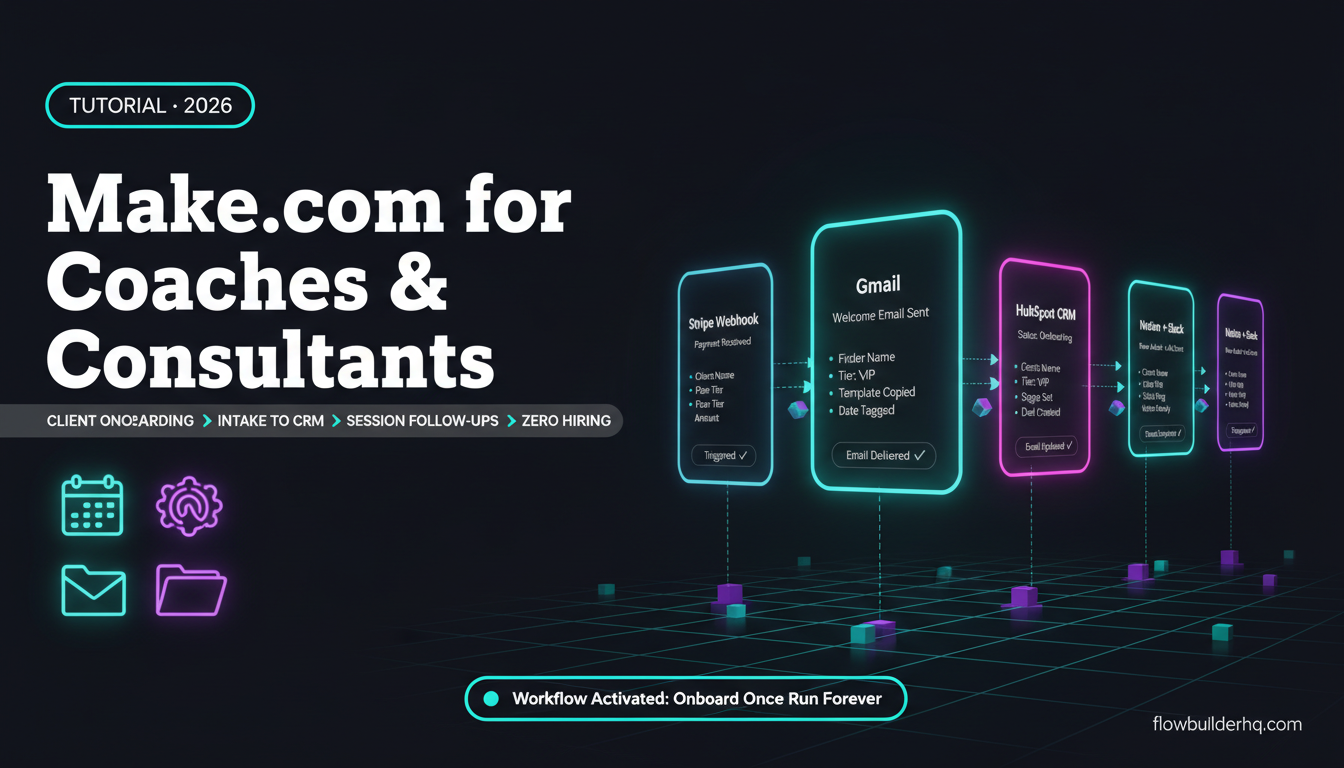
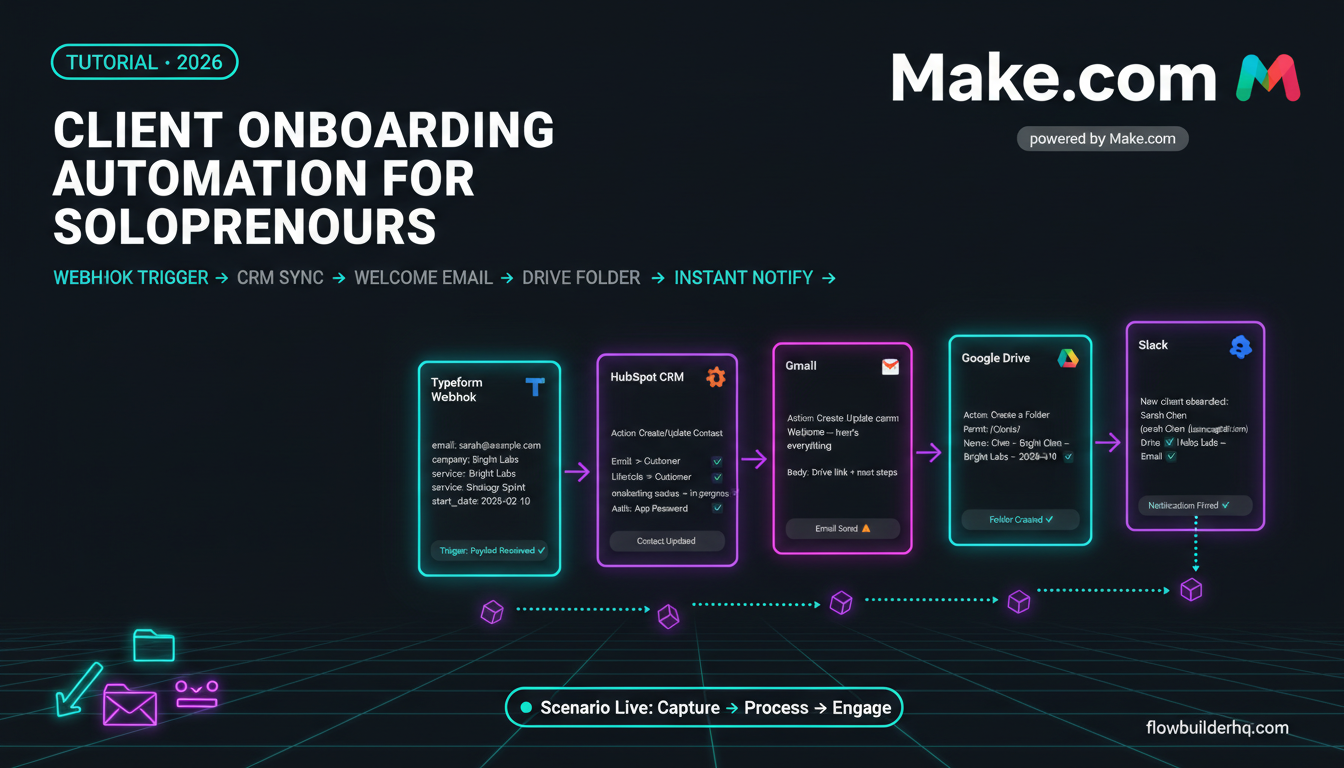
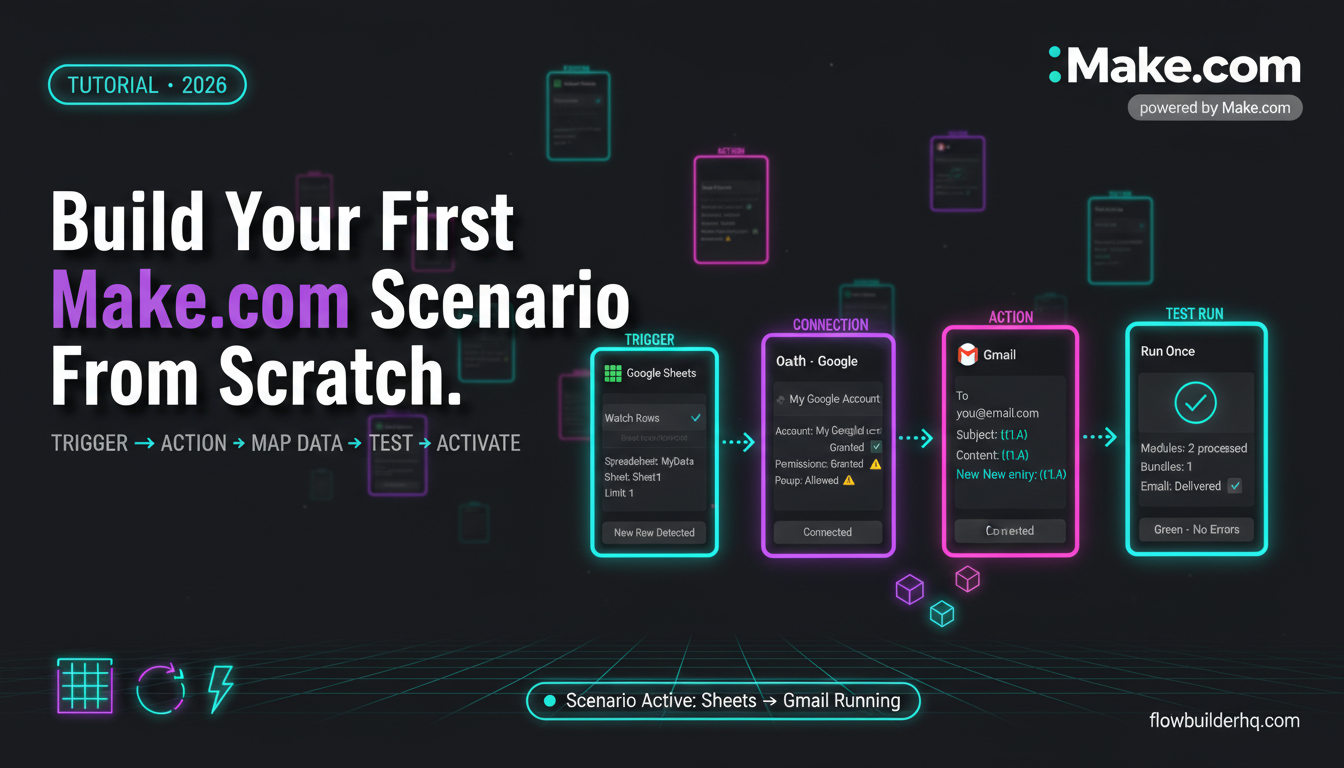
Make.com is the most capable visual automation builder for coaching workflows at its price point. The scenario builder handles multi-step flows — intake form fires, a Stripe payment link gets sent, client gets added to your CRM, and a welcome email sequence kicks off — all in one scenario.
For coaches specifically, the Calendly, Acuity Scheduling, Stripe, and ThriveCart integrations are native. That covers most intake-to-payment flows without custom webhooks. The visual canvas also makes it easy to add conditional logic — if a client books a VIP package vs. a single session, the flow branches accordingly.
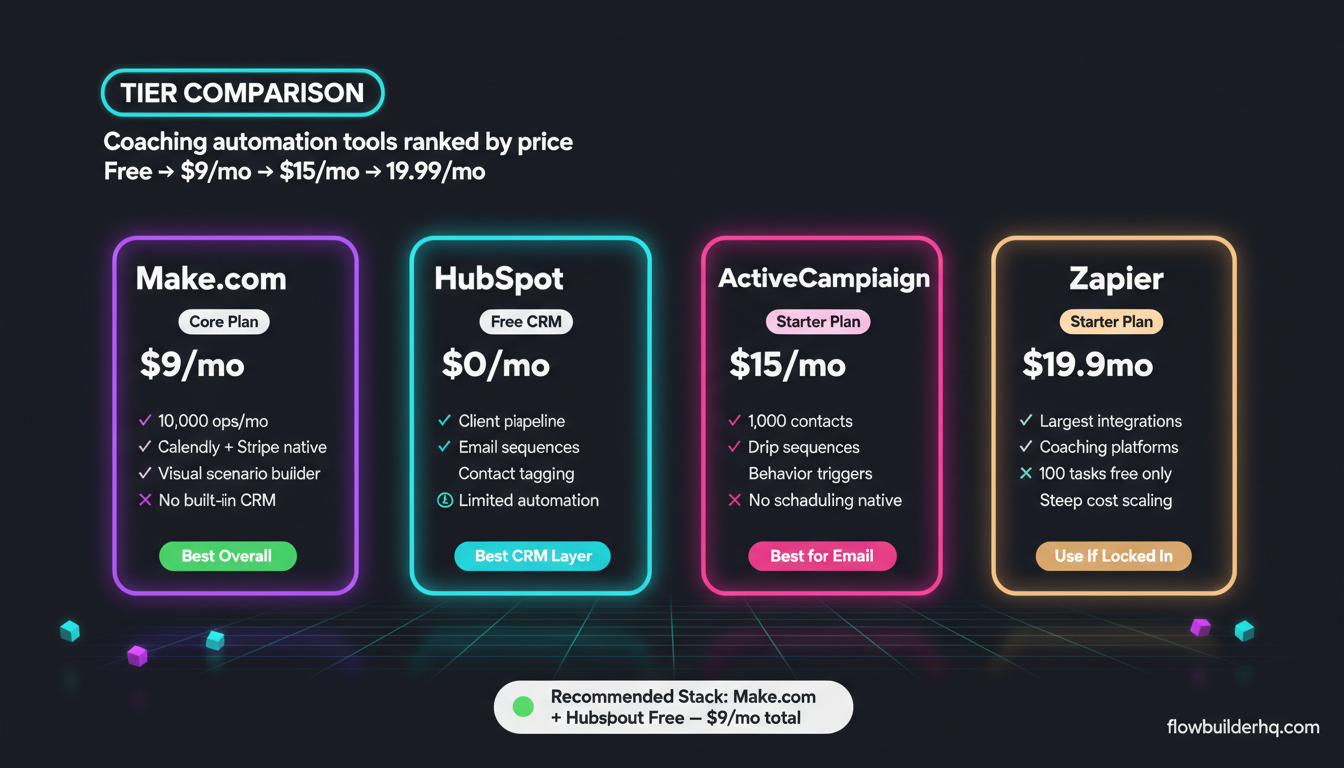
The free plan gives you 1,000 operations per month, which is enough to test. At Core ($9/month) you get 10,000 ops, and Pro ($16/month) bumps to 40,000. For most solo coaches running 10-30 active clients, Core covers the workload comfortably. If you’re running group programs at scale, check Make.com’s full pricing breakdown before committing to a tier.
For a detailed look at how this applies specifically to coaching workflows, the post on Make.com for coaches and consultants covers the exact scenario builds.
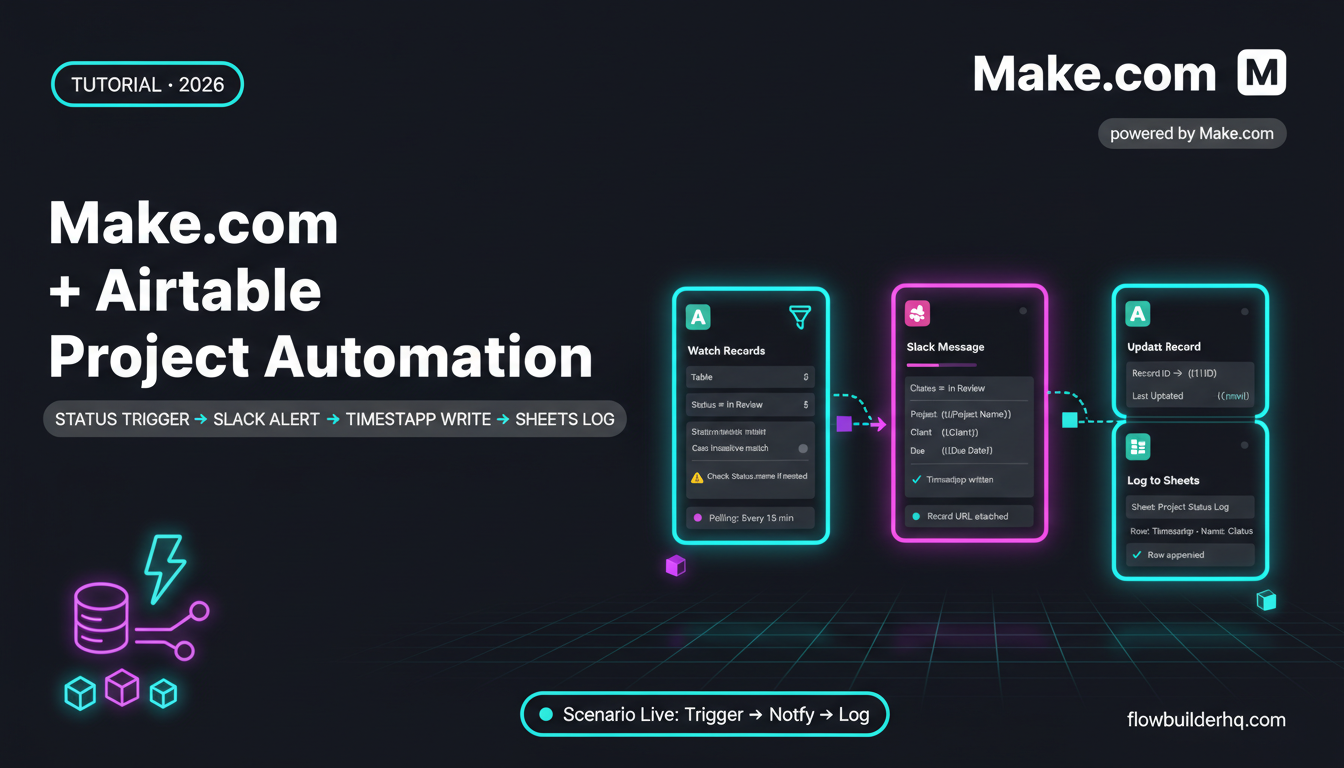
Coaching-specific cons: Make.com has no built-in CRM. You’ll need to pair it with HubSpot, Notion, or Airtable to store client data properly. The learning curve on complex branching scenarios is also real — expect 2-3 hours to get your first multi-step intake flow running cleanly.
Pricing: Free (1,000 ops/mo) → Core $9/mo → Pro $16/mo → Teams $29/mo
2. HubSpot — Best CRM Layer for Coaches Scaling Past 20 Clients
Best for: Coaches who need CRM + email sequences + pipeline visibility in one place.
HubSpot’s free CRM is genuinely useful for coaching businesses. You can track every client’s status, log call notes, set follow-up reminders, and run email sequences — all without paying anything until your contact list or feature needs grow. The free tier covers most solo coaches who aren’t running large group programs.
Where HubSpot earns its place on this list is the combination of CRM + native automation. You can build simple sequences — onboarding email drip, session reminder, post-session follow-up — without needing a separate automation tool. For coaches who don’t want to manage multiple platforms, that matters.
The catch is the pricing cliff. HubSpot Free is solid. HubSpot Starter ($15/month) adds more automation steps and removes branding. HubSpot Professional ($890/month+) is built for sales teams with headcount — it’s not for solo coaches unless you’re running a serious group coaching operation. Most coaches will sit on Free or Starter for years.
If you’re comparing HubSpot to simpler alternatives, our breakdown of HubSpot CRM vs Notion for solopreneurs covers the tradeoffs honestly. And if you want Make.com feeding data into HubSpot automatically, this integration tutorial walks through the exact setup.
Coaching-specific cons: HubSpot’s native scheduling tool is functional but doesn’t replace Calendly or Acuity for coaches with complex booking logic. The mobile app is mediocre for quick client lookups between sessions. Automation workflows on Free are limited to basic sequences — branching logic requires Starter or above.
Pricing: Free CRM → Starter $15/mo → Professional $890/mo+
3. ActiveCampaign — Best Email Automation for Coaches with Nurture Sequences
Best for: Coaches who run structured onboarding sequences, drip content, or pre-launch email campaigns.
ActiveCampaign’s automation builder is purpose-built for email sequence logic. If your coaching business depends on multi-week onboarding emails, lead nurture before a discovery call, or post-program follow-ups, it handles this better than most alternatives at the same price range.
The CRM inside ActiveCampaign is functional for coaching use — contact tagging, deal stages, and automation triggers based on client behavior (email opens, link clicks, form fills). It’s not as clean as HubSpot’s pipeline view, but it covers the bases for coaches tracking 15-50 active clients.
Starter pricing at $15/month for up to 1,000 contacts is competitive. Plus at $49/month adds landing pages and deeper automation branching. For a coach sending weekly content to a list and running structured onboarding, Starter is usually enough.
The comparison between ActiveCampaign vs MailerLite is worth reading if you’re primarily email-focused and want the cheaper option — MailerLite wins on price, ActiveCampaign wins on automation depth.
Coaching-specific cons: No native scheduling integration without Zapier or Make.com as middleware. The interface has gotten cleaner but still has UX friction — building automation maps that involve 8+ steps can get messy visually. Reporting on the Starter plan is thin.
Pricing: Starter $15/mo (1K contacts) → Plus $49/mo
4. Pabbly Connect — Best Budget Pick for Coaches Who Just Need Basic Triggers
Best for: Coaches on tight budgets who need simple intake-to-email or form-to-CRM connections.
Pabbly Connect’s annual pricing model makes it attractive for cost-conscious coaches: $99/year for the standard plan, with lifetime deal promos common. For simple workflows — Typeform submission triggers a welcome email and adds a contact to ActiveCampaign — it handles the job without the monthly SaaS drain.
The integration library covers the major coaching tools: Calendly, Google Forms, Stripe, MailerLite, Notion, and most major CRMs. For basic linear workflows, it’s reliable.
Coaching-specific cons: Multi-step branching logic is clunkier than Make.com. There’s no visual canvas — it’s a linear step builder, which limits complex conditional flows. Error handling is also weaker; when a step fails, debugging is less transparent than Make.com’s execution logs. Support response times can be slow.
Pricing: $99/year (standard) → Pro $179/year
5. Albato — Best Lightweight Alternative to Zapier for European Coaches
Best for: Coaches who primarily use European SaaS tools or want a cost-effective Zapier replacement.
Albato doesn’t get enough attention in the coaching automation conversation. Its integration library skews toward European and CIS-market tools, but it covers the core coaching stack — Calendly, Stripe, Gmail, Notion, and the major CRMs — cleanly.
At $25/month for Pro and $59/month for Business, it sits between Pabbly’s annual deal and Make.com’s pricing. The interface is cleaner than Pabbly and simpler than Make.com — which is a genuine advantage for coaches who don’t want to spend hours in a visual canvas.
For coaches who are currently on Zapier’s $19.99/month Starter and hitting the limitations, Albato is worth a direct comparison. You get more automation capacity per dollar and a free trial to test your specific workflows before committing.
Coaching-specific cons: Fewer pre-built templates than Make.com or Zapier. The conditional logic tools are functional but limited compared to Make.com’s router and filter modules. Community resources and documentation are thinner — if you hit an edge case, you’re more likely to be on your own.
Pricing: Free trial → Pro $25/mo → Business $59/mo
6. n8n — Best for Technical Coaches Who Want Full Control
Best for: Coaches comfortable with JSON and self-hosting who want unrestricted automation without per-operation pricing.
n8n is self-hosted free — meaning if you’re comfortable running it on a VPS (a $5-10/month server), you pay nothing for the automation platform itself. For coaches with even basic technical comfort, this completely changes the cost math at volume.
The feature set matches or beats Make.com on complex workflow logic. Native AI nodes, HTTP request modules, and a code node for custom JavaScript mean there’s almost no workflow you can’t build. For coaches who want AI-generated session summaries posted to Notion or Gmail drafts, n8n’s AI integrations are production-ready — see the guide to building AI agents with n8n for the workflow structure.
Cloud pricing: Starter $8/month, Pro $50/month. The self-hosted route is free — see the n8n self-hosted vs cloud comparison for the honest breakdown of what that actually involves.
Coaching-specific cons: The learning curve is significantly steeper than Make.com or Albato. A non-technical coach should not start here — the time cost of setup and debugging will exceed the money saved. Calendly and Acuity integrations work but require more manual configuration than Make.com’s native modules. The official n8n documentation is thorough but assumes more technical context than most coaching business operators have.
Pricing: Self-hosted free → Cloud Starter $8/mo → Cloud Pro $50/mo
7. Zapier — Still Viable, But Getting Harder to Justify the Cost
Best for: Coaches already deeply embedded in the Zapier ecosystem who haven’t hit the pricing ceiling yet.
Zapier remains the most recognized name in no-code automation, and its integration library is the largest available. For coaches, that breadth matters — CoachAccountable, Practice Better, Paperbell, and most niche coaching platforms have Zapier integrations even when they don’t support other tools.
The problem is the pricing. Zapier’s free plan caps at 100 tasks/month — barely enough to test. Starter at $19.99/month is reasonable, but Professional at $69/month is a hard sell when Make.com’s Pro plan at $16/month handles the same workflows. The Make.com vs Zapier pricing comparison makes this math explicit.
For coaches evaluating whether to switch, the post on Zapier alternatives for freelancers covers the migration calculus honestly — including the friction of rebuilding existing Zaps.
Coaching-specific cons: The cost jumps steeply once you exceed Starter limits. Multi-step Zaps with branching logic require Professional tier. For coaches running volume (group programs, launches, large email lists triggering automation), Zapier costs can compound fast.
Pricing: Free (100 tasks) → Starter $19.99/mo → Professional $69/mo
Which Tool Should a Coach Actually Start With?
| Tool | Best For | Starting Price | CRM Included? |
|---|---|---|---|
| Make.com | End-to-end workflow automation | Free / $9/mo | No (needs pairing) |
| HubSpot | CRM + email sequences | Free / $15/mo | Yes |
| ActiveCampaign | Email nurture and sequences | $15/mo | Functional |
| Pabbly Connect | Budget linear workflows | $99/year | No |
| Albato | Lightweight Zapier alternative | Free trial / $25/mo | No |
| n8n | Technical, unrestricted control | Free (self-hosted) | No |
| Zapier | Niche coaching platform integrations | Free / $19.99/mo | No |
The default stack for most coaches is Make.com + HubSpot Free. Make.com handles the automation logic (intake triggers, payment flows, session follow-ups), and HubSpot Free handles the CRM layer (client records, pipeline, email sequences). That combination costs $9/month and covers 80% of what a solo coach needs.
If you’re primarily an email-first coach with structured onboarding sequences, swap HubSpot for ActiveCampaign. If you’re technical and running volume, n8n self-hosted eliminates the per-operation cost entirely.
For coaches building out the full workflow — including automated invoicing — see the guide to automating invoicing with Make.com using Stripe and PayPal. And if you’re starting with Make.com and want to understand what you’re actually paying as your workflow grows, the Make.com vs Zapier cost breakdown gives you the real numbers at 5K, 20K, and 50K operations.
The tools on this list aren’t magic. A well-built intake-to-onboarding flow in Make.com takes a few hours to set up. But once it runs, you stop doing the same manual steps for every new client — and that adds up fast across a full client roster.
For a broader look at what automation can do across a freelance or coaching business, see our overview of Make.com for freelancers and consultants and our comparison of the best no-code automation tools for solopreneurs ranked for solo operators.
Building this yourself? Get the workflow pack.
5 ready-to-import n8n workflows — lead capture, invoicing, content repurposing, onboarding, social posting. Free.