No-Code Automation for Service Businesses: Save 10 Hours a Week With These 7 Workflows
10 hours is a part-time employee. It’s the difference between a business that feels like a grind and one that feels like it runs itself. And for coaches, consultants, and agency owners, those 10 hours are being quietly eaten by tasks that have no business touching your calendar: intake forms, follow-up emails, proposal sends, client reporting, invoice chasing, onboarding sequences, and social scheduling.
No-code automation for service businesses is the category of tools and workflows that handles exactly those tasks — without requiring you to hire, code, or explain yourself to a developer. This post is not a broad “best tools” roundup. Every workflow listed here is specific to the service business operating model: client-facing, relationship-heavy, and drowning in repeatable admin.
Seven workflows. Real time recovered. Here’s what they are and how to build them.
What “10 Hours a Week” Actually Looks Like in a Service Business
Before listing the workflows, it’s worth being precise about where the time goes. Most service operators don’t lose 10 hours in one obvious block. They lose it in 20-minute increments scattered across the week:
- Copy-pasting a new client’s intake answers into your CRM or project tool
- Writing and sending a “just checking in” follow-up email for the third time this month
- Compiling a weekly client report from three different data sources
- Manually sending a proposal PDF after a discovery call
- Chasing an invoice that’s 5 days overdue
- Onboarding a new client with the same 6-step checklist you run every single time
- Posting content to LinkedIn after you’ve already created it elsewhere
None of those tasks require your brain. They require a trigger, a condition, and an action — which is exactly what automation handles. If you’re not sure which tasks in your own workflow are ripe for this, this breakdown of automation ideas for solopreneurs is a useful audit starting point.
The Tools Behind These Workflows
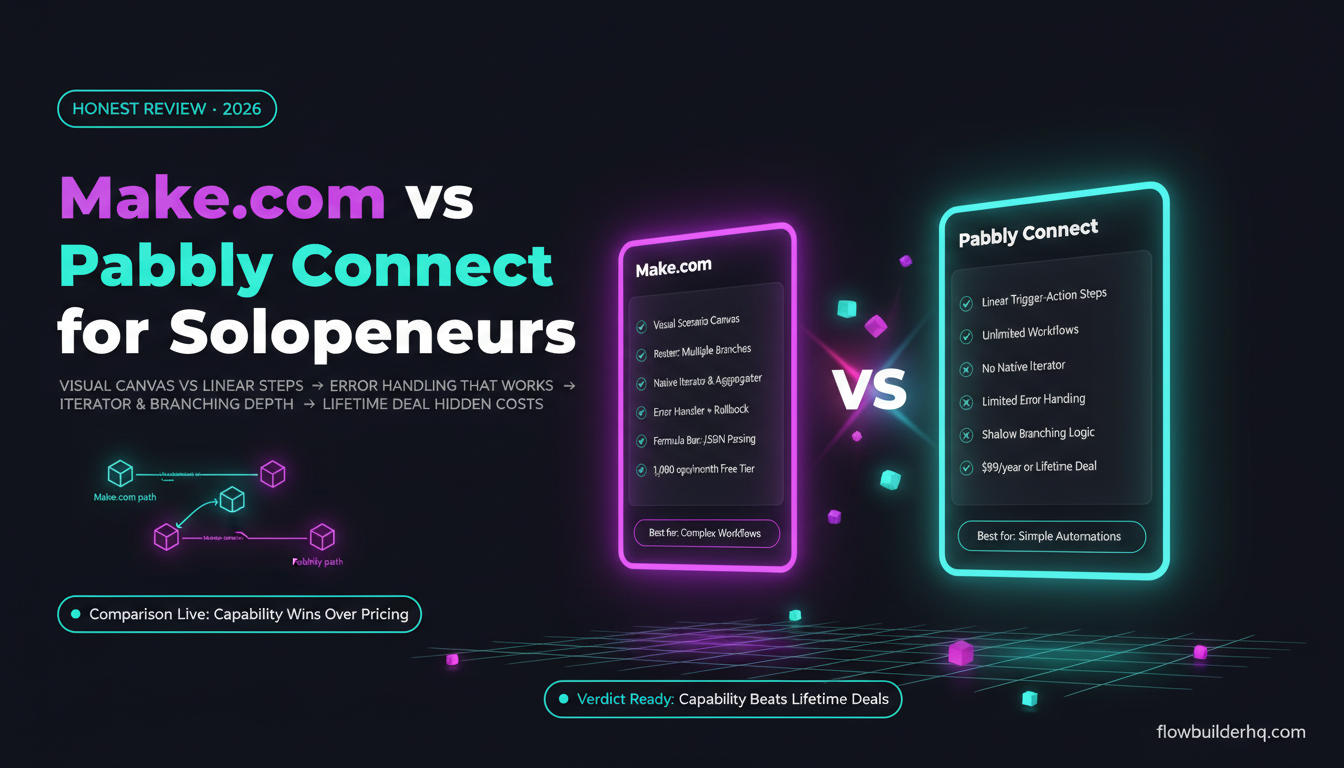
Every workflow below can be built on Make.com (the recommended platform for most service operators) or Albato (the better option if you’re running mostly email marketing and CRM apps and want something simpler). Both are no-code — you connect apps visually, set conditions, and the automations run on schedule or on trigger.
Make.com’s free plan covers 1,000 operations per month, which is enough to run several of these workflows at low volume. Core is $9/mo. Pro is $16/mo. For most solo service businesses, Core is the right starting point. Try Make.com free before committing to any paid plan.
Albato runs from $25/mo (Pro) to $59/mo (Business). If you’re using tools like ActiveCampaign, HubSpot, or MailerLite as your operational core, Albato’s app library is strong for that stack. Try Albato here.
For a detailed side-by-side on Make.com and its closest competitors, see this real pricing comparison between Make.com and Zapier.
No-Code Automation for Service Businesses: 7 Workflows That Save Real Time
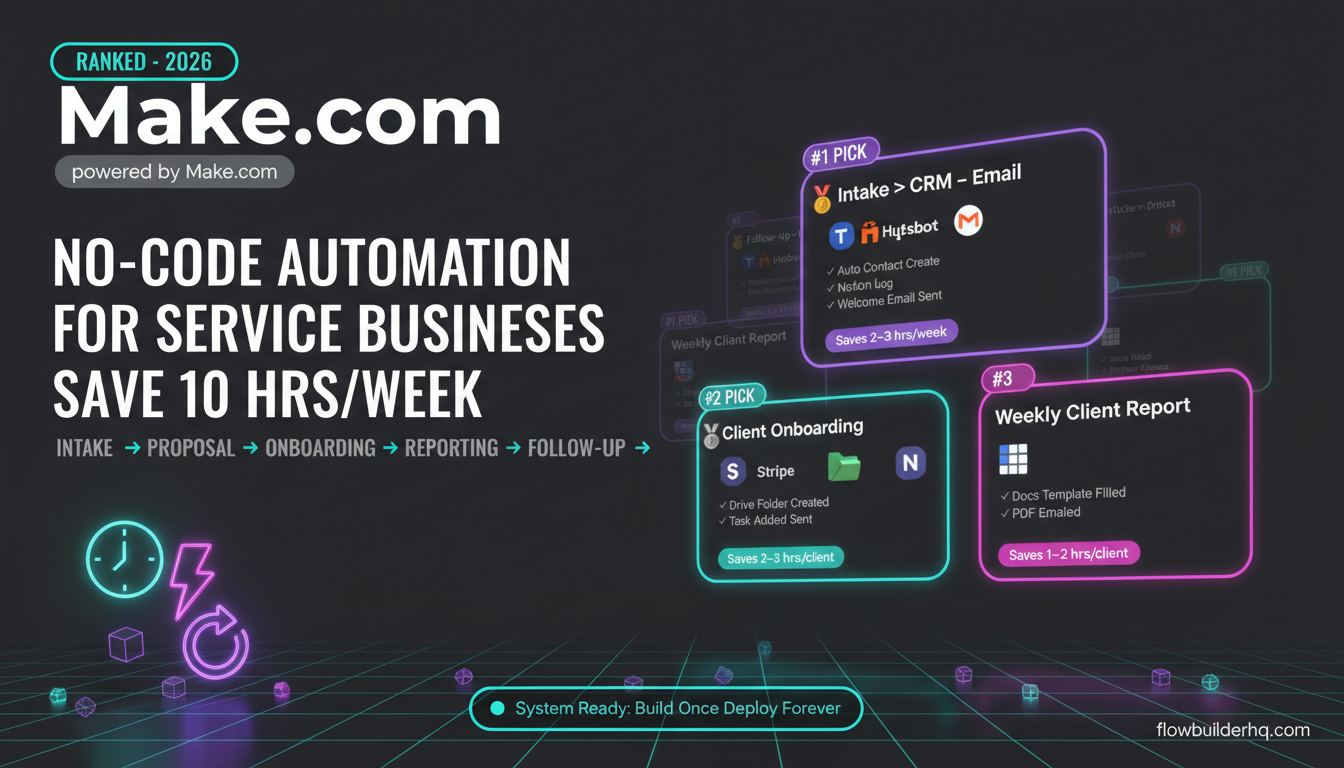
1. Intake Form → CRM → Welcome Email (Automatic, Every Time)
Time saved: ~2-3 hours/week
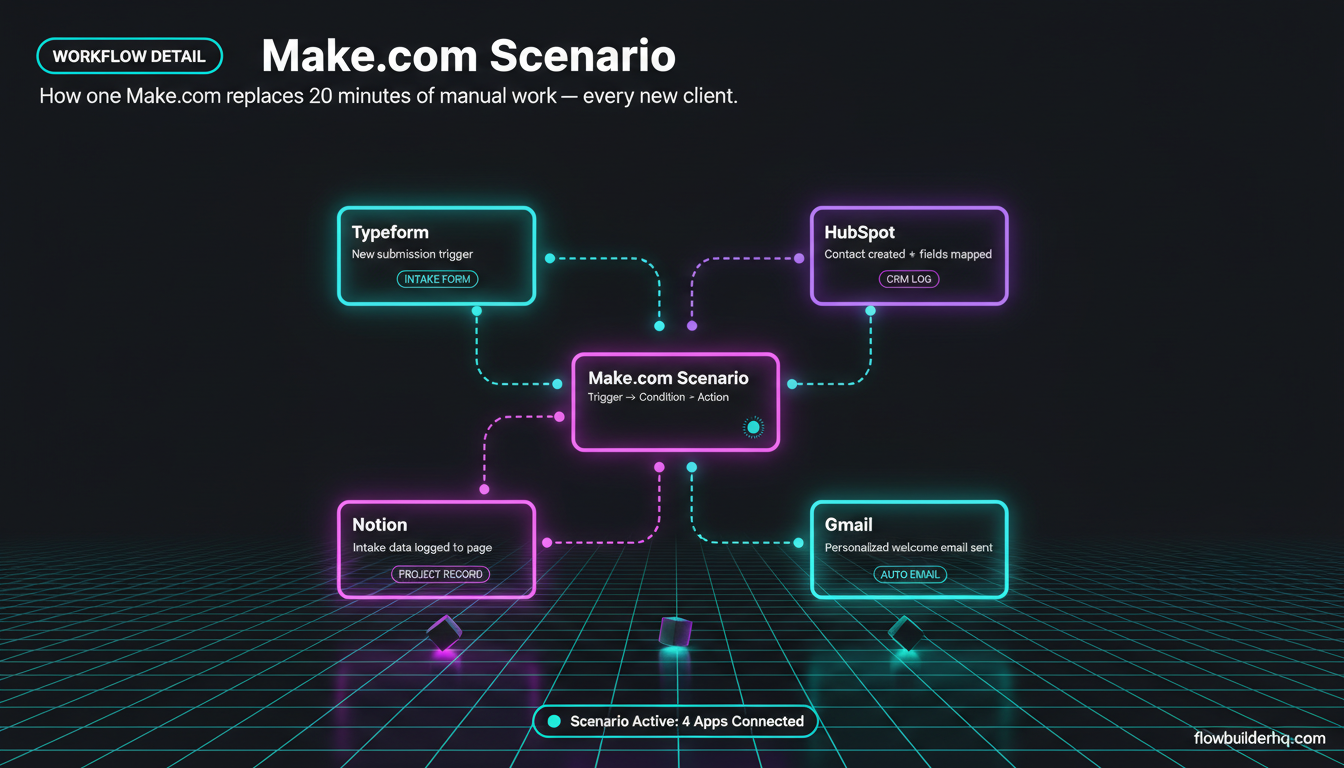
Every time a new client fills out a discovery form or intake questionnaire, you’re probably doing this manually: reading the form response, copying it into your CRM or Notion, creating a contact record, then writing and sending a welcome or confirmation email. That’s 15-20 minutes per client, every single time.
The automated version: Typeform (or any form tool) submission triggers a Make.com scenario. The scenario creates a contact in HubSpot or your CRM, logs the intake data to a Notion page or Google Sheet, and sends a personalized welcome email pulling fields from the form. Zero manual steps.
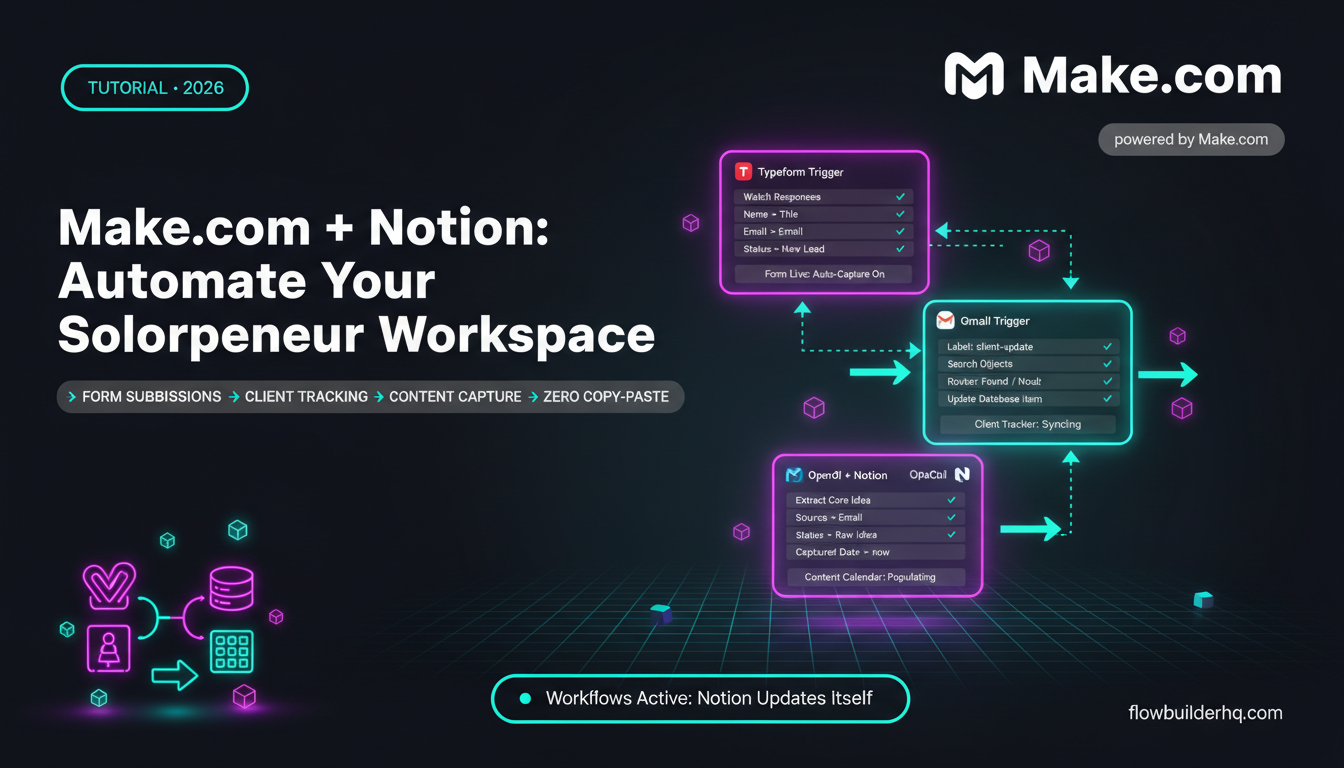
The full build for this is covered in detail in this Typeform + Make.com intake workflow tutorial. If you’re also managing contacts in Notion, this guide on Make.com and Notion together shows how to structure that sync.
2. Automated Proposal Sending After a Discovery Call
Time saved: ~1-2 hours/week
You finish a discovery call. You have notes. The prospect is warm. And then you spend the next 45 minutes pulling a proposal template, filling in their details, exporting a PDF, and emailing it. Meanwhile, they’re already cooling off.
The automated version: you trigger a Make.com scenario from a simple form (even a Google Form or a Typeform you fill in yourself, immediately after the call). The scenario pulls the client details, fills in a proposal template via Google Docs, generates a PDF, and emails it — all within 5 minutes of you submitting that trigger form.
The full trigger-to-PDF-to-email workflow is built out here. It’s one of the highest-leverage automations in this list because it directly affects close rates, not just admin time.
3. Automated Client Onboarding Sequence
Time saved: ~2-3 hours per new client
Client onboarding is the same 6-8 steps every single time: send the welcome kit, create their project folder, add them to your project management tool, schedule the kickoff call, send a checklist of what they need to provide. Coaches and consultants do this multiple times a month, manually, every time.
The automated version: a new deal marked “Won” in your CRM (or a payment received via Stripe) triggers a Make.com scenario. It creates the client folder in Google Drive, adds a row to your client tracker in Google Sheets, creates a task in your project tool, and sends a sequenced welcome email with their onboarding checklist.
This is covered step by step in this Make.com client onboarding workflow. If you’re using n8n instead, this n8n onboarding build walks through the same logic on a different platform.
For coaches specifically, this guide on Make.com for coaches and consultants shows how to adapt onboarding automations to a coaching-specific workflow.
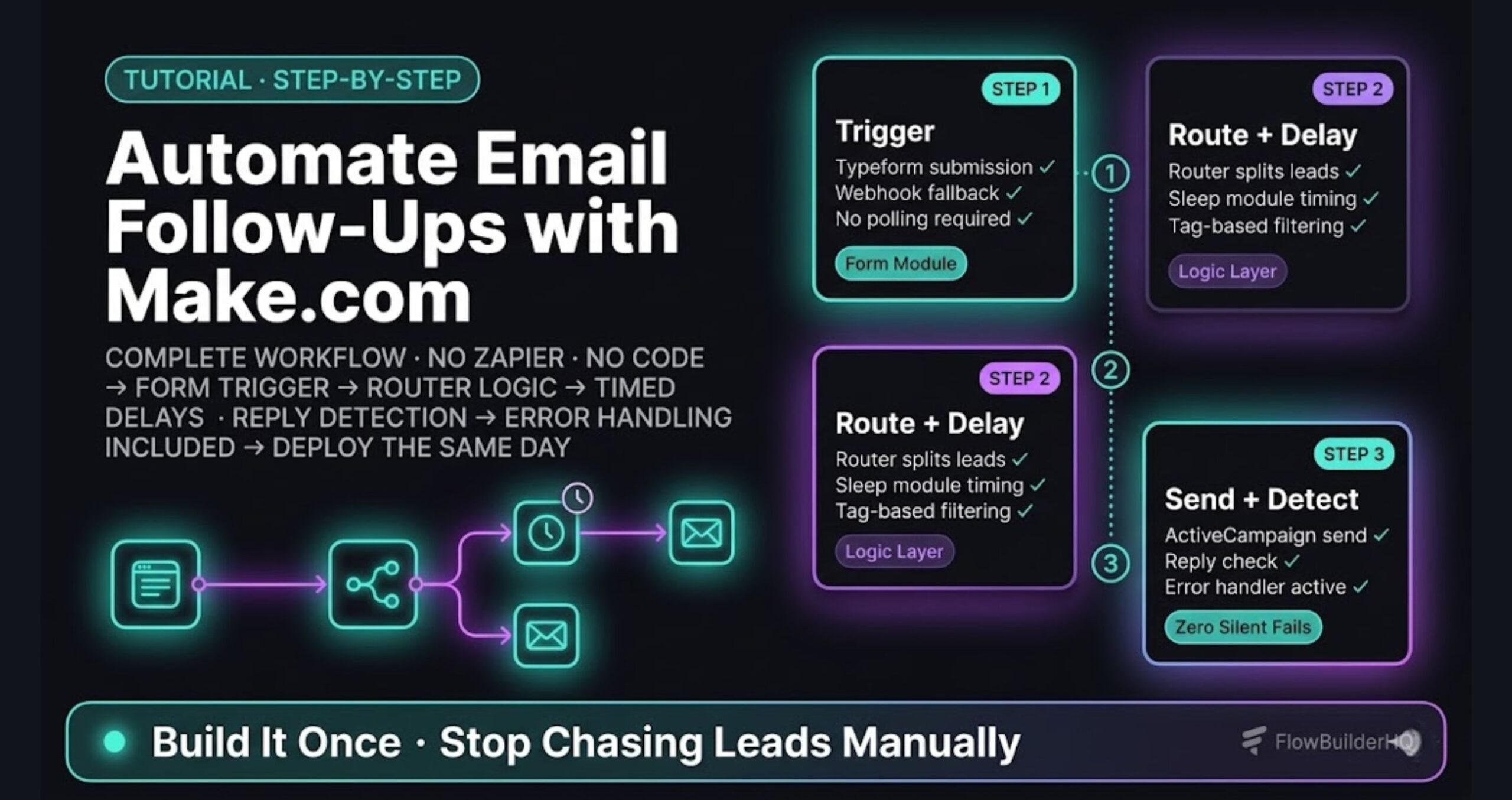
4. Automated Follow-Up Emails (Without a Marketing Platform)
Time saved: ~1-2 hours/week
Most service operators have a follow-up problem. Either they’re manually writing follow-up emails one at a time, or they’re not following up at all because it feels like too much work. Both options leave money on the table.
You don’t need ActiveCampaign or a full email marketing platform to handle this. A Make.com scenario can watch a Google Sheet or Airtable base, identify rows where a follow-up is due (based on a date field), and send a personalized email via Gmail or SMTP — on schedule, without you touching it.
For prospects who’ve gone quiet, for clients whose contracts are expiring, for anyone you’ve flagged as “needs a nudge” — this handles it automatically. The full build is detailed in this email follow-up automation guide.
5. Weekly Client Report, Built and Sent Automatically
Time saved: ~1-2 hours/week per active client
If you’re an agency or a consultant delivering ongoing work, you’re probably building client reports manually at the end of every week. Copy numbers from a spreadsheet. Paste into a template. Write a few lines of commentary. Export. Email. Repeat for every client.
The automated version: a Make.com scenario runs on a weekly schedule. It pulls data from Google Sheets, Airtable, or a connected platform (ad accounts, analytics tools, project trackers), fills in a Google Docs template, and emails the report as a PDF to the client. You write the template once. The data populates automatically.
At scale — say, 5 active retainer clients — this workflow alone can recover 5-10 hours per week. Here’s the full step-by-step build for client reporting automation. For the Google Sheets data layer that feeds it, this Make.com Google Sheets integration tutorial covers the setup.
6. Invoice Generation and Chase Sequence
Time saved: ~1 hour/week
Late invoices and manual invoice creation are a standard pain point for solo service operators. Make.com connects to both Stripe and PayPal, and can automate the full invoicing cycle: trigger invoice generation when a project milestone is hit, send the invoice, and follow up automatically if payment hasn’t come through after a set number of days.
You set the timing logic once. The scenario handles reminders at day 3, day 7, and day 14 without you writing a single follow-up email. This invoicing automation guide covers the Stripe and PayPal connections in detail.
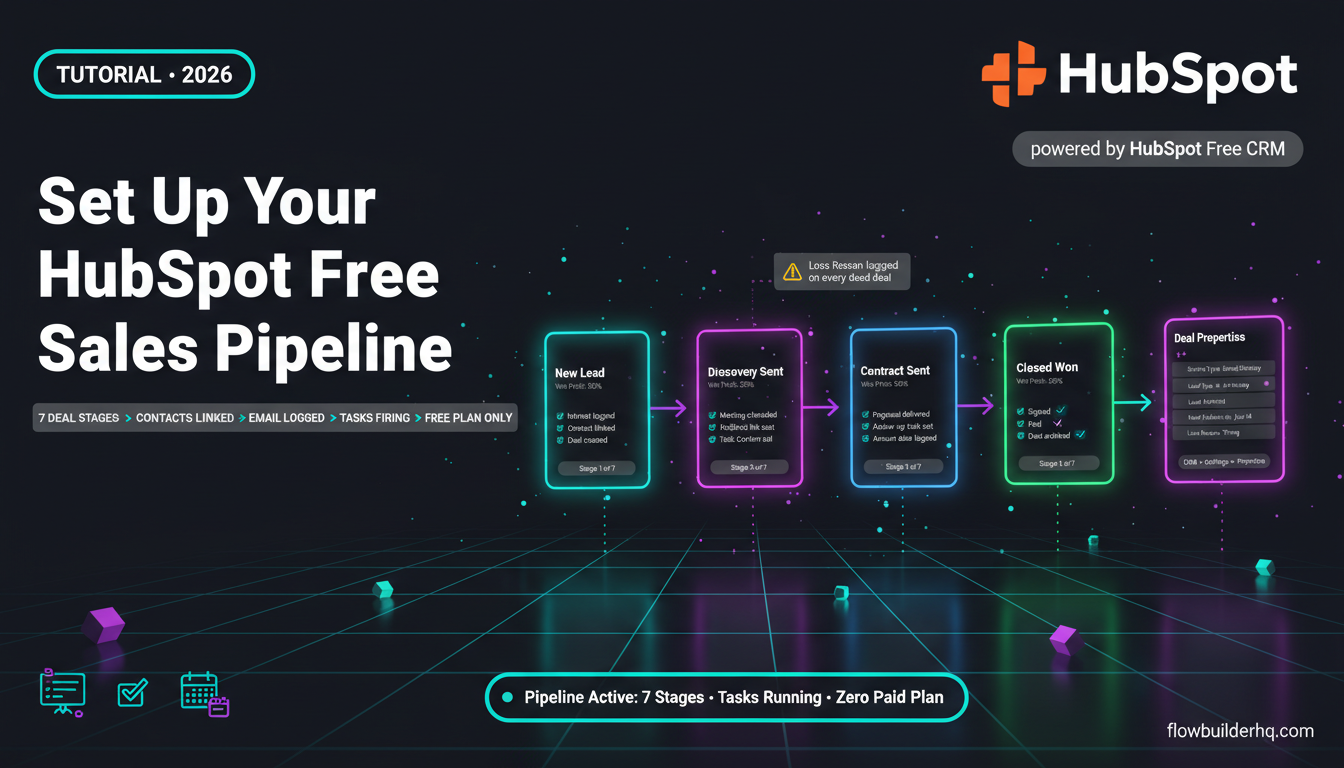
Pair this with a CRM that tracks deal stage, and your invoicing becomes a downstream output of your sales process rather than a manual task you have to remember. If you’re still deciding on a CRM, this CRM comparison for solopreneurs breaks down the options honestly.
7. Publish-Once, Post-Everywhere Content Distribution
Time saved: ~1 hour/week
Content is how most service businesses stay visible between client projects. But manually copying a post from your notes to LinkedIn, then to Twitter, then scheduling it in a separate tool — that’s a friction loop that most people eventually abandon, which means their content output drops.
The automated version: you write in one place (Notion, Airtable, or a Google Sheet used as a content calendar). A Make.com scenario picks up new rows flagged as “Ready to Post,” formats the content for each platform, and either posts directly or schedules via your connected social tool.
This social media posting automation walkthrough shows how to set it up without any additional scheduling subscriptions. For the Notion-based content calendar version, the Make.com + Notion integration setup is a good companion read.
Choosing the Right Platform for Your Service Business
If you’re new to automation platforms, the choice between Make.com, Albato, Zapier, and n8n can feel like its own rabbit hole. Here’s a short cut:
- Make.com is the right default for most service operators. Visual, capable, generous free tier, and the app library covers almost everything you’ll need. Start here unless you have a specific reason not to.
- Albato is worth considering if your stack is heavily email-marketing-focused (ActiveCampaign, MailerLite, HubSpot) and you want a simpler interface. The Albato Pro plan at $25/mo covers most solo operator needs.
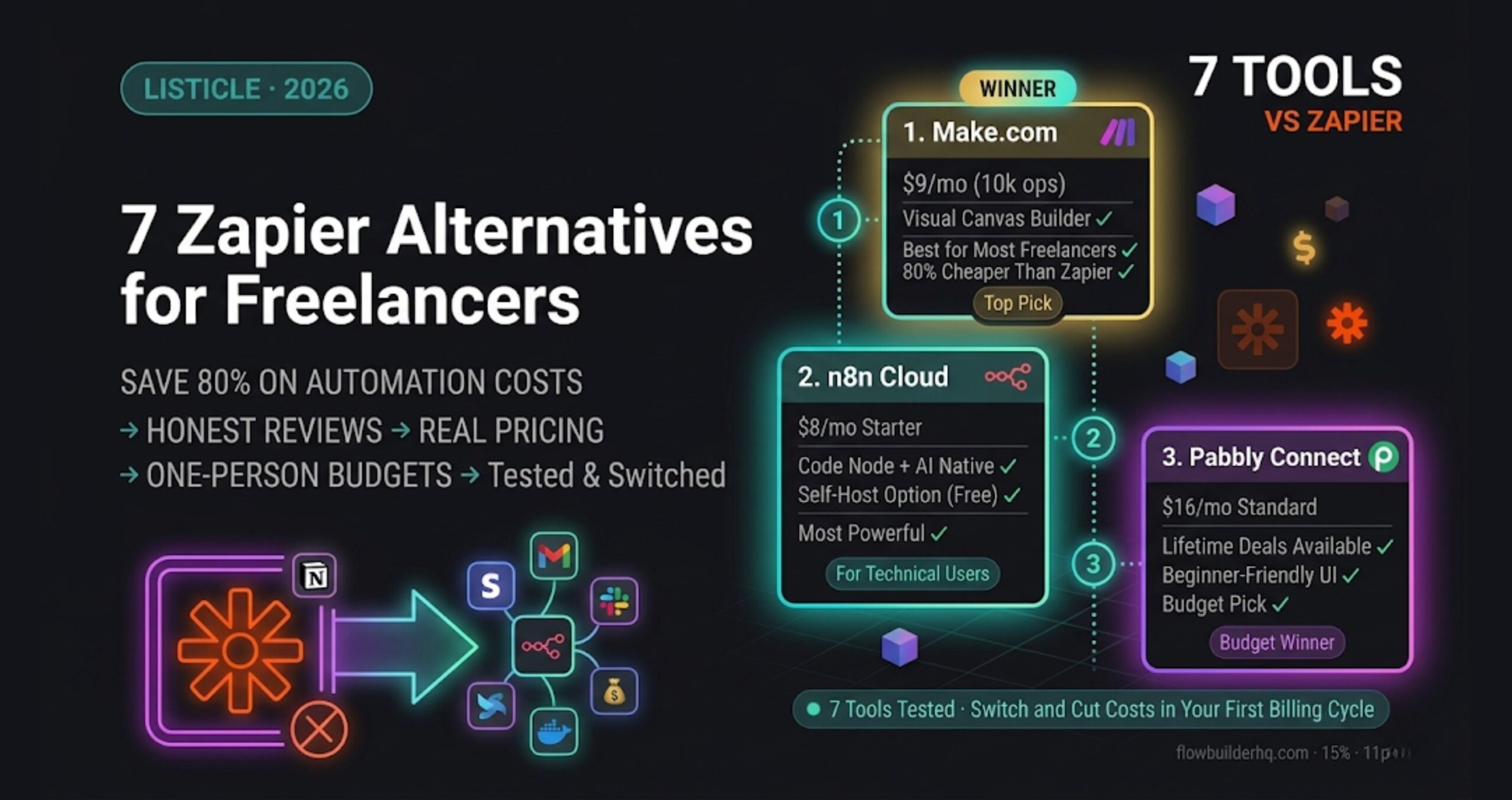
- n8n is the option if you want maximum control and are comfortable self-hosting. It’s free to self-host, $8/mo for Cloud Starter, and the capability ceiling is higher than Make.com — but the learning curve is real. See n8n’s official site for current cloud options.
- Zapier costs more for the same outcome ($19.99/mo for Starter vs Make.com’s $9/mo Core). The task-based pricing model also gets expensive fast. It’s the tool most people start with and eventually migrate away from.
For a deeper comparison, this ranked list of no-code automation tools for solopreneurs covers the full field.
How to Actually Start (Without Automating Everything at Once)
The mistake most people make: they read a post like this, get excited, and try to build all seven workflows in a weekend. Then one of them breaks, they get frustrated, and they go back to doing everything manually.
Pick one workflow. The one that hurts most right now. If follow-ups are your biggest gap, start with workflow 4. If onboarding is chaotic, start with workflow 3. Build it, test it for two weeks, then layer in the next one.
Make.com’s visual scenario builder makes this approachable even if you’ve never touched automation software before. This beginner’s guide to building a Make.com scenario from scratch is the right starting point if you want a hand-held first build. If you’d rather start from a pre-built template, these Make.com scenario templates for small businesses give you seven ready-to-import starting points.
The Make.com free plan is enough to build and test all seven of these workflows before you spend a dollar. Start there. Upgrade when you’ve outgrown 1,000 operations per month — which usually means your automations are actually running.
For reference on what Make.com’s plans cost as your usage grows, the Make.com pricing breakdown shows exactly what you pay at different operation volumes.
The Real ROI of No-Code Automation for Service Businesses
None of these seven workflows require a developer. None of them require you to write a single line of code. The Make.com platform connects your existing tools visually and runs the logic on a schedule or trigger.
But the honest ROI isn’t just time. It’s consistency. Clients get the same quality experience whether you’re at peak capacity or stretched thin. Proposals go out fast. Reports arrive on time. Follow-ups happen without you having to remember them. That’s not just 10 hours back — it’s a more reliable business that doesn’t depend on you remembering to do the admin.
Pick the workflow that fits your biggest current bottleneck. Build it this week. The 10 hours don’t come back all at once — they come back one automated task at a time.