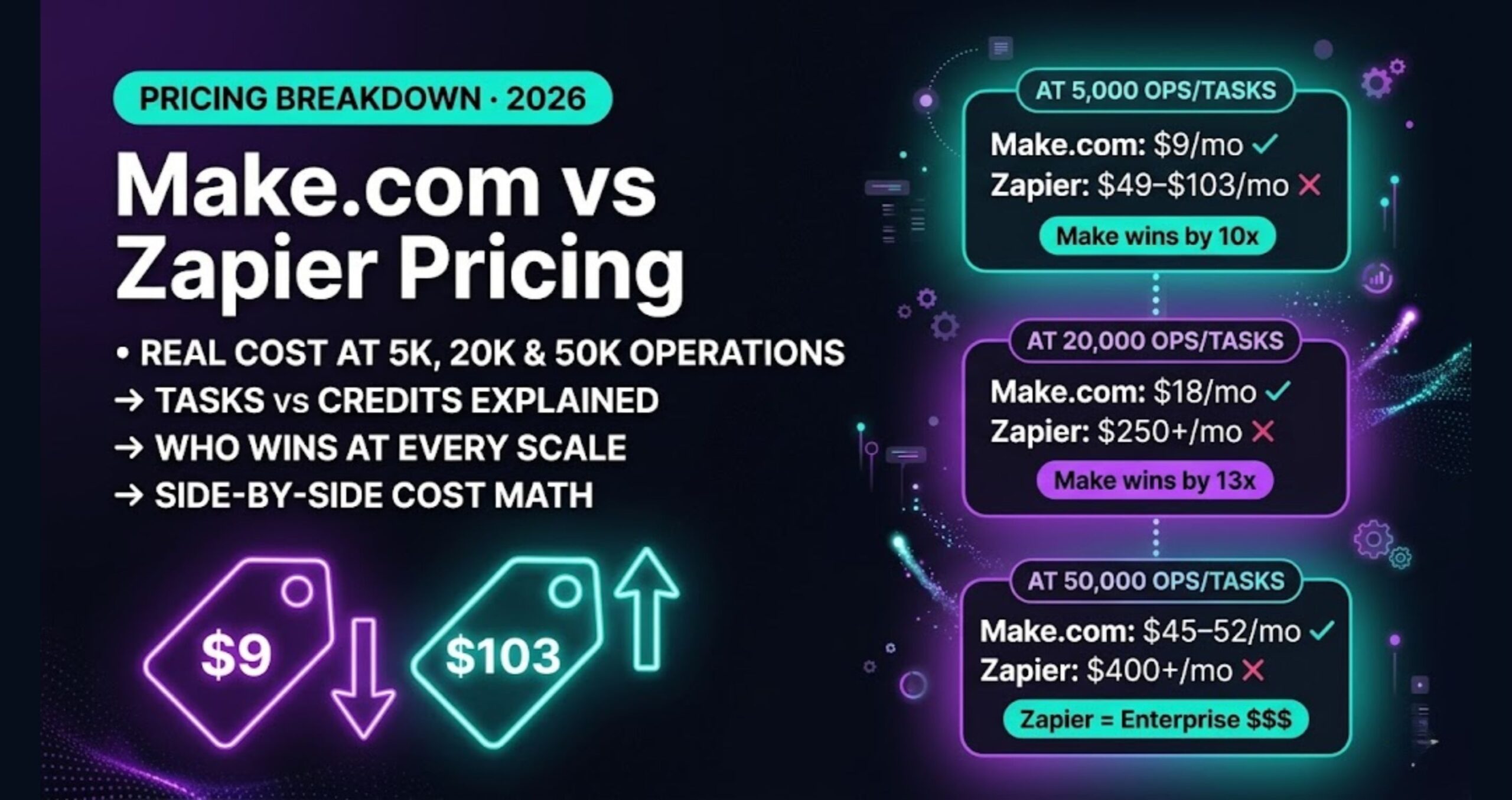
7 Zapier Alternatives for Freelancers That Cost Less and Do More (2026)
Your Zapier bill climbed from the Professional tier to Team pricing as your task volume grew. Now you’re looking at the pricing page wondering how automating a few client workflows got this expensive. I’ve been there — and I switched. What I found on the other side was faster builds, more capability, and a fraction of the cost.
This isn’t a generic “tools that also do automation” list. Every tool here was evaluated specifically against what freelancers actually run: client onboarding, invoice triggers, lead capture, CRM updates, and content workflows. The focus keyword is Zapier alternatives for freelancers — and the goal is to help you pick one and move, not just browse.
What Made Me Leave Zapier
Zapier’s task-based pricing model is the real problem. Each “task” is one action in one Zap. A five-step workflow that fires 200 times a month burns 1,000 tasks. Zapier’s Professional plan starts at $19.99/month for 750 tasks — and once you actually automate anything meaningful, you blow past that fast. Scaling up to higher Zapier tiers gets expensive quickly.
The other issue: multi-step logic. Zapier can do it, but conditional branches, loops, and data transformation feel bolted on. When I tried to build a client onboarding flow with conditional routing based on service type, I hit a wall that required workarounds and extra Zaps — which cost more tasks.
That’s when I started testing alternatives seriously.
The 7 Best Zapier Alternatives for Freelancers in 2026
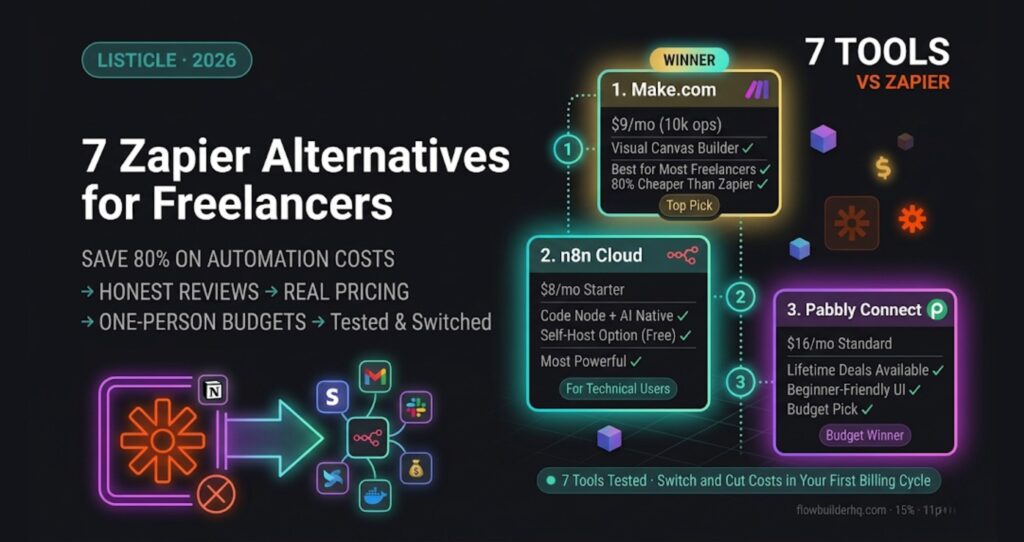
1. Make.com — Best Overall for Freelancers
Pricing: Free tier (1,000 ops/month), Core at $9/month (10,000 ops), Pro at $16/month (10,000 ops with advanced features). Try Make.com free.
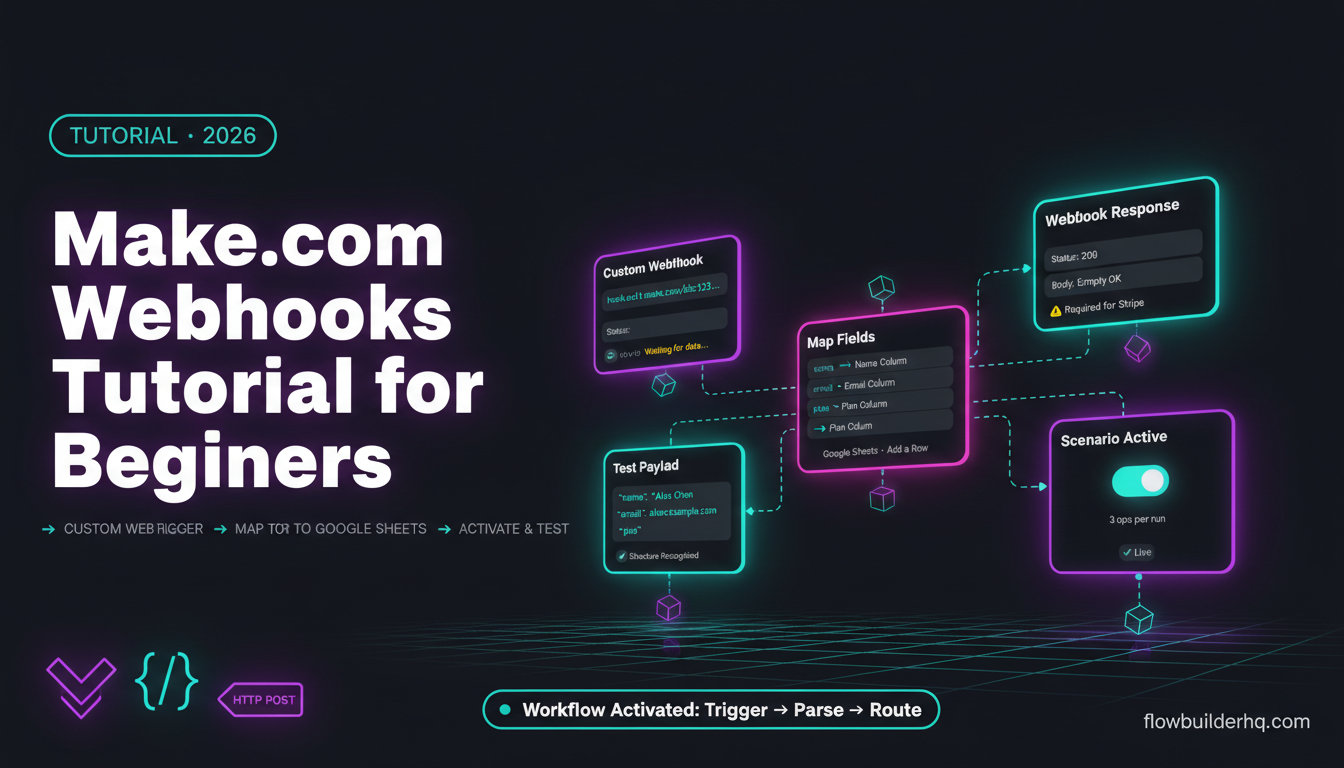
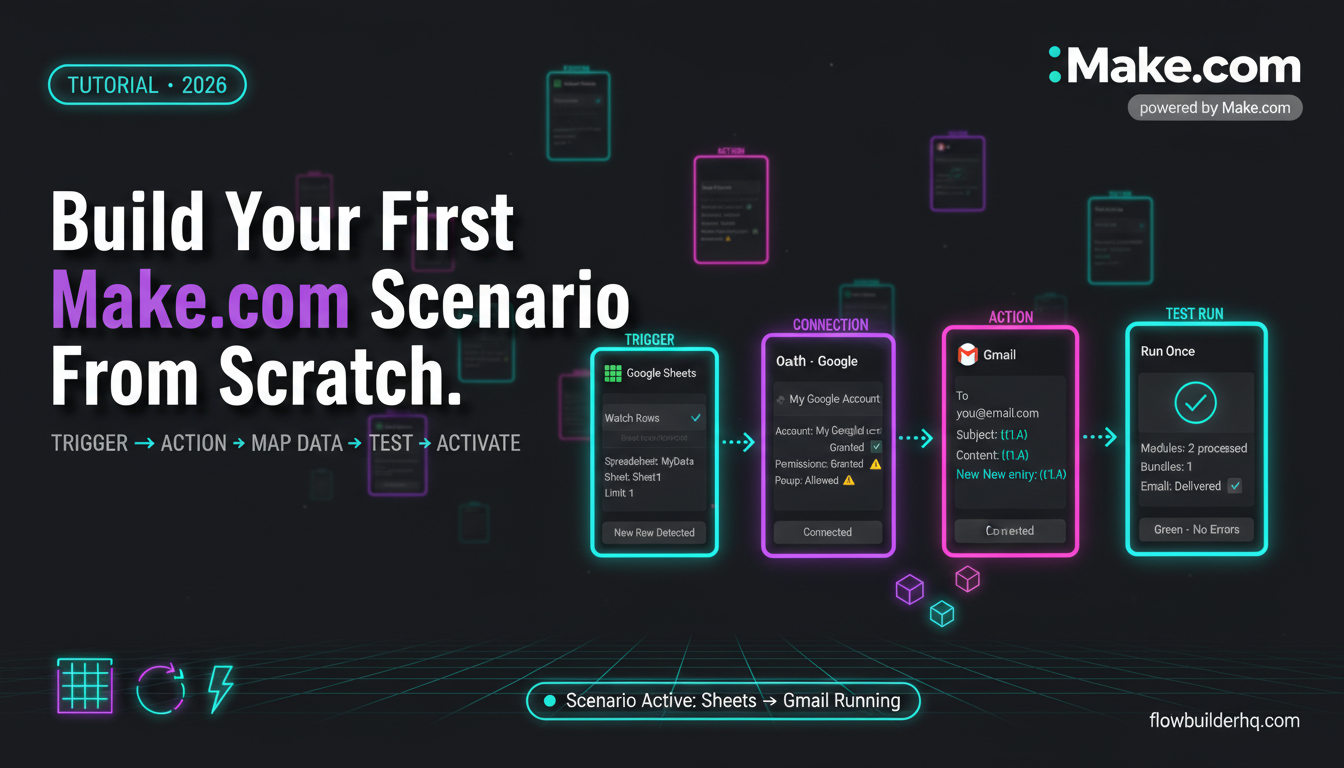
Make.com (formerly Integromat) is what I switched to first, and it’s where I stayed. The visual scenario builder shows your entire workflow as a connected diagram — not a linear list of steps. That matters when you’re building anything with branches or loops.
The operation-based pricing model is a significant advantage over Zapier’s task model. One operation = one module execution. A five-step workflow that runs 200 times is 1,000 operations — but you get 10,000 per month on the $9 Core plan. That’s the same workload for $9 vs. $49. After switching, the math worked out clearly: same automation volume that pushed me past Zapier’s lower tiers ran comfortably on Make.com’s $9 Core plan.
What it does well for freelancers: Complex multi-step workflows with conditional routing, data transformers built in, HTTP/webhook modules for connecting anything, and an excellent free tier for getting started. The scenario debugger shows exactly which module failed and why — huge time saver.
Honest con: The learning curve is steeper than Zapier. The visual interface looks approachable but building anything beyond basic triggers takes real time to learn. Expect to invest several hours learning the visual interface before you feel comfortable building.
Read the full breakdown in the Make.com Review 2026 and see specifically how it applies to freelance work in Make.com for Freelancers.
2. n8n Cloud — Best for Freelancers Who Want More Control
Pricing: Starter at $8/month (around 2,500 workflow executions), Pro at $50/month (10,000 executions). Self-hosted is free. Start with n8n.
n8n sits in a different category from every other tool on this list. It’s open-source, which means you can self-host it for free if you’re comfortable with a basic VPS setup. The Cloud version removes that friction for a monthly fee.
What makes n8n genuinely different is the code node. Every workflow can include a JavaScript or Python node that runs arbitrary logic. For freelancers doing content work or client reporting, this unlocks things no other tool can match: custom data manipulation, API calls with complex authentication, dynamic prompt generation for AI models.
What it does well for freelancers: AI-native workflows (Claude, GPT, Gemini integrations are first-class), code flexibility when visual tools hit a wall, and a self-hosted option that eliminates recurring cost entirely. The workflow count pricing is also easier to predict than task-based models.
Honest con: The interface is not beginner-friendly. Zapier users will feel lost. Budget time for onboarding. The self-hosted path is genuinely powerful but requires you to manage a server — which is not everyone’s idea of a good afternoon.
Compare n8n and Make.com directly in n8n vs Make.com for Small Business to see which fits your workflow style.
3. Pabbly Connect — Best Budget Pick
Pricing: Free tier (100 tasks/month), Standard at $16/month, Pro at $33/month, Ultimate at $67/month for 10,000 tasks. Lifetime deals occasionally surface starting at $249 one-time.
Pabbly Connect’s pitch is simple: one flat price, unlimited workflows, no task multipliers. The interface looks like an older version of Zapier — linear, familiar, and easy to pick up. For freelancers who just want to connect a form to a CRM to an email sequence without complexity, Pabbly works well.
The app library is smaller than Zapier’s but covers most standard freelance tools: Stripe, Typeform, Gmail, Slack, Notion, Airtable, and most popular CRMs.
Honest con: Execution speed is slower than Make or Zapier — some workflows have noticeable lag. Support is inconsistent. And the lifetime deal, while tempting, has uncertain long-term sustainability for a business-critical tool.
4. ActiveCampaign Automations — Best If You’re Already Email-First
Pricing: Starts at $15/month (up to 1,000 contacts). Automations included in all plans. See ActiveCampaign plans.
ActiveCampaign isn’t a general-purpose automation tool — it’s a CRM and email platform with a powerful visual automation builder baked in. If your freelance business is built around a client email list, lead nurturing, or service packages sold through email sequences, ActiveCampaign handles the automation layer without needing a separate tool.
You can trigger automations from form fills, link clicks, tags, deal stage changes, or custom events. Conditional logic, wait steps, and goal tracking are all included. For a freelancer who runs discovery calls from a lead magnet funnel, this replaces both Zapier and a standalone CRM.
Honest con: It does not replace a general automation tool. You can’t use it to trigger invoice creation, update a project management board, or push data to arbitrary apps. It’s email and CRM automation — not workflow automation. If you need both, you’ll end up pairing it with something else.
5. Albato — Best Zapier Drop-In Replacement
Pricing: Free tier (100 operations/month), paid plans start at $13/month.
Albato is the closest functional clone of Zapier on this list. The interface is near-identical — trigger, action, optional filter — and migration from Zapier is relatively painless. If you have a team member or virtual assistant who learned Zapier and you don’t want to retrain anyone, Albato is where you go.
It’s particularly strong in CRM and marketing app coverage: HubSpot, Pipedrive, Salesforce, Mailchimp, and most major email tools are all first-class integrations.
Honest con: The operational ceiling for complex workflows is lower than Make.com. Multi-step logic, loops, and data transformation are more limited. If you grow past basic trigger-action flows, you’ll outgrow it.
6. Relay.app — Best for Workflows That Need a Human in the Loop
Pricing: Free tier available, paid plans from $9/month.
Relay.app is solving a specific problem: automation that isn’t fully hands-off. Most freelancers have workflows where a step needs human review before proceeding — approving a proposal draft, reviewing a client-facing email before it sends, confirming a quote before Stripe charges a card.
Relay bakes this in natively. You can insert approval steps, manual review gates, or collaborative tasks into any workflow. The AI assistance layer also helps draft content or classify inputs mid-workflow, which makes it useful for client communication workflows.
Honest con: The app integration library is still growing. If your stack includes obscure or niche tools, check coverage before committing. It’s newer than everything else on this list, so long-term reliability is still being established.
7. Zapier — Still Worth It in One Specific Situation
Pricing: Free (100 tasks), Professional from $19.99/month (750 tasks), Team from $69-$103/month.
Yes, Zapier is on the list of Zapier alternatives. Because for one type of freelancer it remains the right call: someone who needs a very specific niche integration that only Zapier supports, or someone billing the cost to a single high-value client where the $49 is irrelevant.
Zapier has the largest app library of any tool here — 7,000+ integrations. If you need to connect a vertical SaaS tool (a niche legal platform, a specialized booking system, an industry-specific CRM) that no other automation tool supports, Zapier might be your only option.
Honest con: Task-based pricing punishes growth. The moment your automation actually works and fires regularly, your bill climbs. For most freelancers running workflows at real volume, you will hit the cost ceiling and be back reading this article.
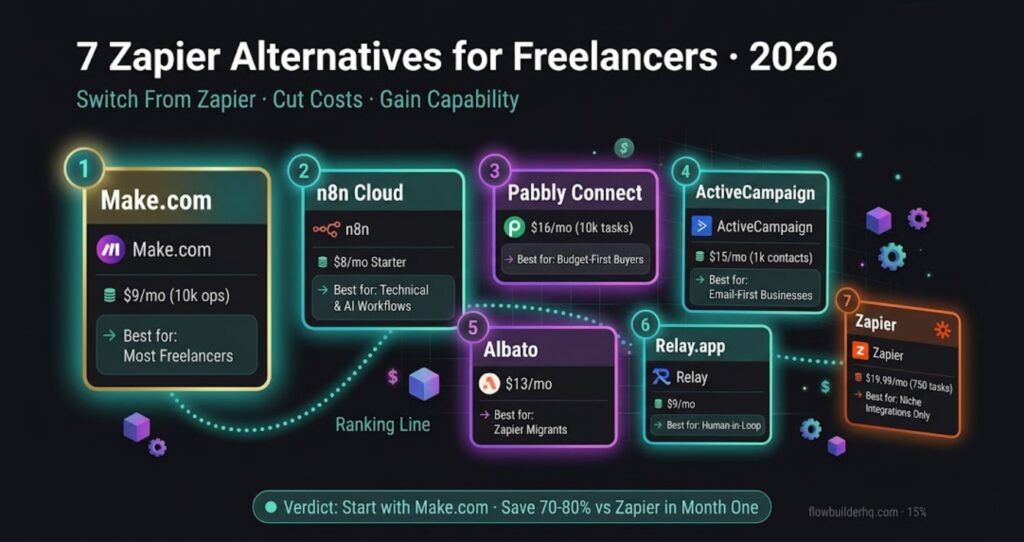
Head-to-Head: Pricing Comparison
| Tool | Entry Paid Plan | Operations/Tasks | Best For |
|---|---|---|---|
| Make.com | $9/month | 10,000 ops | Most freelancers |
| n8n Cloud | $8/month | 2,500 executions | Technical freelancers, AI workflows |
| Pabbly Connect | $16/month | 10,000 tasks | Budget-first buyers |
| ActiveCampaign | $15/month | Unlimited automations | Email-first businesses |
| Albato | $13/month | Varies by plan | Zapier migrants |
| Relay.app | $9/month | Varies by plan | Human-in-loop workflows |
| Zapier | $19.99/month | 750 tasks | Niche integration requirements |
Which Zapier Alternative for Freelancers Should You Pick?
If you’re a freelancer and you want one answer: start with Make.com. The free tier is functional, the $9/month plan covers real workloads, and the visual builder is worth learning. I switched from Zapier, rebuilt my client workflows in Make.com, and saw automation costs drop substantially while actually gaining capability.
If you do any AI-assisted workflows — content generation, client communication drafts, data classification — look seriously at n8n. The code node and native AI integrations make it the most technically capable tool on this list. The tradeoff is setup time.
If you’re purely email and CRM, ActiveCampaign consolidates tools and may be cheaper overall than paying for both email marketing and automation separately.
Everyone else on this list serves a niche. Match the tool to the problem, not the other way around.
Before You Switch: What to Migrate First
Don’t try to migrate everything at once. Pick your one highest-volume workflow — the one eating the most Zapier tasks — and rebuild it in your new tool first. That’s where the cost savings hit immediately and where you’ll learn the new platform fastest under real conditions.
For most freelancers, that’s client onboarding or lead intake. Both are well-documented in Make.com and n8n. The Best Automation Tools for Solopreneurs in 2026 post covers the full stack picture if you want to audit everything at once.
The bottom line: Zapier built the automation category and charged accordingly. In 2026, you have better options at every price point. Pick one, migrate your most expensive workflow, and see the difference in the first billing cycle.
Building this yourself? Get the workflow pack.
5 ready-to-import n8n workflows — lead capture, invoicing, content repurposing, onboarding, social posting. Free.