Make.com vs Pabbly Connect: Which Is Better for Solopreneurs?
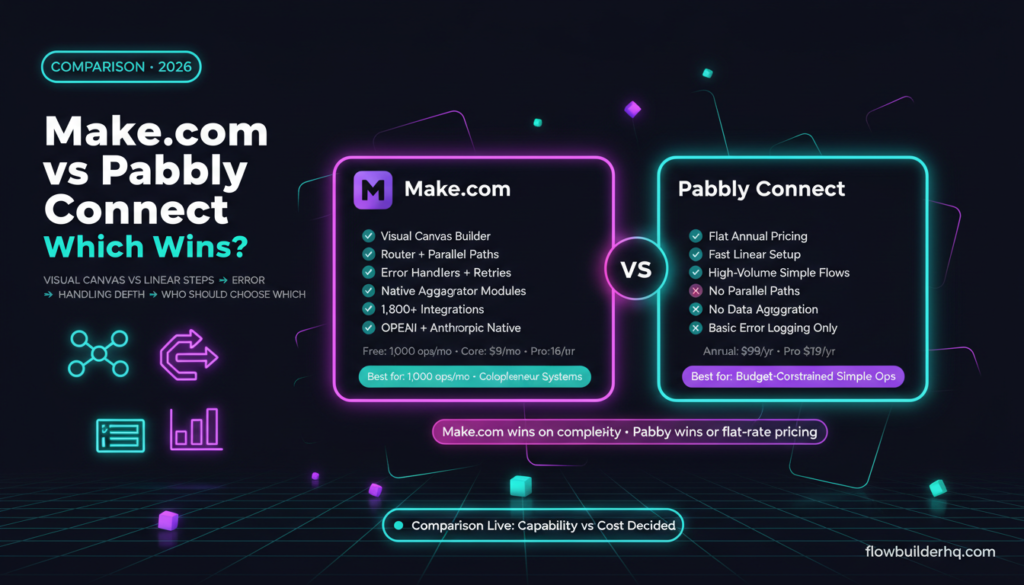
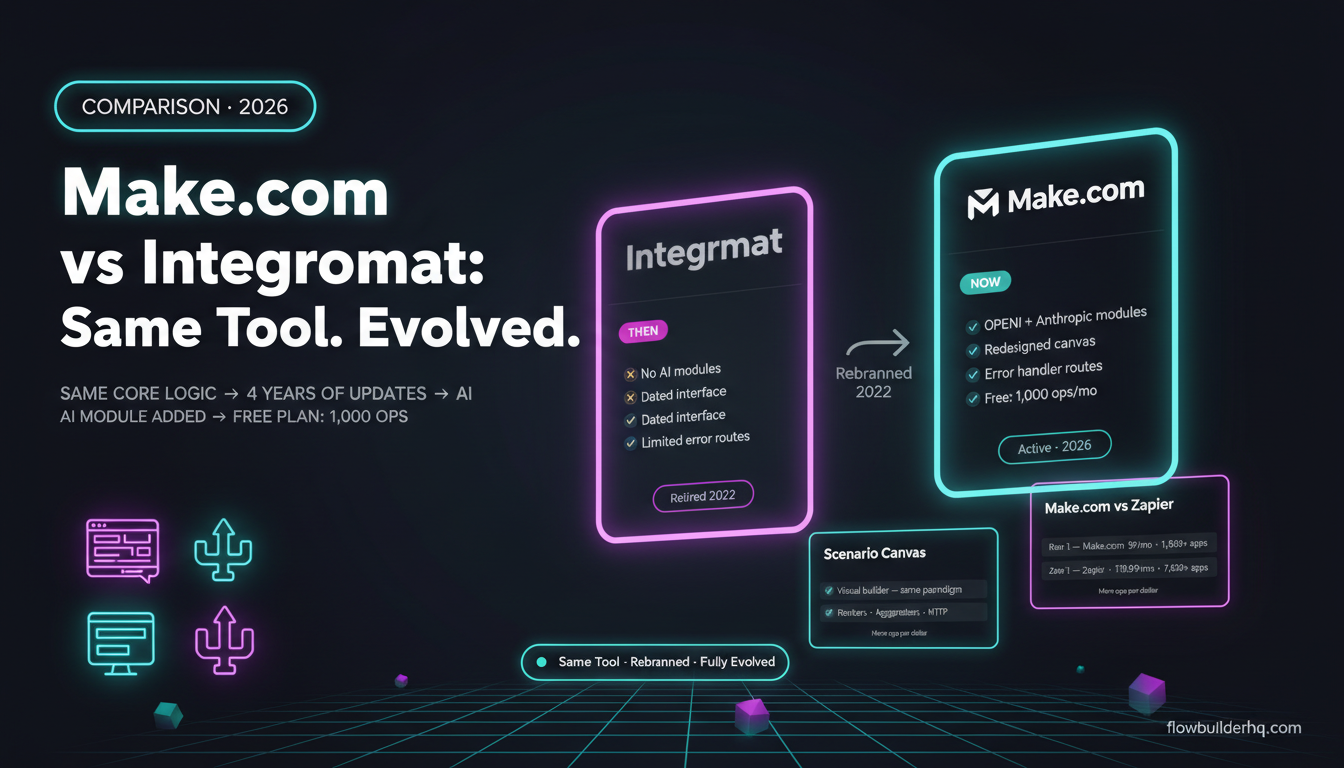
Make.com vs Pabbly Connect is one of the most searched automation comparisons right now — and for good reason. Pabbly has built a real reputation as the budget-friendly Zapier alternative, especially after years of aggressive lifetime deal pricing. Make.com, meanwhile, has quietly become the go-to visual automation platform for solopreneurs who need actual workflow complexity, not just “when X happens, do Y.”
This comparison breaks down both tools honestly — pricing, workflow capability, reliability, and who should actually choose which. If you’re trying to cut your automation bill or figure out which platform to commit to, this is the breakdown you need.
The Core Difference: What Each Tool Is Actually Built For
Make.com is a visual scenario builder. Every workflow lives on a canvas where you can see every module, every data path, every branch. You can route data conditionally, run parallel paths, aggregate results across multiple records, and set up error handlers that actually catch failures before they silently corrupt your data.
Pabbly Connect is a linear automation tool — trigger, then a chain of actions. The interface is simpler, the setup is faster for basic workflows, and the pricing model (annual flat rate, no per-operation metering) is its biggest differentiator. For a certain type of solopreneur, that simplicity is exactly what they need.
The problem is that “simple” has a ceiling. And when you hit it, you hit it hard.
Make.com vs Pabbly Connect: Feature Comparison
| Feature | Make.com | Pabbly Connect |
|---|---|---|
| Workflow builder style | Visual canvas (node-based) | Linear step-by-step |
| Conditional logic | Full router + filter modules | Basic if/else conditions |
| Error handling | Built-in error handlers, retries, rollbacks | Limited — mostly manual retries |
| Data aggregation | Native aggregator modules | Not available |
| Parallel execution paths | Yes | No |
| Native app integrations | 1,800+ | 1,000+ |
| Webhook support | Yes, with instant triggers | Yes |
| Custom HTTP requests | Yes | Yes |
| AI/LLM integration | OpenAI, Anthropic, and more | OpenAI module available |
| Pricing model | Monthly operations-based | Annual flat rate / lifetime |
| Free tier | 1,000 ops/month | Limited free trial only |
Pricing Math: Where Pabbly Looks Better (And Where It Doesn’t)
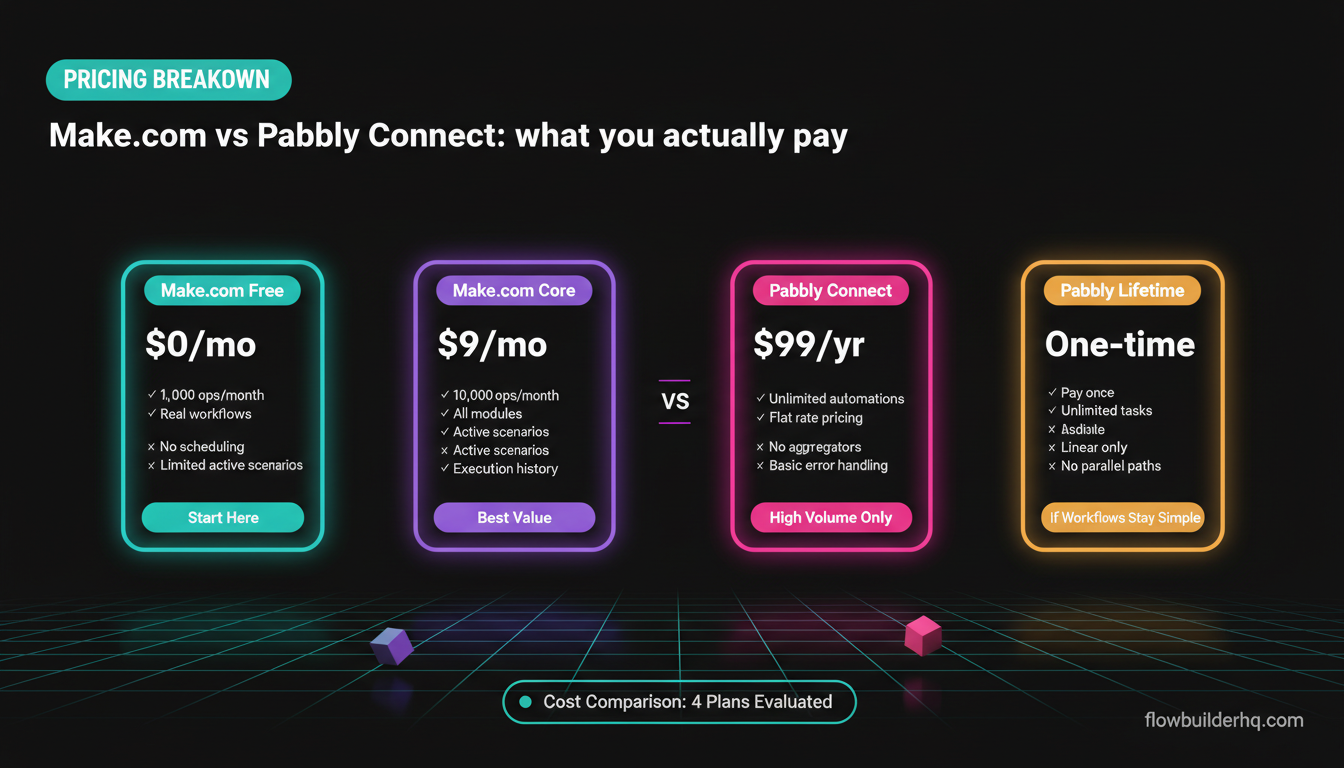
This is where Pabbly makes its case loudest. Make.com charges per operation — every action in a scenario counts. Pabbly charges a flat annual fee regardless of how many automations you run. On paper, that’s a compelling argument if you’re running high-volume, simple automations.
Make.com 2026 pricing:
- Free: 1,000 ops/month
- Core: $9/mo
- Pro: $16/mo
- Teams: $29/mo
Pabbly Connect 2026 pricing:
- Annual plan: $99/year (Pro is $179/year)
- Lifetime deal promos are common — check current pricing before assuming
At first glance, $99/year vs $108/year (Make.com Core) looks like a wash. But Pabbly’s annual plans unlock unlimited automations with no operation counting. If you’re running thousands of simple trigger-action workflows — say, syncing form submissions to a spreadsheet 500 times a day — Pabbly’s math gets attractive fast.
Where Make.com wins on cost: its free tier is genuinely useful at 1,000 ops/month for testing and light workflows. For solopreneurs just starting with automation, you can build and test real workflows without paying anything. Our full Make.com pricing breakdown covers the math at different operation volumes if you want to model your specific usage.
The honest counter-argument to Pabbly’s pricing: you’re paying for something that may genuinely limit what you can build. $99/year for a tool that can’t handle your workflow in six months isn’t a deal — it’s a detour.
Workflow Complexity: Where Make.com Pulls Away
This is the real story of this comparison. Make.com’s visual canvas isn’t just cosmetically nicer — it enables fundamentally different workflow architectures that Pabbly can’t replicate.
Router Modules and Branching
In Make.com, a Router splits one incoming data stream into multiple branches, each with its own conditions and actions. You can have five different paths for five different lead sources, all managed inside one scenario. In Pabbly, conditional logic is more basic — you get if/else filters, but you can’t fan out into true parallel paths with separate action chains per branch.
For a solopreneur managing client intake, for example, this matters enormously. A new form submission might need to go to HubSpot if it’s a consulting lead, to MailerLite if it’s a newsletter opt-in, or trigger a Slack alert if the lead value exceeds a threshold — all from one trigger. That’s a Make.com scenario. In Pabbly, you’d build three separate automations and manage them individually.
If you want to see what complex routing looks like in practice, check out our guide on automating Typeform responses with Make.com — it shows exactly this kind of multi-path intake workflow.
Error Handling
Make.com has a dedicated error handling layer. You can attach error handler routes to individual modules — so if a specific API call fails, the scenario catches it, logs the error, sends you a Slack message, and retries rather than silently failing or halting the entire workflow.
Pabbly’s error handling is much more basic. Failed steps are logged in the history, and you can retry manually, but there’s no programmatic “if this module fails, do this instead” branching. For simple automations, this is fine. For anything running business-critical data, it’s a real gap. Our Make.com error handling tutorial shows how to set this up properly — and why it matters when your scenarios break.
Data Aggregation
Make.com has native aggregator modules that collect results from iterating over multiple items and bundle them into a single output — critical for things like building a summary report from multiple records, batching API calls, or generating digest emails. Pabbly doesn’t have this. It’s not a minor missing feature; it’s a structural limitation that rules out entire categories of workflows.
App Integrations: 1,800 vs 1,000+
Make.com has more native integrations, but for most solopreneurs, this won’t be the deciding factor. Both tools cover the major apps — Google Workspace, Slack, HubSpot, Notion, Airtable, Stripe, Typeform, and most popular CRMs and marketing tools.
Where the gap shows up is with niche tools and newer platforms. If you’re connecting something less common — a specific CRM, a newer AI tool, a specialized industry app — Make.com is more likely to have a native module. If neither tool has a native integration, both support custom HTTP requests, so you can hit any API directly. Make.com’s HTTP module is more configurable, with better OAuth handling and the ability to use it inside complex multi-branch scenarios.
For solopreneurs building AI-augmented workflows specifically, Make.com’s integrations with Anthropic’s Claude and OpenAI make it a stronger platform. You can drop an AI module into any point in a complex scenario, pass it dynamic data from previous steps, and route the output conditionally. That’s a genuinely powerful pattern that Pabbly’s linear structure makes awkward to implement.
Reliability and Run History
Make.com logs every scenario run with full step-by-step data — what went in, what came out, where it failed, and what the exact error was. You can rerun individual failed executions from the history panel, which is invaluable when debugging.
Pabbly logs task history too, but the granularity is thinner. For simple workflows, this doesn’t matter much — if something fails, you’ll see it. For complex multi-step workflows with branching logic, Make.com’s execution logs are noticeably more useful for debugging.
If you’re running automation for client-facing work — onboarding, reporting, invoicing — the reliability of your tooling matters more than the cost of the tool. A $9/month scenario that catches errors and retries is worth more than a “free” automation that silently fails three times a week and corrupts a client record.
Where Pabbly Connect Actually Wins
Pabbly isn’t a bad tool. It’s a good tool for a specific use case, and it’s worth being honest about where it performs well.
- High-volume simple automations: If you’re syncing data between tools thousands of times a month with no branching logic, Pabbly’s flat pricing saves money over Make.com’s operation counting.
- Quick setup for linear workflows: The step-by-step interface is fast to configure for basic trigger-action flows. Less to learn upfront.
- One-time payment if you catch a lifetime deal: This is Pabbly’s trump card. If you can get a lifetime deal, you’re paying once for unlimited automations. That’s genuinely hard to argue against for the right user.
- Budget-constrained early-stage operators: If you’re not ready to commit to a monthly subscription and your workflows are simple, Pabbly is a reasonable starting point.
The honest summary: Pabbly is the right choice if cost is the primary constraint and your workflows are genuinely simple. It’s the wrong choice if you’re planning to build anything complex, run business-critical automations, or expect your workflow needs to grow significantly.
Make.com vs Pabbly Connect: Who Each Tool Is For
Choose Pabbly Connect if:
- Your automations are trigger-action simple — one trigger, a few sequential actions, no branching
- You’re running very high volumes of simple tasks (thousands/day) where per-operation pricing would add up fast
- You catch a lifetime deal and your workflow needs are stable
- You’re testing automation for the first time and want a low-cost entry point
Choose Make.com if:
- You need conditional routing — different actions based on data values
- You want error handling that actually catches failures rather than just logging them
- You’re building multi-step workflows with aggregation, iteration, or parallel paths
- You’re integrating AI (Claude, GPT, others) into workflows that need dynamic data handling
- You want a platform you won’t outgrow in 12 months
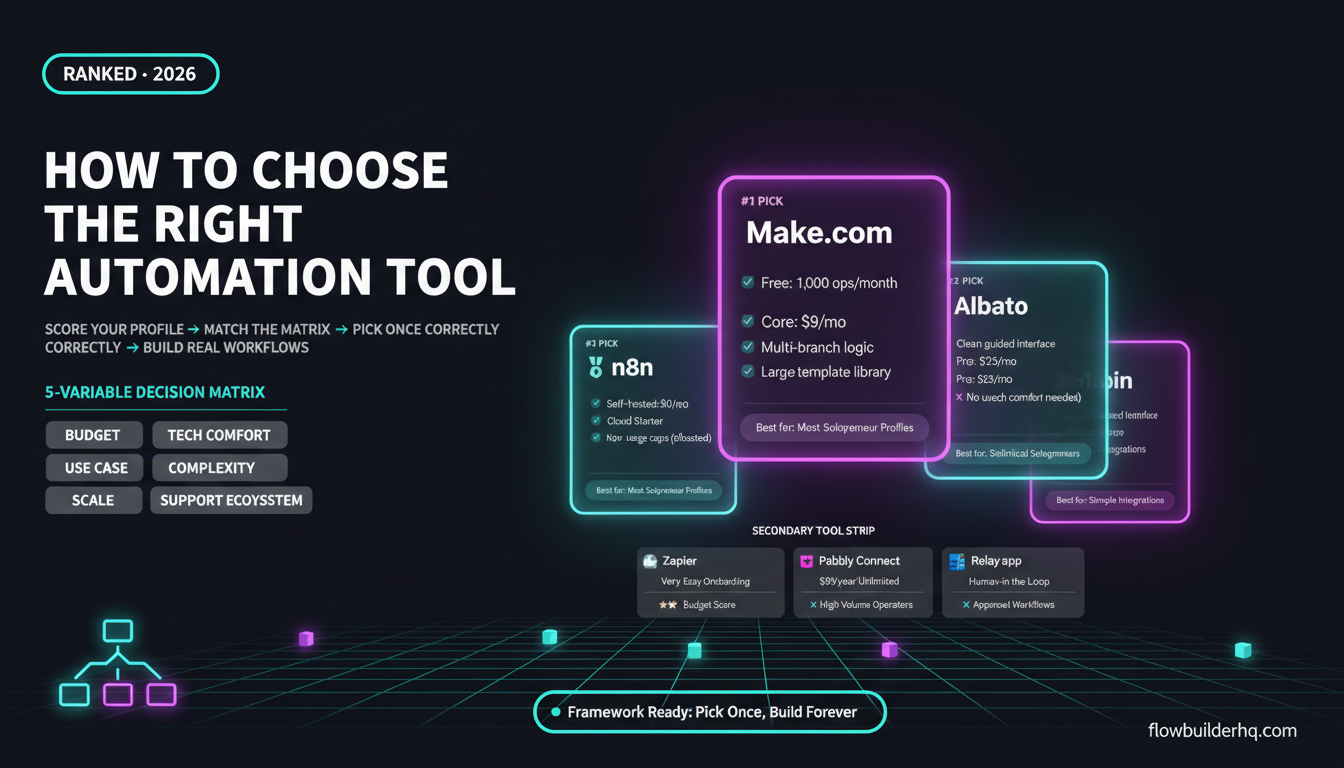
For solopreneurs who are serious about automation as a core business system — not just a few time-saving shortcuts — Make.com is the better long-term investment. Our Make.com 2026 review goes deeper on whether the platform is worth it overall. The operational model means you pay more as you scale, but you’re also building on a platform that can actually support what scale requires. You can start free, hit the Core plan at $9/month while you’re figuring out your workflows, and move to Pro at $16/month when complexity demands it.
If you’re building client-facing automation systems — onboarding, reporting, proposal workflows — you can’t afford tools that fail silently. See how Make.com handles that kind of work in our client onboarding automation walkthrough.
The Zapier Comparison Context
It’s worth putting both tools in context against Zapier, since most solopreneurs evaluating Pabbly are doing so as a Zapier replacement. Zapier charges per task: Free at 100 tasks/month, Starter at $19.99/month, Professional at $69/month. At scale, Zapier gets expensive fast.
Both Make.com and Pabbly beat Zapier on price. The real question is whether Pabbly’s lower price is worth the capability tradeoff vs Make.com. Our Make.com vs Zapier comparison covers the cost math in detail, and our broader Zapier alternatives breakdown shows where Pabbly sits relative to other contenders.
The pattern that emerges: Zapier is the most capable but overpriced. Make.com is the best balance of capability and price. Pabbly is the cheapest entry point with meaningful capability tradeoffs. If you’re coming from Zapier and want a capable replacement without the sticker shock, Make.com is the obvious move. For a detailed cost breakdown across operation volumes, see our Make.com pricing vs Zapier analysis.
For a broader look at how these tools compare across the automation landscape, the best no-code automation tools for 2026 ranking covers the full field.

The Verdict: Make.com Wins for Serious Solopreneurs
Pabbly Connect is a legitimate tool with a compelling pricing model. For high-volume simple automations or budget-constrained early-stage operators, it’s a reasonable choice.
But for solopreneurs building real business systems — multi-path workflows, error-resilient automations, AI-augmented processes — Make.com is the better platform. Its visual builder, error handling, routing capabilities, and integration depth are meaningfully ahead of what Pabbly offers. The per-operation pricing feels like a downside until you compare it to being stuck on a tool that can’t do what you need.
Start on Make.com’s free tier with 1,000 ops/month, build your first few scenarios, and move to Core at $9/month when you’re ready to run them continuously. If you find yourself needing more complexity — routers, error handlers, aggregators — it’s already there. You don’t need to migrate platforms when your business grows.
The best automation platform for solopreneurs is the one that can still serve you two years from now without requiring a rebuild. Make.com is that platform.
Ready to start building? Try Make.com free — no credit card required on the free plan. If you’re new to the platform, our guide on building your first Make.com scenario from scratch gets you running in under 30 minutes.
And if you’re still comparing platforms more broadly, our Make.com alternatives review covers every serious contender — including where Pabbly actually stacks up in the full field.
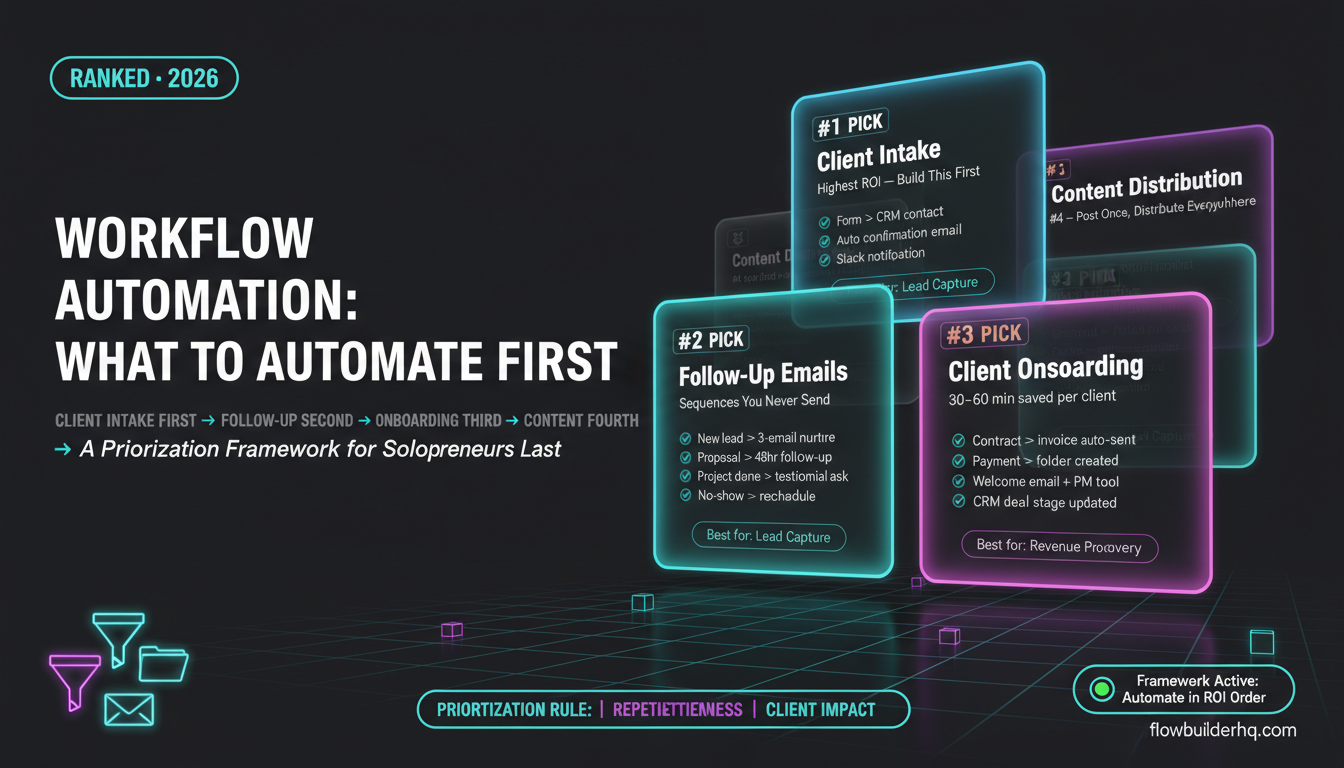
For deeper reading on what you can automate once you’re set up, the workflow automation prioritization framework helps you figure out what to build first so you get the fastest return on the time you put in. And if Google Sheets is part of your stack, the Make.com + Google Sheets automation guide shows exactly how to use it as your free database layer inside Make scenarios.
Building this yourself? Get the workflow pack.
5 ready-to-import n8n workflows — lead capture, invoicing, content repurposing, onboarding, social posting. Free.