Anthropic Claude API for Solopreneurs: What You Can Actually Build With It
You don’t need to be a developer to use the Claude API. That’s not a motivational statement — it’s a practical reality in 2026. Between Make.com’s HTTP module, no-code wrappers, and dead-simple JSON payloads, a solopreneur who knows how to run a workflow can call the Anthropic Claude API and get real work done without writing a single line of Python.
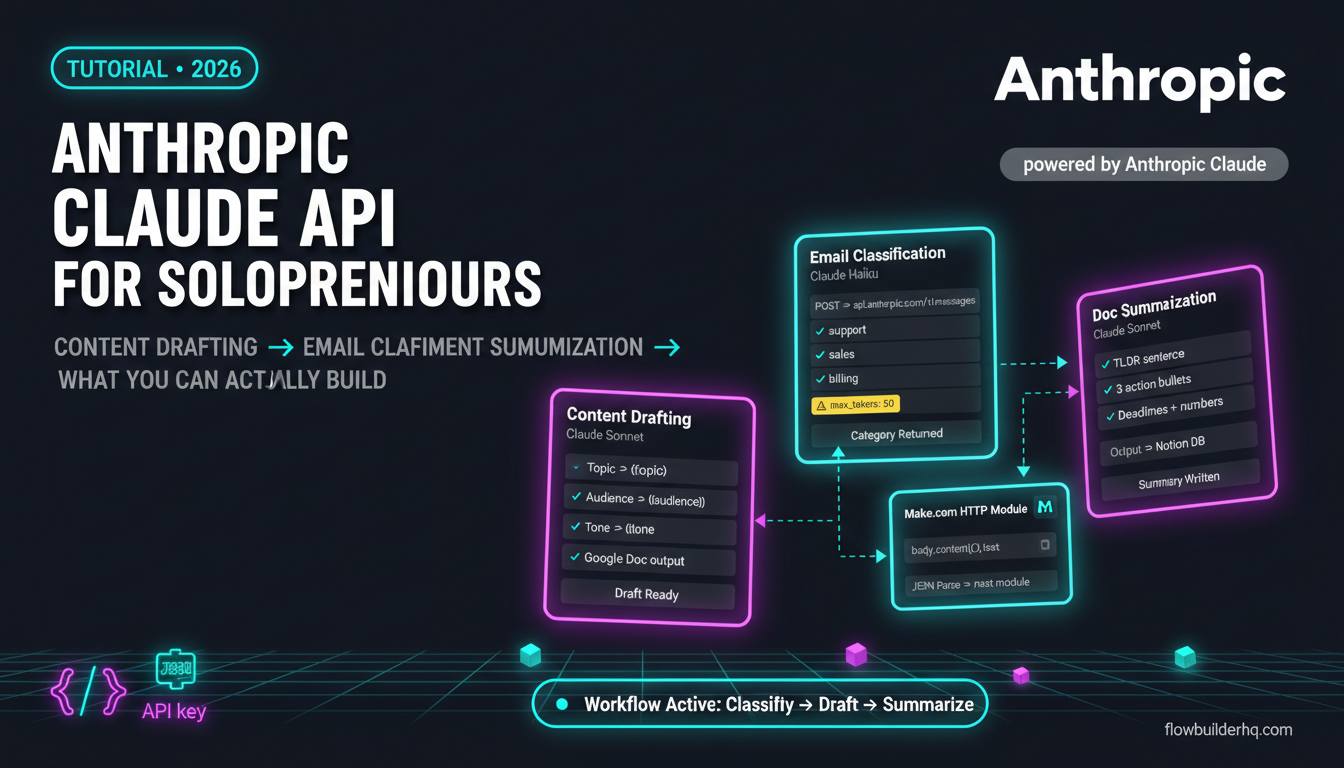
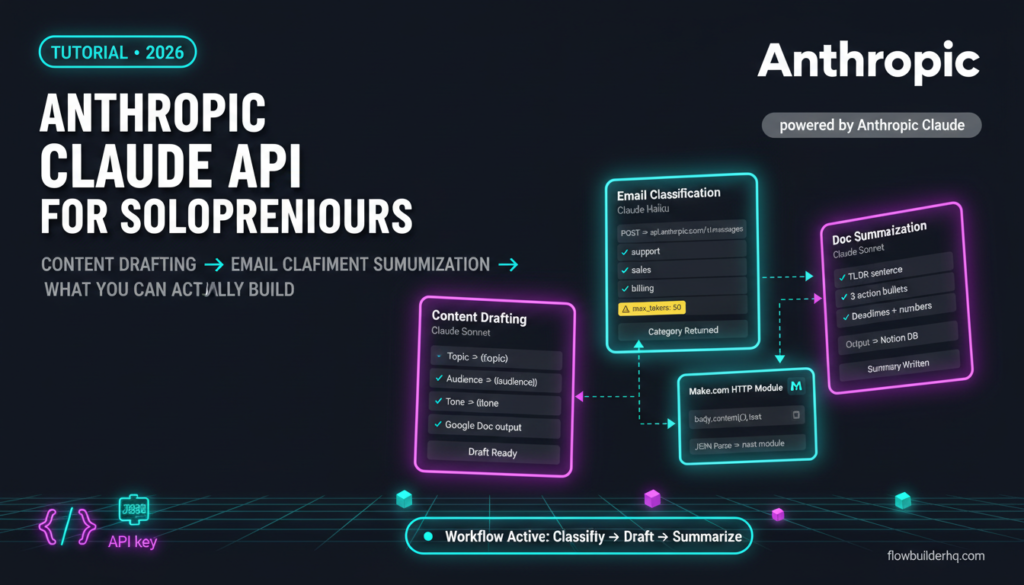
This tutorial anthropic claude api for solopreneurs covers exactly what you can build: automated content drafting, email classification, and document summarization. Not toy demos — actual workflows you can ship this week. Each one uses a Make.com scenario as the no-code layer, so if you’ve never touched the Anthropic platform before, you’ll still be able to follow along.
What the Claude API Actually Is (And What It’s Not)
The Claude API gives you programmatic access to Claude’s language models — the same models behind Claude.ai, but without the chat interface. Instead of typing a message and reading a reply, you send a structured HTTP request with a prompt, and you get a structured response back. That response can feed directly into the next step of your automation.
It’s not a no-code product on its own. Anthropic doesn’t give you a drag-and-drop interface. What they give you is an endpoint (https://api.anthropic.com/v1/messages), an API key, and official documentation that’s cleaner than most. The no-code layer — Make.com, n8n, Albato — is what you bring. That’s where solopreneurs have a real edge: you already know how to wire tools together.
If you want to understand how Claude compares to OpenAI’s API before committing, the Claude API vs OpenAI API breakdown covers that in detail. This tutorial assumes you’ve made the call and you want to build.
Step 1: Get Your Anthropic API Key
Go to Anthropic console, create an account, and generate an API key under API Keys. Copy it immediately — Anthropic only shows it once.
Anthropic offers pay-as-you-go billing. For the workflows in this tutorial, your costs will be trivial unless you’re processing thousands of requests per day. Claude Haiku (their fastest, cheapest model) handles classification and summarization well. Claude Sonnet handles drafting tasks where quality matters more than speed. Pricing is per token — check the console for current rates, as these shift regularly.
Keep your API key in a secure place. In Make.com, store it as a custom connection or paste it directly into an HTTP module header — never hardcode it somewhere public.
Step 2: Understand the API Request Structure
Every call to the Claude API is a POST request to https://api.anthropic.com/v1/messages. The required headers are:
x-api-key: YOUR_API_KEY
anthropic-version: 2023-06-01
Content-Type: application/json
The request body looks like this:
{
  "model": "claude-3-5-haiku-20241022",
  "max_tokens": 1024,
  "messages": [
    {
      "role": "user",
      "content": "Your prompt goes here"
    }
  ]
}
The response contains a content array. The text you want is at content[0].text. That’s the value you’ll map into the next module in Make.com.
That’s the whole structure. There’s no SDK to install, no environment to configure. It’s an HTTP call with a JSON body. Make.com’s HTTP module handles that natively.
Workflow 1: Automated Content Drafting
This is the highest-value use case for most solopreneurs. You feed Claude a topic, an audience, and a content format, and it returns a full draft that feeds directly into a Google Doc, Notion page, or email queue.
The Anthropic Claude API for solopreneurs shines here because Claude’s instruction-following is tight — you can specify tone, length, structure, and voice in a single system prompt and get consistent output across dozens of drafts.
How to Build It in Make.com
- Trigger: A new row appears in a Google Sheet (columns: Topic, Audience, Format, Tone). This is your content queue.
- HTTP Module: POST to
https://api.anthropic.com/v1/messageswith the headers above. In the body, inject the row values into your prompt dynamically using Make.com’s variable mapping. - Parse the response: Use Make.com’s JSON parse module or map
body.content[0].textdirectly from the HTTP response. - Output: Create a new Google Doc, write to a Notion page, or append to another sheet — whichever fits your publishing process.
Here’s a prompt structure that works reliably:
{
  "model": "claude-3-5-sonnet-20241022",
  "max_tokens": 2048,
  "system": "You are a content strategist for solopreneurs. Write in a direct, practical voice. No fluff. Every sentence should earn its place.",
  "messages": [
    {
      "role": "user",
      "content": "Write a 400-word blog intro for the topic: {{topic}}. Target audience: {{audience}}. Format: {{format}}. Tone: {{tone}}."
    }
  ]
}
Note the system field — this is your persistent instruction layer. Use it to lock in voice, persona, and formatting rules so you’re not rewriting them into every prompt.
For the Make.com build itself, the beginner’s guide to building a Make.com scenario covers the HTTP module setup step by step if you haven’t used it before.
Common error here: Make.com throws a 400 Bad Request if your JSON body has unescaped characters — particularly if your prompt text contains double quotes. Fix: use Make.com’s escapeHTML function on any user-supplied text before injecting it into the body, or wrap your prompt in single quotes at the JSON level. If the error persists, check the Make.com error handling guide for how to read the raw error response from the HTTP module’s output.
Workflow 2: Email Classification
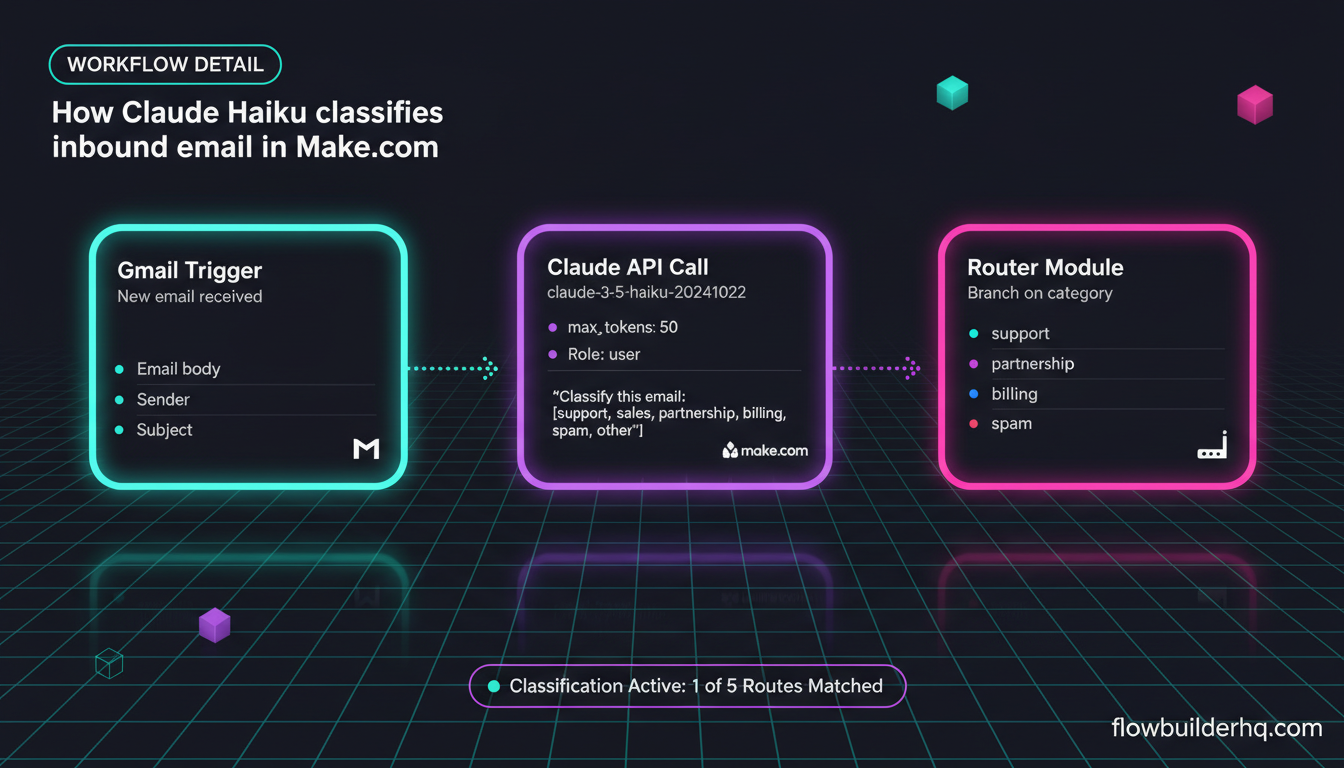
If your inbox is a mess of support requests, sales inquiries, partnership pitches, and spam, classification is one of the fastest wins the Claude API delivers. You send Claude an email body and ask it to return a category. That category then routes the email to the right folder, CRM field, or team member.
This is where Claude Haiku earns its place. Classification is a low-complexity task — you don’t need Sonnet’s reasoning depth. Haiku is faster and costs less per token, so running hundreds of emails through it daily stays economical.
The Classification Prompt
{
  "model": "claude-3-5-haiku-20241022",
  "max_tokens": 50,
  "messages": [
    {
      "role": "user",
      "content": "Classify this email into exactly one of these categories: [support, sales, partnership, billing, spam, other]. Return ONLY the category word, nothing else.\n\nEmail:\n{{email_body}}"
    }
  ]
}
Setting max_tokens to 50 is intentional — you’re forcing a short, structured response. If Claude returns more than the category word, add “Return ONLY the category word, nothing else” to your prompt (already included above) and it will comply.
The Make.com Routing Logic
- Trigger: Gmail or IMAP watch trigger fires on new email.
- HTTP Module: Call the Claude API with the email body injected into the prompt.
- Router Module: Branch on the value of
body.content[0].text. One branch per category. - Actions per branch: Apply a Gmail label, create a CRM record, or send a Slack notification — whatever routing logic fits your setup.
If you’re already piping leads into HubSpot, you can combine this workflow with the Make.com to HubSpot connection to tag inbound leads by type automatically.
The classification approach also pairs well with automated email follow-up sequences — once an email is classified as “sales,” the follow-up workflow can trigger immediately without manual intervention.
Workflow 3: Document Summarization
Summarization is where the Claude API quietly saves hours. Long client briefs, research PDFs, meeting transcripts, proposal documents — you can feed any of these through the API and get a structured summary in seconds.
The practical setup: a Google Drive watch trigger fires when a new document lands in a specific folder. Make.com pulls the document text, sends it to Claude, and writes the summary to a Notion database row alongside a link to the original.
The Summarization Prompt
{
  "model": "claude-3-5-sonnet-20241022",
  "max_tokens": 500,
  "system": "You are a precise summarizer. Return summaries as: 1) A one-sentence TL;DR. 2) Three bullet points covering the key decisions or action items. 3) Any deadlines or numbers mentioned.",
  "messages": [
    {
      "role": "user",
      "content": "Summarize this document:\n\n{{document_text}}"
    }
  ]
}
The structured system prompt here is doing the heavy lifting. Instead of getting a paragraph that you still have to read, you get a TL;DR and bullets formatted for scanning. You can adjust the output structure to match whatever format your Notion template expects.
Watch your token limits. Claude Sonnet handles large context windows well, but Make.com’s HTTP module will choke on extremely large text injections. If your documents are long, add a text truncation step before the HTTP call — trim the document to the first 8,000 words using a Make.com text function. For most business documents, this captures everything that matters.
If Notion is already part of your stack, the Make.com and Notion integration guide covers how to write structured data into Notion databases from Make.com — the output step here is exactly that pattern.
Going Further: Chaining Claude Into Bigger Workflows
The three workflows above are standalone. But Claude API calls are just modules — they slot into any scenario you’re already running. Some combinations worth considering:
- Intake form → classification → CRM: A Typeform submission triggers a Make.com scenario. Claude classifies the lead type. The record lands in HubSpot with the right tag. The Typeform automation workflow shows this trigger pattern in detail.
- Content calendar → drafting → publishing queue: Monday’s content plan in Airtable triggers Claude drafts that feed into a Buffer or social queue. The content repurposing workflow covers the publishing end of this chain.
- Client onboarding → document generation: When a client signs, their intake answers flow through Claude to generate a personalized welcome brief. The client onboarding automation walkthrough maps the full scenario structure.
Claude isn’t the trigger and it isn’t the destination — it’s the intelligence layer in the middle. That’s where it does its best work in a solopreneur stack.
What the Anthropic Claude API Won’t Do Well Here
Honest limitations to know before you build:
- It can’t browse the web or pull live data. What you send in the prompt is all it works with. If you need current information, you pull it first (via another Make.com module) and inject it as context.
- Long documents need chunking. There’s a token limit per request. For genuinely long files (legal contracts, full research reports), you’ll need to split the document and either summarize each chunk separately or use a recursive summarization approach.
- Consistency requires tight prompts. Claude is compliant, but if your prompt is vague, the output varies. Invest 20 minutes in a good system prompt before you automate anything at scale.
- It’s not free. Pay-as-you-go is affordable for most solopreneur volumes, but if you’re running classification on thousands of emails daily, model your costs before scaling.
If you’re also evaluating whether to build these workflows in n8n instead of Make.com, the Claude AI to n8n connection guide shows the equivalent setup on the n8n side. Both tools can call the API — the choice is about which automation platform fits your existing stack.
Build the First One Today
Start with email classification. It’s the fastest to build, the easiest to verify (you can see immediately whether the output is correct), and it delivers value from the first run. Once you’ve confirmed the HTTP module is returning body.content[0].text correctly, the content drafting and summarization workflows use identical request structure — you’re just changing the prompt and the output destination.
The Anthropic Claude API for solopreneurs is genuinely accessible at this point. The API is well-documented, the pricing is usage-based so there’s no upfront commitment, and Make.com’s HTTP module handles the request without any coding required. The gap between “I’ve heard of the Claude API” and “I have a working automation” is one scenario build.
If you want Make.com as your no-code layer for this, start with Make.com’s free plan — 1,000 operations per month is enough to test all three workflows before you spend anything.
For a broader look at what Claude can do in a business context beyond API calls, the Claude AI for business automation guide covers the prompt-level use cases that complement the API workflows here.