Make.com vs Airtable for Solopreneurs: Which One Actually Runs Your Business?
The Short Answer
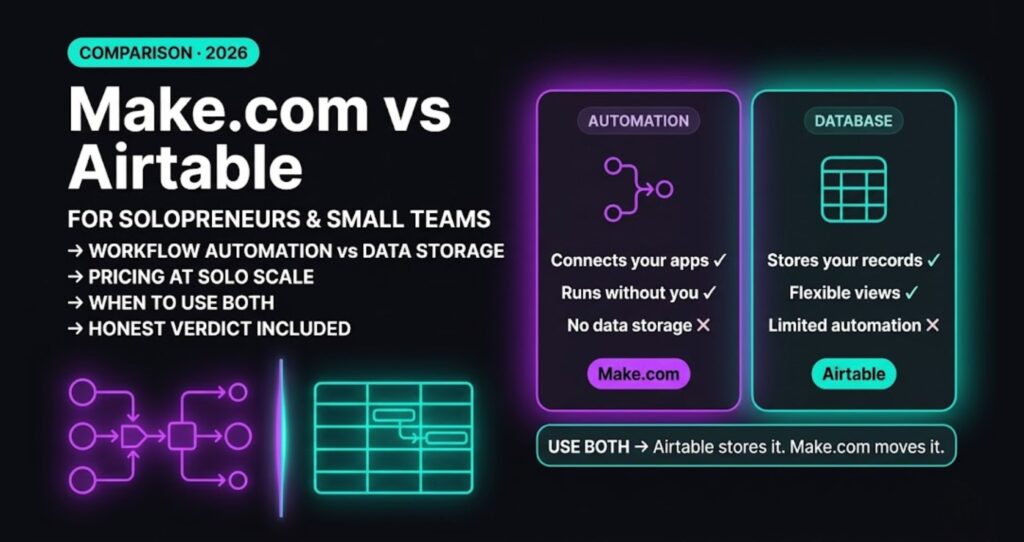
Make.com vs Airtable is one of the most misframed comparisons in the solopreneur tool space — these aren’t competing products, and buying the wrong one because you treated them as alternatives is an expensive mistake.
Make.com wins if your problem is repetitive manual work. Airtable wins if your problem is messy, unstructured data with no good home. The mistake is treating them as alternatives when they’re actually complementary — and the bigger mistake is buying Airtable thinking it will automate your business when it won’t.
Make.com is the stronger tool for solopreneurs who need to eliminate repetitive manual work. Airtable is the stronger tool for solopreneurs who need a reliable home for structured data. This comparison covers both tools in depth — feature sets, real pricing, and the exact scenarios where each one wins or loses.
What These Tools Actually Do
Make.com: A Workflow Engine
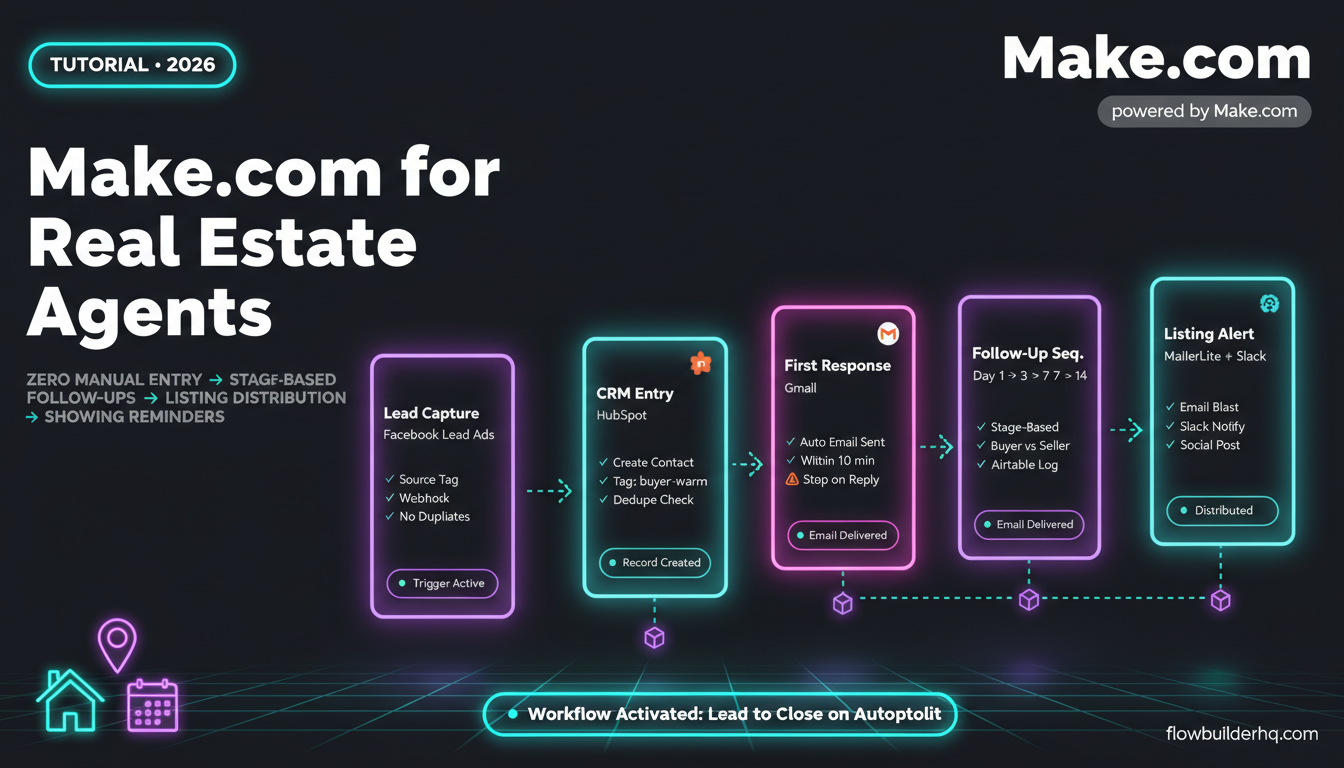
Make.com connects apps and triggers actions based on events. A lead fills out a form → Make creates a CRM record, sends a Slack message, adds the lead to an email sequence, and logs it in a spreadsheet. That entire chain runs without you. Make doesn’t store data long-term. It moves it, transforms it, and routes it.
The visual scenario builder is genuinely good. You see every step of the workflow as a node on a canvas. When something breaks, you can see exactly where and why. For a non-technical operator, that transparency matters.
Read the full breakdown in the Make.com Review 2026 if you want deep feature coverage before committing.
Airtable: A Relational Database with a Friendly Face
Airtable is a spreadsheet that learned how to be a database. You get tables, linked records, views (grid, kanban, gallery, calendar), and a clean UI that non-technical people can actually use. It’s excellent for storing structured information — client lists, project trackers, content calendars, product inventories.
Airtable does have automation features built in. You can trigger actions when a record changes, send emails, update fields. But these automations are shallow compared to Make’s. Limited branching, limited app integrations without their premium tier, and no visual debugging that matches Make’s scenario runner.
The honest version: Airtable is where you put your data. Make is what makes your data do things.
Feature-by-Feature Comparison
| Feature | Make.com | Airtable |
|---|---|---|
| Primary function | Workflow automation | Database / data management |
| Visual builder | Scenario canvas (excellent) | Interface designer (decent) |
| Native app integrations | 1,800+ | ~70 native, more via Zapier/Make |
| Built-in automation | Core product | Add-on, limited on free/plus |
| Data storage | Minimal (logs only) | Strong — relational records |
| Branching logic | Full (routers, filters, iterators) | Basic (if/then only) |
| Error handling | Built-in with visual trace | Limited |
| Collaboration | Workspaces, team sharing | Strong — built for teams |
| API access | HTTP module + full API | REST API on paid plans |
| Free plan | 1,000 ops/month | 1 workspace, 1,000 records/base |
| Learning curve | Moderate (visual helps) | Low to moderate |
Pricing: What You’ll Actually Pay
Make.com Pricing (2026)
- Free: 1,000 credits/month, 2 active scenarios Core: $9/month — 10,000 credits, unlimited scenarios
- Pro: $16/month — 10,000 credits + priority execution, custom variables, full execution log search
- Teams: $29/month — team roles, shared scenario library
Note: Make.com switched from “operations” to “credits” in August 2025. For standard automations, 1 credit = 1 module execution. A 5-step workflow running 500 times uses 2,500 credits. Most solo operators land on Core or Pro. Annual billing saves approximately 15%.
Airtable Pricing (2026)
- Free: up to 5 editors, 1,000 records/base, 100 automation runs/month
- Team: $20/user/month (annual) — 50,000 records/base, 25,000 automation runs/month
- Business: $45/user/month (annual) — 125,000 records/base, advanced sync and admin controls
- Enterprise: Custom pricing
Airtable’s free plan hits a wall fast if you’re storing real business data. The Team plan at $20/month is reasonable for a solo operator, but automation limits at that tier still cap you — you’ll want Make handling the heavy lifting anyway.
Pricing verdict: Make.com delivers more automation value per dollar. Airtable charges primarily for storage and collaboration, which only matters if you need both.
Use Case Breakdown: Who Should Use What
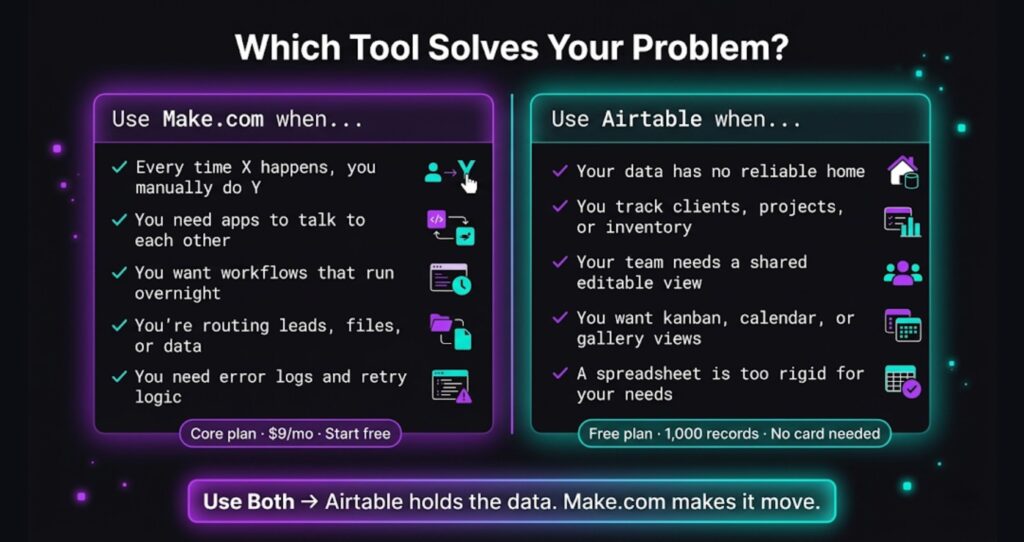
Use Make.com if you need to:
- Automatically route leads from a form to your CRM, email list, and a Slack alert
- Send invoices when a project status changes
- Pull data from one tool and push it into another on a schedule
- Run multi-step client onboarding without touching it
- Connect apps that don’t natively integrate with each other
If your problem statement contains the words “every time X happens, I have to manually do Y,” Make.com is the answer. See real workflow builds in Make.com for Freelancers for concrete examples.
Use Airtable if you need to:
- Track clients, projects, or inventory with linked records and multiple views
- Build a content calendar your whole team can edit
- Create a simple internal tool or CRM-lite without buying full CRM software
- Store structured data that needs to be filtered, sorted, and visualized multiple ways
- Give non-technical collaborators a friendly place to manage records
Use Both if you need to:
This is the real power setup. Airtable holds your structured data — client records, project statuses, content queue. Make.com watches Airtable for changes and fires workflows when records update. New client added in Airtable → Make sends welcome email, creates a folder in Google Drive, posts to Slack. That’s a workflow you can build in under an hour on Make’s Core plan.
Where Airtable Falls Short for Solopreneurs
Airtable’s built-in automations look compelling until you try to build anything real. You get basic triggers and a handful of actions. No visual debugging. Limited branching — you can’t build a router that sends data down three different paths depending on field values. When an automation fails, the error messages are sparse.
For solopreneurs who need to move fast and fix things without an IT department, that’s a real problem. Make’s scenario runner shows you the exact input and output of every step. You can rerun failed scenarios with one click. That alone has saved hours of troubleshooting.
Airtable also isn’t built to replace a proper CRM. If you’re managing an active sales pipeline, tracking email conversations, and following up on deals, Airtable will get painful fast. That’s a job for dedicated CRM software — something covered in depth in the Best Automation Tools for Solopreneurs in 2026 rundown.
Where Make.com Falls Short
Honest cons, because you need them:
- No native data storage. Make doesn’t hold your records. You need a destination — a Google Sheet, Airtable base, or CRM. Without a data layer, Make has nowhere to write to.
- Operations can scale costs unexpectedly. If you build a scenario that processes thousands of records daily, your operation count climbs. You need to monitor this, especially early on.
- Scenario maintenance. When an app changes its API or you change a form field name, scenarios break. Not often, but when it happens you need to know where to look.
- No built-in UI for end users. Make runs in the background. If you want a front-end interface for clients or collaborators to interact with, you need another tool.
The CRM Question
A lot of solopreneurs come to this comparison because they’re also shopping for a CRM. Airtable can fake it — linked records, kanban views, manual status tracking. But it doesn’t do email tracking, deal pipeline automation, or follow-up sequences out of the box.
If you need a real CRM alongside your automation stack, HubSpot’s free tier covers contact management, deal tracking, and email logging without a monthly fee. Make.com integrates with HubSpot natively, so you can automate lead entry, deal stage changes, and follow-up tasks through Make while HubSpot handles the relationship layer.
Make.com vs Airtable: The Verdict
Stop treating these as competitors. They solve different problems.
Pick Make.com if your core pain is manual, repetitive work — tasks you do every day that could run themselves. At $9/month on the Core plan, it’s one of the highest-leverage tools a solopreneur can buy. Start Make.com free here — no credit card needed.
Pick Airtable if your core pain is data chaos — you have information scattered across spreadsheets, docs, and your inbox with no reliable home for it. Their free plan is enough to validate whether it fits your workflow before paying.
Use both if you’re past the basics and want a structured data layer feeding into automated workflows. It’s a genuinely powerful combination, and it doesn’t require technical skills to set up.
The solopreneurs who struggle most with tools are the ones who buy an automation tool expecting it to organize their data, or buy a database expecting it to automate their work. Now you know which is which.
For a deeper look at how Make stacks up against other automation tools in the same category, the Best Automation Tools for Solopreneurs in 2026 comparison covers the full field.
Building this yourself? Get the workflow pack.
5 ready-to-import n8n workflows — lead capture, invoicing, content repurposing, onboarding, social posting. Free.