Workflow Automation for Solopreneurs: What to Automate First (A Prioritization Framework)
Most solopreneurs automate the wrong things first. They spend a weekend building a complex AI content pipeline before they’ve touched the three repetitive tasks draining four hours every week. The result: a shiny workflow nobody uses and a to-do list that hasn’t gotten shorter.
Workflow automation for solopreneurs isn’t about automating everything — it’s about automating in the right order. This post gives you a prioritization framework. Not a tool review. Not a feature comparison. A way to think about where to start so you actually get time back instead of just adding more systems to manage.
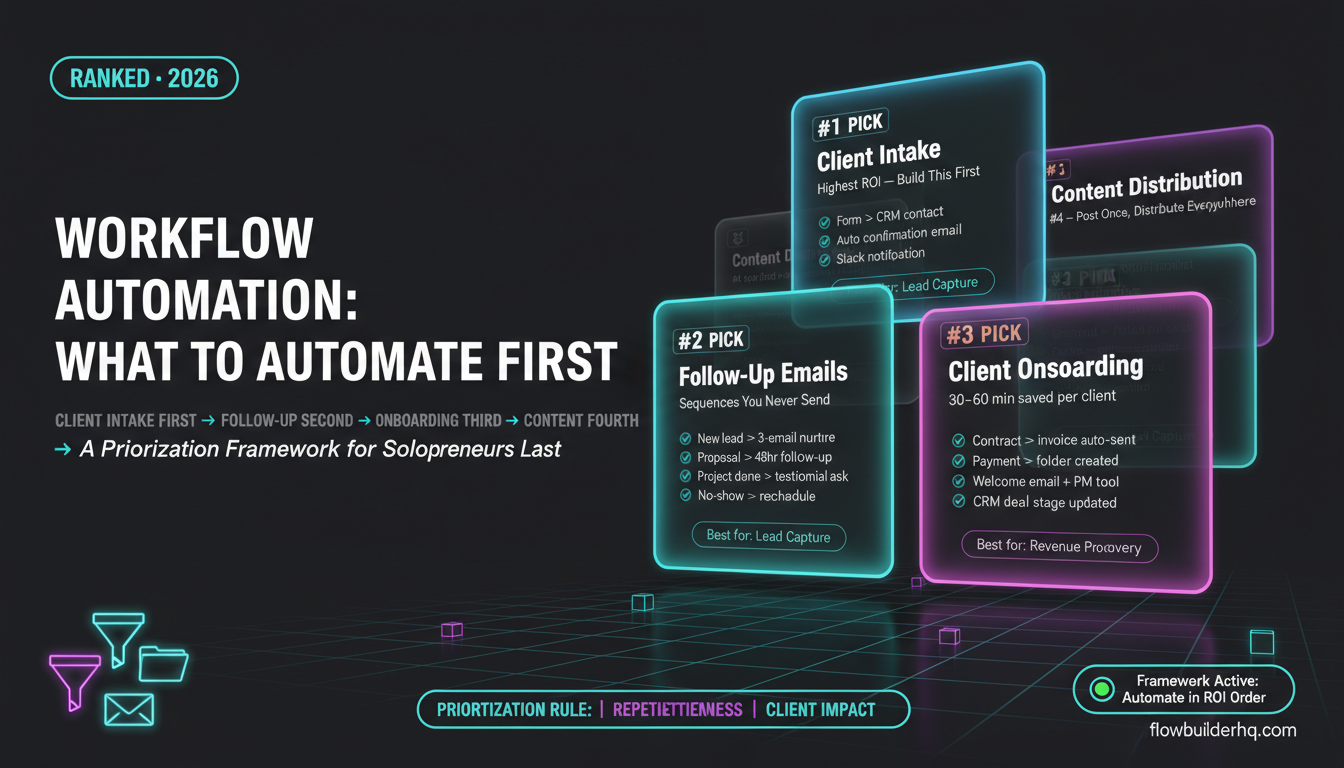
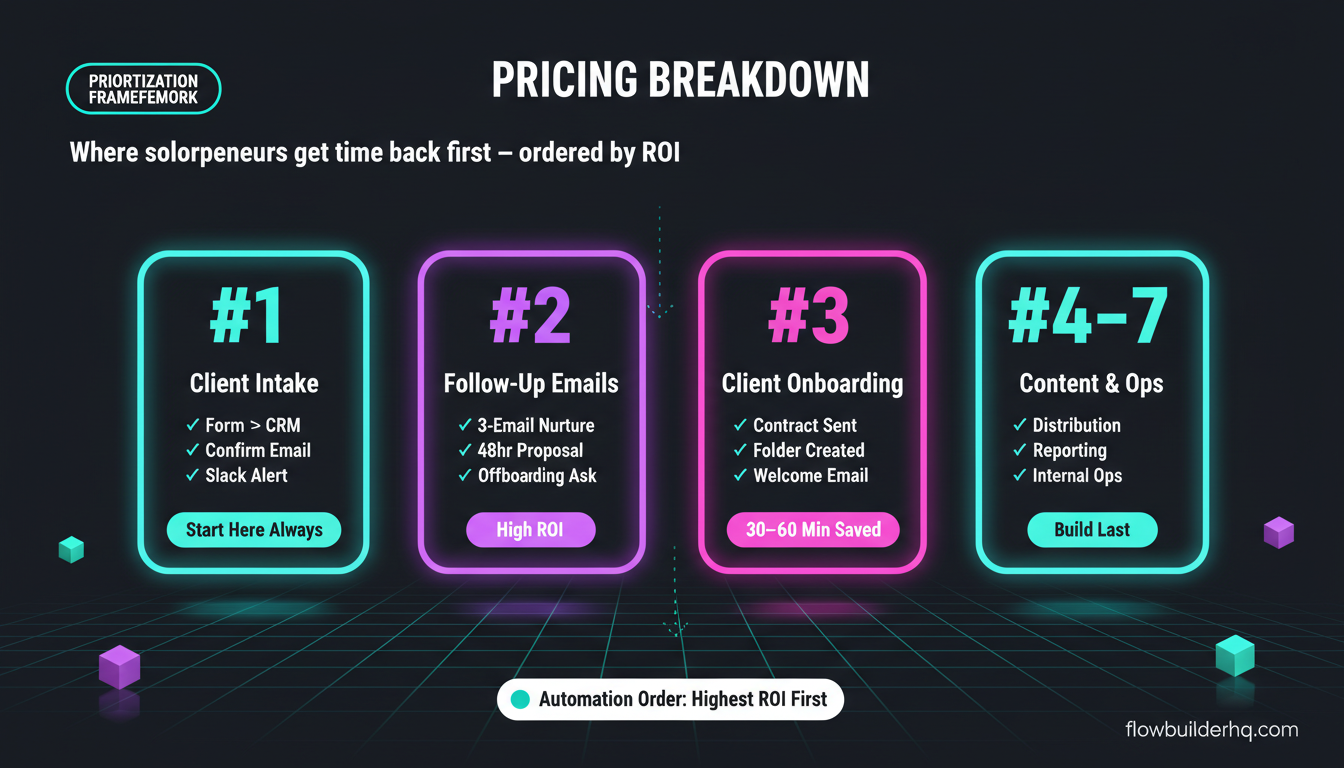
The framework has seven categories, ordered by typical ROI for a one-person business. Start at the top. Work down. Stop when you run out of hours to reclaim.
#1: Client Intake and Lead Capture
This is almost always the highest-ROI automation for a solo business, and it’s almost always the last thing people build. Every time someone fills out your contact form, discovery call request, or intake questionnaire and you manually copy that data somewhere — you’re paying with time that automation can recover in one afternoon.
The workflow is simple: form submission triggers an entry in your CRM or spreadsheet, sends a confirmation email to the prospect, and notifies you in Slack or email. That’s it. Three steps. No manual copy-paste, no leads sitting in a form inbox you forgot to check.
If you’re using Typeform, Jotform, or Google Forms, you can wire this up without touching code. This real intake form workflow shows exactly how to connect form submissions to downstream actions — the same pattern applies regardless of your form tool.
Automation candidates here:
- Form submission → CRM contact creation
- Form submission → confirmation email to prospect
- Form submission → Slack/email notification to you
- Intake answers → pre-filled proposal or onboarding doc
Start here. Always.
#2: Follow-Up Email Sequences
The second-highest ROI category for most solopreneurs is follow-up emails — specifically, the ones you know you should send but don’t because you’re busy doing the actual work. A prospect requests info and hears nothing for five days. A client finishes a project and never gets an offboarding email or a referral ask. A lead downloads your freebie and receives zero follow-through.
These aren’t complex sequences. They’re usually two or three emails triggered by a specific event. An automation tool connects the trigger to your email platform and handles the timing. You write the emails once.
If you’re choosing an email platform, the comparison between MailerLite, ActiveCampaign, and HubSpot is worth reading before you build. The platform matters because not all of them handle event-triggered sequences the same way, and switching later is painful.
Automation candidates here:
- New lead → 3-email nurture sequence
- Proposal sent → 48-hour follow-up if no response
- Project complete → offboarding email + testimonial request
- No-show on discovery call → reschedule sequence
#3: Client Onboarding
Once someone says yes, the onboarding process is usually a flurry of manual tasks: send the contract, send the invoice, create a project folder, add them to your project management tool, send a welcome email with login details. Every one of those steps is automatable, and together they add up to 30-60 minutes per client.
If you close ten clients a year, that’s up to ten hours gone on tasks a workflow could handle in seconds. If you close fifty, you’ve already lost a full work week.
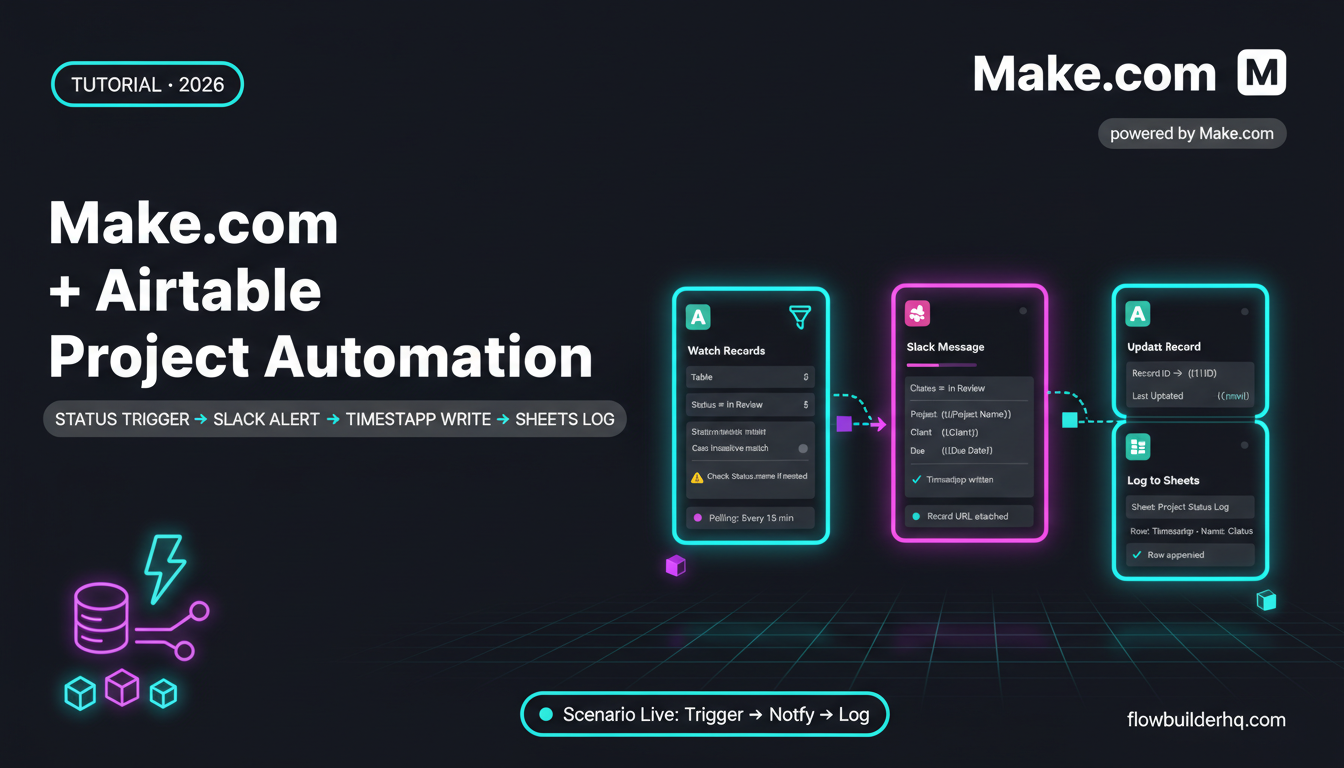
The detailed build for this — connecting payment confirmation to contract delivery, folder creation, and welcome emails — is covered in this step-by-step Make.com onboarding workflow. The structure works whether you’re a coach, consultant, or service provider.
Automation candidates here:
- Signed contract → invoice sent automatically
- Payment confirmed → project folder created + client added to PM tool
- Payment confirmed → welcome email with next steps
- New client → CRM record updated with deal stage
#4: Content Distribution
Content distribution is the third category that consistently shows up as high-ROI during a business audit — and it’s one most solopreneurs handle manually long after they shouldn’t. You publish a blog post and then separately post to LinkedIn, schedule a tweet, update your newsletter, and maybe repurpose a clip. That’s four manual steps triggered by one event.
The automation here isn’t about creating the content — it’s about the distribution layer after creation. New post published → notify email list. New YouTube video → auto-post clip description to social. New newsletter → post excerpt to LinkedIn.
These workflows live at the intersection of your CMS, your social accounts, and your email platform. Automating social media posting with Make.com covers the mechanics of building this distribution layer without managing it post by post.
For solopreneurs creating content consistently, automating content repurposing takes this further — turning one piece into multiple formats without the manual reformatting work.
Automation candidates here:
- New blog post → social media post scheduled
- New video published → email list notification
- Newsletter sent → LinkedIn excerpt posted
- New content → added to content calendar tracker
#5: Reporting and Data Aggregation
If you send client reports, track project time, or review business metrics, you’re probably pulling data from multiple places manually. A time tracker here, a Google Analytics tab there, a spreadsheet with last month’s revenue. Building a weekly or monthly report takes an hour of copy-pasting data.
Reporting automation doesn’t replace your analysis — it removes the data collection step so you arrive at analysis faster. Connect your sources to a central spreadsheet or dashboard and let the workflow pull the numbers. You show up to the review, not the data gathering.
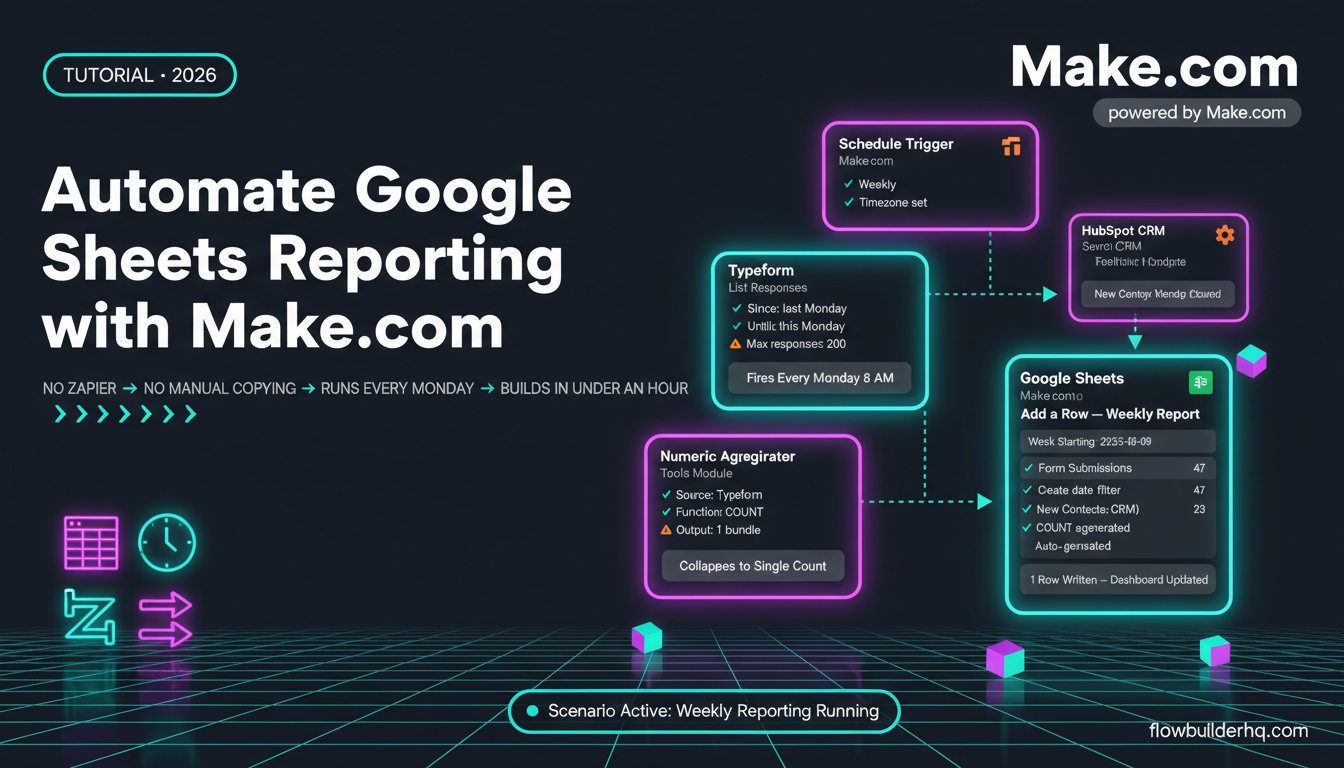
The client reporting automation workflow walks through exactly this — connecting multiple data sources into a single report that generates itself on a schedule.
Automation candidates here:
- Weekly revenue pull → Google Sheets dashboard updated
- Monthly metrics → client PDF report generated
- Project hours → invoice calculation automated
- Ad performance data → weekly summary email to yourself
#6: Task and Project Management Triggers
Project management automation is often where solopreneurs start because it feels tangible — and it’s almost never where they should start. It’s item six on this list for a reason. The ROI is real, but smaller than the five categories above it.
Once your intake, follow-up, onboarding, content, and reporting workflows exist, task automation fills gaps. A new client added to your CRM triggers a project template. A task marked complete sends a client update. A deadline approaching creates a reminder in your inbox.
The Make.com and Notion integration is a practical starting point if Notion is your PM tool. For teams using spreadsheets as a lightweight project tracker, the Google Sheets automation guide covers the same pattern.
Automation candidates here:
- New deal closed → project template created in PM tool
- Task marked complete → client notification sent
- Deadline approaching → automated reminder
- New invoice paid → project status updated
#7: Internal Ops and Morning Routines
The final category is internal operations — things like daily briefings, log aggregation, internal alerts, and personal workflow triggers. These are genuinely useful, but they only save time once everything upstream is already running. Automating your morning dashboard before you’ve automated client intake is solving the wrong problem.
When you do get here, the time savings are modest but consistent. A daily briefing that pulls your calendar, revenue, and task count into one Slack message takes ten minutes to build and saves five minutes every morning. That math works — just not before the bigger wins are in place.
The solopreneur morning routine automation guide covers this category specifically, including how to structure a daily ops workflow without overengineering it.
Automation candidates here:
- Daily briefing → calendar + tasks + revenue in one message
- New review posted → Slack notification
- Weekly log → auto-generated summary of completed work
- Internal alert → trigger when revenue drops below threshold
How to Actually Build These Workflows
The framework above is tool-agnostic by design. The prioritization doesn’t change based on what you use. But the “how” depends on your stack, and two tools consistently earn their place for solopreneurs doing this kind of work.
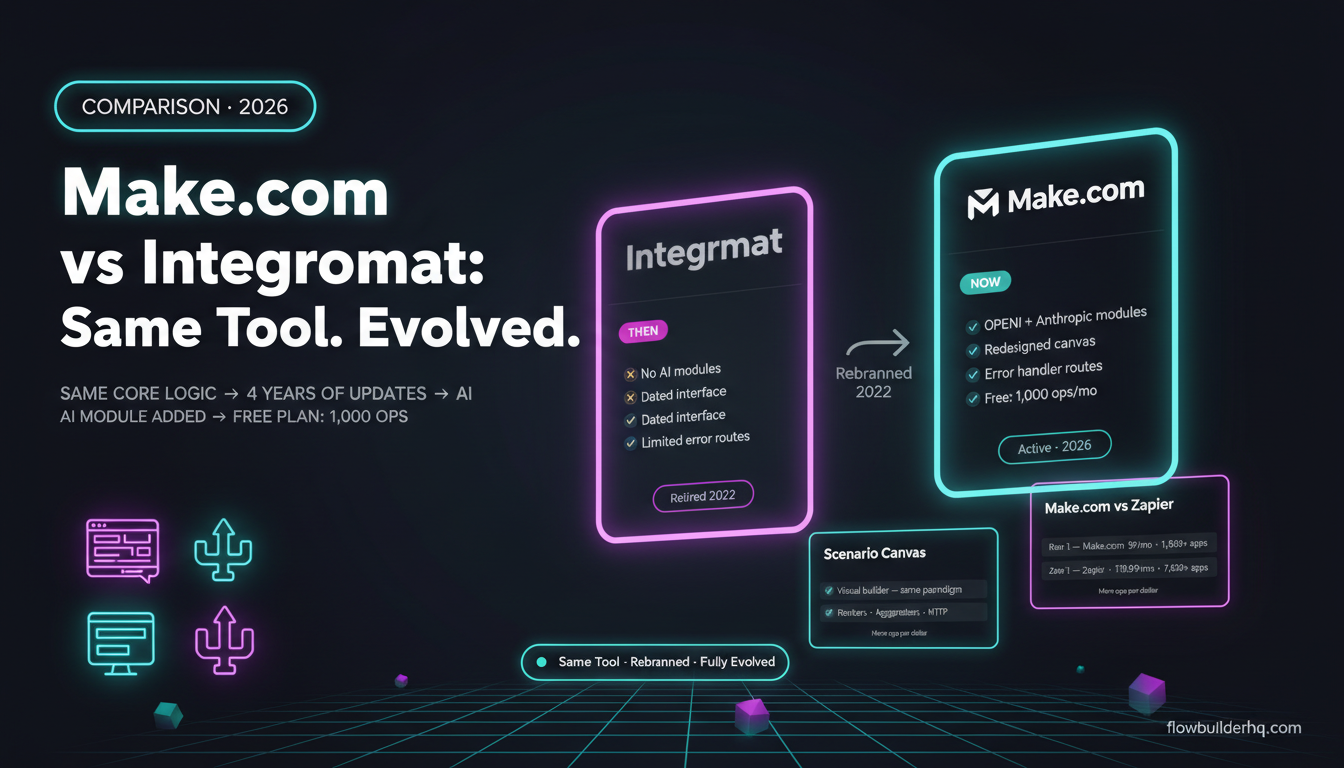
Make.com is the practical choice for most of these workflows. Its visual scenario builder handles multi-step logic without requiring code, and its pricing is honest at the solo level — free tier covers 1,000 operations/month, Core is $9/month, Pro is $16/month. For anything in categories one through four above, Make.com has native integrations that don’t require a custom webhook setup. If you haven’t used it before, building your first Make.com scenario takes under 30 minutes. Try Make.com free here.
Albato is worth knowing if your stack leans toward CRMs and marketing tools — it has strong native integrations with platforms that Make.com covers through generic HTTP modules. The free trial lets you test your specific stack before committing. Pro is $25/month, Business is $59/month. Try Albato here.
For the more technical end of categories five through seven — especially if you want self-hosted control over your data — n8n is worth evaluating. Self-hosted is free. Cloud Starter runs $8/month. The learning curve is steeper, but the flexibility is real. The Zapier vs n8n comparison covers where n8n wins and where it creates friction for non-developers.
Whichever tool you use, the same principle applies: automate in order of ROI, not in order of complexity. The most impressive-sounding workflows are rarely the ones that get your time back.
The Prioritization Rule: Frequency × Repetitiveness × Client Impact
If you’re still not sure where to start, use this filter on any task you’re considering automating:
- Frequency: How often does it happen per week?
- Repetitiveness: Is it the same steps every time, or does it require judgment?
- Client impact: Does a delay or error here affect a client directly?
Tasks that score high on all three — intake, follow-up, onboarding — go first. Tasks that score low on frequency or high on required judgment go last or get dropped entirely. Automating a task you do twice a month is almost never worth the build time in the first three months of your automation practice.
See the full list of task automation ideas for solopreneurs for specific triggers and actions across every category above — it’s a useful companion to this framework once you know which category you’re tackling next.
One more thing: the best automation is the one that’s actually running. A simple three-step intake workflow running reliably beats a 20-step AI pipeline you built once and forgot to maintain. Start with the highest-ROI category, get it working, then move to the next one. The compounding effect of reliable, simple workflows is significant — and it happens faster than you’d expect once you stop trying to automate the interesting problems first.
For a view of how the full Make.com platform holds up across all these use cases, that review covers everything from pricing to real limitations — worth checking before you build your entire stack around it.
If you’re choosing between automation platforms and want the cost math laid out clearly, the Make.com vs Zapier pricing breakdown shows what you actually pay at different operation volumes — not just the headline plan prices.