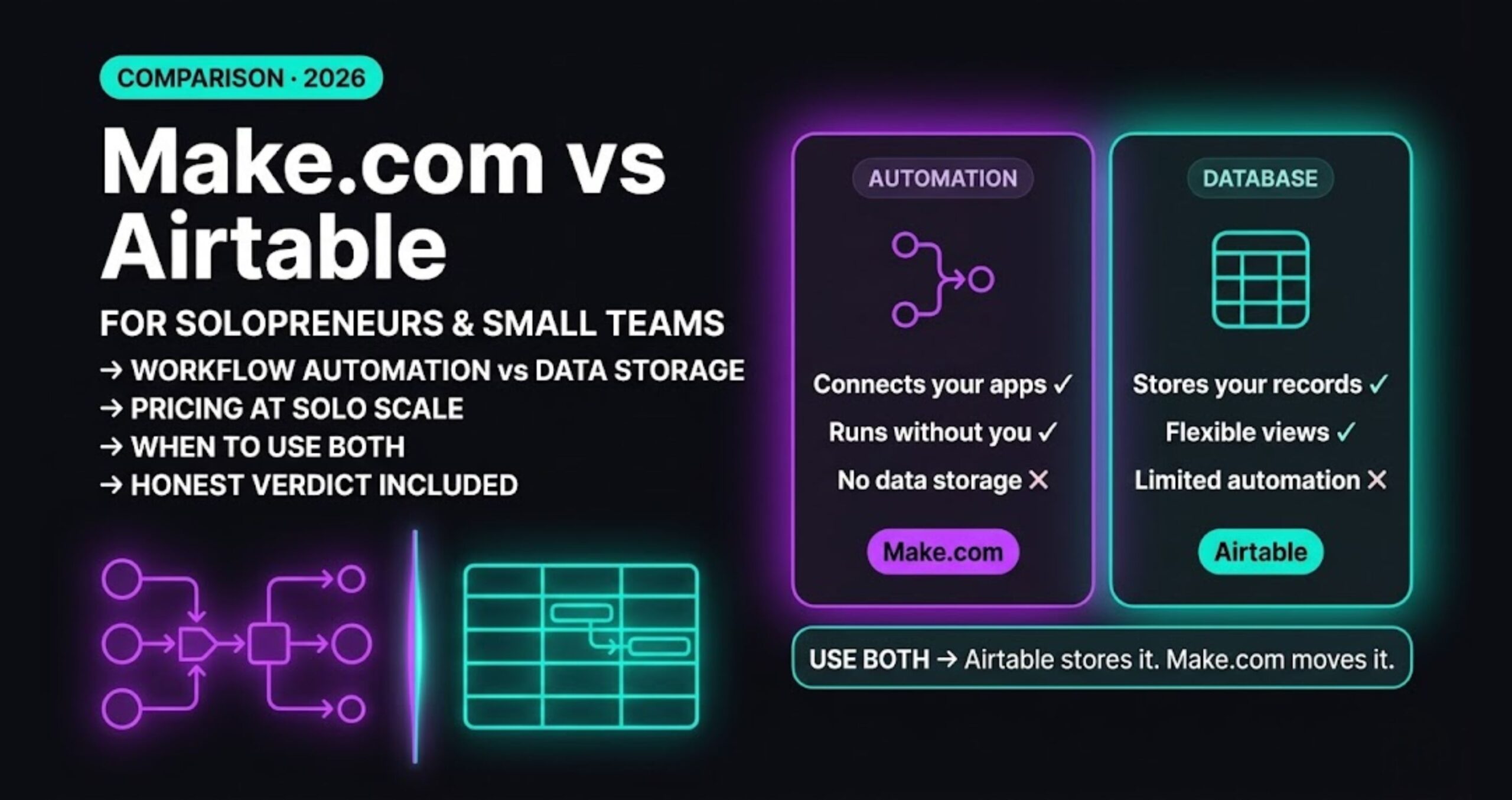
Best Automation Tools for Solopreneurs in 2026

How We Selected These Tools
The best automation tools for solopreneurs on this list had to clear four criteria:
- Usable without a developer. If setup requires writing code or managing servers, it’s not on this list.
- Priced for one-person businesses. No enterprise pricing, no per-seat minimums that punish solo operators.
- Connects to the tools solopreneurs actually use — Gmail, HubSpot, Stripe, Notion, Typeform, Slack, Google Sheets.
- Handles multi-step logic. Single-step “if this then that” tools didn’t make the cut. Real business automation requires conditions, branches, and data transformation.
No sponsored placements. Tools are ranked by how well they serve a solo operator running a real business in 2026.
Comparison Table
| Tool | Best For | Starting Price | Free Tier | Execution Model |
|---|---|---|---|---|
| Make.com | Non-technical solopreneurs | $9/month | Yes (1,000 ops) | Per operation |
| n8n | Technical users, high volume | $8/month Cloud / $0 self-hosted | 14-day trial | Per execution |
| Zapier | Absolute beginners, simple automations | $19.99/month | Yes (limited) | Per task |
| ActiveCampaign | Email-first automation | $15/month | No | Per contact |
| Notion + Make.com | Content and project workflows | Varies | Notion free | Depends on connector |
1. Make.com — Best for Non-Technical Solopreneurs
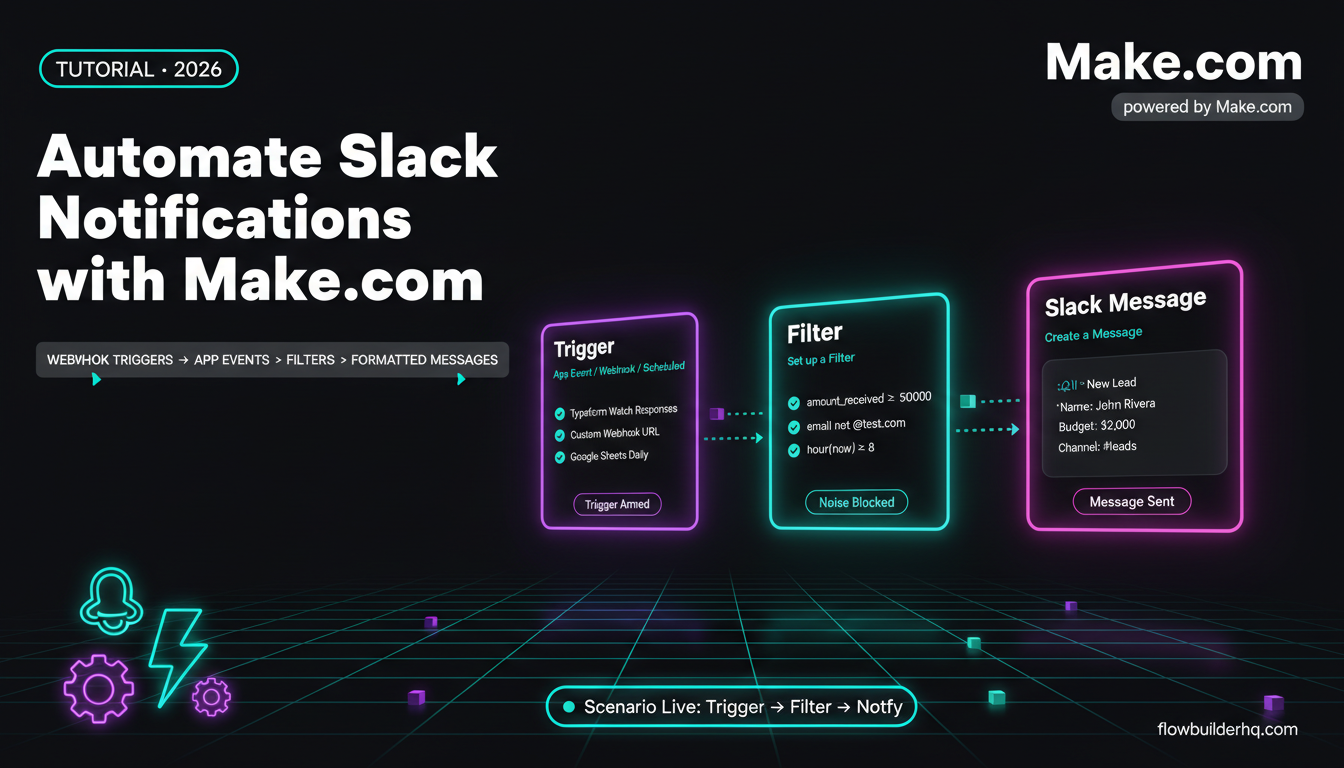
Make.com is a visual workflow automation platform. You build multi-step scenarios on a drag-and-drop canvas — no code, no terminal. Every data flow is visible, every error is readable, and the integration library covers 1,500+ apps.
Who it’s for: Solopreneurs who want to automate CRM updates, client onboarding, invoice follow-ups, and lead routing — without hiring a developer or learning to code. The visual canvas is the real differentiator. When something breaks, you see exactly which step failed and what data was passing through it.
Pricing:
- Free: 1,000 operations/month, 2 active scenarios
- Core: $9/month — 10,000 operations, unlimited scenarios
- Pro: $16/month — adds scheduling down to 1-minute intervals
What it handles well: Multi-branch logic, bulk data processing, error recovery with re-run from failure point, and any workflow involving 3+ connected apps.
Where it falls short: Operation-based pricing stacks up fast on high-volume bulk workflows. Not the right tool if you’re processing thousands of records regularly — n8n self-hosted is cheaper at that scale.
Honest take: Make.com is the default recommendation for solopreneurs who are serious about automation but not technical. The $9/month Core plan covers most solo business workflows without hitting the ceiling.
→ Try Make.com — build your first scenario in under 30 minutes.
2. n8n — Best for Technical Solopreneurs Who Want Full Control
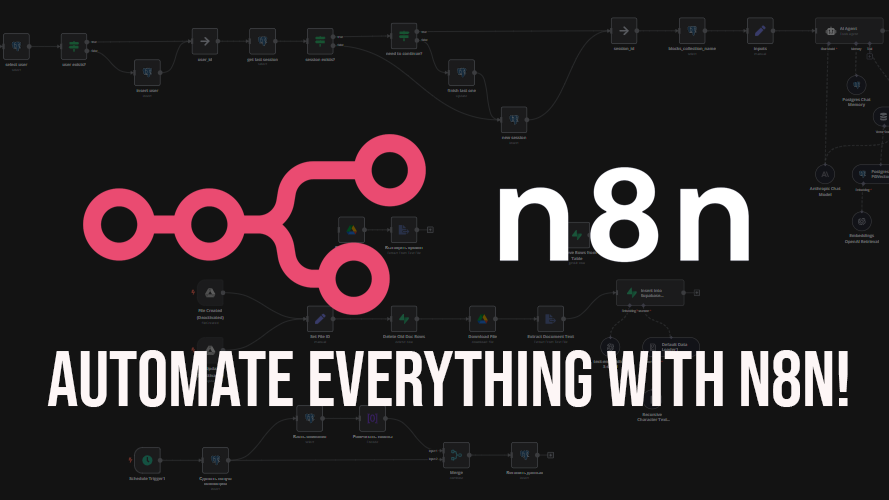
n8n is an open-source workflow automation tool with a node-based visual editor. It runs on n8n Cloud (managed) or self-hosted on your own server. The workflow builder handles complex logic, custom JavaScript inside nodes, API calls with full control over headers and authentication, and community-built integrations beyond the official library.
Who it’s for: Solopreneurs with developer backgrounds, or anyone comfortable with JSON and basic server concepts. The interface is visual but the tool rewards technical users with capabilities no drag-and-drop-only platform can match. Self-hosted n8n on a $5/month VPS gives you unlimited workflow executions at near-zero marginal cost.
Pricing:
- Self-hosted: Free (pay only for VPS — $4–7/month on Hetzner or DigitalOcean)
- Cloud Starter: $8/month — 2,500 executions, 5 active workflows
- Cloud Pro: $20/month — 10,000 executions, 15 active workflows
What it handles well: High-volume automation, custom API integrations, self-hosted data control, Claude AI and LLM integrations, and any workflow that needs code logic inside a node.
Where it falls short: Steeper learning curve than Make.com. First-time setup on self-hosted takes 2–3 hours. Not the right starting point for non-technical users who want results today.
Honest take: If you can handle a terminal and you’re running serious automation volume, n8n self-hosted is the best value in the market. For everyone else, start with Make.com and move to n8n when you outgrow it.
3. Zapier — Best for Absolute Beginners Running Simple Automations
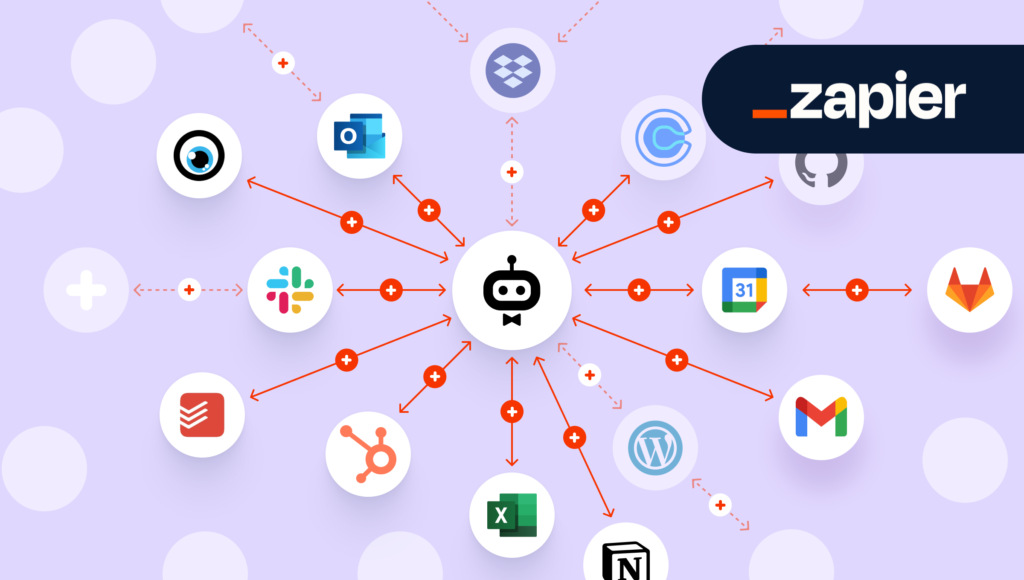
Zapier connects apps via “Zaps” — linear trigger-and-action sequences. It’s the most beginner-friendly automation tool available, with a setup process that takes minutes and requires zero technical knowledge.
Who it’s for: Solopreneurs who need simple two or three-step automations and have never used an automation tool before. If you want “new Stripe payment → add row to Google Sheets → send me a Slack notification,” Zapier gets you there in 10 minutes flat.
Pricing:
- Free: 100 tasks/month, single-step Zaps only
- Starter: $19.99/month — 750 tasks, multi-step Zaps
- Professional: $49/month — 2,000 tasks, full feature access
What it handles well: Simple linear automations, beginner onboarding, massive app library (6,000+ integrations), and reliable execution with strong uptime.
Where it falls short: Expensive relative to Make.com and n8n at equivalent capability. Multi-branch conditional logic is limited compared to Make.com. The task-based pricing model means complex multi-step workflows burn your quota fast. At $49/month for Professional, you’re getting less than Make.com’s $16/month Pro plan delivers.
Honest take: Zapier is where most solopreneurs start — and where they stay until the price gets painful. If you’re already considering Make.com or n8n, skip Zapier entirely. It’s a stepping stone, not a destination.
4. ActiveCampaign — Best for Solopreneurs Whose Business Runs on Email
ActiveCampaign is a CRM and email marketing platform with built-in automation. Unlike general-purpose tools like Make.com or Zapier, it’s built specifically for contact-based workflows — email sequences, lead scoring, deal pipeline management, and behavior-triggered campaigns.
Who it’s for: Solopreneurs running service businesses, coaching practices, or course businesses where the client relationship lives in email. If your primary automation need is “new lead → nurture sequence → sales follow-up → onboarding emails,” ActiveCampaign handles the entire lifecycle in one platform without needing a separate automation tool.
Pricing:
- Starter: $15/month — up to 1,000 contacts, email automation
- Plus: $49/month — CRM, landing pages, SMS
- Professional: $79/month — predictive sending, split automation
What it handles well: Email sequences, contact segmentation, lead scoring, deal tracking, and behavior-triggered campaigns based on email opens, clicks, and site visits.
Where it falls short: Not a general-purpose automation tool — it doesn’t replace Make.com or n8n for connecting external apps. If you need to push data between Stripe, Notion, and Gmail, you still need a separate tool. ActiveCampaign is email-first, not workflow-first.
Honest take: If email is your primary client channel and you’re managing a contact list of any size, ActiveCampaign at $15/month earns its place in your stack. Pair it with Make.com for external app automation and you have a complete system.
5. Notion + Make.com — Best for Solopreneurs Managing Projects and Content
Notion alone is a database and project management tool, not an automation platform. But combined with Make.com as the automation layer, it becomes a powerful operations hub — automatically creating project pages, updating task statuses, logging client activity, and generating reports without manual input.
Who it’s for: Solopreneurs who already run their business inside Notion and want to automate the data entry and status updates that currently happen manually. Content creators, consultants, and freelancers who track client work, deliverables, and deadlines in Notion databases.
Pricing:
- Notion Free: unlimited pages, limited block history
- Notion Plus: $10/month — unlimited history, file uploads
- Make.com Core: $9/month — handles the automation layer
Total stack cost: $19/month for a fully automated project and content operations system.
What this combination handles well: Auto-creating client project pages on form submission, updating task databases from external triggers, logging emails and calls to Notion CRM, and weekly report generation pulled from multiple sources.
Where it falls short: Requires setting up two tools and connecting them — more complexity than a single platform. Notion’s API has occasional rate limits that require a Sleep module in Make.com to handle cleanly.
Honest take: If you’re already living in Notion, adding Make.com as the automation layer is the highest-leverage $9/month you can spend. If you’re not already in Notion, don’t build your stack around this combination from scratch.
Top Pick and Runner-Up
Top pick: Make.com
The best starting point for most solopreneurs. Visual, powerful, affordable at $9/month, and capable of handling every workflow a solo business needs. If you’re not technical and want results fast, this is the tool.
Runner-up: n8n
Better than Make.com if you have technical tolerance and expect high execution volume. The self-hosted version is unbeatable on cost at scale. Start here if you have a developer background or you’re comfortable learning one new technical skill.
Building this yourself? Get the workflow pack.
5 ready-to-import n8n workflows — lead capture, invoicing, content repurposing, onboarding, social posting. Free.