Claude AI for Small Business: What It Actually Does Well
Claude AI for small business gets talked about in very broad strokes — “it writes things” or “it’s like ChatGPT but safer.” Neither of those descriptions tells you what to actually do with it on a Tuesday when you have six client deliverables and a proposal due. This post is a practical breakdown of where Claude earns its place in a small business stack and where it falls short.
The short version: Claude is not the best AI for everything. It is the best AI for a specific cluster of tasks — tasks that involve nuance, longer context, careful reasoning, and tone-sensitive writing. If those tasks are on your plate regularly, it belongs in your stack.
What Claude Actually Is (Without the Marketing Floss)
Claude is a large language model built by Anthropic, designed with an explicit focus on being helpful, harmless, and honest. That design goal shows up in practice: Claude tends to reason more carefully before producing output, flags its own uncertainty more often than most models, and resists producing content that could cause real harm — sometimes to a fault.
For small business owners, the relevant fact is that Claude is available via claude.ai directly in a browser, or through an API for those who want to wire it into automated workflows. The free tier exists. The Pro plan (check current pricing) unlocks higher usage limits and access to the more capable model versions. If you want to plug Claude into your existing automation stack, the Anthropic API documentation is clean and well-organized — easier than most.
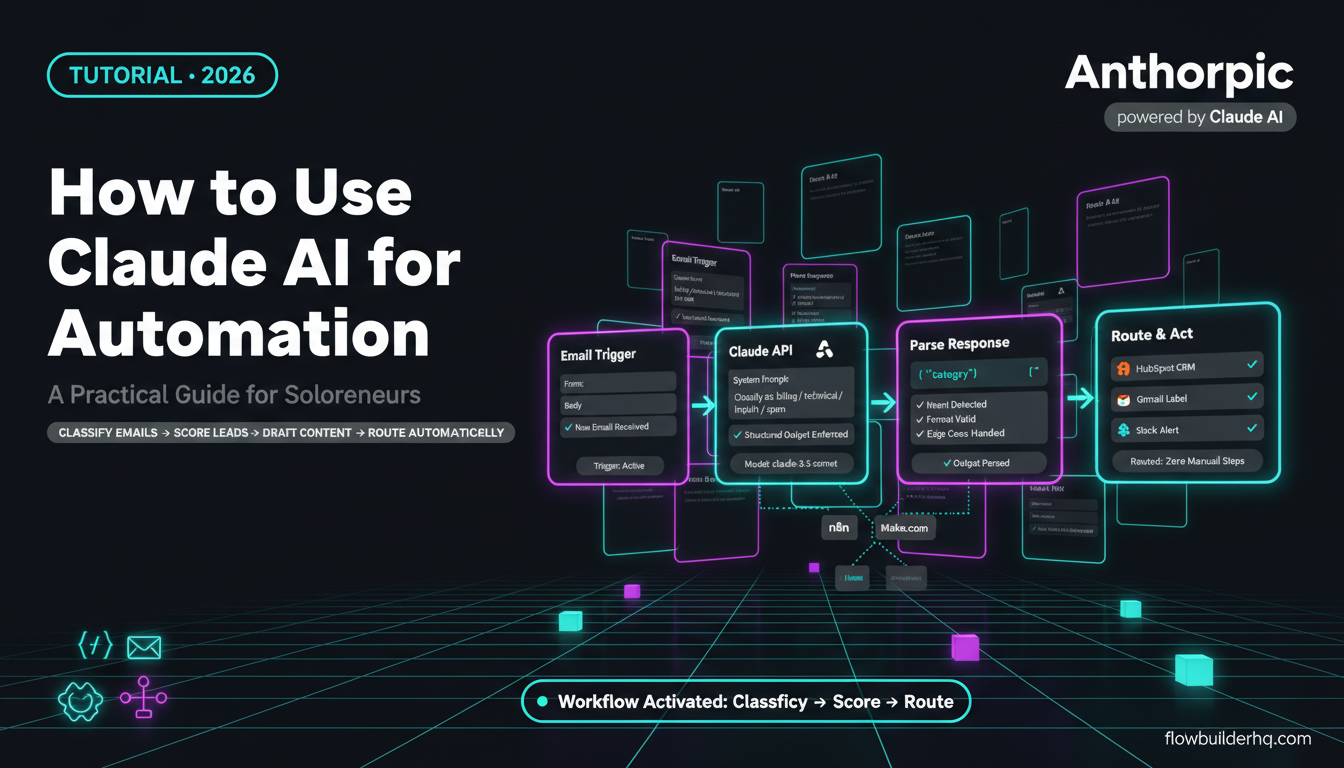
If you’re already running Claude in automation pipelines, the guide to connecting Claude AI to n8n covers the technical setup step by step.
Claude AI for Small Business: The Tasks Where It’s Genuinely Strong
1. Long-Form Client-Facing Writing
Claude’s biggest practical edge for small business owners is its ability to handle long, structured documents without losing coherence. Proposals, SOWs, case studies, onboarding guides — anything over 800 words where the tone needs to stay consistent throughout.
Most AI tools start to drift halfway through a long document. They repeat phrases, shift tone, or start padding. Claude holds structure better. The context window is large enough that you can paste in a full project brief, your past proposal, the client’s website copy, and a few notes — and get output that actually reflects all of it.
This is useful for any solopreneur who writes proposals regularly and hates that every one feels like starting from scratch.
2. Summarizing and Synthesizing External Documents
Drop a contract, a competitor’s pricing page, a research report, or a 40-page vendor proposal into Claude and ask it to pull out what matters. This is one of the highest-ROI use cases for small business owners who don’t have time to read everything but need to act on the content.
Claude doesn’t just bullet-point the surface; it can identify tensions, ambiguities, or clauses that might be problematic — useful when you’re reviewing a contract before signing without paying a lawyer to scan it first. It won’t replace legal advice, and Claude will tell you that directly, but it reduces the surface area of what you actually need professional eyes on.
3. Email Drafts That Sound Like You
Claude is better than most AI at matching a voice when given examples. Paste three emails you’ve already written. Tell Claude who the recipient is, what outcome you need, and what the relationship dynamic is. The draft it produces will need less editing than what you’d get from most other tools.
The key is giving it enough signal. Claude does well with nuanced instructions like “this client is slow to respond and easily annoyed by follow-ups that feel pushy — write something warm but with a clear call to action.” Generic prompts get generic results, from Claude and from everyone else.
4. Structuring Complex Thinking
If you’re trying to work through a pricing model, a positioning decision, or a business problem that has multiple variables — Claude is a useful thinking partner. Not because it has expertise you don’t, but because it can hold a complex problem in context, reflect your assumptions back at you, and identify where your logic has gaps.
This is closer to rubber-duck debugging than to consulting. But for solopreneurs who don’t have a business partner to think out loud with, it fills that gap better than any other tool in this category. For a broader look at how this plays out against the main alternative, the honest comparison of ChatGPT vs Claude for solopreneur tasks is worth reading before you commit to either.
5. Editing and Refining Existing Copy
Give Claude something you’ve already written and ask it to make it sharper, cut it by 30%, or rewrite one section in a different tone. It’s genuinely good at this — possibly better than it is at writing from scratch, because it has your baseline to work from.
This use case matters for small business owners who are decent writers but don’t have time to self-edit properly. Claude’s feedback on your own writing is also more specific than the vague “make it more engaging” suggestions you get from lesser tools. It will tell you which sentence is weak and why, if you ask it to.
6. Customer-Facing Content That Can’t Sound Robotic
FAQ pages, onboarding sequences, help documentation, canned responses for support tickets — all of these benefit from Claude’s more careful tone calibration. The output sounds closer to how a real person would explain something.
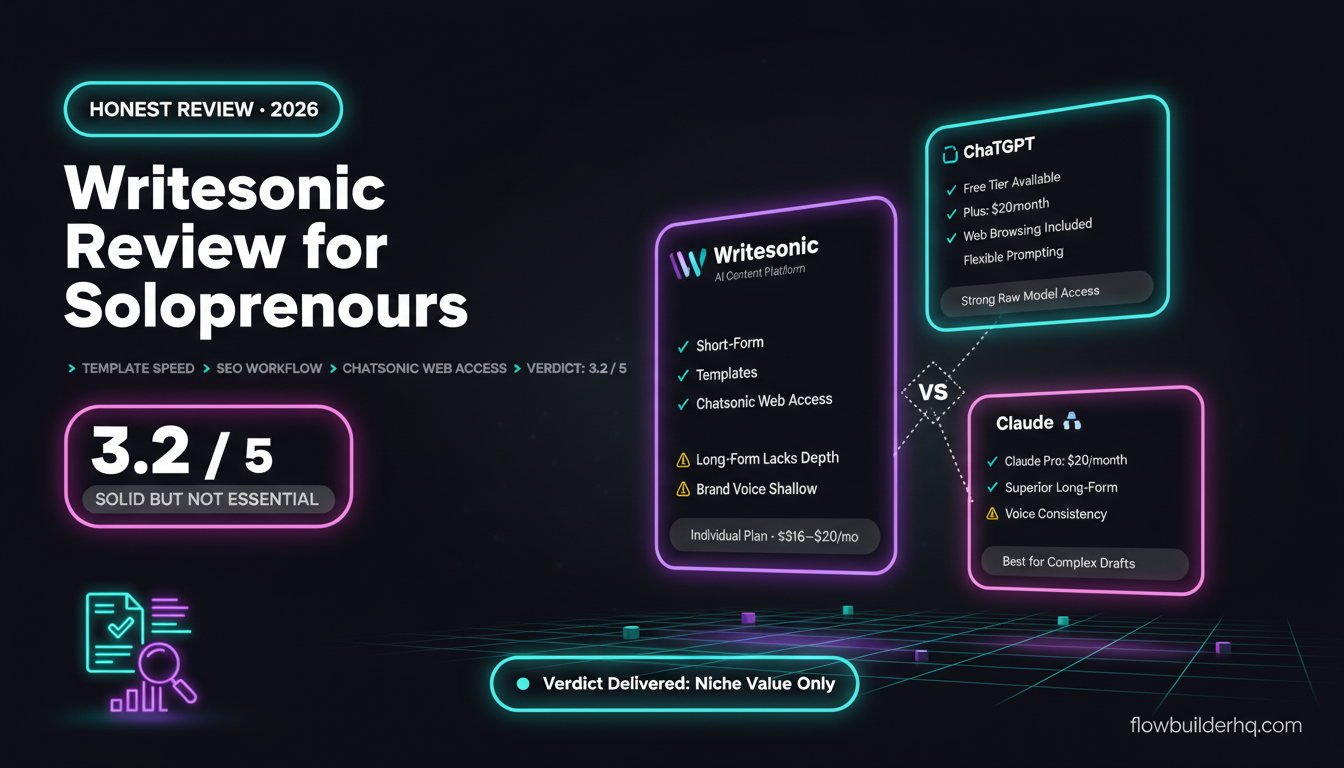
This matters if your brand voice is a real differentiator. If you’ve spent time building content that sounds distinctly human, Claude is less likely to sand that voice off than tools optimized purely for speed. For context on how it compares to the tools built specifically for AI writing, see the ranked breakdown of the best AI writing tools for solopreneurs in 2026.
Where Claude Underperforms
Being clear about limitations is more useful than pretending Claude does everything well.
Real-Time Web Access
Unless you’re using a tool or integration that adds web search on top of Claude, it doesn’t know what happened last week. For competitor research, current pricing lookups, or anything time-sensitive, you need a tool with live access. Claude’s knowledge has a cutoff, and it’s honest about that — but honesty doesn’t make the gap disappear.
Image Generation
Claude doesn’t generate images. It can analyze and describe images you upload, but if you need AI-generated visuals, you’re using a different tool entirely. Not a criticism — just a fact that saves you 20 minutes of looking for the image generation button that doesn’t exist.
Highly Repetitive High-Volume Tasks
If you need to run the same prompt 500 times against different data, Claude’s API works, but it’s not the cheapest option per call depending on volume. For pure throughput, you’ll likely find yourself doing a cost comparison against other models. For workflows that mix AI processing with automation logic, the practical guide to using Claude AI for business automation shows how to structure this properly so you’re not burning tokens on tasks that don’t need Claude’s capability tier.
Short Creative Punchy Copy
Ad headlines, social hooks, subject lines — Claude can do these, but it’s not where it shines. These tasks favor a model optimized for high-variance creative output. Claude tends toward thoughtful and measured; that’s a feature for proposals and a limitation for five-word hooks that need to stop a scroll.
How Claude Fits Into a Real Small Business Workflow
The most effective way to use Claude is not as a standalone tool you open occasionally. It’s as a layer inside a workflow that handles the heavy reasoning portions of recurring tasks.
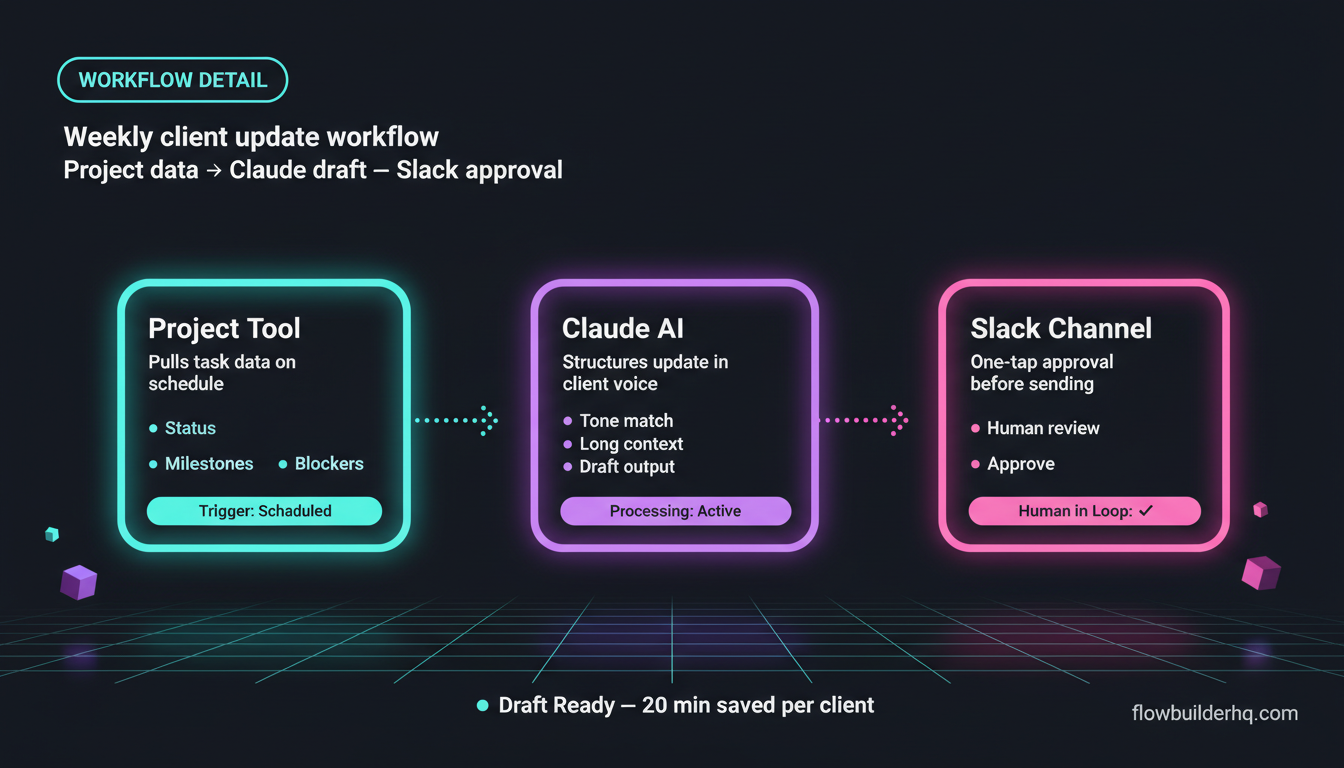
A practical example: a service business owner who sends weekly status updates to clients. The raw data lives in a project management tool. An automation pulls that data on a schedule, sends it to Claude with a prompt that structures it into a readable client update in the firm’s voice, and routes the draft to a Slack channel for one-tap approval before it sends. The human is still in the loop. Claude handles the part that used to take 20 minutes per client.
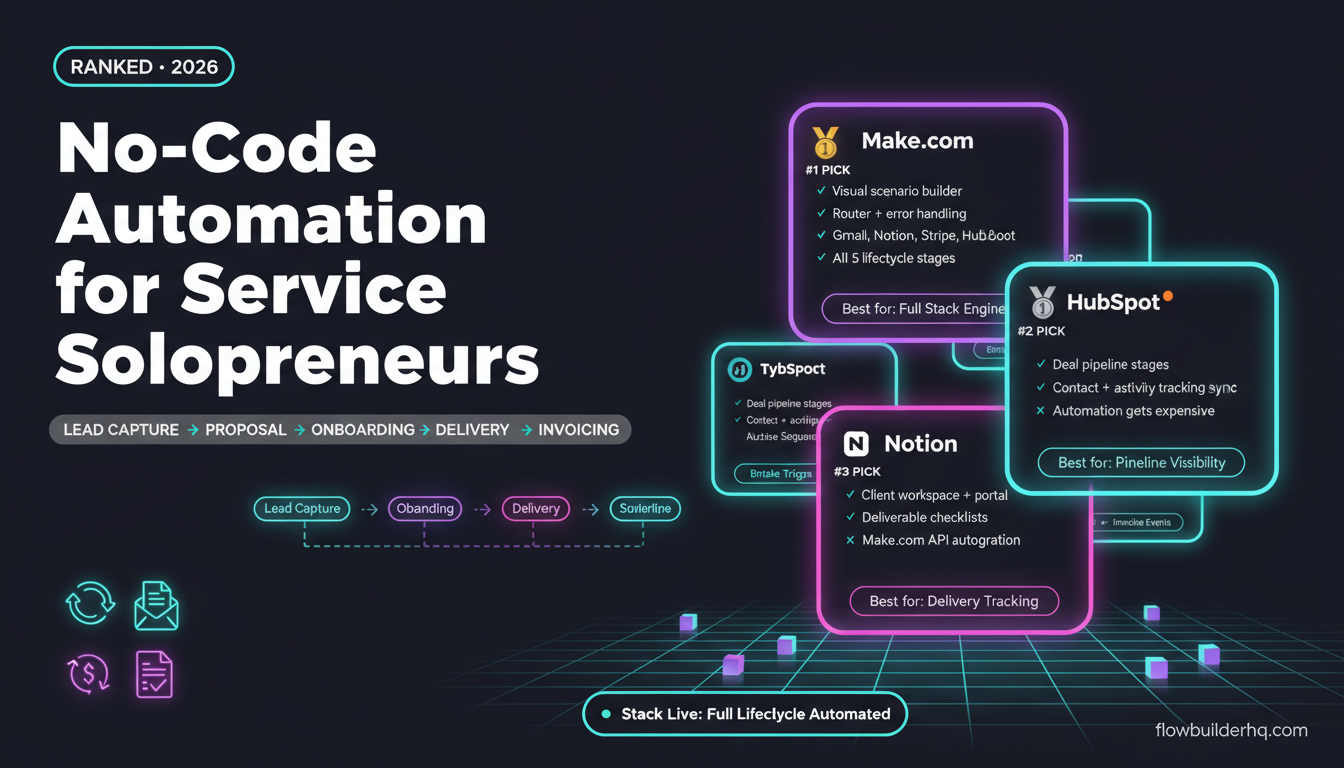
This pattern — automation does the routing and triggering, Claude does the reasoning and writing — is where the tool combination pays off. If you’re building on n8n, you can connect Claude via its API node and run workflows like this entirely self-hosted. For automation ideas that go beyond basic content tasks, the ranked list of no-code automation tools for solopreneurs shows which platforms pair best with AI models in practice.
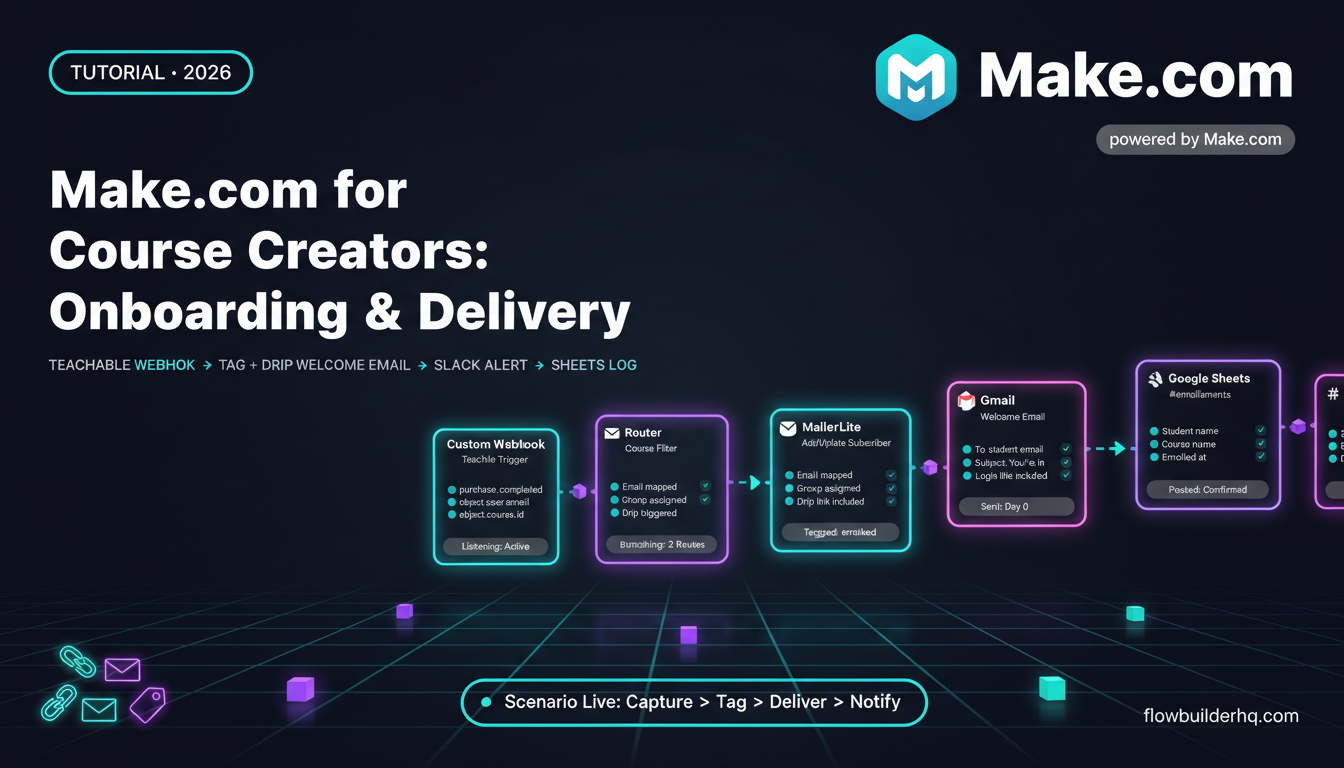
For businesses already running Make.com, connecting Claude to existing scenarios is direct. The Make.com review for small business automation explains how the platform handles AI module connections if you’re not already running it.
Claude vs. Other AI Options for Small Business
Claude is not the only serious option. GPT-4o and Gemini are both capable and have their own strengths. The honest answer is that the difference between frontier models for most small business tasks is smaller than the marketing implies — and the more important variable is usually the interface, the integration, and the prompt quality, not the underlying model.
That said, Claude consistently scores better in third-party evaluations on tasks requiring long-context reasoning and careful instruction-following. If those task types dominate your use case, Claude is probably the right default.
For solopreneurs who primarily write content and want a tool designed end-to-end for that use case, the Copy.ai review for solopreneurs is worth reading — it’s a different category of tool (templates and brand voice management rather than a general reasoning model), but for pure content throughput some users prefer it.
Pricing Reality Check
Claude.ai offers a free plan with usage limits. The Pro plan (check current pricing on the Anthropic site, as it’s subject to change) gives access to higher limits and the strongest available model. For API usage, pricing is per token and scales with volume — viable for small businesses doing moderate automation, worth modeling before committing at scale.
The free tier is genuinely useful for evaluating whether Claude fits your workflow before paying anything. Most tools claim this; Claude actually delivers enough on the free tier to make a real decision.
If budget is a primary constraint and you’re comparing AI tools across writing, automation, and content creation, the full breakdown of automation tools for solopreneurs in 2026 puts pricing in context across the stack.
Who Should Use Claude AI for Their Small Business
Claude is a strong fit if:
- You write client-facing documents regularly — proposals, reports, onboarding materials
- You want an AI that reasons carefully and flags uncertainty rather than confidently hallucinating
- You plan to integrate AI into automated workflows where output quality matters more than output volume
- Your brand voice is specific enough that generic AI output actively damages it
Claude is probably not your first choice if:
- You need real-time web data as part of the core workflow
- You primarily need high-volume short-form copy at the lowest possible per-unit cost
- Image generation is a core requirement
- You want a fully managed AI writing platform with templates and brand kits built in — that’s a different tool category
Claude AI for Small Business: The Actual Bottom Line
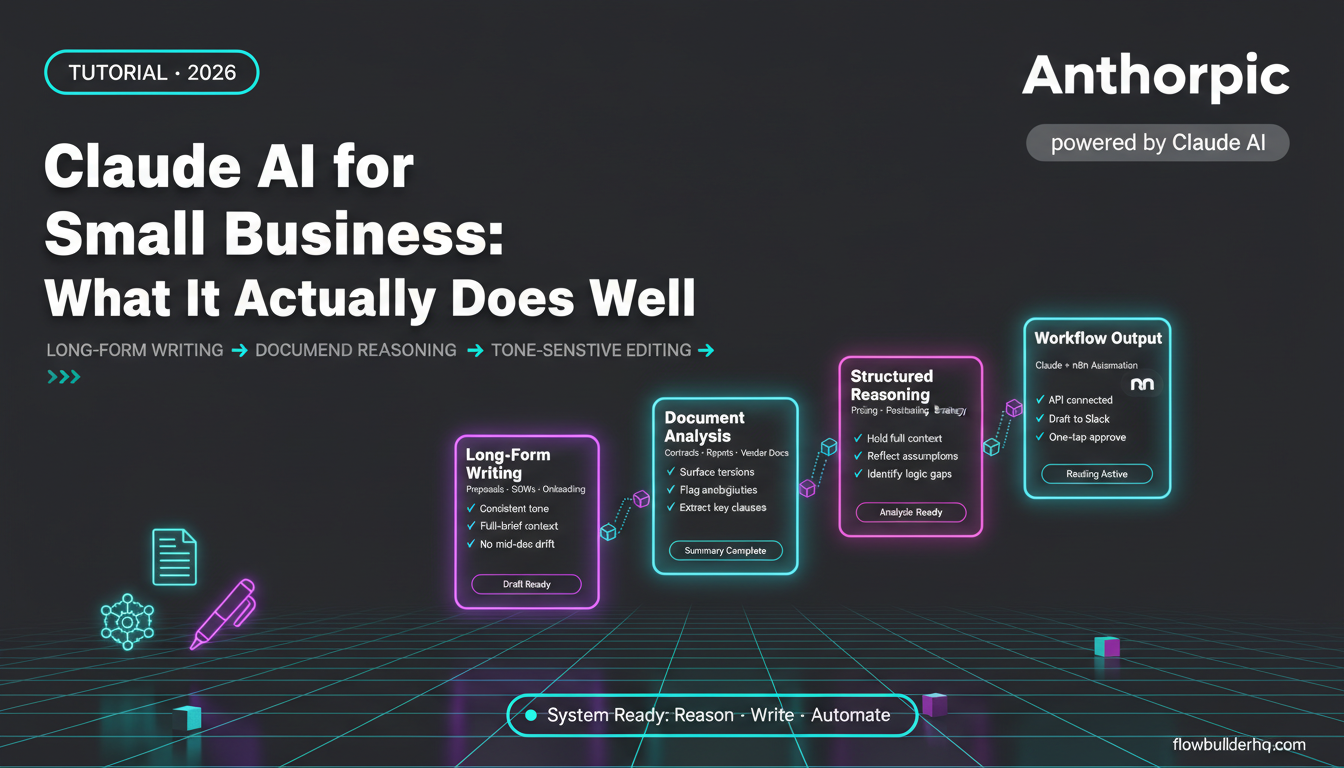
Claude AI for small business is not a general-purpose magic wand. It’s a precision tool that performs well on a specific set of high-value tasks: long-form writing, document analysis, structured reasoning, and tone-sensitive editing. Used for those tasks — especially when wired into automation workflows — it saves real time on work that would otherwise require your full attention.
The free tier is a genuine test drive. Use it on your three most painful writing or thinking tasks for two weeks. If it doesn’t reduce time or improve output on at least two of those, it’s not the right fit for your specific workflow. If it does, Pro is worth the cost relative to what professional writing or editing time costs.
For the broader question of how AI models fit into an automated business operation, the guide to building an AI agent with n8n shows a real implementation that connects model output to action — not a demo, an actual working workflow.
Building this yourself? Get the workflow pack.
5 ready-to-import n8n workflows — lead capture, invoicing, content repurposing, onboarding, social posting. Free.