7 Workflow Automation Mistakes Solopreneurs Make (and How to Fix Them)
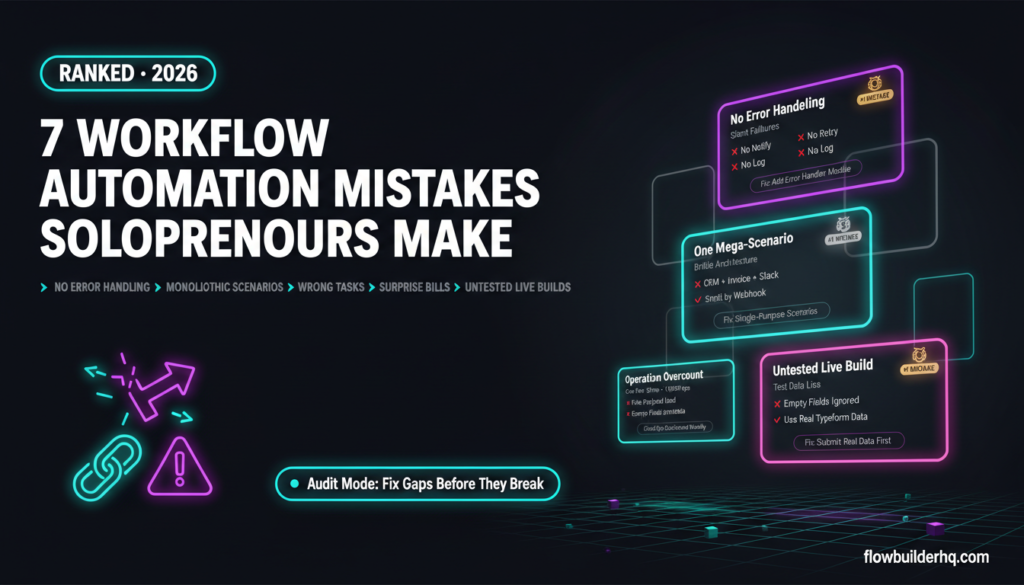
The workflow automation mistakes solopreneurs make rarely happen because of bad tools. They happen because of bad sequencing — wrong order, wrong process, wrong assumptions about what automation can fix. Most of these mistakes are invisible until something breaks or a bill arrives that’s three times what you expected.
This isn’t a list of edge cases. These are the patterns that appear consistently across solopreneur setups: over-engineered first builds, silent failures, ignored error states, and automating chaos instead of process. Each one has a specific fix.
1. Automating a Process You Haven’t Standardized Yet
This is the most expensive mistake on the list, and it’s the most common. The logic seems sound: the task is repetitive, so automate it. But if the manual version of that task looks different every time — different fields, different steps, different outcomes — the automation will inherit all of that inconsistency and amplify it.
Automation is a multiplier. It multiplies good processes faster and bad processes louder.
The fix is to run the manual process identically at least five times before touching a workflow builder. Document every step, every input, every output. Only when the process is genuinely consistent does it become a candidate for automation. If you’re not sure where to start, this prioritization framework for solopreneurs helps identify which tasks are actually ready.
2. Building the Complex Version First
A first Make.com scenario with twelve modules, three routers, conditional filters, and an error-handling branch is not an achievement — it’s a liability. When something breaks (and it will), there are twelve places to look. When a connected app changes its API, there are twelve modules to audit.
The correct approach: build the smallest version that works. One trigger, one action, one tested path. Get it running and handling real data before adding complexity. Most automations that solopreneurs actually need are three to five modules wide. The elaborate version usually exists to solve problems that don’t happen yet.
If you’re new to building in Make.com, this beginner’s guide to building your first scenario shows how to keep the first build deliberately small and still functional.
3. No Error Handling — At All
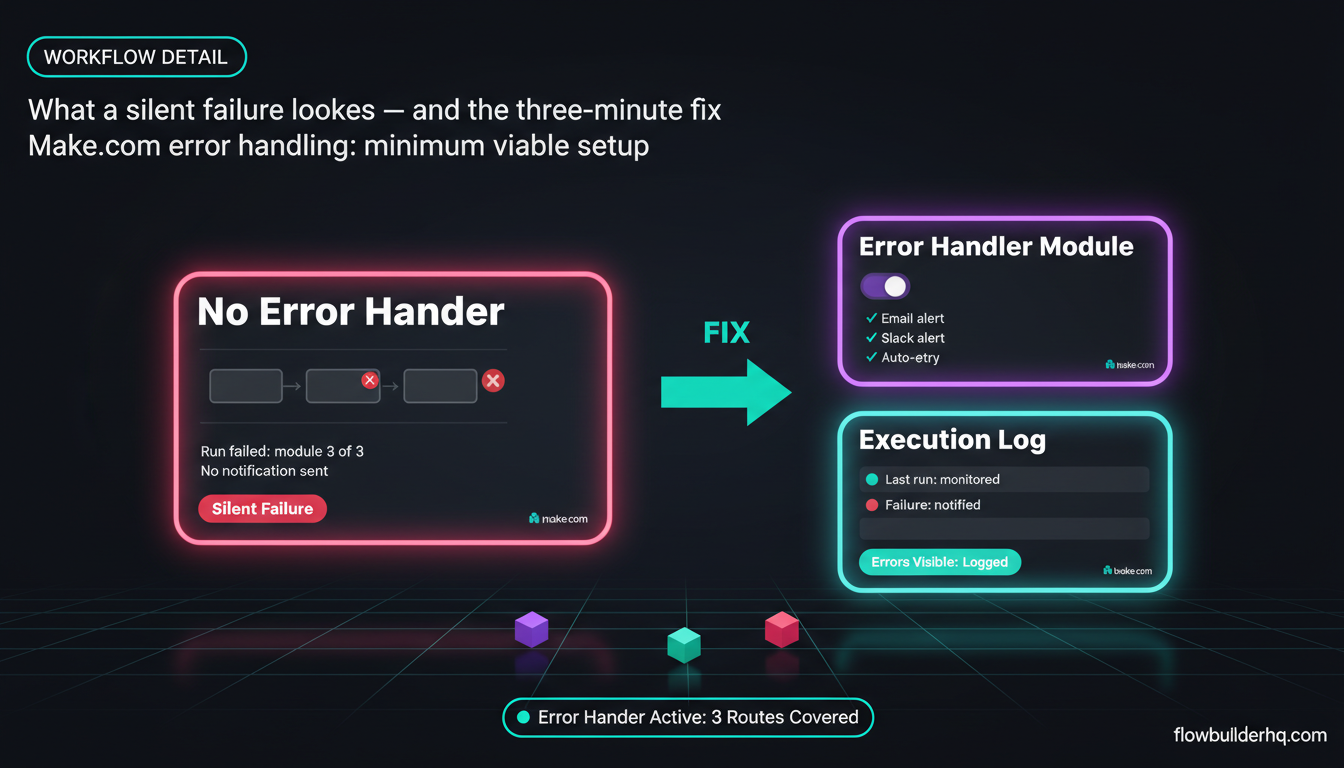
A scenario with no error handling is a scenario that fails silently. The trigger fires, something goes wrong mid-execution, and nothing happens. No notification. No retry. No log entry you’ll actually see. You find out three days later when a client asks why their onboarding email never arrived.
Error handling isn’t optional once an automation is doing anything business-critical. At minimum, every scenario needs:
- An error handler that notifies you (email or Slack) when a run fails
- A clear decision on whether failed runs should retry automatically or pause for review
- Logged failures somewhere you’ll actually check
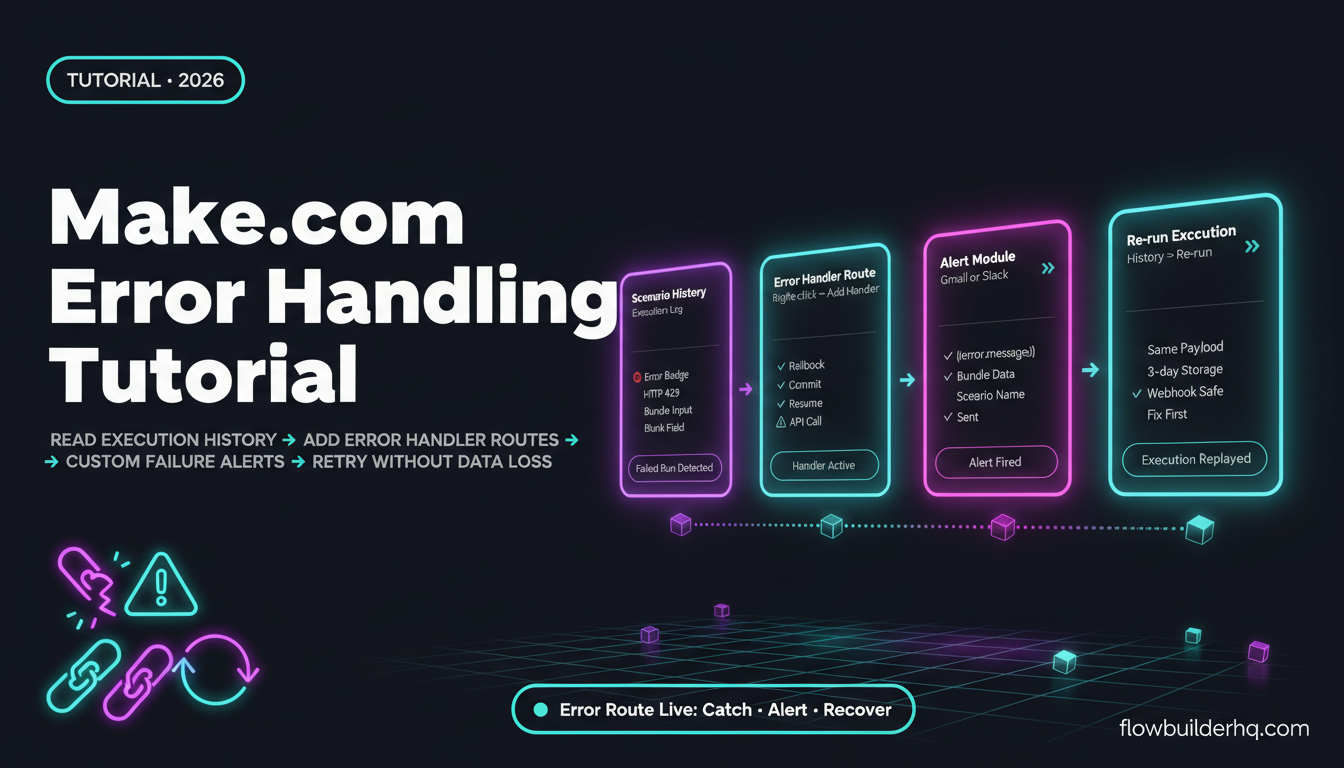
Make.com has a built-in error handler module that takes about three minutes to add to any scenario. There’s no reason not to use it. For a full walkthrough of what to configure and when, the Make.com error handling tutorial covers the exact setup.
For Slack-based alerting specifically — which is one of the fastest ways to catch failures in real time — this guide on automating Slack notifications shows how to route error alerts to a dedicated channel.
4. Ignoring Operation Counts Until the Bill Arrives
Make.com pricing is based on operations, not workflows. Every module execution in every scenario counts as one operation. A scenario with eight modules that runs 500 times a month burns 4,000 operations — not 500. Add a few more active scenarios and it’s easy to blow past the free tier’s 1,000 ops/month or even the Core plan’s limit without realizing it.
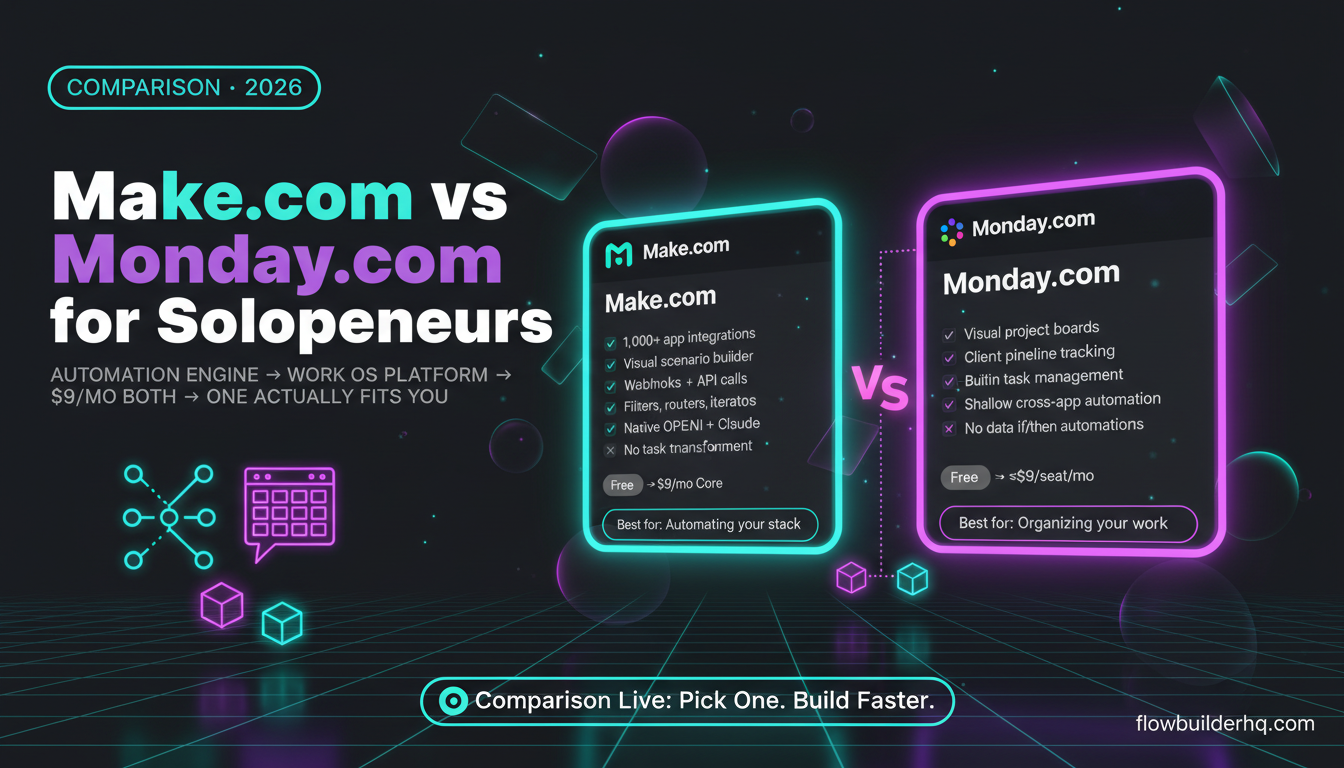
Make.com’s current pricing: Free (1,000 ops/month), Core at $9/mo, Pro at $16/mo, Teams at $29/mo. The jump from free to paid is small, but the jump from “I have no idea how many ops I’m using” to a surprise overage is the real problem.
The fix: check the Operations dashboard in Make.com weekly when you’re actively building. Understand which scenarios are the heaviest consumers. Polling triggers (scheduled checks) often burn far more operations than webhook triggers for equivalent work — if a scenario can use a webhook instead of polling, switch it. For a detailed breakdown of how the pricing math works at scale, the Make.com pricing guide breaks down real costs at different operation volumes.
5. One Scenario Trying to Do Everything
The instinct to build one mega-scenario that handles intake, sends the welcome email, creates the project folder, notifies Slack, updates the CRM, and generates the invoice is understandable. It feels efficient. In practice, it’s fragile.
When the CRM step fails, the invoice step never runs. When you want to change just the Slack message, you’re editing a scenario that also controls invoicing. When the scenario breaks, you can’t tell which step caused it without stepping through the entire execution log.
The better architecture: break large workflows into smaller, single-purpose scenarios connected by webhooks or shared data stores. A scenario that does one job well is easier to debug, easier to update, and less likely to take down an entire process when one piece changes.
This principle applies directly to client onboarding setups. The client onboarding automation walkthrough shows how to structure multi-step onboarding as modular pieces rather than one brittle chain.
6. Automating the Wrong Tasks
Not every repetitive task is worth automating. Some tasks are repetitive but fast. Some require judgment that an automation can’t replicate. Some only happen twice a month. The ROI calculation matters: if building and maintaining an automation takes four hours and the task saves ten minutes a month, the break-even is two years out.
The tasks worth automating first share three traits: they happen frequently, the inputs and outputs are predictable, and getting them wrong has a cost (either to the client or to your time). Lead follow-up emails, report generation, appointment confirmations, and data entry from forms are strong candidates. Custom client proposals and strategic decisions are not.
A practical starting point for identifying high-ROI automation targets is the task automation ideas list for solopreneurs — it’s organized by frequency and effort so you can see where the results actually are.
For service-based operators specifically, the no-code automation guide for service businesses maps automation opportunities across the full service delivery lifecycle, which makes it easier to spot what’s actually costing time.
7. Never Testing With Real Data Before Going Live
Test data lies. A scenario that works perfectly with a manually constructed test payload will behave differently when real form submissions arrive — because real data has inconsistencies, unexpected characters, missing fields, and edge cases the test didn’t cover.
Before any automation goes live, run it with actual data from the real trigger source. If it’s a Typeform submission, submit a real form. If it’s a new CRM contact, create one that mirrors what clients actually send. Check that every downstream module handles the data correctly, including what happens when an optional field is empty.
This is especially relevant for intake workflows. The Typeform automation walkthrough shows the exact places where real data diverges from test data and how to build the scenario to handle both.
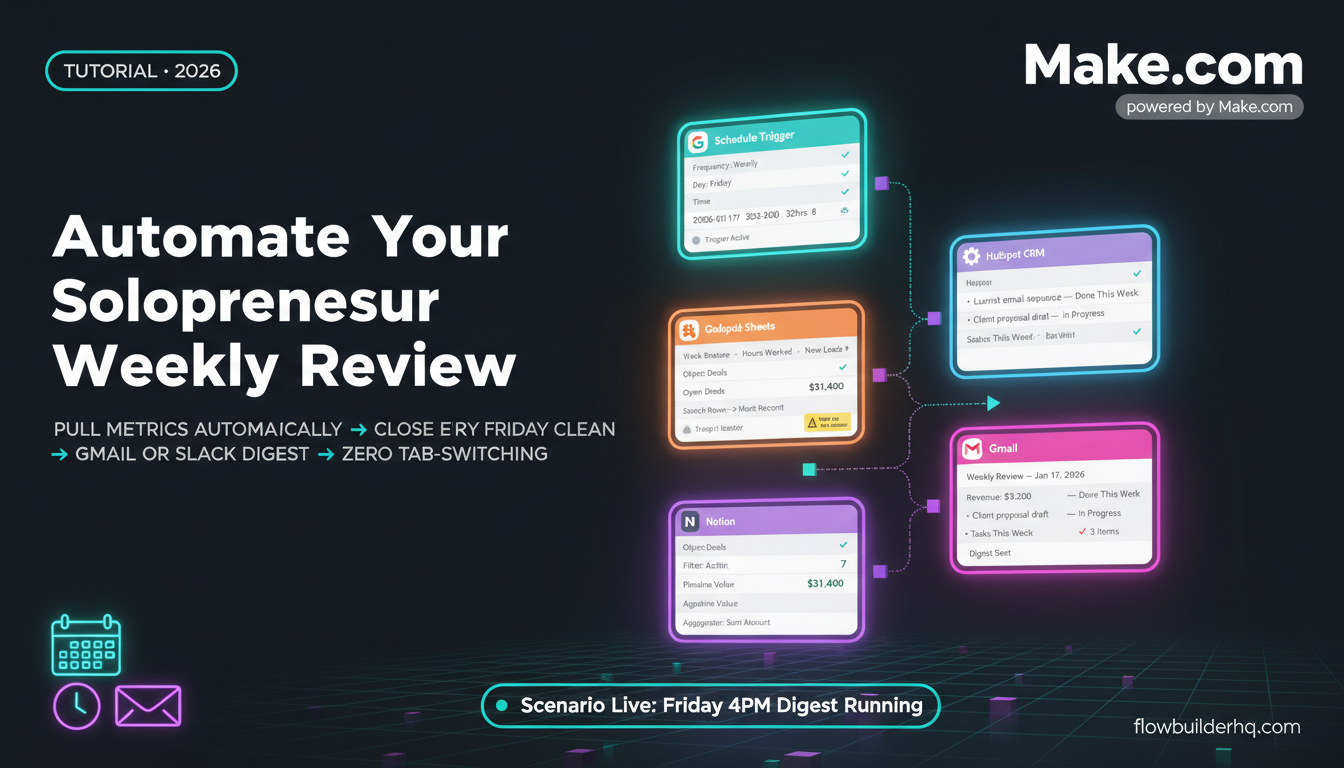
The same principle applies to any Google Sheets-based workflow. Real rows have formatting quirks, blank cells, and duplicate entries that test rows don’t. The Google Sheets reporting automation guide covers how to handle those edge cases before they silently corrupt your data.
The Common Thread
Every one of these workflow automation mistakes solopreneurs make comes down to the same root cause: treating automation as a shortcut instead of a system. Shortcuts skip the error handler, skip the testing, skip the process standardization. Systems don’t.
The good news is that each fix is specific and actionable. You don’t need to rebuild everything — you need to patch the gaps one at a time. Start with error handling on your most critical existing scenario. Then audit your operation count. Then look at which of your monolithic scenarios could be split.
If you’re running these workflows on Make.com, the platform gives you enough visibility — execution logs, error handlers, the operations dashboard, the scenario history — to catch all of these problems before they cost you. The tools exist. The question is whether you’ve taken fifteen minutes to configure them.
For those just getting started or evaluating platforms, the full Make.com review covers what the platform actually does well and where its limits are, so you can set up your stack with accurate expectations from the start.
Ready to build automations that don’t break? Try Make.com free — the free tier gives you 1,000 operations per month to build and test without spending anything.
For further reading on avoiding the tools-first trap, n8n’s documentation and their official workflow docs are worth scanning even if you’re on a different platform — the architecture principles transfer directly.
Building this yourself? Get the workflow pack.
5 ready-to-import n8n workflows — lead capture, invoicing, content repurposing, onboarding, social posting. Free.