Solopreneur Client Management Without a CRM: When Spreadsheets Stop Working
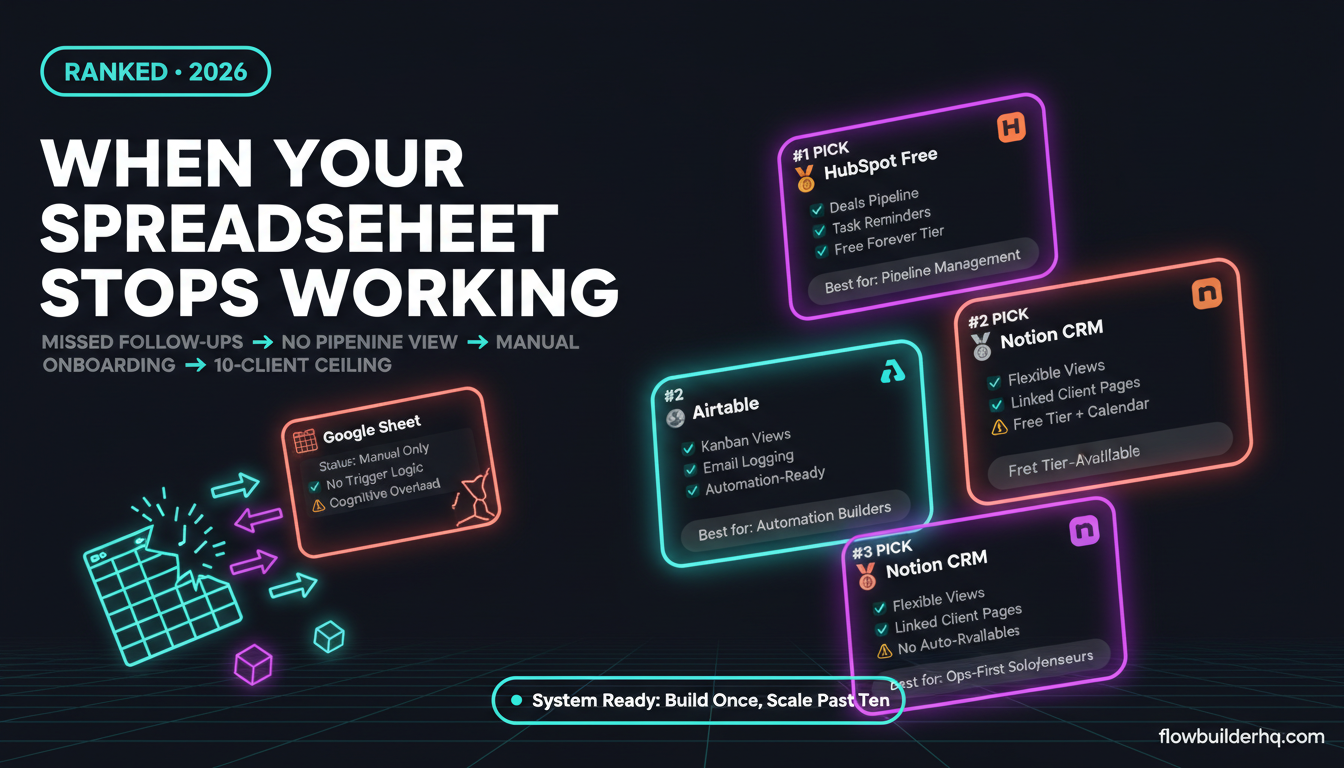
Solopreneur client management without a CRM works fine — right up until it doesn’t. Most solo operators hit the wall somewhere between 5 and 10 active clients. Not because spreadsheets are broken, but because client relationships aren’t rows. They’re moving parts: conversations, deliverables, follow-ups, invoices, and expectations that evolve every week. A spreadsheet captures state. It doesn’t track motion.
This post covers the seven signs that your current system is failing you, what actually breaks at each stage, and the tools worth considering when you’re ready to move on. No hype, no enterprise tools that require an IT department. Just honest assessments of what fits a one-person operation.
Why Solopreneur Client Management Without a CRM Has a Hard Ceiling
Spreadsheets aren’t the problem. The problem is that you’re using a static tool to manage a dynamic process. A Google Sheet can hold 200 rows of client data flawlessly. What it can’t do is remind you that Client B hasn’t responded to a proposal in 8 days, flag that Client C’s contract renewal is in two weeks, or show you which clients are in which stage of a pipeline at a glance — without you updating every cell manually.
The ceiling isn’t storage. It’s cognitive load. Every client you add means more mental overhead to keep the sheet accurate and meaningful. At some point, the system you built to reduce stress starts creating it.
If you’re building out your broader solopreneur tech stack, client management is usually the piece that breaks first under growth pressure.
7 Signs Your Spreadsheet System Is Failing You
1. You’re Missing Follow-Ups
A proposal went out two weeks ago. You meant to follow up at day 5. You didn’t, because the spreadsheet doesn’t nudge you — you have to remember to check it. One missed follow-up is human error. Three in a month is a systems problem.
The real cost isn’t the awkward email you eventually send. It’s the deals that close slowly or not at all because you lost momentum. Automating follow-ups gets significantly harder when your source of truth is a tab with no trigger logic attached to it.
The con of fixing this with a spreadsheet: You can bolt on reminders via Google Calendar or a task manager, but now you’re maintaining two systems instead of one, and they’ll drift out of sync.
2. You Can’t See Pipeline State at a Glance
How many clients are currently in “proposal sent” status? How many active retainers do you have? How much revenue is pending vs. confirmed this month? If answering any of those questions requires you to filter a spreadsheet and mentally tally a column, you don’t have a pipeline — you have a log.
A proper CRM shows you this on a dashboard or kanban view without any effort. That visual clarity matters when you’re deciding whether to pitch a new client or whether your current capacity is already maxed.
The con of the spreadsheet workaround: You can build a dashboard in Google Sheets with formulas and conditional formatting. It will break when you rename a column, and you’ll spend 45 minutes fixing it.
3. Client History Lives in Your Head (or Your Inbox)
A client emails you referencing a conversation from three months ago. You search your inbox, dig through threads, find the context — it took 8 minutes. Multiply that by every client interaction that requires context. That’s hours of retrieval time per month that a proper contact record eliminates.
A CRM that logs communications, notes, and attachments by client means you open a record and immediately know the full history. Your spreadsheet doesn’t have a “notes” column that auto-populates when someone emails you.
If you want to get specific about options here, the Notion CRM vs HubSpot Free comparison is worth reading before you decide on an approach.
The con of the spreadsheet workaround: You can add a notes column and commit to updating it. Nobody does, because it’s friction-heavy. You’ll stop updating it within two weeks.
4. Onboarding Is a Manual Copy-Paste Marathon
Every new client gets the same welcome email, the same contract template, the same intake form, the same folder structure. If you’re doing all of that manually — drafting, attaching, creating, sending — you’re burning 30–90 minutes per client on work that should be automated.
The spreadsheet can’t trigger anything. It has no concept of “new client added = send welcome sequence.” You could connect a spreadsheet to an automation tool, but at that point you’re building infrastructure to compensate for the wrong core tool. Structured client onboarding automation works best when it starts from a proper CRM record, not a workaround.
The con of the spreadsheet workaround: Make.com or Zapier can watch a sheet and trigger on new rows. It works — but it’s fragile. Any formatting change in the sheet breaks the automation.
5. You’re Losing Deals Because You Can’t Track Proposal Stages
You sent eight proposals last quarter. Three converted. What happened to the other five? Were they declined, ghosted, or still pending? If you don’t know — or if finding out requires you to comb through email — you’re flying blind on your own sales conversion rate.
A basic deals pipeline in a CRM shows every open opportunity by stage, value, and last activity. That’s not sales-team infrastructure — that’s essential information for a solopreneur deciding whether to invest in lead generation or focus on closing what’s already in the pipe. The HubSpot Deals pipeline is a good free option for this exact use case.
The con of the spreadsheet workaround: You can add a “Status” column and manually update it. But without automated timestamps or activity logging, your data gets stale fast and you stop trusting it.
6. Reporting Requires Manual Work Every Time
A client asks for a status update. You open the spreadsheet, cross-reference with your project manager, check your email for the latest deliverable timestamps, and write a summary email — manually, every time. Or you’re trying to track your own business metrics month-over-month, and it means building a new tab in the sheet and copying data into it.
If client reporting is eating time you don’t have, automating client reports becomes a real option — but only if your data lives somewhere structured enough to pull from reliably.
The con of the spreadsheet workaround: You can automate Google Sheets reporting with the right formulas, but it requires ongoing maintenance every time your client list or project structure changes.
7. You’re Managing More Than 10 Active Clients
Ten is roughly the number where the spreadsheet system collapses under its own weight for most solopreneurs. Not because ten clients is unmanageable — but because ten clients means ten sets of deliverables, ten billing relationships, ten communication threads, and ten different renewal or upsell conversations happening at different stages simultaneously.
At five clients, a well-maintained sheet works. At ten, you’re already compensating with sticky notes and calendar reminders. At twenty, you’re dropping things. That’s not a productivity problem — it’s a systems problem with a clear solution.
The con of the spreadsheet workaround: There isn’t one. Past a certain client count, a spreadsheet requires more time to maintain than the CRM you’re avoiding would cost you to set up.
What to Move To: Three Honest Options
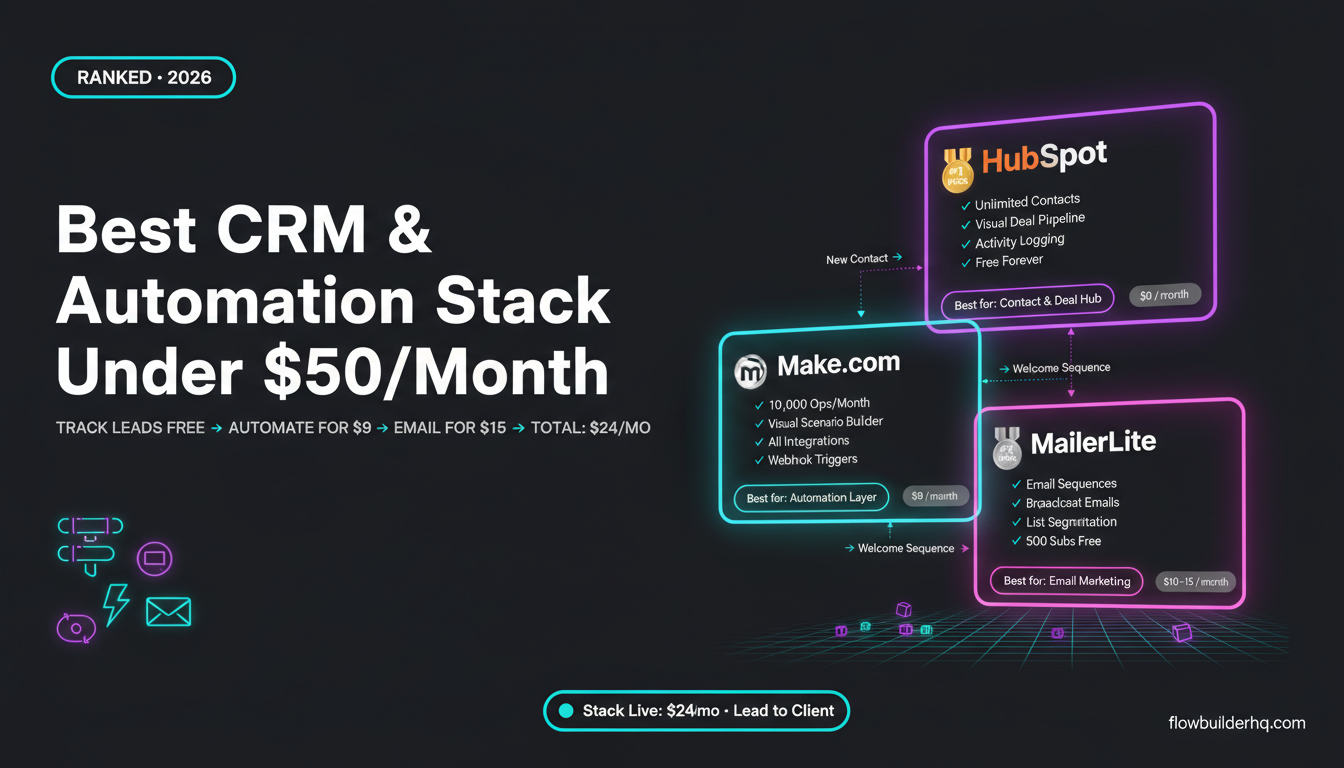
HubSpot Free
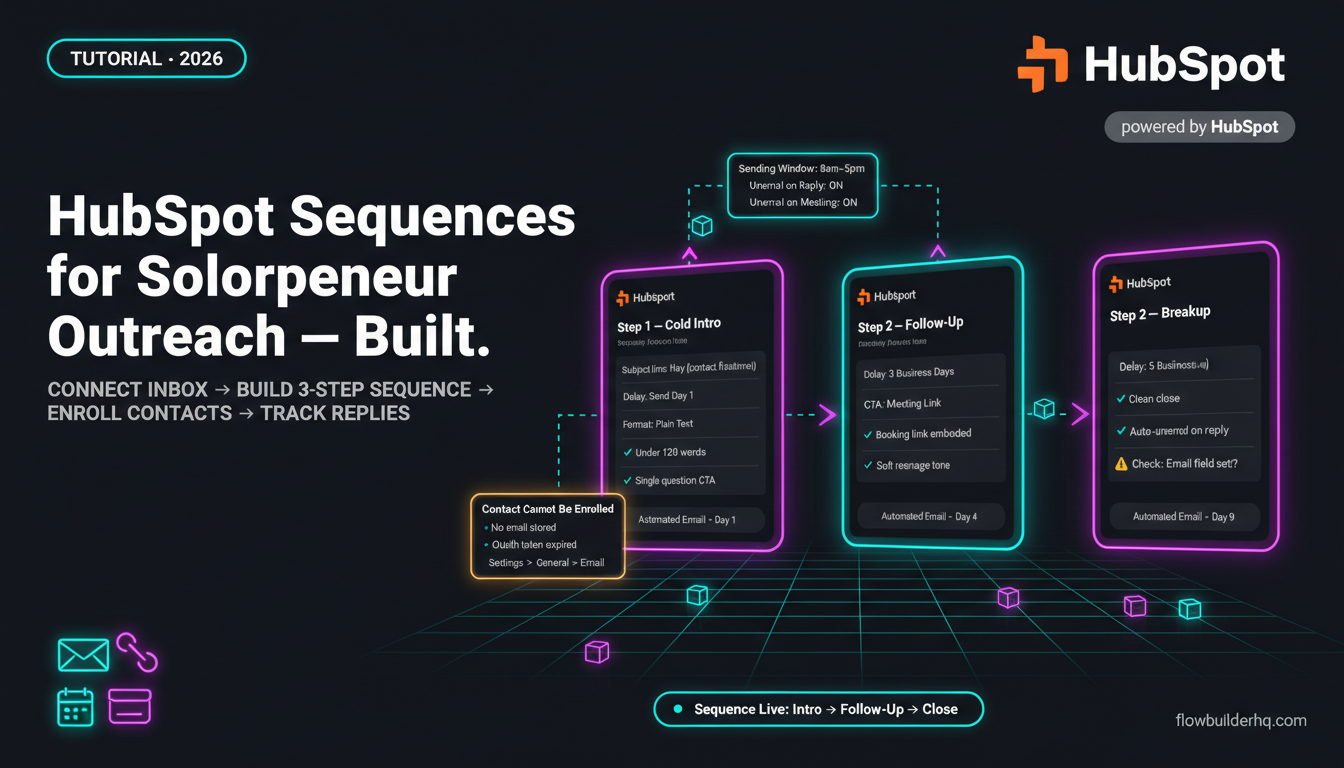
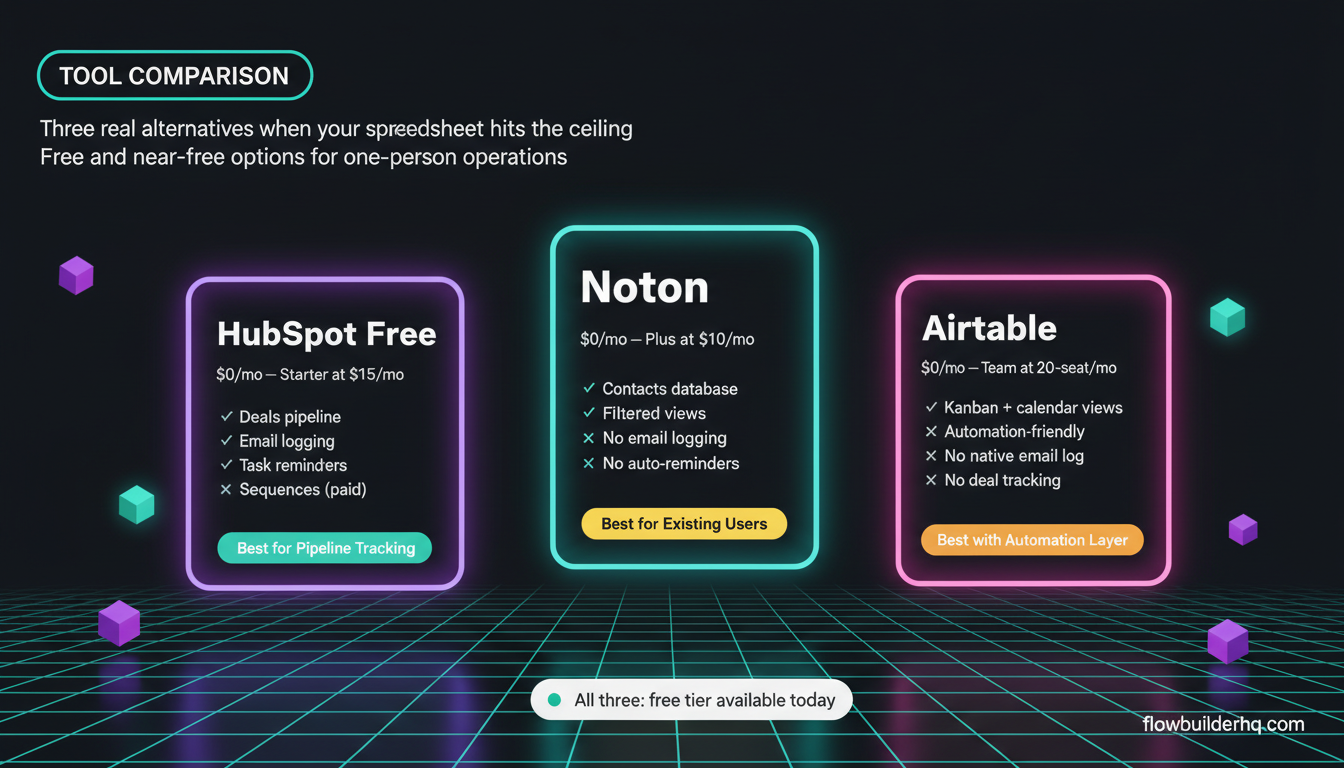
HubSpot’s free CRM is the most fully-featured free option available for solopreneurs. You get contact records, a deals pipeline, basic email logging, task reminders, and a company database — all free, with no time limit. The catch is that email sequences, some automation, and advanced reporting sit behind paid tiers (Starter starts at $15/mo).
It’s the right move if you’re managing leads and projects through a pipeline. If you want a guided setup, the HubSpot CRM setup guide for solopreneurs walks through configuration without the enterprise bloat. And if you need to track leads specifically, tracking leads in HubSpot Free without a sales team is a practical starting point.
Honest con: HubSpot’s interface is built for sales teams and can feel over-engineered for a one-person service business. There’s setup time involved before it pays back.
Notion as a CRM
Notion (free tier available, Plus at $10/mo) works well as a lightweight CRM if you’re already using it for other business ops and don’t need a dedicated sales pipeline. You build a contacts database with relationship properties, filtered views by status, and linked pages per client. It’s flexible but entirely manual — nothing auto-populates.
Honest con: Notion doesn’t log email conversations, send reminders natively, or surface overdue follow-ups automatically. It’s a structured document, not a CRM. It works best as a CRM for solopreneurs who have disciplined data hygiene. Most people don’t.
Airtable
Airtable (free for basic use, Team at $20/seat/mo) sits between Notion and a real CRM. You get relational database power with views — kanban, gallery, calendar — which makes pipeline management genuinely visual. It connects cleanly to automation tools, which makes it useful if you’re building workflows on top of your client data. The Make.com + Airtable integration is one of the better combinations for solopreneurs who want automation without committing to a full CRM platform.
Honest con: Airtable has no native CRM features — no email logging, no deal tracking, no communication history. You’re building a CRM out of a database tool, which requires real setup time and ongoing discipline.
The Real Question: How Much Is the Friction Costing You?
The reason solopreneurs stay on spreadsheets is friction avoidance — the CRM migration feels like a project, and projects have a start cost. That’s rational. But the calculation changes when you’re spending 4–6 hours a week on manual client tracking that a structured system would cut to under an hour.
The tools listed above all have free tiers. The cost of trying one is setup time, not money. Before you commit, check out the best CRM options for solopreneurs for a fuller comparison of what’s available at each price point — including options built specifically for one-person businesses rather than scaled-down enterprise tools.
If you’re also thinking about what automation you can layer on top of whatever system you choose, the guide on automating your freelance business operations covers the workflows that matter most once your data is in a structured place.
Spreadsheets got you this far. A real system takes you further — and costs less time than the one you’re already spending to keep the sheet alive.
Building this yourself? Get the workflow pack.
5 ready-to-import n8n workflows — lead capture, invoicing, content repurposing, onboarding, social posting. Free.