Make.com vs Integromat: Is There Actually a Difference in 2026?
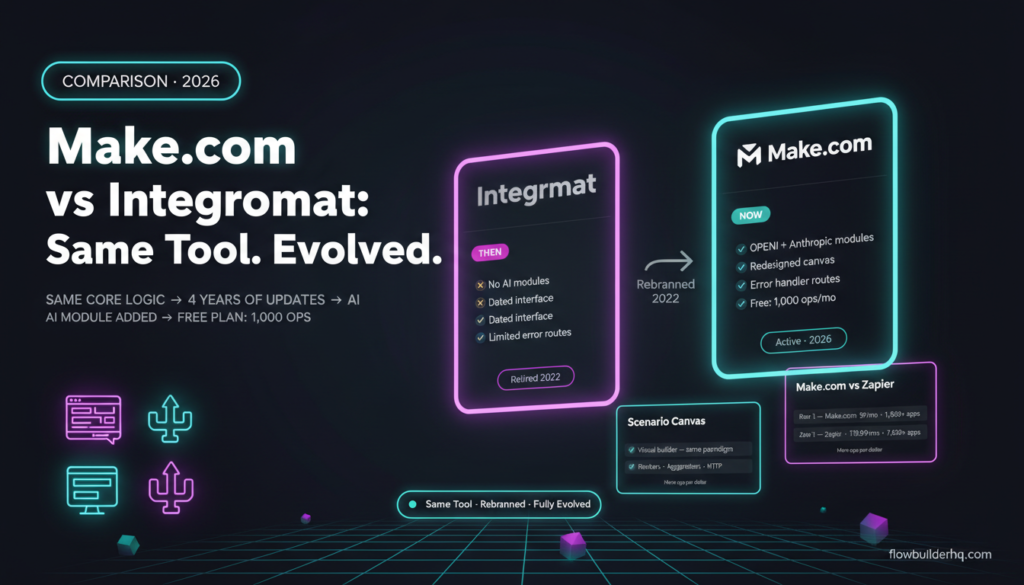
If you searched “Integromat vs Make.com” trying to figure out which tool to use, here’s the short answer: they’re the same product. Integromat rebranded to Make.com in 2022. There is no separate Integromat anymore — the old domain redirects to Make.com, the old accounts migrated over, and the product has continued evolving under the Make name ever since.
But that’s not the whole story. The rebrand wasn’t purely cosmetic. The platform picked up meaningful features after 2022, and if you last used it as Integromat, you’re working from an outdated mental model. This post covers what actually changed, what stayed the same, and whether Make.com in 2026 is worth using — for people who are genuinely evaluating it, not just confused by two names.
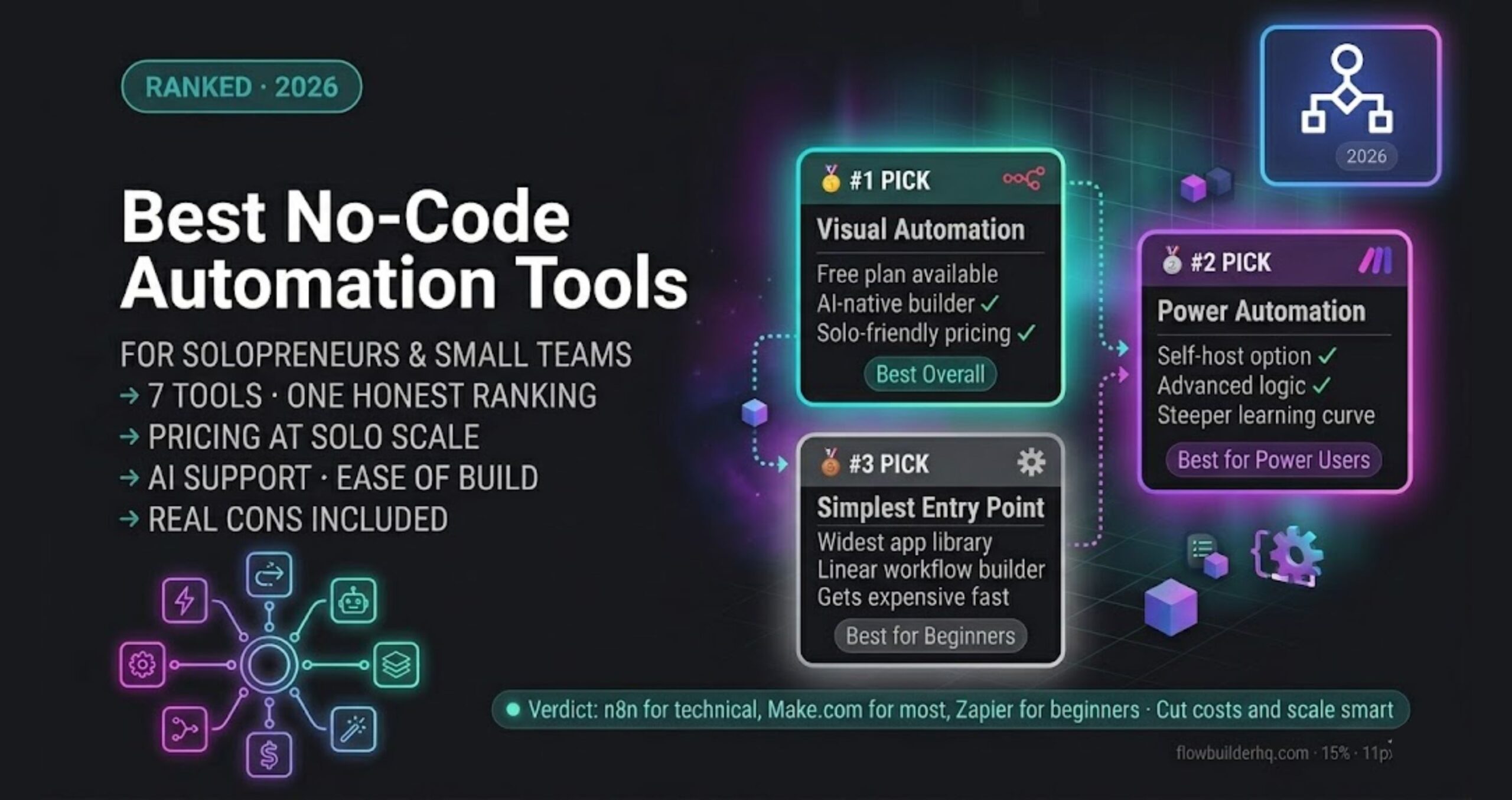
For a broader view of where Make.com sits in the automation landscape, the 2026 solopreneur tech stack breakdown puts it in context alongside the other tools most solo operators actually use.
Make.com vs Integromat: Understanding the Rebrand
Integromat launched in 2012 out of Prague. It built a reputation as the technically capable alternative to Zapier — more visual, more flexible, steeper learning curve. In 2020, Celonis acquired it. In 2022, the product was rebranded as Make.com.
The rebrand involved more than a name change. The interface was overhauled. The pricing structure changed. New modules and features were added. The old Integromat branding was retired completely, including the .com domain and all marketing materials.
What did NOT change: the core architecture. Make.com still uses the same visual scenario builder that made Integromat distinctive. Scenarios, modules, bundles, operations — all the same conceptual framework. If you built workflows in Integromat, you already know how Make works. The mental model transferred.
The reason thousands of people still search “Integromat” in 2026 is straightforward: they learned automation on the old platform, bookmarked tutorials that use Integromat screenshots, or heard about it from someone who hasn’t kept up. The search intent is almost always “I want to use this automation tool” — and the answer is always “go to Make.com.”
What Actually Changed After the Rebrand
This is where it gets useful. If you used Integromat before 2022 and are returning now, here’s what’s materially different:
Interface Redesign
The scenario canvas looks cleaner. Module search improved significantly — finding the right app and action is faster than it used to be. The older Integromat UI was functional but visually dated. Make’s interface is polished enough that new users don’t have to fight it to get started.
Expanded Module Library
The app and integration library grew substantially post-rebrand. Hundreds of new modules were added, and existing modules picked up more actions. The AI-related modules (OpenAI, Anthropic, etc.) didn’t exist in Integromat — those were added under the Make brand as AI tooling became relevant to automation builders.
AI-Native Features
Make added native AI functionality that Integromat never had. There are dedicated modules for working with OpenAI and Anthropic, including chat completions, embeddings, and image generation. If you’re building any automation that touches an LLM — summarizing emails, classifying form responses, generating content — these modules work without needing a custom HTTP request.
Error Handling Improvements
Integromat’s error handling was workable but required knowing where to look. Make’s error handling has matured — there are dedicated error handler routes, better logging, and clearer visual indicators when a scenario fails. For anyone running production workflows, this matters. The Make.com error handling tutorial covers what the current system looks like in practice.
Pricing Structure Overhaul
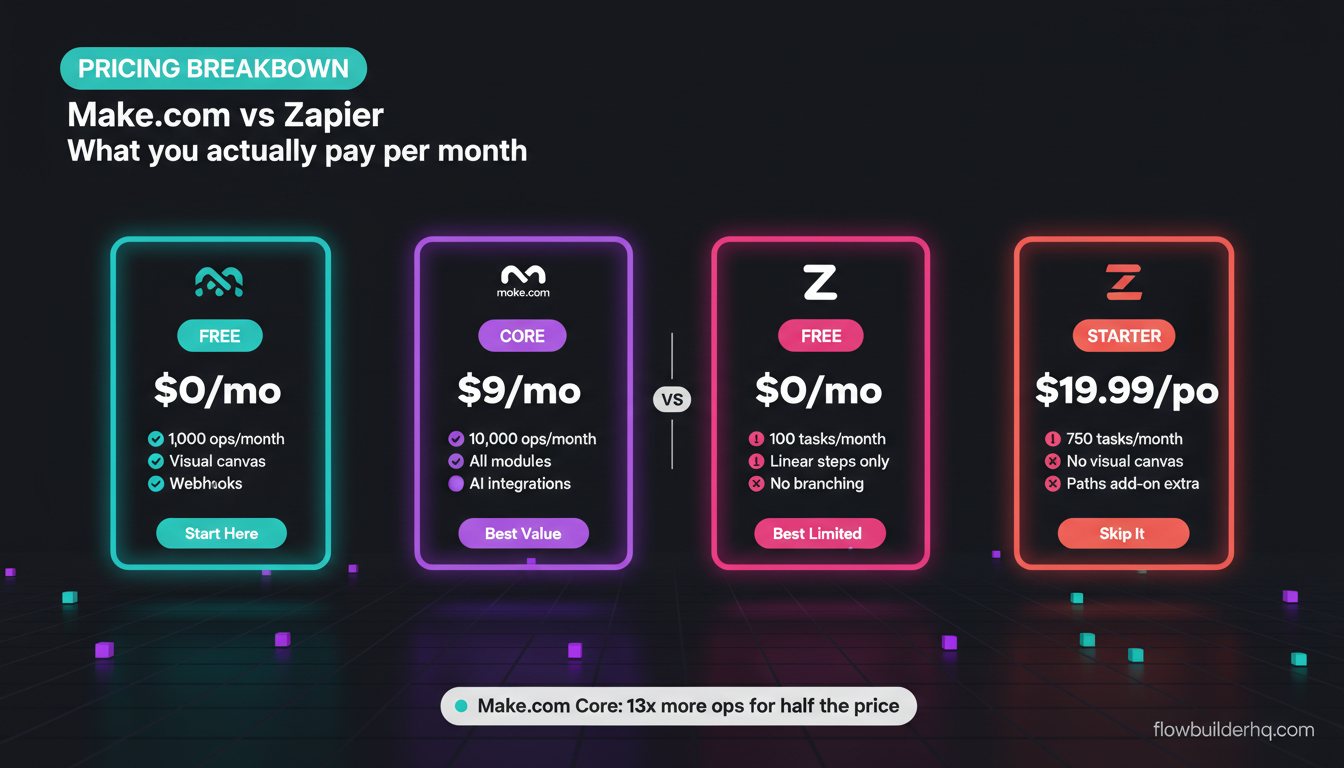
Integromat’s pricing was based on operations, which Make.com kept — but the tiers, limits, and free plan changed. Current 2026 Make.com pricing: Free (1,000 ops/month), Core ($9/mo), Pro ($16/mo), Teams ($29/mo). The free plan is genuinely usable for low-volume automation. For a full breakdown of what you actually pay at scale, the Make.com pricing breakdown for 2026 has the math.
What Stayed the Same
The things that made Integromat worth using are still there:
- Visual scenario builder. The canvas-based workflow builder is the same paradigm. You add modules, connect them with arrows, configure each step. It’s still the most visual automation tool in the market.
- Multi-step scenarios without task limits. Unlike Zapier, which counts each action as a separate “task,” Make counts by operations. A scenario with 10 modules processing one bundle uses roughly 10 operations — but you’re not paying per “zap step” in the Zapier sense.
- Routers and aggregators. The ability to branch a scenario down multiple paths (router) or combine multiple bundles into one (aggregator) is still core functionality. These were Integromat strengths and they carried over intact.
- Custom HTTP requests and webhooks. Any API that doesn’t have a native Make module is still reachable via the HTTP module. Integromat users who built custom integrations will find this workflow identical.
- Iterator and array handling. Integromat was better than Zapier at handling arrays natively. Make still is.
If you learned to build in Integromat, you can sit down at Make.com today and be productive in under an hour.
Make.com vs Zapier: The Comparison That Actually Matters in 2026
Now that the Integromat question is settled, the real comparison most people need is Make vs Zapier. These are the two dominant tools in this category, and they have genuinely different strengths.
| Feature | Make.com | Zapier |
|---|---|---|
| Free plan | 1,000 ops/month | 100 tasks/month |
| Paid entry point | $9/mo (Core) | $19.99/mo (Starter) |
| Visual canvas | Yes | No (linear steps) |
| Branching logic (routers) | Native | Limited (Paths add-on) |
| Learning curve | Moderate | Low |
| Native AI modules | Yes (OpenAI, Anthropic) | Yes (OpenAI) |
| App library size | 1,800+ | 7,000+ |
| Best for | Complex multi-step workflows | Simple, fast connections |
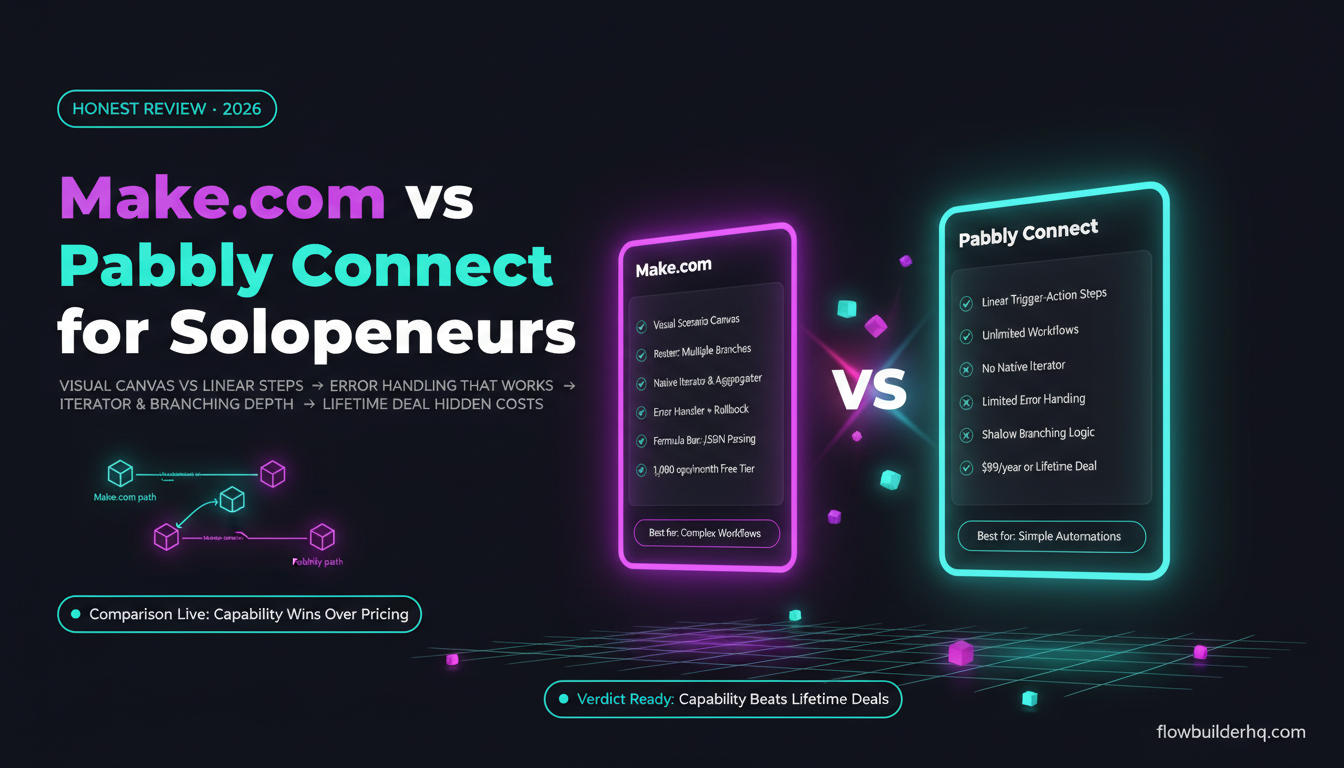
Zapier has a larger app library, which matters if you need a niche SaaS tool that Make hasn’t built a module for yet. But at the pricing level most solopreneurs operate at, Make.com gives you substantially more for less money. For a full side-by-side with real pricing math at volume, the Make.com vs Zapier comparison for solopreneurs has the actual numbers worked out.
Make.com vs n8n: The Other Comparison Worth Knowing
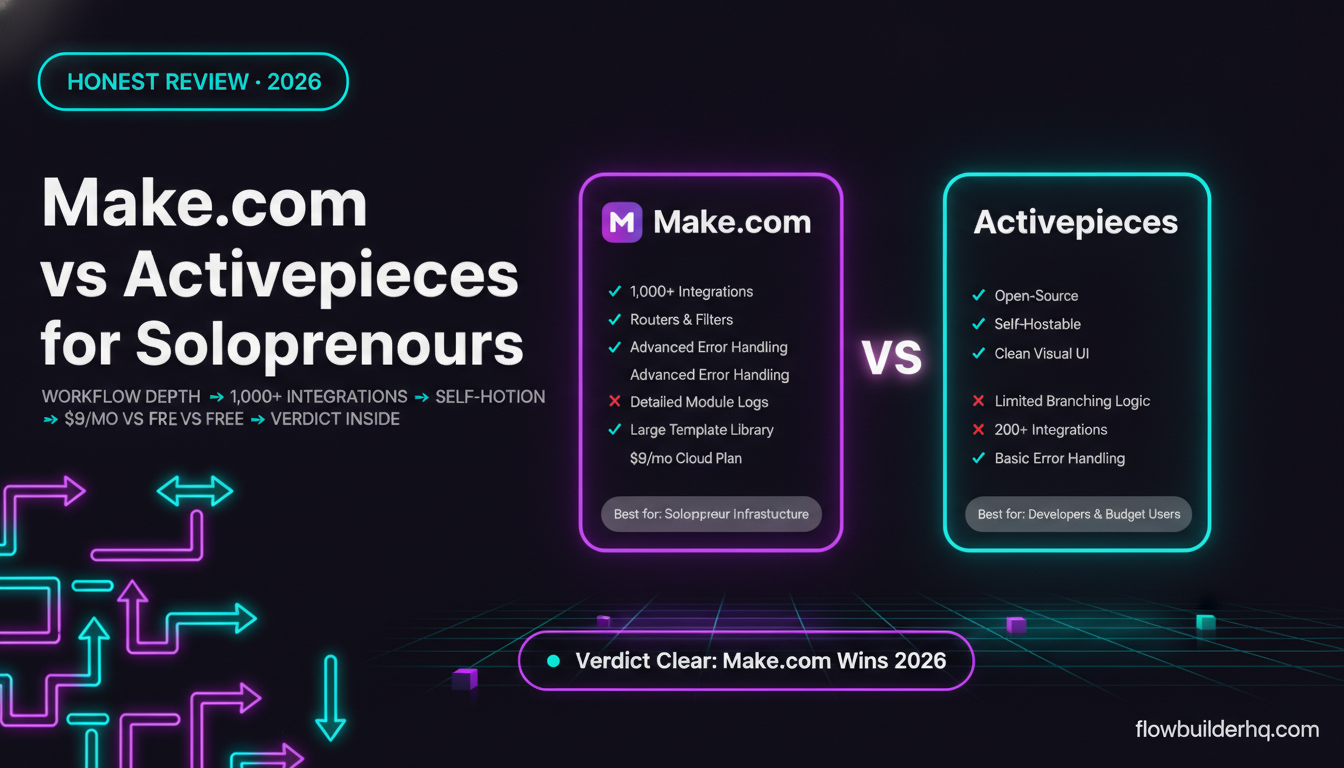
n8n is the other tool that comes up in this conversation. It’s open-source, self-hostable, and free if you run it yourself. The comparison with Make.com is genuinely interesting because they’re aimed at different operators.
Make.com is a fully managed SaaS tool. You pay per operations, you get a hosted UI, no server maintenance. n8n self-hosted is free but requires a server, maintenance, and comfort with a more technical setup. n8n Cloud has its own pricing: Starter at $8/mo, Pro at $50/mo — check n8n’s official site for current plan details.
For non-technical solopreneurs, Make.com is the easier default. For operators who want to self-host and don’t mind the setup, n8n becomes very cost-effective at scale. The n8n vs Make.com comparison for small business walks through when each makes sense.
Who Should Use Make.com in 2026
Make.com is the right tool if:
- You’re coming from Integromat and want to pick up where you left off. The transition is minimal.
- You want a visual, canvas-based builder that makes complex scenarios readable.
- You’re running multi-step workflows with branching logic, data transformation, or API calls.
- You want solid AI integration without writing custom HTTP requests for every LLM call.
- Budget matters and you want more ops per dollar than Zapier offers.
Make.com is NOT the right tool if:
- You need a specific app integration that Make hasn’t built yet and Zapier has. The 1,800 vs 7,000 app gap is real, though shrinking.
- You want the absolute simplest possible tool for one-step automations. Zapier is faster to set up for basic use cases.
- You need self-hosted infrastructure for compliance or cost reasons at scale. That’s an n8n conversation.
Make.com handles the full range of workflows most solopreneurs and small teams actually need — from simple trigger-action flows to multi-branch, multi-step scenarios with data transformation. See the full Make.com review for 2026 for an honest look at where it falls short.
Getting Started: Practical Next Steps
If you’re landing here from an old Integromat tutorial or a forum post recommending Integromat, the path is simple: go to Make.com, create a free account, and you’re working in the same tool with four years of improvements on top.
The free plan (1,000 ops/month) is enough to build and test most workflows before you need to commit to a paid tier. The interface will look different from old Integromat screenshots but the logic is the same — triggers, modules, connections, scenario runs.
A few good starting points depending on what you want to build:
- Never built a scenario before: how to build your first Make.com scenario from scratch
- Want to connect Make to your existing tools: Make.com with Airtable for project management or Make.com with Notion for your workspace
- Want pre-built templates: 7 ready-to-import Make.com scenario templates for small business
- Running a service business: client onboarding automation with Make.com
The free plan is a real free plan — no credit card required to test it. Try Make.com free and see what your first scenario looks like. If you’ve used Integromat before, you’ll be building within minutes.
The Bottom Line on Make.com vs Integromat
There is no Make.com vs Integromat comparison to make in 2026. Integromat is Make.com. The product evolved, the interface improved, and the feature set expanded significantly — but it’s the same tool with the same core logic that made Integromat worth learning in the first place.
If you’re evaluating Make.com as a new user, the real comparisons are against Zapier (simpler but more expensive per operation) and n8n (more powerful if self-hosted, higher technical bar). Make sits in a practical middle ground: visual enough to be accessible, flexible enough to handle real complexity, priced well enough for solo operators to actually afford.
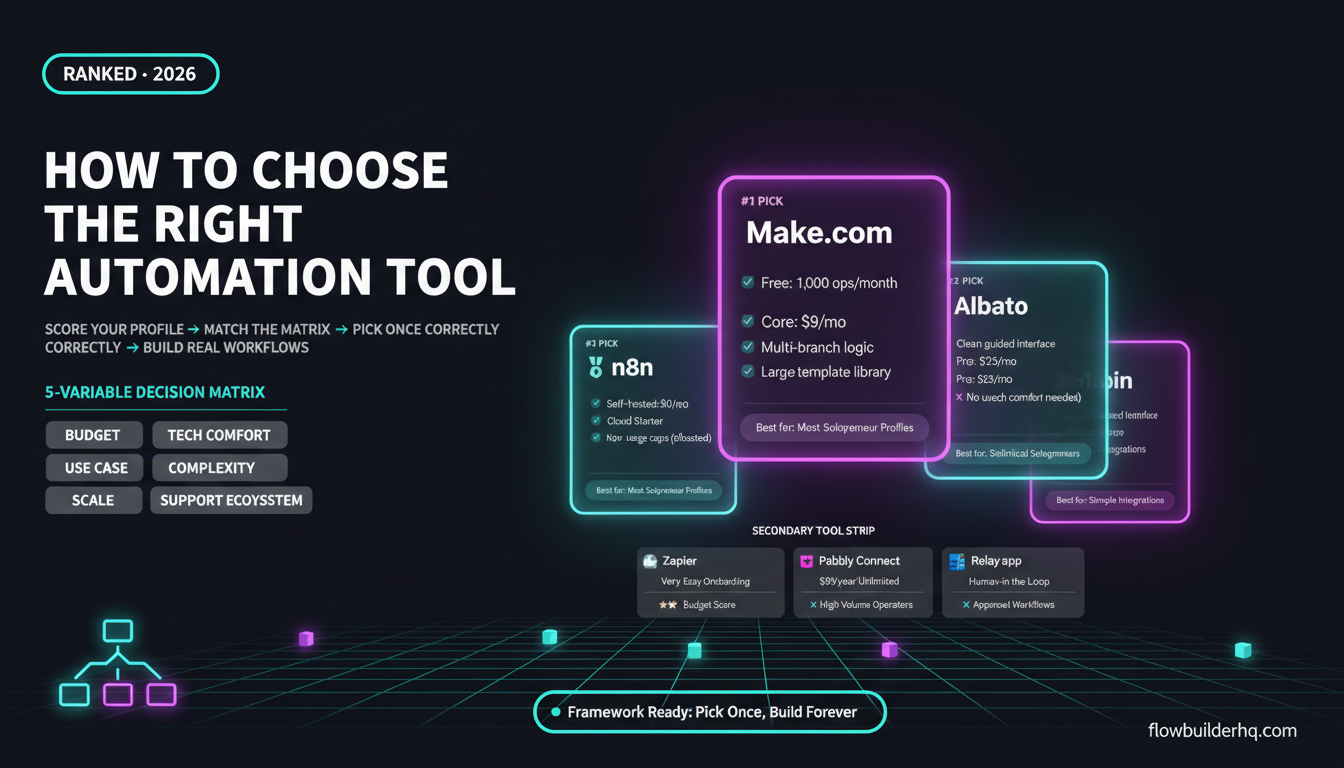
For anyone trying to figure out where automation fits in their overall workflow, the workflow automation prioritization framework is a useful starting point before you commit to any specific tool. And if you want to avoid the pitfalls that slow most people down, the 7 workflow automation mistakes solopreneurs make is worth a read before you go deep.
Make.com is the tool. Start your free account here and build something.
Building this yourself? Get the workflow pack.
5 ready-to-import n8n workflows — lead capture, invoicing, content repurposing, onboarding, social posting. Free.