Solopreneur Productivity Systems That Actually Work: What to Automate vs What to Batch
Not everything should be automated. That’s the thing most automation content won’t tell you, because it’s not great for selling software. But it’s true — and if you’re building solopreneur productivity systems that actually work, the most important skill isn’t picking the right tool. It’s knowing which category a task belongs in before you touch a single workflow.
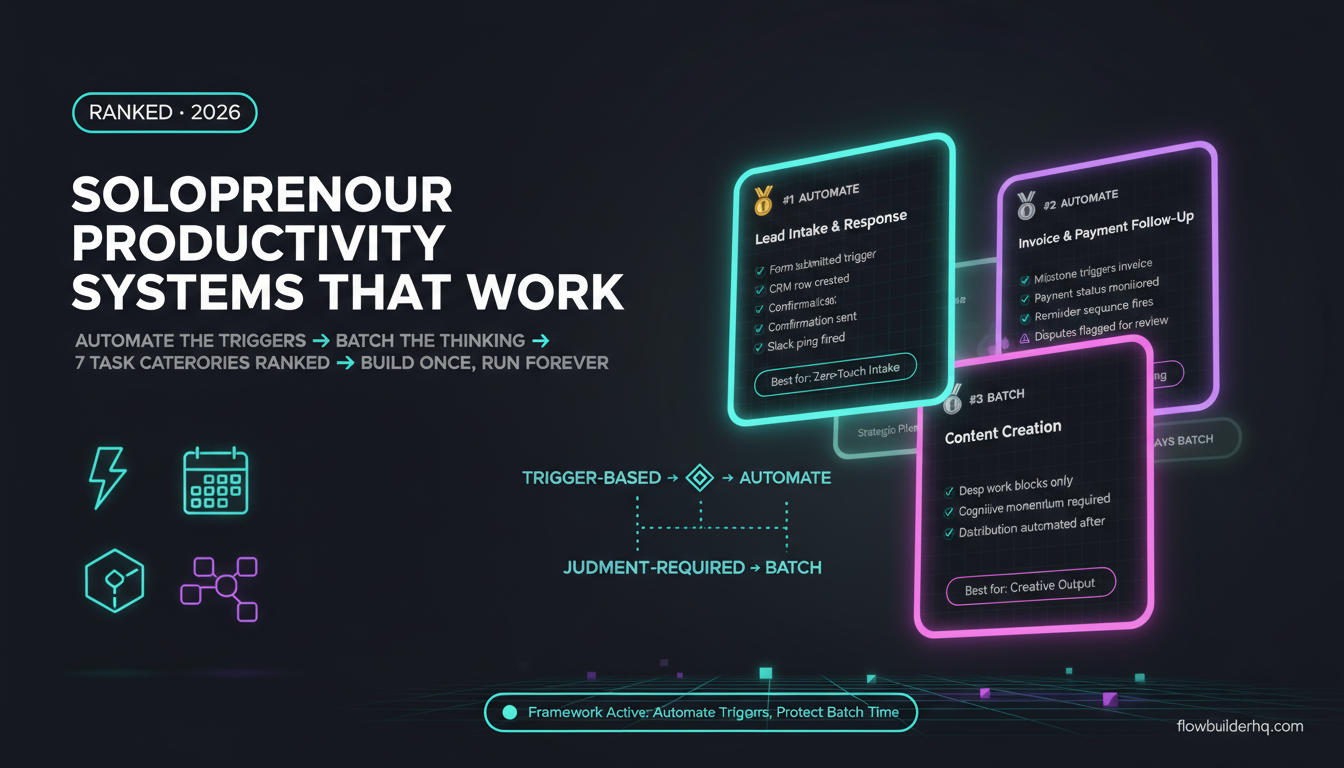
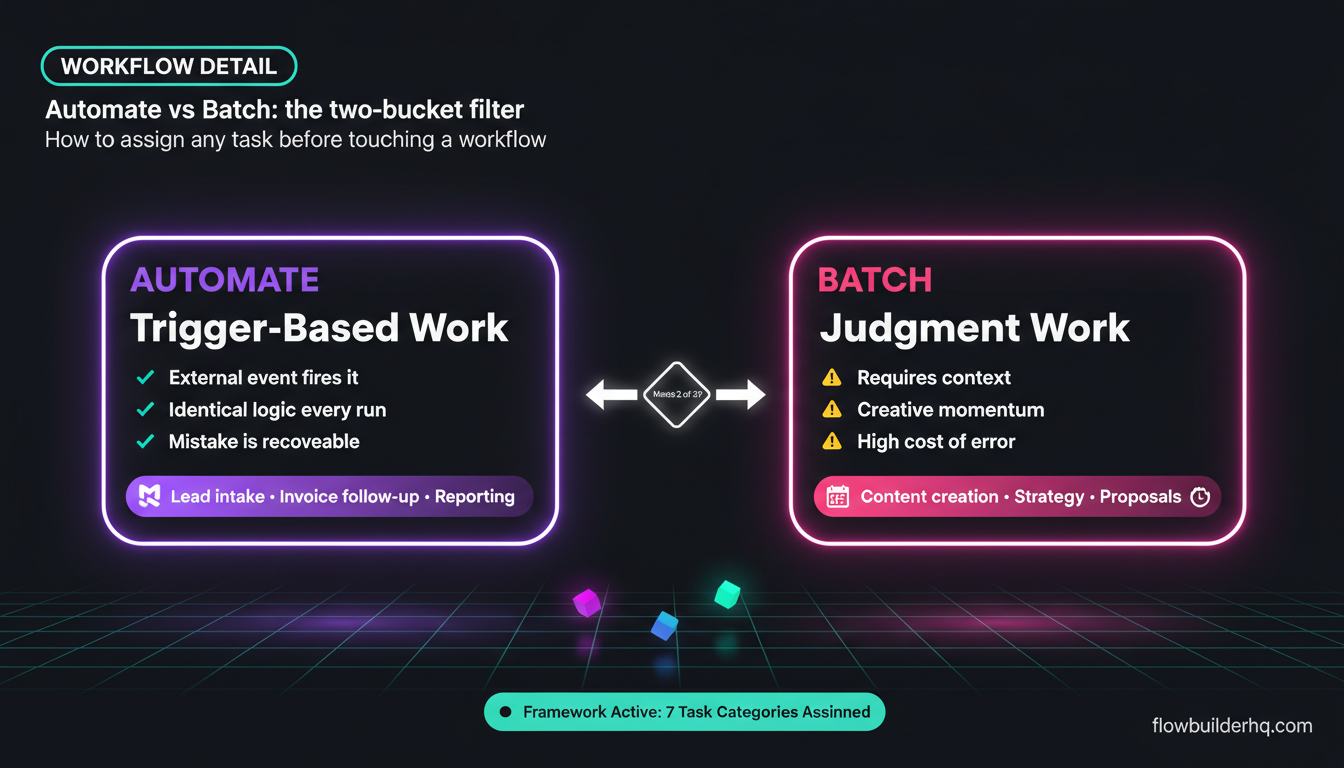
There are two buckets. The first is trigger-based work: things that happen in response to an event, follow a predictable pattern, and don’t require your judgment on each run. The second is batch work: things that benefit from focused human attention, creative momentum, or contextual decision-making — but that you can group together to reduce switching cost.
Get the two confused and you’ll either automate something that breaks when edge cases appear, or time-block something that should have been running in the background months ago. This post breaks down seven categories of solopreneur work, assigns each one to the right bucket, and explains the reasoning.
How to Use This Framework
Before getting into the list, here’s the filter I use. A task belongs in automation when it meets at least two of these three criteria: it’s triggered by an external event (a form submission, a payment, a new row in a sheet), it follows identical logic every single time, and the cost of a mistake is recoverable. If it fails only one of those, it might still be automatable with good error handling — but if it fails two or more, batch it.
For the automation bucket, Make.com is what I use and recommend. It handles conditional logic, multi-step scenarios, and error routing in a way that matches how solopreneur workflows actually behave — not in a straight line. If you’re newer to building scenarios, this walkthrough on building your first Make.com scenario is a good starting point.
For the batch bucket, the tool matters less than the time block. What matters is that you’re grouping similar tasks, protecting that time from interruptions, and not kid yourself that you’ll “just do it when it comes up.”
1. Lead Intake and Initial Response — Automate It
Every time someone fills out your contact form, downloads a lead magnet, or books a discovery call, the same sequence of events needs to happen: they get a confirmation, you get notified, their info lands somewhere useful. This is textbook trigger-based work.
The trigger is clear (form submitted). The logic is identical every time. And if the automation fires twice or sends a slightly wrong confirmation, the world doesn’t end — you fix it. There’s no reason any human hand should touch this process.
Make.com handles this cleanly. A webhook or native form trigger fires the scenario, routes the lead data to your CRM or Google Sheet, sends a confirmation email, and pings you in Slack — all in under two seconds. The lead magnet delivery workflow covered here is a good example of what this looks like in practice.
What you do not automate is the actual first conversation with that lead. The discovery call, the proposal — those require judgment. They go in the batch bucket (more on that below).
2. Invoice Creation and Payment Follow-Up — Automate It
Chasing invoices is one of the most soul-crushing ways to spend an afternoon. It’s also one of the most automatable. The trigger is a project status change or a calendar date. The logic is fixed: if unpaid after X days, send reminder Y. No judgment needed until a client actually responds with a problem.
The invoice and payment tracking workflow documented on this site walks through exactly how to set this up in Make.com. The short version: your project management tool or spreadsheet triggers a Make.com scenario when a milestone is complete, which creates and sends the invoice, then monitors for payment status on a schedule and sends follow-up sequences automatically.
One edge case worth flagging: disputed invoices or clients asking for scope changes. Don’t try to automate those responses. Route the notification to yourself and handle it manually. Make.com’s router module makes it easy to split the “normal payment flow” from the “flag for review” branch.
3. Client Onboarding — Automate the Logistics, Batch the Relationship
This one’s split. The logistics of onboarding — sending the welcome email, creating the project folder, sharing the intake questionnaire, adding the client to your CRM — are all trigger-based. A signed contract or paid invoice fires the scenario, and everything spins up automatically.
What you batch is the actual relationship-building. The first real working session, the kickoff call, reviewing their intake answers and forming an actual plan — that needs focused time and your full attention. Block it. Don’t squeeze it between tasks.
The client onboarding automation walkthrough breaks down the Make.com side of this in detail. But remember: the scenario handles the paperwork. You still show up for the relationship.
4. Content Creation — Batch It (Almost Always)
Content creation is where a lot of solopreneurs make their biggest productivity mistake: they try to automate it when they should be batching it.
Writing a newsletter, recording a video, drafting a LinkedIn post — these aren’t trigger-based. There’s no external event that means “now is the time to write this.” Quality requires cognitive momentum. You need context, judgment, and usually more than five minutes of uninterrupted thought. The answer is deep work blocks, not workflows.
What can be automated is everything around the content: publishing it once it’s done, repurposing it into other formats, distributing it across channels. Make.com is well-suited to that layer. There’s a full breakdown of automating content repurposing with Make.com if you want to see what that looks like.
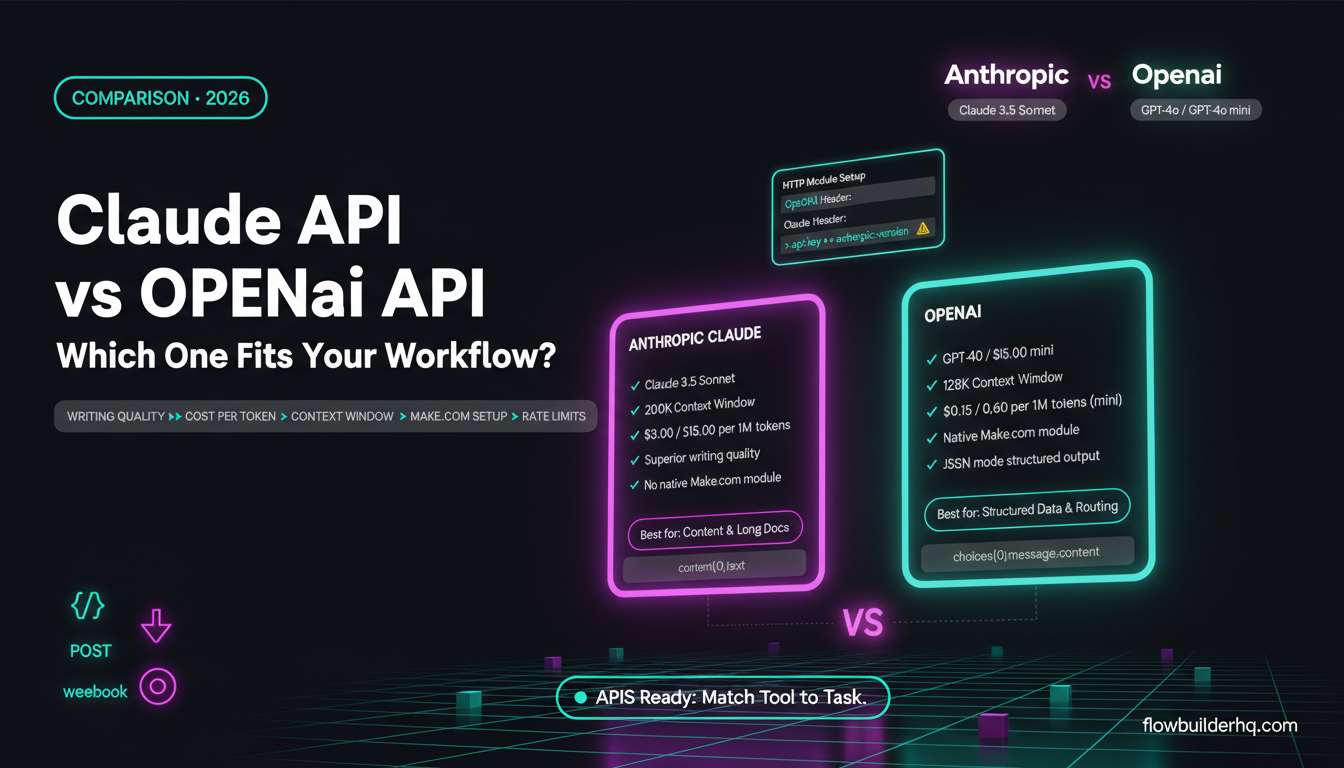
AI writing tools can speed up drafting, but they don’t replace the batch session. Use them inside your time block, not as a reason to skip it. If you’re comparing which AI tool actually helps here, the Gemini vs Claude comparison for solopreneur content workflows is worth a read.
5. Client Communication and Follow-Up — Batch Most, Automate the Triggers
This category is more nuanced than people want it to be. Let’s be specific.
Automate: Status update notifications when a milestone is hit. Automated check-ins at fixed intervals (e.g., “week two check-in” triggered by project start date). Reminders for overdue client deliverables. These are all trigger-based and require no judgment.
Batch: Responding to actual client questions. Writing proposals. Reviewing feedback and deciding how to act on it. These require you to read carefully, think, and respond thoughtfully — and they get worse when done reactively throughout the day. Set a communication window (most people find 9–10am and 4–5pm work well), check messages then, and batch your responses.
The CRM automation for freelancers follow-up post goes deeper on automating the trigger-based side of client communication without turning your outreach into something that feels robotic.
6. Reporting and Analytics — Automate It
If you’re manually compiling numbers from multiple sources into a report on a weekly or monthly schedule, you’re doing trigger-based work by hand. The trigger is time. The logic is fixed. The output is always the same structure.
Make.com can pull data from Google Sheets, your CRM, your payment processor, or any tool with an API, aggregate it, and push a formatted summary to wherever you review it — a Notion database, a Slack message, an email. Set it up once and it runs on schedule.
The Google Sheets reporting automation tutorial shows this in practice. Once it’s running, your “review the numbers” session becomes an actual analysis session instead of a data-gathering session — which is where your time should go.
What you batch is the decision-making that comes from the report. Looking at the numbers and deciding where to adjust your pricing, which service to push, what to stop doing — that’s judgment work. Block time for it. Don’t do it reactively mid-week when a notification lands.
7. Strategic Planning and Business Development — Batch It, Always
No automation tool should be running your quarterly planning. Strategy, goal-setting, reviewing what’s working and deciding what comes next — this is the work that most solopreneurs squeeze into leftover time and wonder why their business keeps drifting.
The automated solopreneur weekly review framework on this site is a good example of the right balance: automate the data collection that feeds your review, then actually sit down and do the thinking yourself. The review itself is a batch session. The data gathering feeding into it is automated.
Business development — reaching out to potential collaborators, responding to inbound partnership requests, deciding whether an opportunity is worth pursuing — also belongs in a dedicated time block. Not because it can’t be partially automated (your CRM can remind you to follow up, for example), but because the actual judgment calls require your full attention.
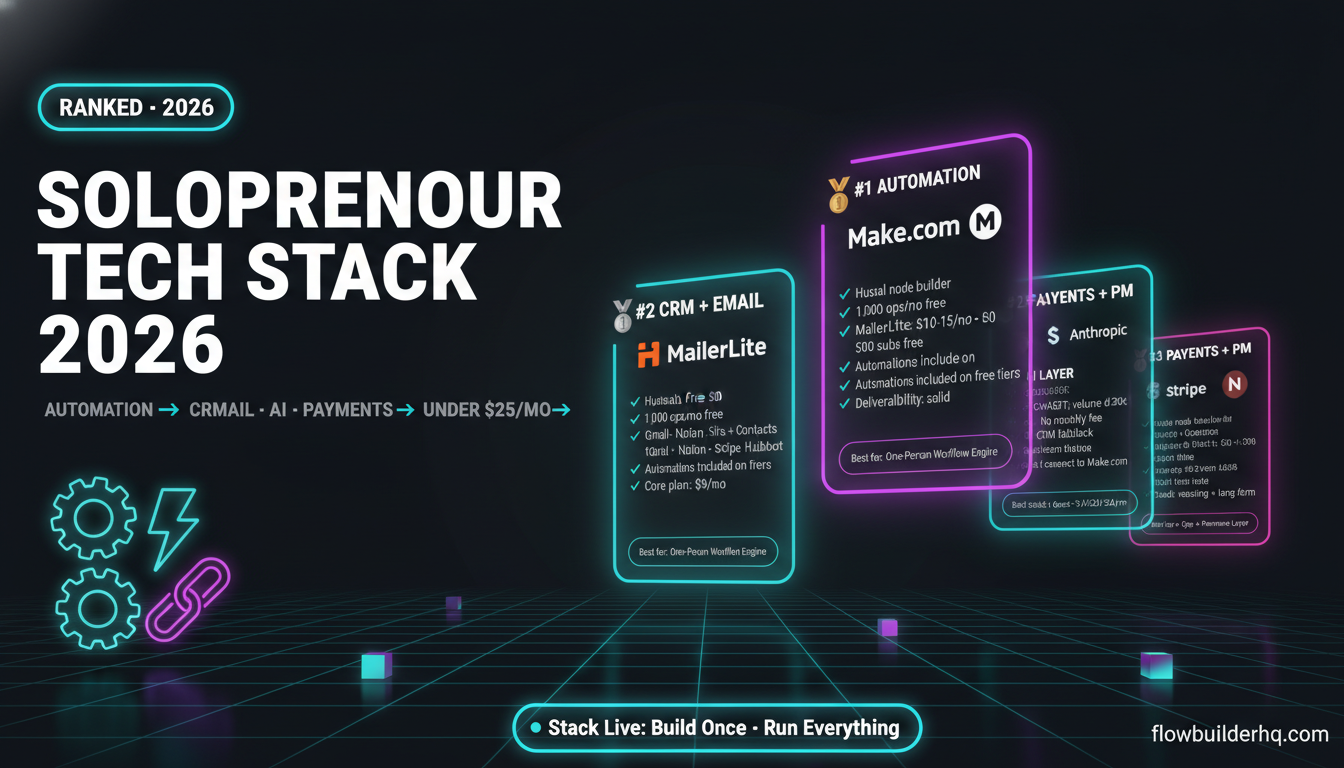
If you’re still figuring out which tools should sit in your overall stack, the 2026 solopreneur tech stack breakdown covers what tools actually run a one-person business without over-engineering it. And if you’re still sorting out the automation tooling side specifically, this decision framework for choosing the right automation tool will help you avoid picking something that doesn’t match your actual workflow complexity.
The Honest Caveat About Automation
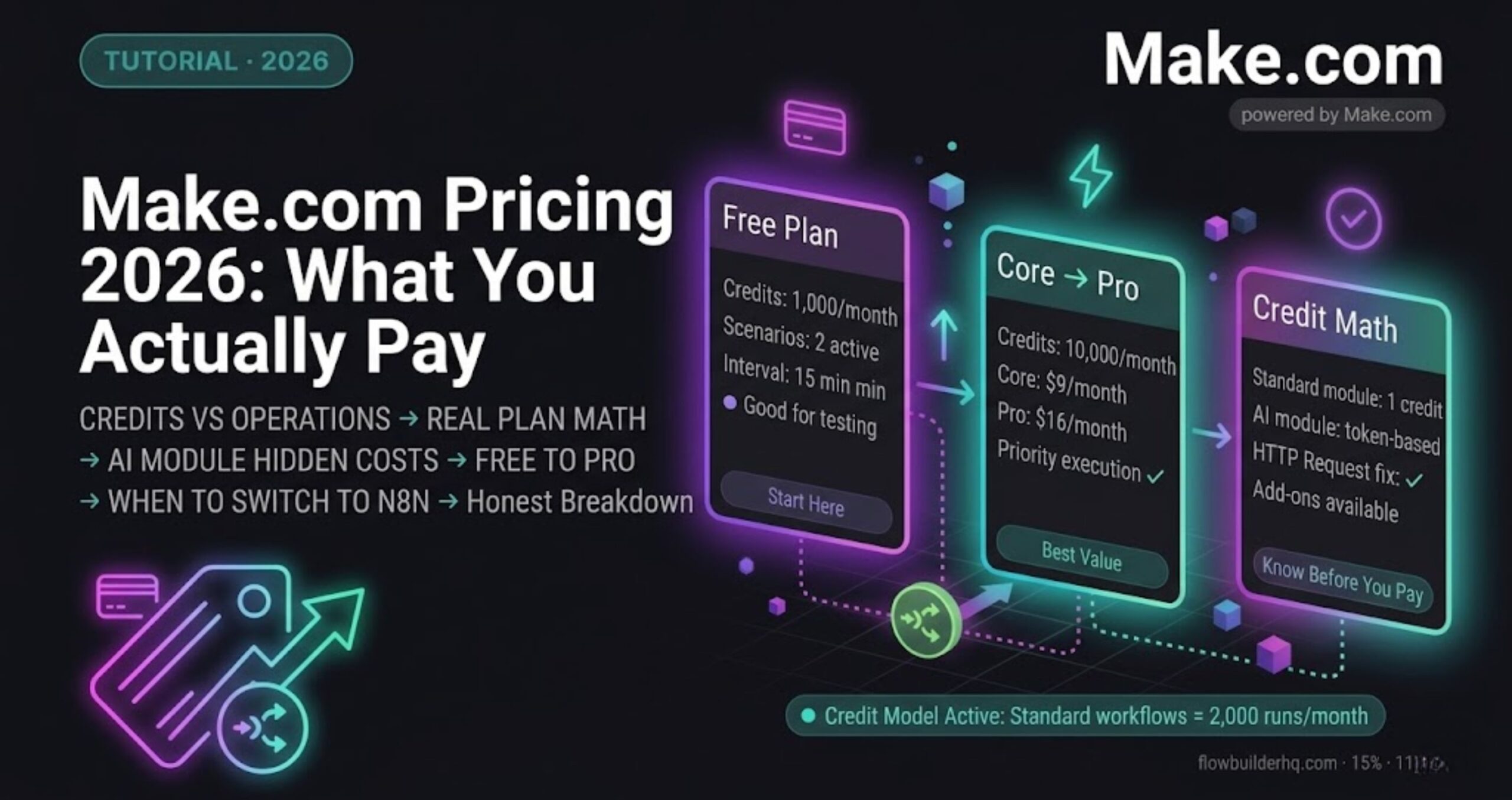
Automation isn’t free. Every scenario you build in Make.com requires setup time, occasional maintenance, and error monitoring. According to Make.com’s current pricing, you can run 1,000 operations per month on the free plan, which is enough to test most of the workflows in this post before committing to a paid tier. Core is $9/month, Pro is $16/month, Teams is $29/month — reasonable at scale, but the cost isn’t just money. It’s also the mental overhead of knowing what you’ve automated and trusting it’s working.
That’s why the framework matters more than the tool. If you automate trigger-based tasks selectively and protect batch time for the work that actually needs you, you get results without fragility. If you try to automate everything, you get a system that breaks in ways you don’t notice until a client tells you.
The seven workflow automation mistakes solopreneurs make covers the failure modes in more detail — worth reading before you build anything complex.
Which Solopreneur Productivity Systems Actually Stick
The systems that stick are the ones built around this distinction. Automate the triggers. Batch the thinking. Don’t confuse motion for progress — a fully automated business that never does the strategic work still drifts.
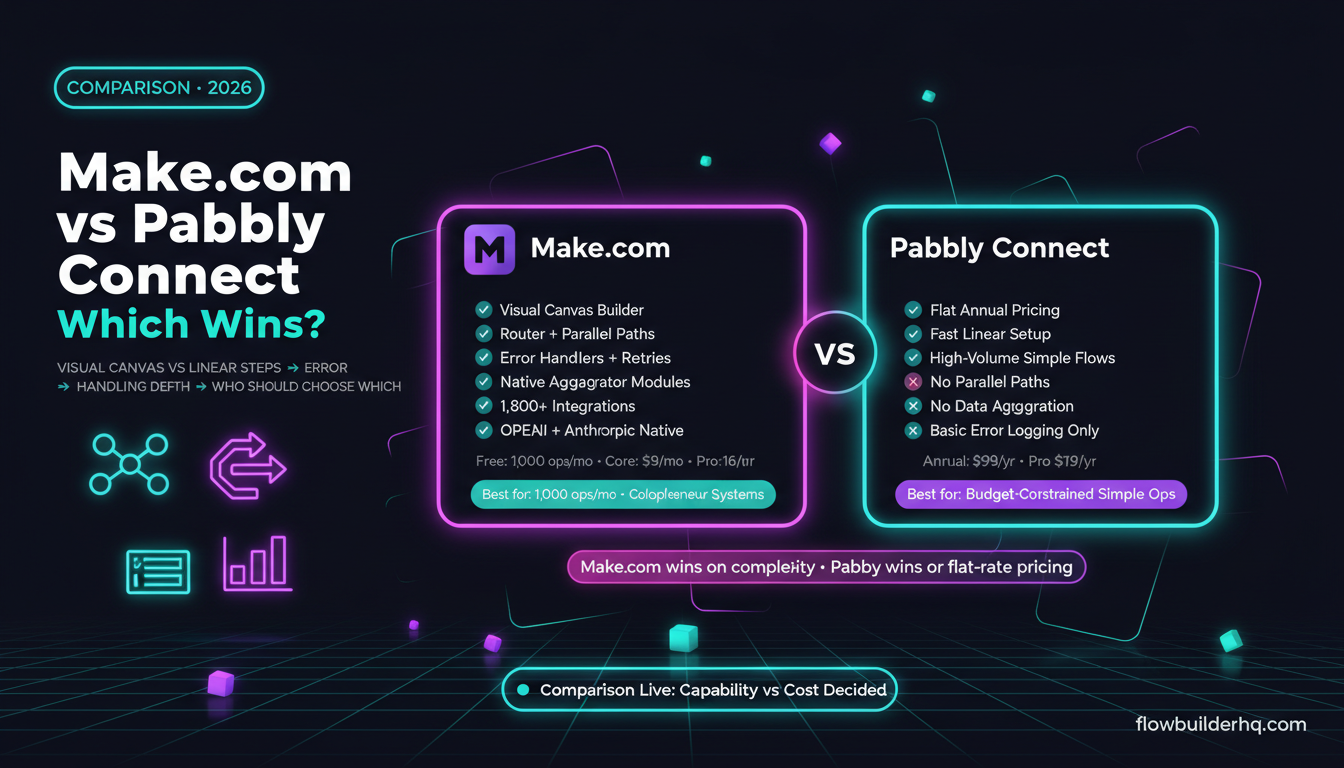
For the automation side, Make.com is the tool worth building on. It’s the right combination of visual logic, flexible triggers, and error handling that solopreneur workflows actually need — without the cost ceiling that Zapier hits the moment you scale. The Make.com vs Zapier pricing comparison lays out the real cost difference once your operation count climbs.
For the batch side, the tool is a calendar and the discipline to protect the blocks. No app solves that one for you.
Start with one category from the list above, build the automation or protect the time block, and see what changes. The framework compounds — but only if you actually apply it to the work you’re doing this week, not some idealized future version of your business.
Ready to build the automation side? Try Make.com free — the free plan is enough to test every trigger-based workflow in this post.
Building this yourself? Get the workflow pack.
5 ready-to-import n8n workflows — lead capture, invoicing, content repurposing, onboarding, social posting. Free.