Best CRM and Automation Stack for Solopreneurs Under $50 a Month
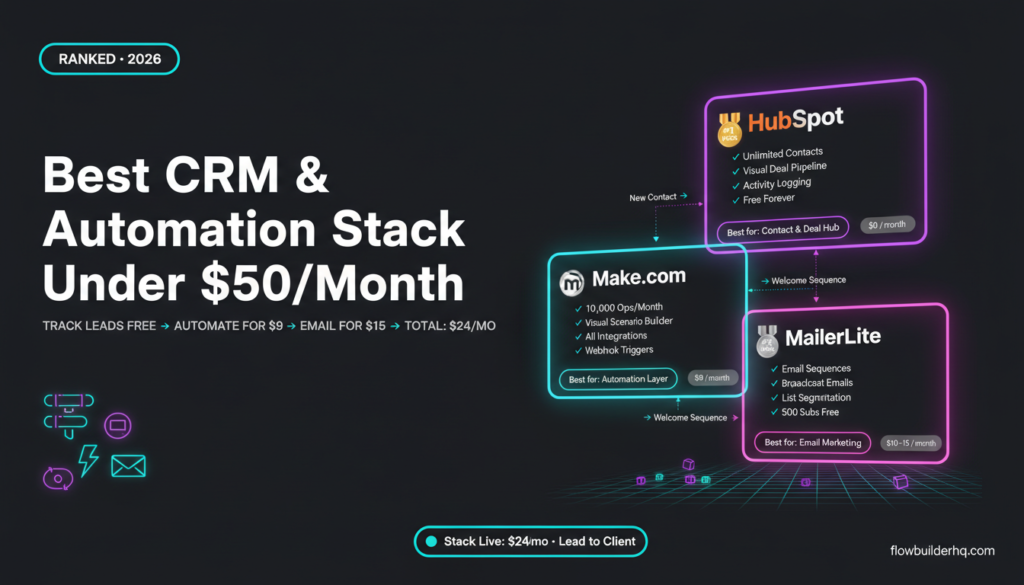
The best CRM and automation stack for solopreneurs under $50 a month isn’t a single tool — it’s a combination of three that each do one job well. Most solopreneurs either overspend on enterprise software they’ll never fully use, or they underinvest and manage contacts in a spreadsheet while losing leads in their inbox. Neither works.
This post cuts through that. Below is a curated stack recommendation built around a hard monthly spend ceiling: under $50, ideally closer to $20. No filler tools, no overlapping features, no “maybe useful someday” subscriptions.
Before picking individual tools, it helps to have a clear picture of what any solopreneur stack actually needs to cover. If you’re unsure where automation fits in first, this prioritization framework for solopreneur automation is a useful starting point.
What a Solopreneur Stack Actually Needs to Do
Strip it back to the jobs that matter:
- Track contacts and deals — know who’s a lead, who’s a client, what stage they’re at
- Automate handoffs — when someone fills a form, books a call, or pays, something should happen without you touching it
- Email your list — nurture leads and retain clients with broadcast and sequence emails
That’s it. Everything else — project management, invoicing, scheduling — can live in free or specialized tools. The stack here covers those three jobs cleanly, under budget.
The Recommended Stack at a Glance
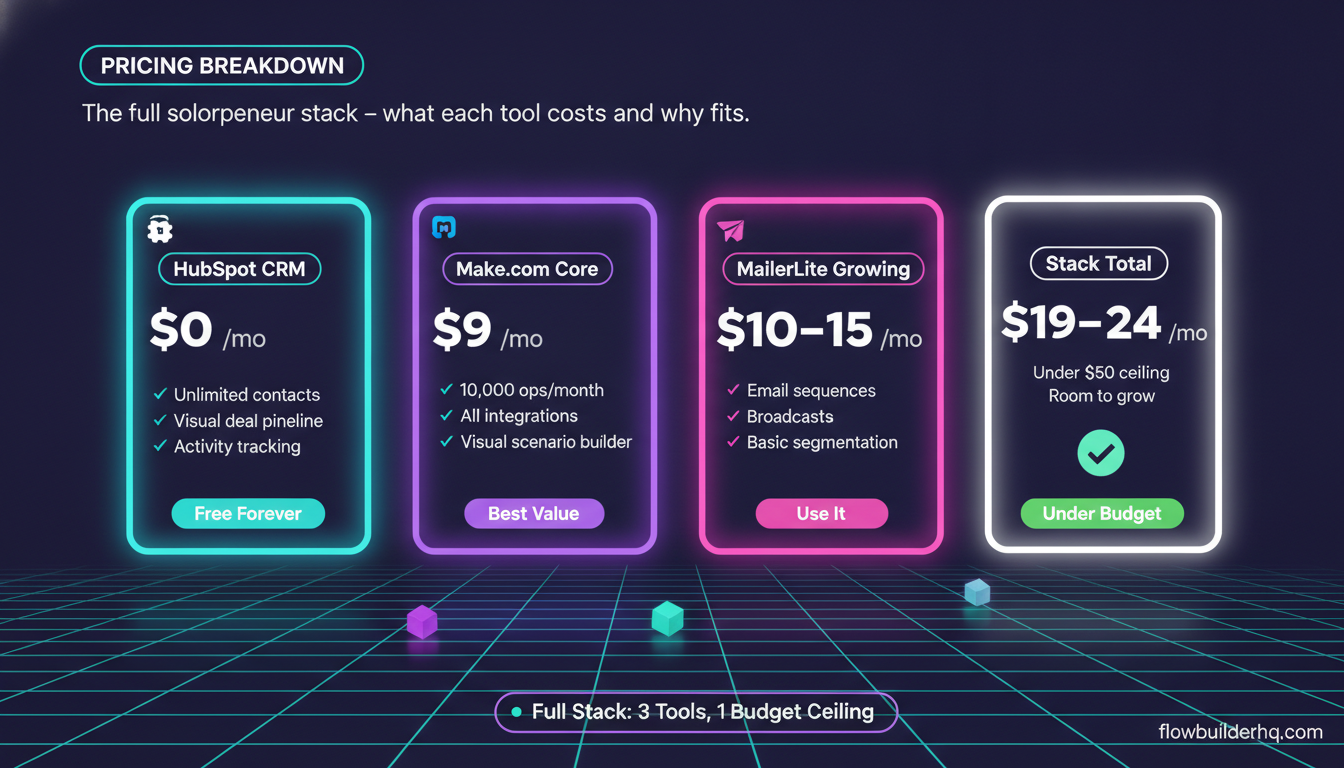
| Tool | Job | Monthly Cost |
|---|---|---|
| HubSpot Free CRM | Contact and deal tracking | $0 |
| Make.com Core | Automation and workflow glue | $9 |
| MailerLite Growing | Email marketing and sequences | $10–15 |
Total: approximately $19–24/month. Well under the $50 ceiling, with room to add a fourth tool if your business needs it.
Tool 1: HubSpot Free CRM — Your Contact and Deal Hub
HubSpot’s free CRM is the most capable free contact management tool available to solopreneurs right now. You get unlimited contacts, a visual deal pipeline, contact activity tracking, and email logging. No time limit, no credit card required for the core features.
For a solopreneur managing 20 to 200 active leads, the free tier covers everything. The paid tiers start at $15/month (Starter) and $890/month+ (Professional) — the jump is steep, which is exactly why the free plan is worth staying on as long as possible.
What you actually use day-to-day: the contacts view, the deals pipeline, and the activity feed. If a prospect emails you, you can log it. If a call happens, you note the outcome. The pipeline gives you a visual of where every deal stands without opening a spreadsheet.
The honest limitation: HubSpot Free has no workflow automation on the free tier. You can’t set up automated sequences or trigger internal tasks from deal stage changes without upgrading. That’s what Make.com covers in this stack.
If you’ve never set up HubSpot as a solopreneur, this HubSpot CRM setup guide for solopreneurs walks through the configuration without the enterprise bloat. And if you want to understand the free vs. paid tradeoffs before committing, the breakdown of HubSpot Free vs. paid plans is worth a quick read.
For leads specifically, tracking leads in HubSpot Free without a sales team is exactly the use case this stack is built around.
Who HubSpot Free is NOT for: Solopreneurs who want to manage projects, tasks, and client deliverables inside their CRM. HubSpot isn’t a project management tool — keep that separate.
Tool 2: Make.com Core — The Automation Layer
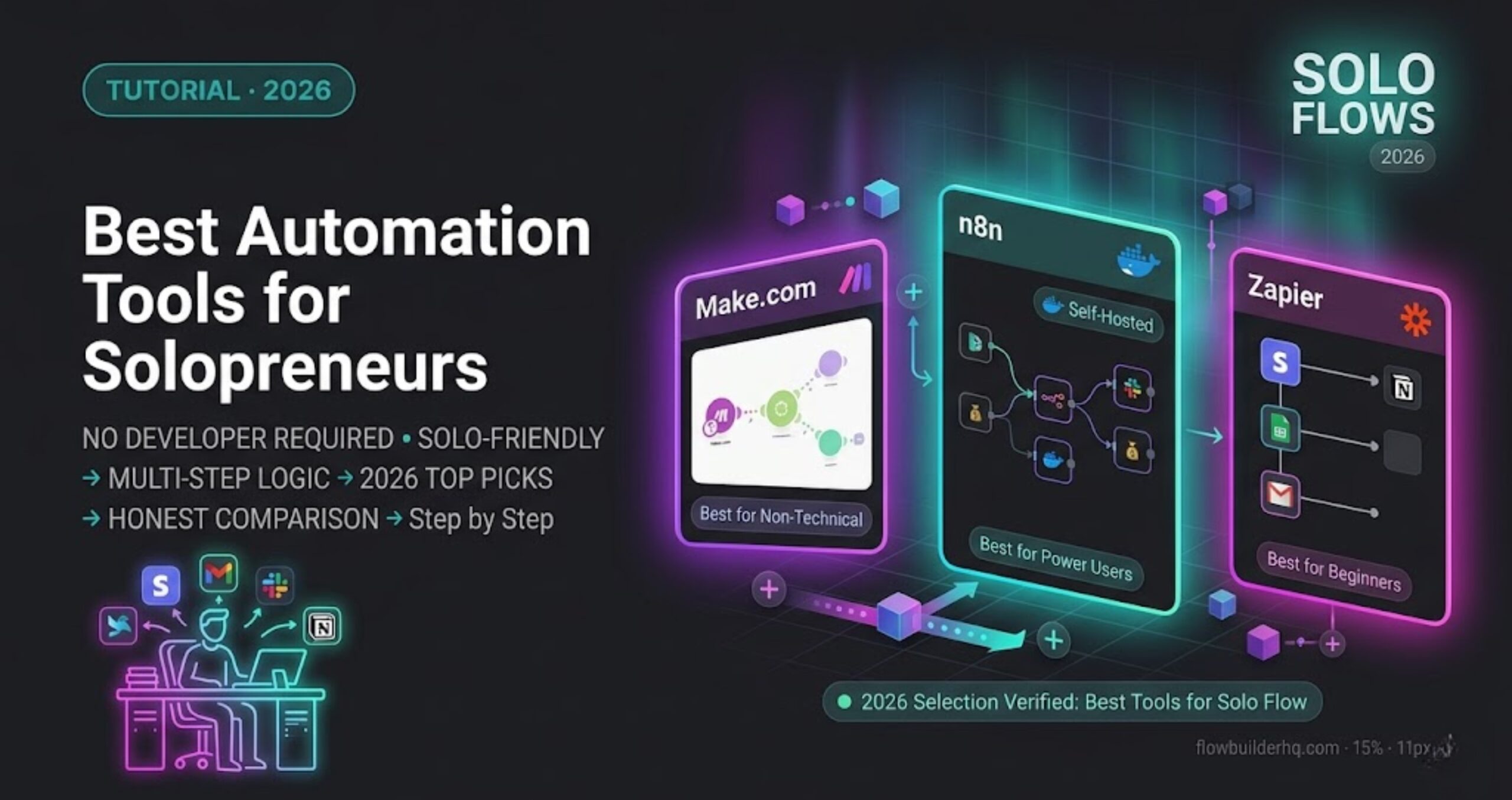
Make.com is the automation engine that connects your stack. It’s the tool that watches for triggers — a new HubSpot contact, a form submission, a completed payment — and fires actions across your other tools without you doing anything manually.
The Core plan at $9/month gives you 10,000 operations per month and access to all integrations. For a solopreneur running 5 to 15 active automation scenarios, that’s more than enough headroom. The free tier (1,000 ops/month) works for getting started, but 1,000 ops disappears fast once you have more than a couple of active scenarios.
Make.com’s visual builder — where you see the full scenario as a connected flowchart — makes it easier to build and debug than most alternatives. When something breaks, you can see exactly which module failed and why. That’s not a minor feature; it’s the reason most solopreneurs who switch to Make.com from other tools stay there.
The practical workflows this stack uses Make.com for:
- Form submission → create HubSpot contact → send MailerLite welcome sequence
- New deal stage in HubSpot → send internal Slack or email notification
- MailerLite unsubscribe → update HubSpot contact property
- Calendly booking confirmed → create HubSpot deal, add to MailerLite segment
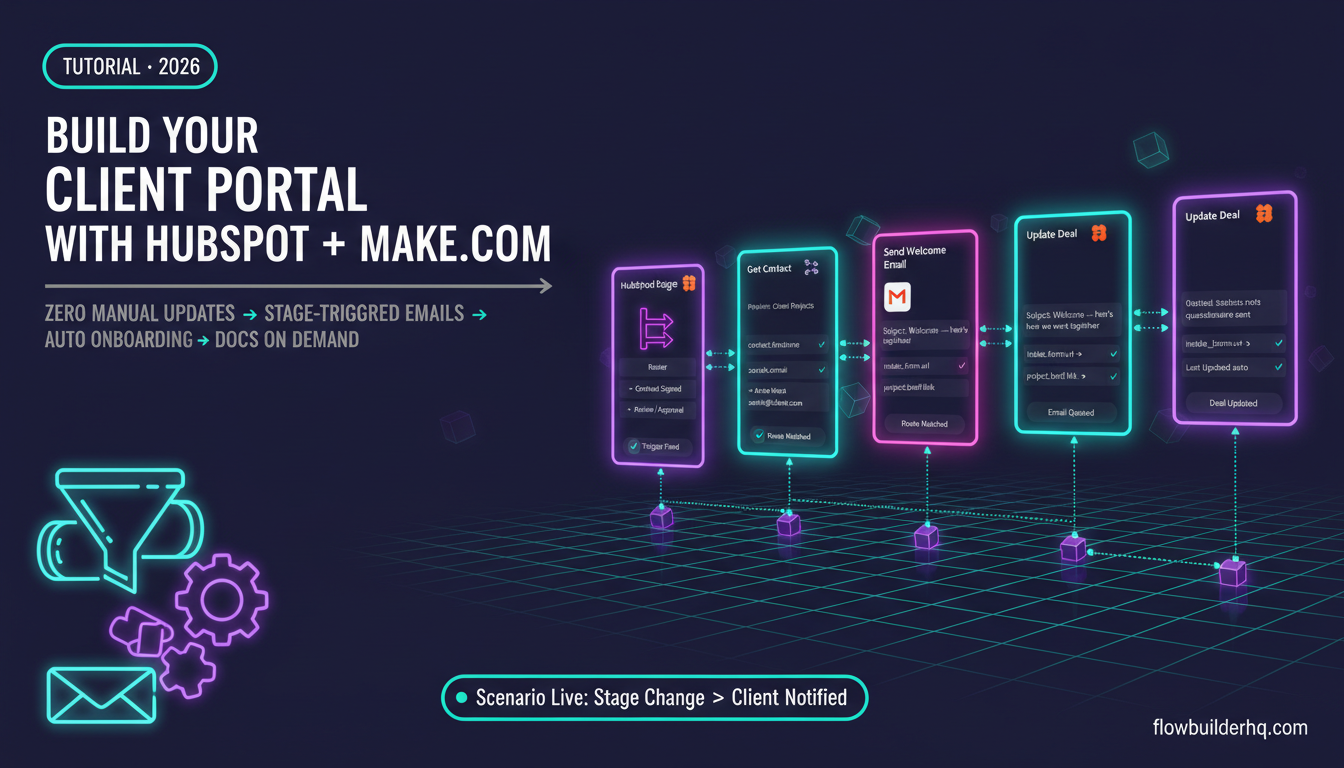
If you’re new to Make.com, building your first Make.com scenario from scratch takes under 30 minutes. And for connecting Make.com directly to HubSpot, this step-by-step Make.com to HubSpot integration guide covers the exact setup.
On the question of Make.com versus its alternatives: the Make.com vs. Zapier pricing comparison for solopreneurs shows why Zapier’s $19.99/month Starter plan with just 750 tasks doesn’t compete at this price point. Make.com Core at $9/month with 10,000 ops is the better value by a wide margin.
Who Make.com is NOT for: Solopreneurs who want to run everything with zero code AND have very complex conditional logic across 10+ tools. That’s technically doable in Make.com, but the scenario complexity grows fast. For simpler needs, the free tier may be sufficient.
Ready to start? Try Make.com free — the Core plan is $9/month when you’re ready to scale.
Tool 3: MailerLite — Email Marketing Without the Bloat
MailerLite is the email tool that hits the right balance for solopreneurs: clean interface, solid deliverability, automation sequences, and a free tier that covers up to 500 subscribers. Once you grow past that, the Growing plan runs $10–15/month depending on list size.
What you actually need from an email tool at this stage: broadcast emails to your list, a welcome or nurture sequence triggered on signup, and basic segmentation. MailerLite does all three without requiring you to learn a complex platform.
The honest comparison point: ActiveCampaign starts at $15/month for 1,000 contacts and has deeper automation logic — but that deeper logic comes with a steeper learning curve and a platform that’s clearly built for larger marketing teams. For a solopreneur whose automation logic lives in Make.com anyway, you don’t need your email tool to double as an automation platform. MailerLite handles email. Make.com handles the logic. That separation keeps both tools simple.
For a detailed head-to-head, the ActiveCampaign vs. MailerLite comparison for solopreneurs covers the tradeoffs honestly. And if HubSpot’s built-in email tools are tempting you to consolidate, the three-way comparison of MailerLite, ActiveCampaign, and HubSpot explains why keeping email separate from your CRM still makes sense at this budget.
Who MailerLite is NOT for: Solopreneurs running high-volume e-commerce sequences who need advanced behavioral triggers built into the email platform itself. At that point, ActiveCampaign or a dedicated e-commerce email tool is the better fit.
The Alternate Automation Pick: Albato
Make.com is the primary recommendation, but Albato is worth knowing about — especially if you’re heavily using Russian-market or regional SaaS tools that Make.com doesn’t support natively, or if you want a simpler interface with fewer modules to think about.
Albato’s Pro plan at $25/month covers automation across 600+ apps. It’s not as visually rich as Make.com, but the interface is clean and the integration library covers most standard solopreneur tools including HubSpot, MailerLite, and all the major form builders.
The honest tradeoff: Make.com Core at $9/month gives you more operations, more modules, and a stronger community of solopreneur scenario builders. Albato makes sense if you find Make.com’s interface overwhelming or if you hit a specific integration gap that Albato covers.
If Albato fits your situation better, try Albato here — their free trial lets you test before committing.
What This Stack Does NOT Include (And Why)
A few tools that sound relevant but don’t belong in this specific stack:
Zapier — The Starter plan at $19.99/month gives you 750 tasks. Make.com Core gives you 10,000 operations for $9/month. The math doesn’t work in Zapier’s favor for budget-conscious solopreneurs.
ActiveCampaign — Strong tool, but at $15/month for Starter you’re paying for automation features you’ve already covered in Make.com. Overlap costs money.
Notion CRM — If you’re already using Notion and prefer managing contacts there, it can work. But it requires more manual maintenance than HubSpot’s purpose-built CRM, and the Notion CRM vs. HubSpot Free comparison covers exactly where each approach breaks down.
n8n — The self-hosted free tier is genuinely powerful, and n8n is worth considering if you’re comfortable managing your own hosting. But for solopreneurs who want a managed, no-maintenance automation tool, Make.com Core at $9/month eliminates that overhead.
How the Stack Connects End to End
Here’s what the full flow looks like in practice:
- A prospect fills your contact form or books a discovery call.
- Make.com detects the trigger (webhook or form module) and creates a new contact in HubSpot with the correct lifecycle stage.
- Make.com simultaneously adds that contact to a MailerLite segment and triggers your welcome or nurture sequence.
- As the deal progresses in HubSpot and you manually update the pipeline stage, Make.com can fire additional automations — move them to a different MailerLite sequence, send yourself a task reminder, or log the update to a Google Sheet.
- When they become a client, Make.com updates HubSpot, removes them from the prospect sequence in MailerLite, and adds them to a client onboarding sequence.
That’s a complete lead-to-client flow, automated, running on roughly $20/month in tooling. For a deeper look at what that onboarding automation looks like in Make.com specifically, this client onboarding automation workflow for solopreneurs covers the exact scenario build.
And if you want pre-built starting points rather than building from scratch, these Make.com scenario templates for small business include several that map directly to the flows described above.
What the Stack Costs as You Grow
The stack stays cheap for longer than you’d expect:
- HubSpot Free stays free until you need automated sequences inside HubSpot itself (Starter at $15/month) or deep reporting (Professional at $890/month+ — that’s a different budget category entirely).
- Make.com Core handles most solopreneur operation volumes. If you hit 10,000 ops consistently, the Pro plan at $16/month is the next step.
- MailerLite scales with your list size. At 2,500 subscribers, the Growing plan is approximately $25/month. Still under the $50 ceiling with Make.com.
A full solopreneur stack — HubSpot Free + Make.com Pro + MailerLite at 2,500 subs — runs around $41/month. Still under $50.
For reference on the full Make.com pricing picture as your usage scales, the 2026 Make.com pricing breakdown explains how credits and plan limits actually work in practice.
Best CRM and Automation Stack for Solopreneurs Under $50 a Month: Final Verdict
The stack is: HubSpot Free + Make.com Core ($9/month) + MailerLite ($10–15/month). Total: $19–24/month.
It covers the three jobs every solopreneur stack needs to cover. It doesn’t overlap. It doesn’t lock you into a single vendor for everything. And it has a clear upgrade path if your volume or complexity grows.
If you prefer a slightly different automation layer, Albato at $25/month is a viable swap for Make.com — the total stays well under $50.
What it doesn’t do: replace a dedicated project management tool, handle invoicing natively, or serve solopreneurs with complex e-commerce email needs. For those, you’d be looking at additional specialized tools — but that’s a separate conversation from building a CRM and automation foundation.
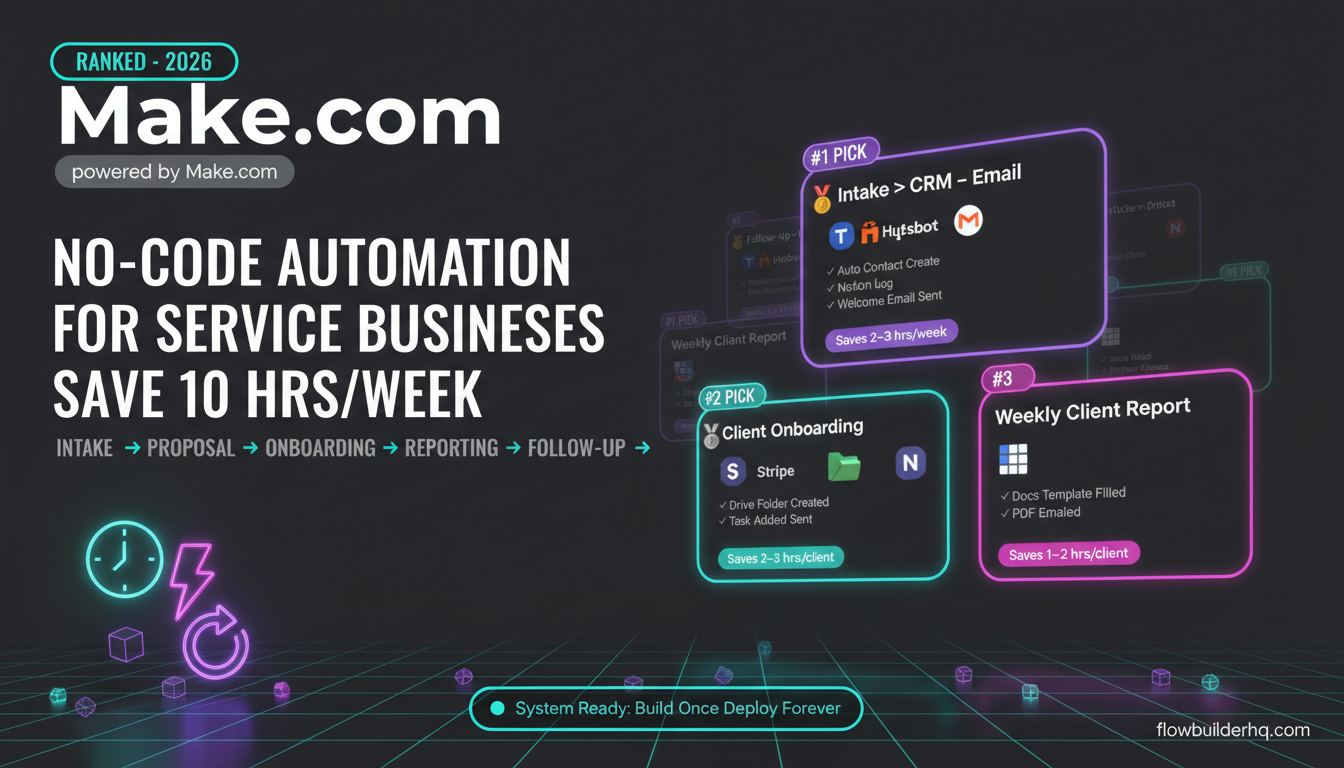
For a broader look at how these tools fit into the full picture of no-code automation options in 2026, the ranked list of best no-code automation tools for solopreneurs covers the wider field. And if you’re also thinking about where to start automating before you pick tools, the 7 real automation workflows for solopreneurs is a practical read alongside this stack recommendation.
Start with Make.com on the free tier, connect it to HubSpot, and build one scenario. You’ll know within a week whether the stack fits your workflow.
Get started with Make.com free here — upgrade to Core at $9/month when you’re ready to scale past 1,000 operations.
Building this yourself? Get the workflow pack.
5 ready-to-import n8n workflows — lead capture, invoicing, content repurposing, onboarding, social posting. Free.