AI Tools for Solopreneur Productivity: What Actually Saves Time in 2026
Most AI tools for solopreneur productivity get reviewed in isolation — “here’s what this tool does, here’s the pricing, here’s a score.” That’s not useful. What’s useful is knowing which tools actually remove hours from your week, and which ones just shuffle the work around.
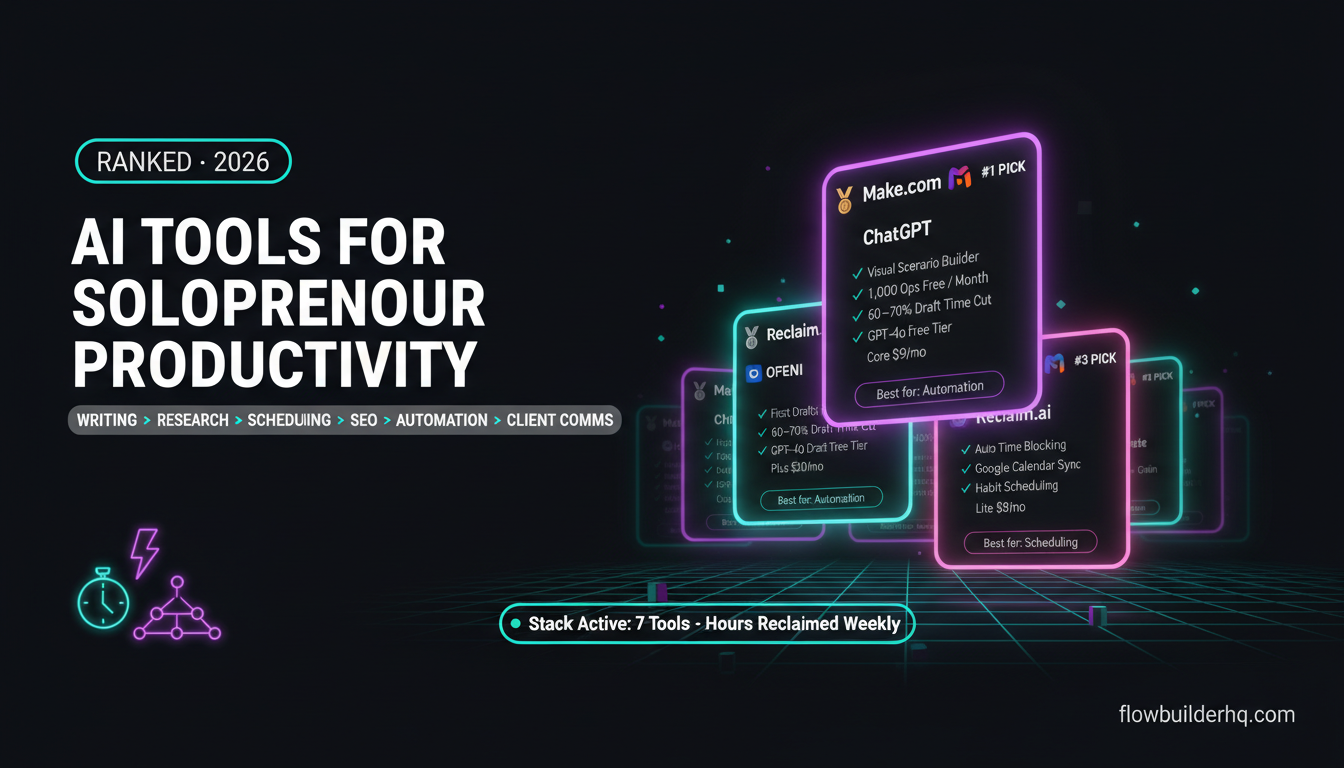
This list covers seven categories where AI is genuinely saving solopreneurs time in 2026 — writing, research, scheduling, email, SEO, automation, and client communication. One tool per category. Real talk on what it’s actually good for, where it falls short, and whether the time savings justify the cost.
If you want a broader view of how these fit together, the solopreneur tech stack breakdown for 2026 covers the full picture of what a lean one-person operation actually runs on.
1. ChatGPT (Writing and Ideation)
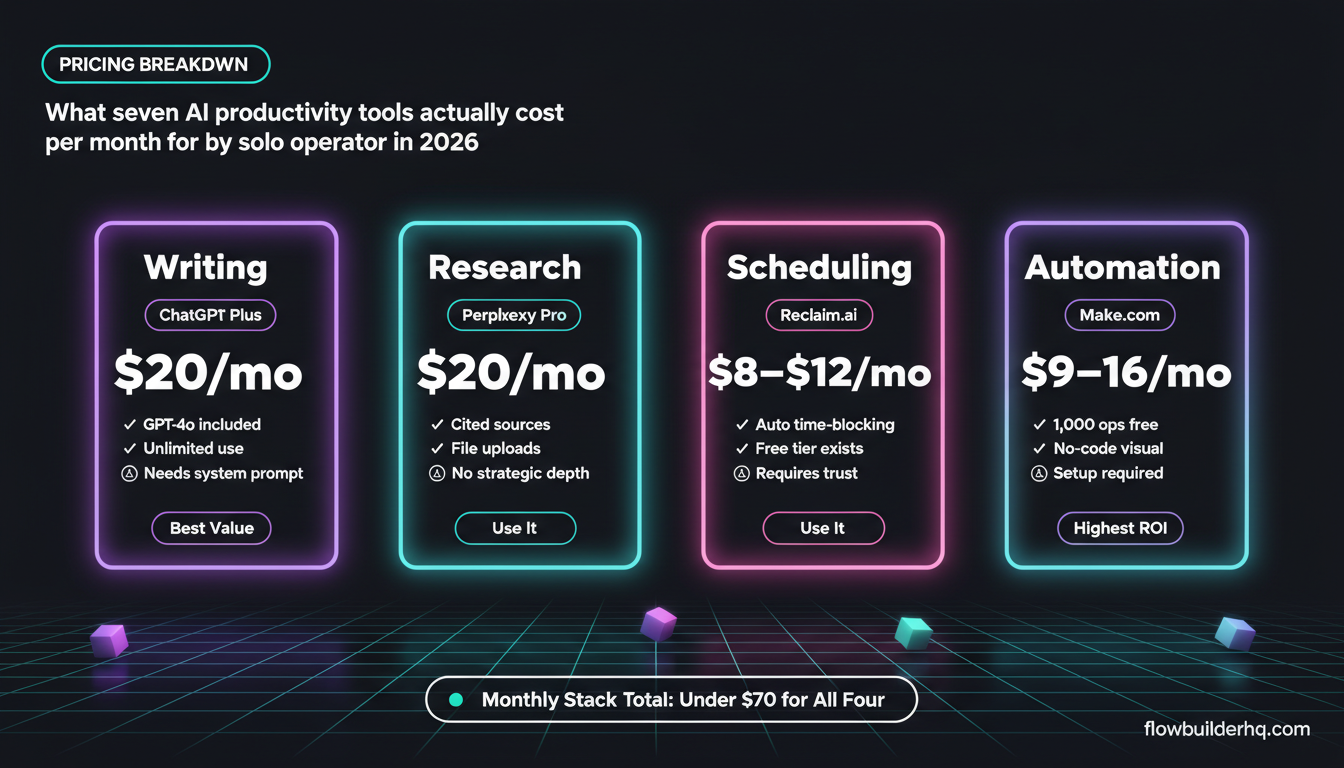
ChatGPT is the default AI writing tool for a reason: it’s fast, flexible, and the free tier is genuinely capable. For solopreneurs, the time savings come from first drafts, email rewrites, social captions, and ideation — not polished final copy. If you expect it to produce publish-ready content without editing, you’ll be disappointed. If you use it to cut draft time by 60-70%, you’ll keep it.
The GPT-4o model (included in the free tier with limits, unlimited in ChatGPT Plus at $20/mo) handles longer context better than previous versions, which matters when you’re pasting in a full brief or a client transcript and asking for a structured output.
Real time saver: Repurposing. Paste a blog post, ask for five LinkedIn angles, a short email version, and three headline variants. That used to take an hour. Now it’s ten minutes of prompting and fifteen minutes of editing.
Real limitation: It doesn’t know your voice unless you train it. Without a system prompt or saved instructions, outputs are generic. Building a custom GPT or a persistent system prompt with your brand guidelines fixes this — but it’s setup work you have to do once.
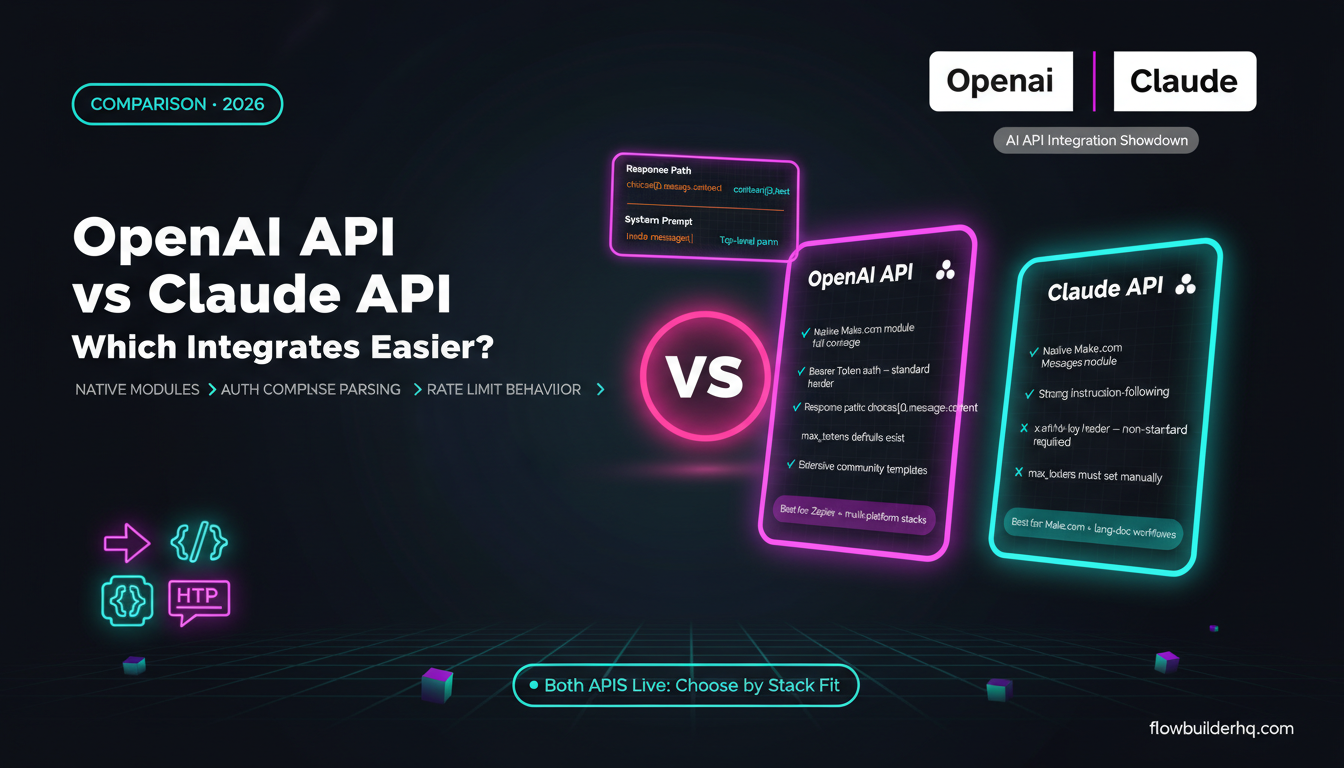
For a direct comparison between ChatGPT and its main competitor for writing tasks, the ChatGPT vs Claude comparison for solopreneur tasks breaks down which handles what better.
Who it’s NOT for: Anyone who needs accurate real-time data in their writing (it hallucinates recent facts), or anyone who refuses to edit AI output before publishing.
2. Perplexity AI (Research)
Perplexity is the tool that replaced the “open twelve tabs and synthesize” workflow for a lot of solopreneurs. It answers questions with cited sources, which means you’re not just getting a confident-sounding AI response — you can verify what it’s pulling from.
For research tasks — competitor analysis, pricing checks, industry context, finding statistics — Perplexity saves real time because it surfaces sources in the answer rather than making you dig. The free tier covers most casual research. Pro ($20/mo) adds file uploads and more capable models.
Real time saver: Pre-call research. Before a prospect call, a two-minute Perplexity query on their industry, recent news, and common pain points produces a solid briefing doc. That used to be 30-45 minutes of manual searching.
Real limitation: It’s not reliable for nuanced strategic analysis. It summarizes what exists publicly, it doesn’t synthesize novel insight. Use it to gather inputs, not to make decisions.
The Perplexity AI vs ChatGPT comparison for research and content workflows goes deeper on where each tool fits in a solo content process if you want to think through which one earns its place in your stack.
Who it’s NOT for: Deep proprietary research or anything requiring primary sources. It’s also not a replacement for domain expertise — it’s a faster way to acquire context, not judgment.
3. Claude (Complex Writing and Reasoning)
Claude handles longer, more nuanced writing tasks better than most alternatives. Where ChatGPT is fast and broad, Claude tends to be more careful — better at following complex instructions, better at maintaining a consistent voice across a long document, and more reliable when the task requires structured reasoning rather than creative generation.
For solopreneurs writing proposals, client reports, SOPs, or long-form content, Claude’s 200K context window (on Claude 3.5 and above) means you can paste in an entire project’s worth of notes and get coherent output. That’s a genuine advantage over tools with shorter context limits.
The free tier of Claude.ai handles a reasonable volume of use. Claude Pro at $20/mo removes limits and gives access to the more capable models. If you’re building automations that use Claude via API, Anthropic’s official model documentation is the right place to check current model capabilities and pricing before you commit to anything.
Real time saver: Proposal writing. Feed Claude a client brief, your service description, and a few bullet points on their pain points — it produces a structured, professional proposal draft that needs editing, not rebuilding. Cuts proposal time from 2-3 hours to under an hour.
If you want to go further with Claude in your workflows, the post on using Claude AI for business automation covers practical builds for solopreneurs who aren’t developers.
Real limitation: Claude won’t push back on factual errors in your input — it’ll incorporate them. Garbage in, polished garbage out. You still have to fact-check outputs.
Who it’s NOT for: Anyone looking for a single tool to handle writing AND research in one place. Claude doesn’t cite sources the way Perplexity does. Use them for different jobs.
4. Reclaim.ai (Scheduling and Time Blocking)
Scheduling is one of the most underrated time drains for solopreneurs. Not because booking a meeting is hard, but because managing a calendar around deep work, client calls, admin, and unexpected fires is genuinely complex — and most people do it manually every morning.
Reclaim.ai automates time blocking. Connect it to Google Calendar, define your habits (writing time, focus blocks, lunch, review), set task priorities, and it schedules work around your meetings automatically. When a meeting moves, Reclaim moves your focus blocks too.
Pricing: Free tier available. Lite $8/mo. Starter $12/mo. Business $18/mo (check current pricing — tiers adjust periodically).
Real time saver: The daily planning habit disappears. Instead of spending 15-20 minutes every morning reorganizing your calendar around what got moved or added, Reclaim handles it. Over a week, that’s over an hour back — and more importantly, it’s cognitive load you stop carrying.
Real limitation: It requires trust in the system. If you’re someone who manually controls every block in your calendar and second-guesses the AI’s scheduling choices, you’ll fight it constantly. The tool works best for solopreneurs willing to let a system handle the logistics while they focus on the actual work.
Who it’s NOT for: Teams with complex shared calendar dependencies, or anyone with an erratic schedule that changes too frequently for patterns to emerge.
5. Frase (SEO Research and Content Briefs)
Frase is the tool that earns its cost specifically for solopreneurs who publish content as part of their business — whether that’s blog posts, service pages, or lead magnets targeting search traffic.
The core workflow: enter a target keyword, Frase pulls the top-ranking pages and extracts their headings, word counts, questions answered, and topics covered. You get a content brief in minutes that would take 45-60 minutes to build manually from scratch.
Pricing: Solo $14.99/mo. Basic $44.99/mo. Team $114.99/mo.
Real time saver: Brief creation. For anyone managing their own SEO, skipping the manual “open every competitor page and take notes” process is a significant time recovery. Frase also generates AI-assisted first drafts from the brief, though those need substantial editing before they’re useful.
The Frase 2026 review covers whether the tool is still worth it given how much free SEO data has become accessible elsewhere. For a direct matchup on the SEO side, Frase vs Surfer SEO for solopreneurs breaks down the workflow differences between the two tools.
Real limitation: Frase’s AI writing is weaker than Claude or ChatGPT for actual prose. Use it as a research and briefing layer, then write with a better AI writing tool or write yourself. Trying to publish Frase drafts directly is a mistake.
Who it’s NOT for: Solopreneurs who don’t publish for search traffic. If SEO isn’t part of your growth model, this tool doesn’t belong in your stack.
6. Make.com (Automation — the Layer That Connects Everything)
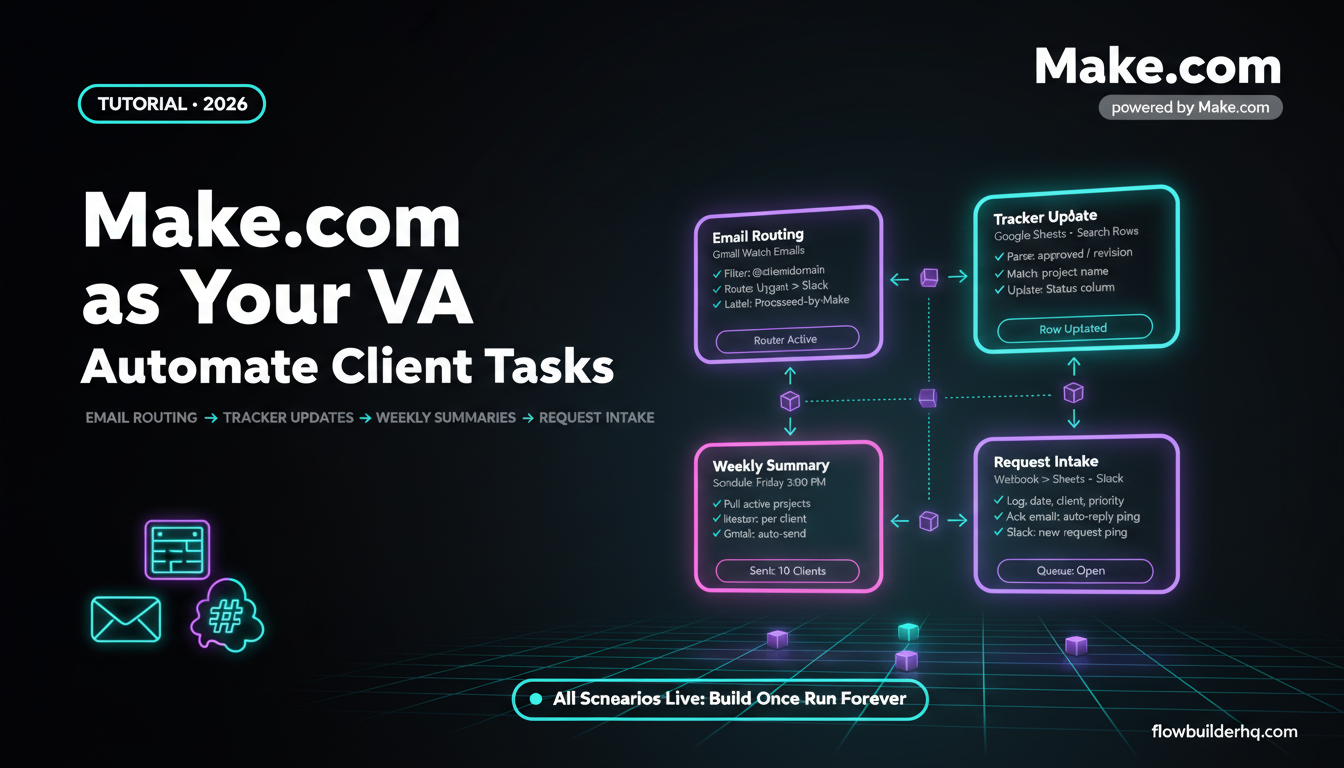
Every other tool on this list creates or processes information. Make.com moves it. That distinction matters because the biggest time drain for most solopreneurs isn’t any single task — it’s the glue work between tasks. Copying data from one place to another. Sending a follow-up email when a form is filled. Updating a spreadsheet when a client pays. Creating a task when a meeting is booked.
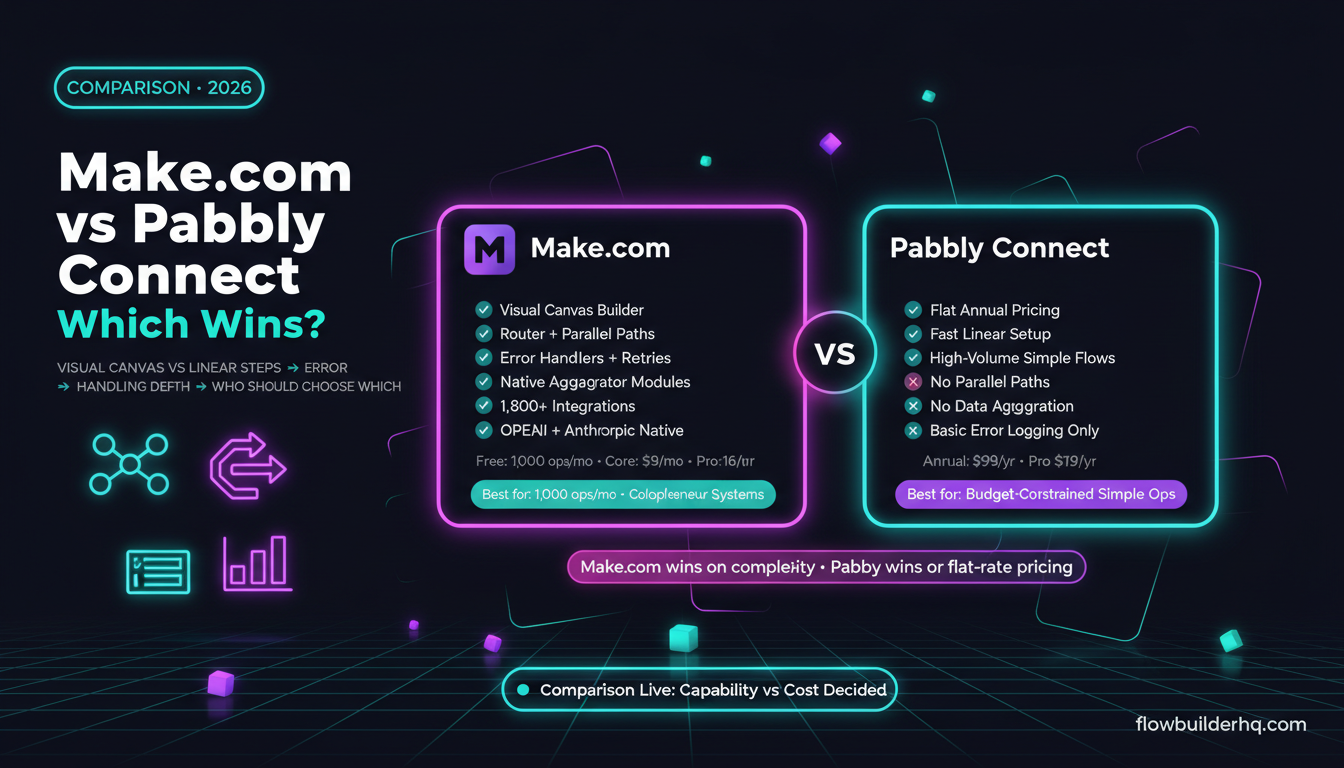
Make.com automates that glue work without code. You build visual workflows (called scenarios) that trigger on events and run actions across your connected tools. The free plan covers 1,000 operations per month — enough to test and run several workflows before you need to pay anything. Core is $9/mo, Pro $16/mo.
Real time saver: The time savings aren’t from one automation — they compound. A solopreneur running five to ten active scenarios can realistically reclaim 5-10 hours a week from eliminated manual work. That’s not a rough estimate; it’s what the math adds up to when you log what you currently do manually and match it against what Make can handle.
The post on automating repetitive tasks as a solopreneur maps out seven real workflows that are good starting points. If you’re newer to Make, building your first Make.com scenario from scratch walks through the setup without assuming prior automation experience.
For solopreneurs who want to see the pricing math before committing, the Make.com pricing breakdown for 2026 explains how operations are counted and what you’ll actually spend at different usage levels.
Real limitation: Make has a learning curve. The first scenario takes longer than expected. Error handling isn’t intuitive until you’ve broken a few workflows. The common automation mistakes solopreneurs make post covers the specific pitfalls worth knowing before you build.
Who it’s NOT for: Anyone who needs a one-click solution with no setup. Make requires configuration. It rewards solopreneurs willing to invest a few hours upfront to eliminate recurring manual work — not those looking for something that runs out of the box with zero customization.
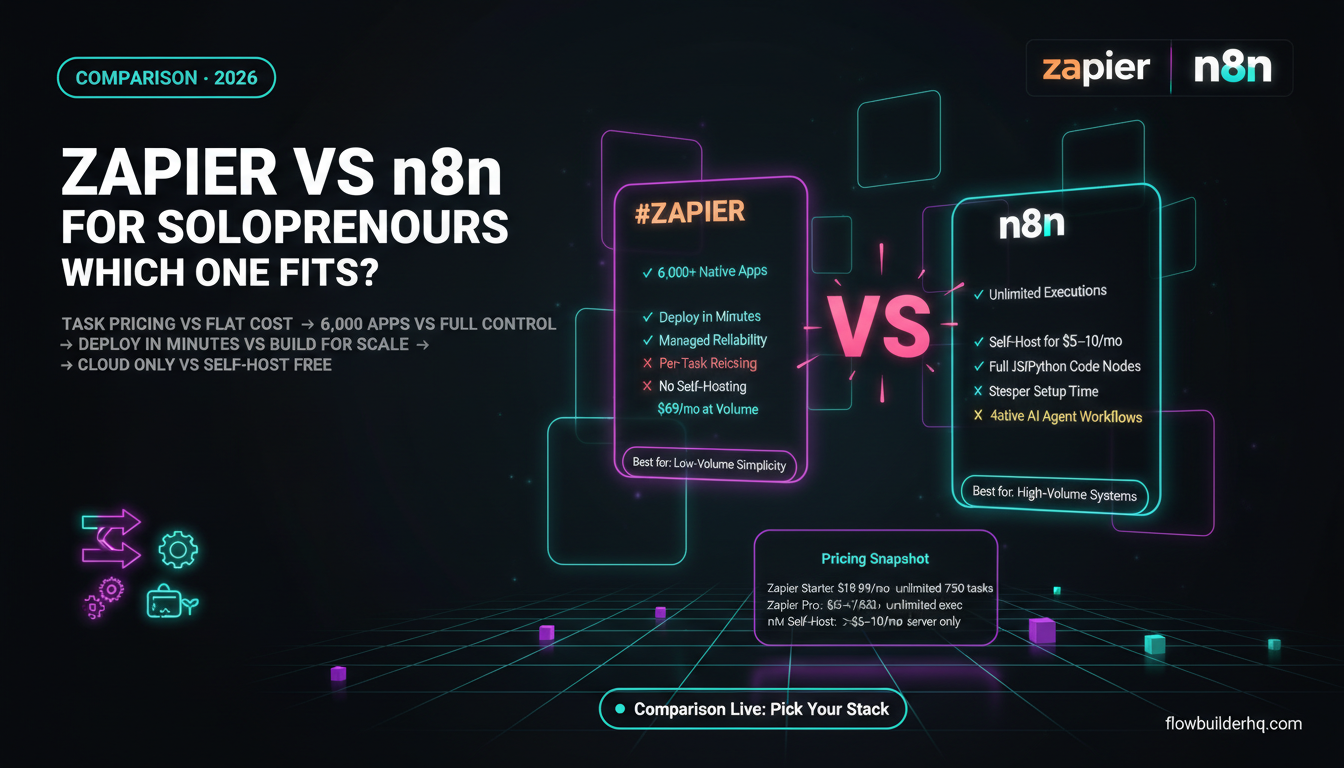
If you want to compare options before committing to Make, Make.com vs Zapier for solopreneurs covers the real pricing and capability differences. The Make.com alternatives list for 2026 is also worth a look if you have specific constraints around pricing or self-hosting.
Start with Make.com’s free plan and build one scenario before deciding whether to upgrade.
7. Grain (Meeting Notes and Client Communication)
Grain records, transcribes, and summarizes video calls. For solopreneurs who run client calls, discovery sessions, or team check-ins over Zoom or Google Meet, the time savings are immediate: you stop taking notes during calls and start actually listening.
After a call, Grain produces a transcript, an AI-generated summary, and lets you create short clips of key moments. The summary quality is good enough to extract action items and follow-up points without re-reading a full transcript.
Pricing: Free tier (limited recordings). Starter $15/mo. Business $29/mo (check current pricing).
Real time saver: Post-call admin. Writing a follow-up email used to mean reviewing your handwritten notes, reconstructing the conversation, and summarizing next steps. With Grain, you open the AI summary, copy the action items, and write the email in five minutes instead of twenty.
This pairs naturally with an automated follow-up workflow — something like triggering a templated follow-up sequence from your CRM when a call is logged. For that kind of setup, the post on CRM automation for freelancers and automated follow-up shows how to build it.
Real limitation: Grain’s summaries occasionally miss nuance or compress important context into vague bullet points. Always skim the full transcript when the call involved anything sensitive or contractual. The AI summary is a starting point, not a record.
Who it’s NOT for: Solopreneurs who run very few calls (fewer than five per week), or those in industries where recording calls requires explicit consent laws you haven’t checked. Know your jurisdiction before recording anything.
The Honest Pattern Across All Seven
Looking at these tools together, the pattern is consistent: the time savings come from eliminating handoff friction, not from replacing the actual thinking. ChatGPT doesn’t replace your writing judgment. Perplexity doesn’t replace domain expertise. Make.com doesn’t replace decision-making. What they replace is the mechanical layer — the searching, the copying, the scheduling, the formatting, the following-up.
That mechanical layer is real work. It takes real time. For a solopreneur running everything alone, reclaiming it matters. But no tool on this list works without setup, and none of them eliminates the need to stay involved in your own business.
The solopreneurs getting the most from AI tools in 2026 are the ones who treat them as infrastructure — built once, maintained occasionally, trusted to handle the repeatable stuff while you focus on the work that actually requires you.
If you’re figuring out where to start, the workflow automation prioritization framework is a practical way to identify which tasks to hand off first — before you buy anything.
For authoritative context on how large language models are evolving and what’s on the roadmap for tools like ChatGPT and Claude, OpenAI’s research page and Anthropic’s research publications are the primary sources worth bookmarking. You can also review current model specs directly on OpenAI’s platform model docs.
Building this yourself? Get the workflow pack.
5 ready-to-import n8n workflows — lead capture, invoicing, content repurposing, onboarding, social posting. Free.